Player Trails
- By
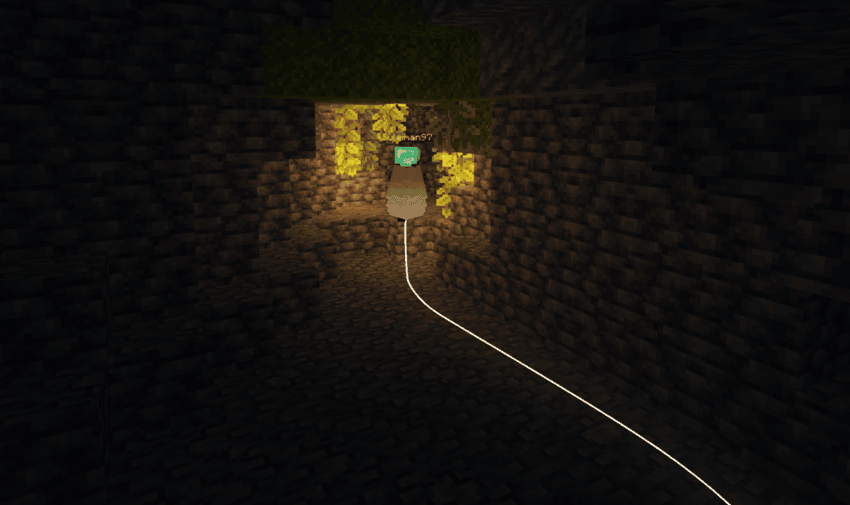
A small client-side mod that draws a trail/line behind player to help visualize where you have been.
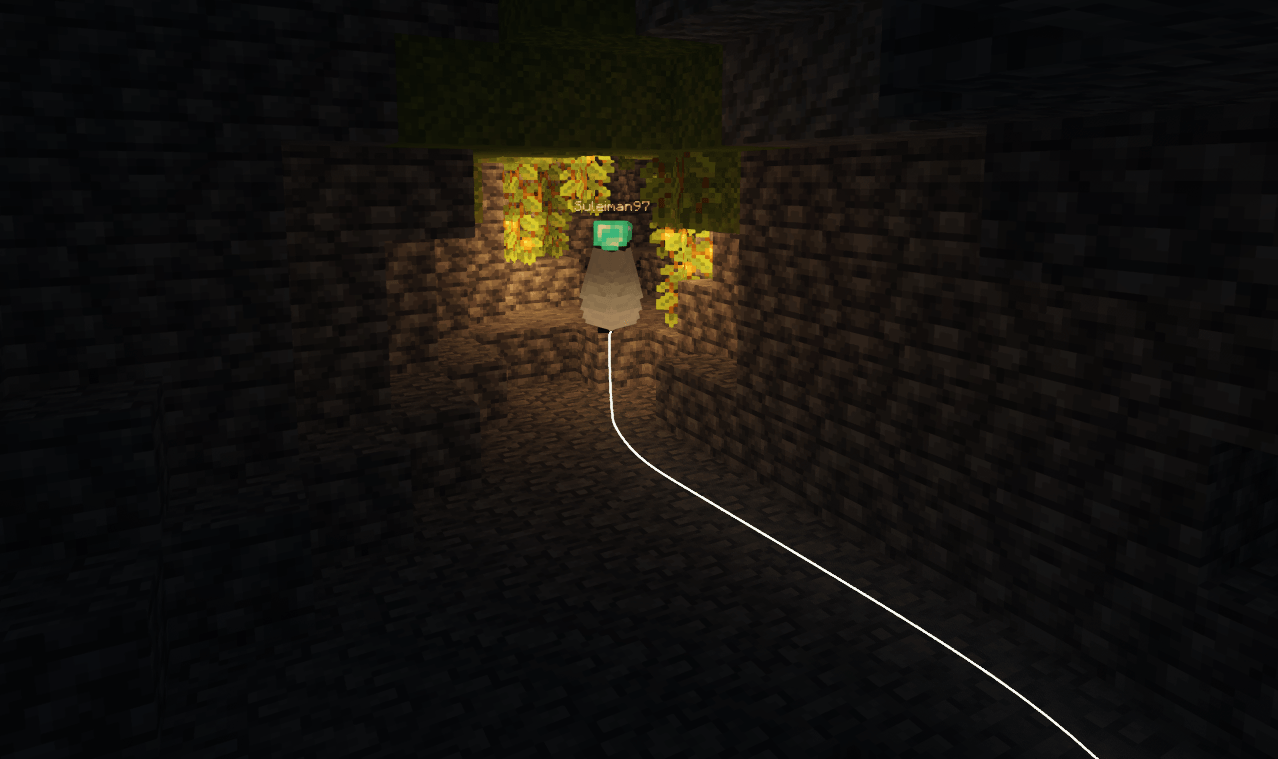
A static trail color
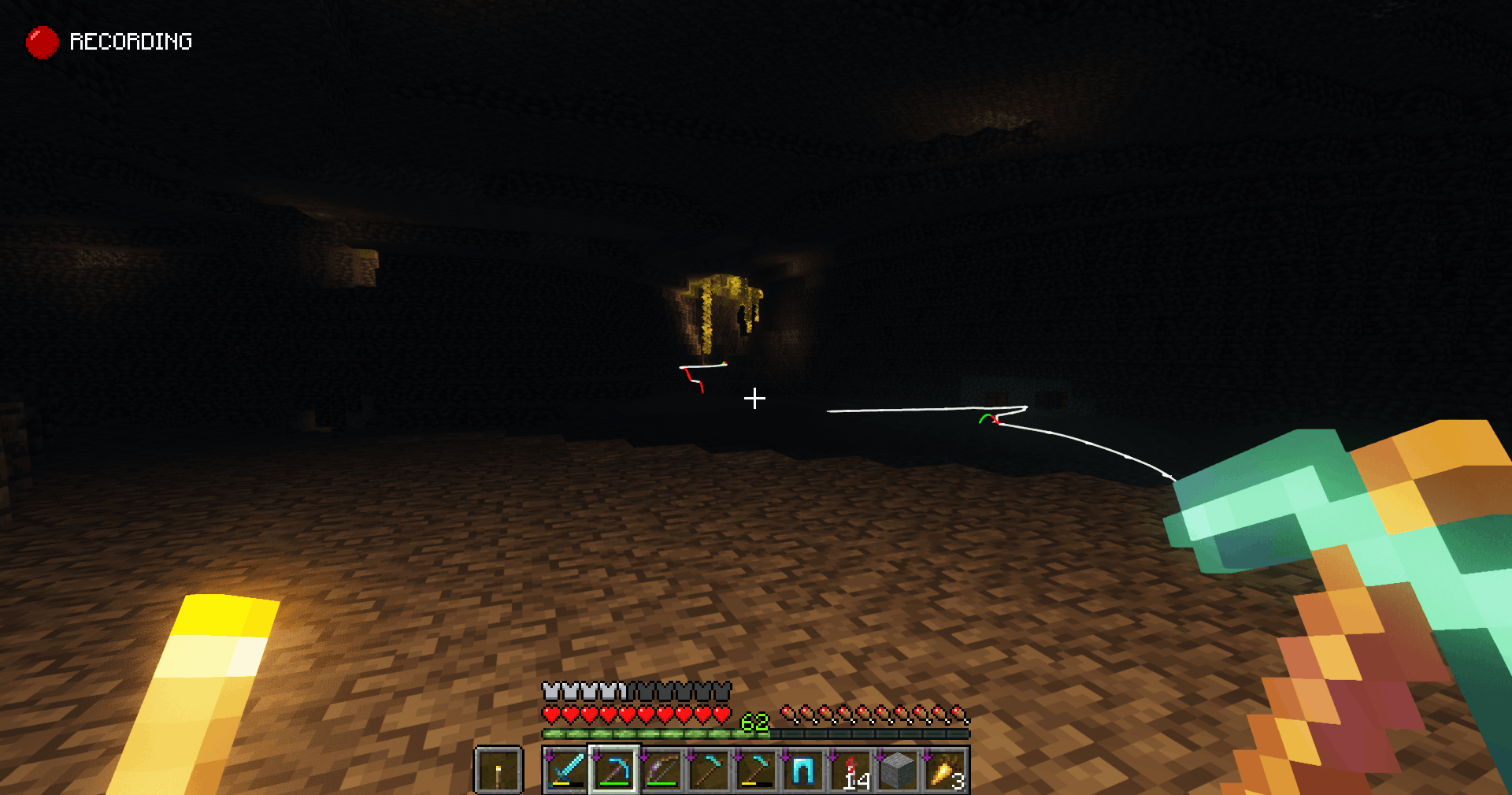
Motion trails
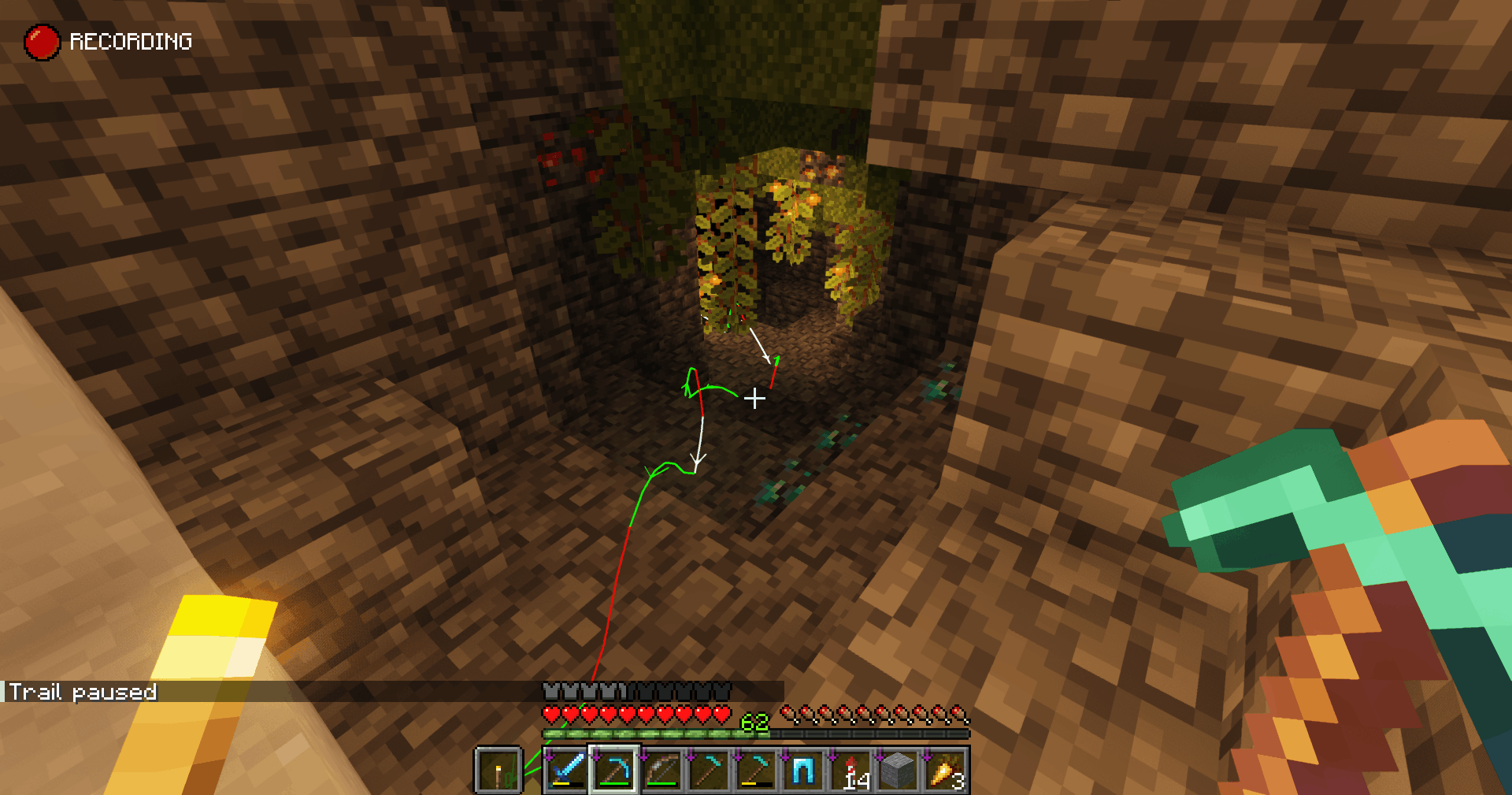
Motion trails
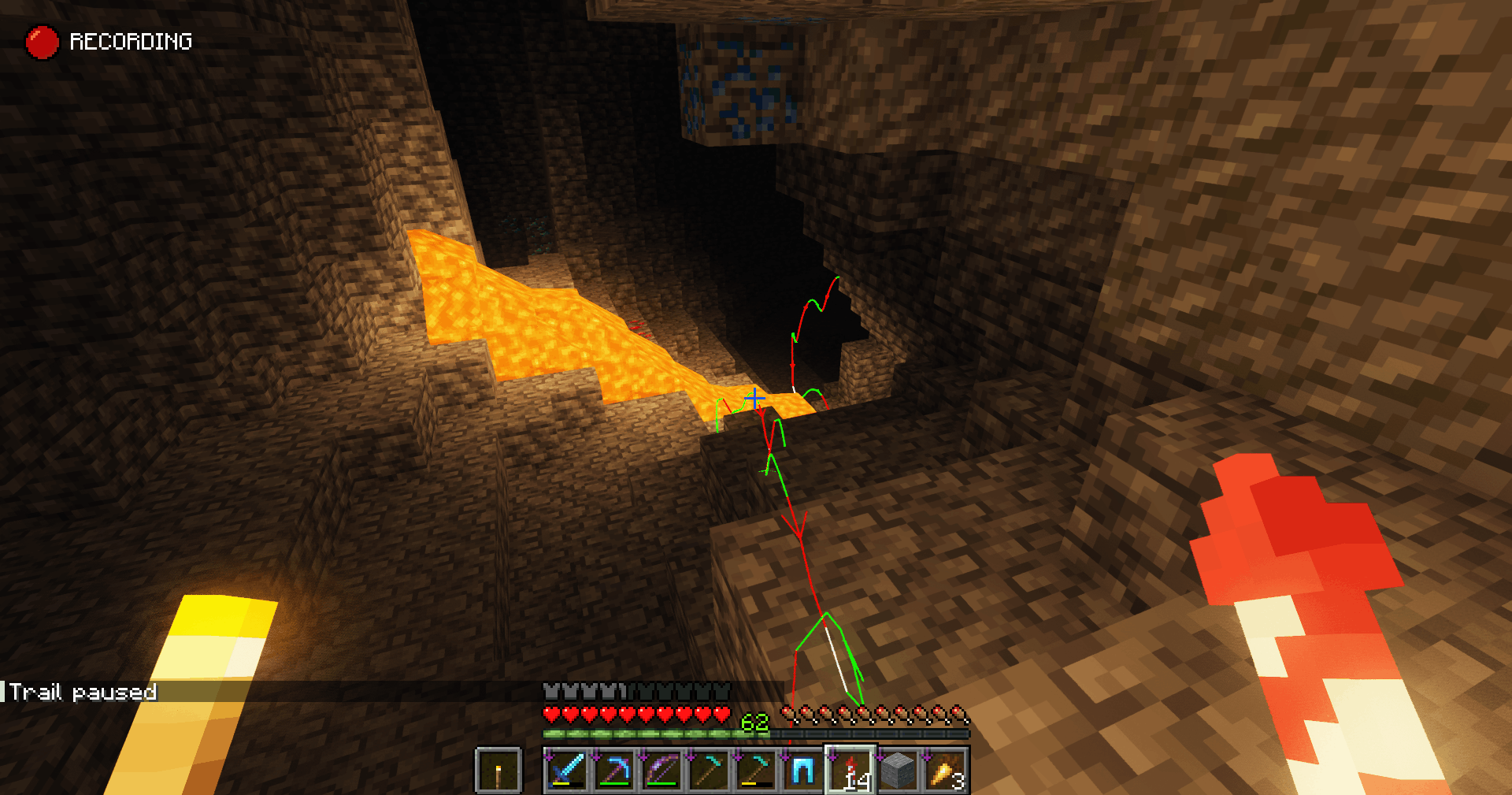
Motion trails
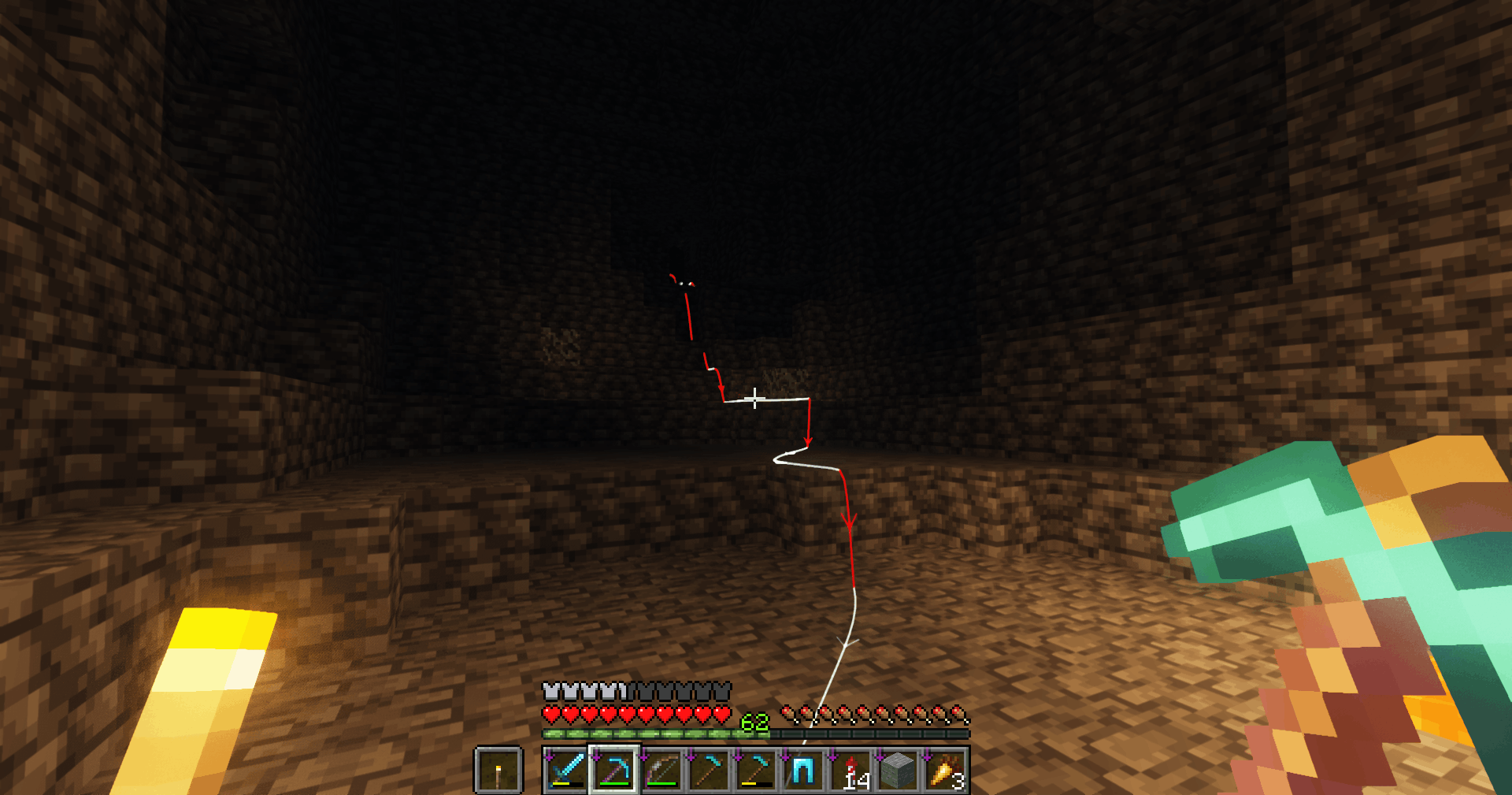
Motion trails
Description
✨ Trail Mod (Fabric)
Enhance your movement in Minecraft with Trail Mod, a sleek client-side mod that renders customizable, real-time paths behind you and other players. Whether you are parkouring, navigating complex caves, or just want to add some flair to your gameplay, Trail Mod provides a highly configurable visual experience
🚀 Features
- Highly Customizable: Adjust color, width, opacity, and TTL (Time-To-Live).
- Dynamic Modes: Choose between Static colors, Gradients, or Motion-based coloring (turns red when falling, green when rising).
- Directional Indicators: Enable arrowheads on your trail to see exactly which way you traveled.
- Multiplayer Support: See trails for other players in your vicinity (fully configurable).
- Smart Tracing: Option to "Erase on Retrace" to keep your screen clean when doubling back.
- Performance Minded: Includes safety point caps and range limits to ensure high FPS.
🛠️ Compatibility & Requirements
- Mod Loader: Fabric
- Environment: Works on Single-player, Multiplayer, and Realms (Client-side only).
- Required Dependencies: * Fabric API
- Mod Menu (Required to access the configuration UI)
⌨️ Controls & Hotkeys
- V (self):
- Single Press: Pause/Resume drawing your trail.
- Double Press: Instantly clear your trail. - B (other players):
- Single Press: Toggle trails for other players.
- Double Press: Clear all other player trails. - All keys are rebindable in the Minecraft controls menu.
⚙️ Configuration Options
Using Mod Menu, you can tweak the following:
- Trail TTL: How many seconds the trail lasts (1 to 10,800s).
- Line Width: Thickness of the trail line.
- Opacity: Set transparency from subtle to solid.
- Pause on Sneak: Automatically stop drawing while sneaking.
- Other Players Range: Limit trails to players within a specific block radius (up to 4096 blocks).
📦 Installation
1. Download and install the Fabric Loader.
2. Place the Fabric API and Mod Menu .jar files into your /.minecraft/mods/ folder.
3. Download the Trail Mod .jar and place it in the same folder.
4. Launch the game and start moving!
📖 More Info & Source
For a full technical guide, contribution info, or to report issues, please visit: 👉 GitHub: Fabric-Trail-Mod
Player Trails Team