Player Jetpack
- By

Craft and upgrade a 3D jetpack with powered flight, glide mode, coal charging, and animated machines.

Build your way into the sky. Player Jetpack adds a detailed 3D jetpack and two dedicated machines to your survival world. Your first pack starts modestly: gather materials, keep it charged, and develop the upgrades that fit the way you fly.
Fly vertically to reach a build, switch into a forward glide to travel, and use powered thrust to control your descent. The pack is equipment you learn to manage—its energy and upgrades matter throughout the journey.
Content creators and modpack authors are welcome to include Player Jetpack in their modpacks, provided they credit Haider x or include a link to the official project page. No additional permission is required. This permission applies to official, unmodified releases; all other rights remain reserved.
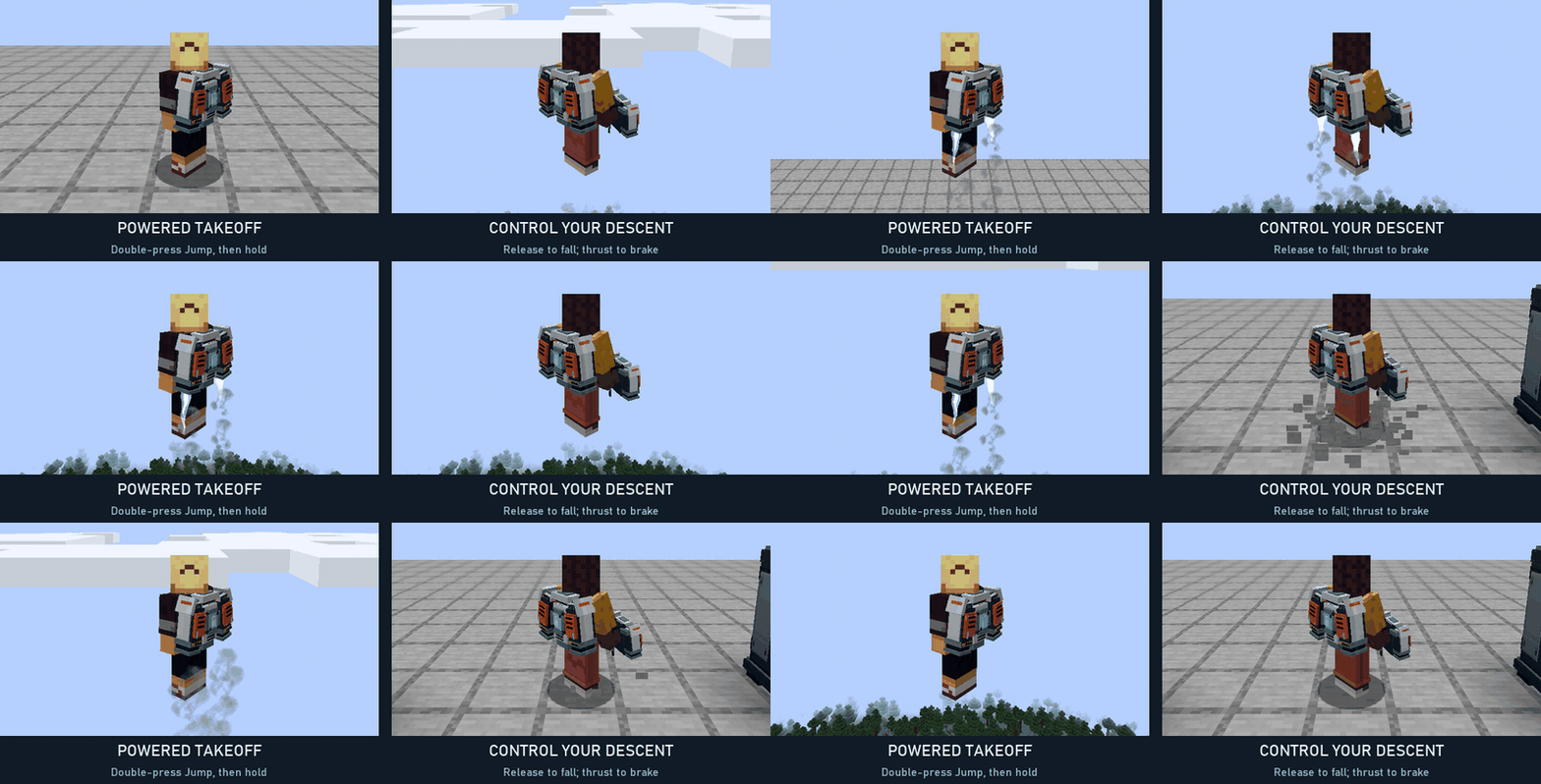
Take off: double-press Jump, then hold Jump for thrust. Descend: release Jump to fall naturally; apply thrust again to control your descent before touching down.
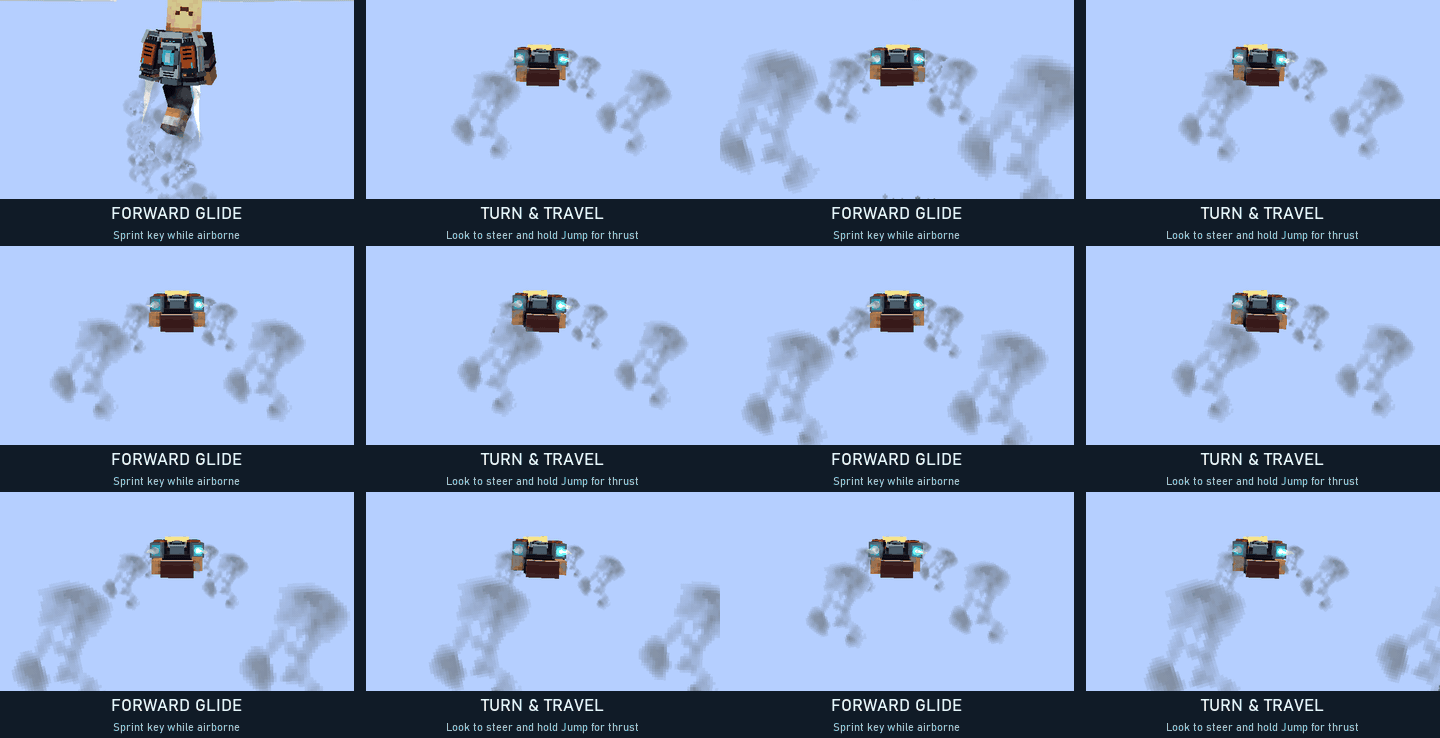
Travel: press the Sprint key while airborne to enter the elytra-style glide pose. Look where you want to go and use thrust to propel yourself. Press Sprint again to return upright. Default keys are Space for Jump and Left Ctrl for Sprint; remapped bindings are supported.
When powered exhaust reaches a nearby surface, downwash responds to the material below the pack. The effect is strongest close to the ground.
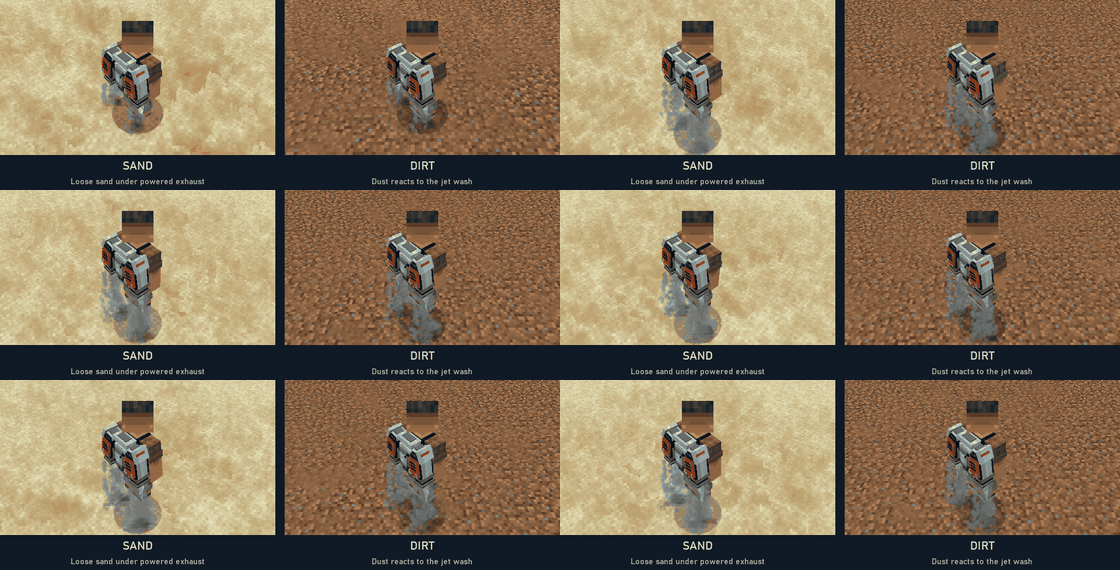
Sand: loose sand blows out beneath the jets. Dirt: a dusty plume spreads across the surface.
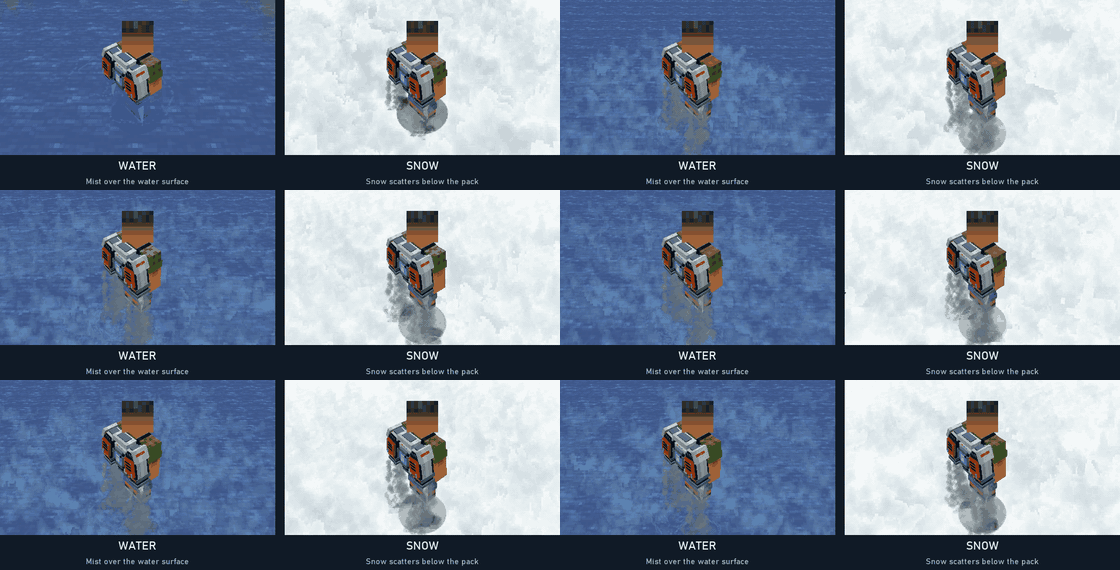
Water: mist rises around the impact. Snow: pale snow particles scatter beneath the exhaust.
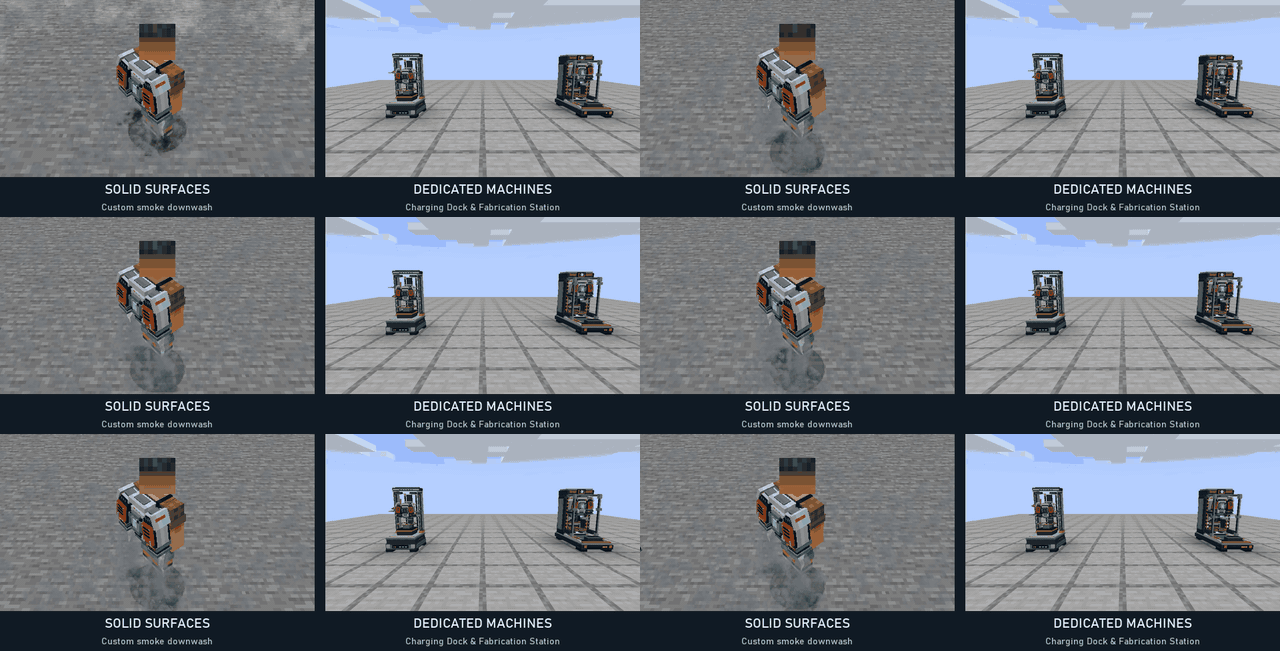
Other solid surfaces: the pack's custom smoke provides the downwash. Machines: dedicated charging and fabrication equipment displays the inserted pack and animates while working.
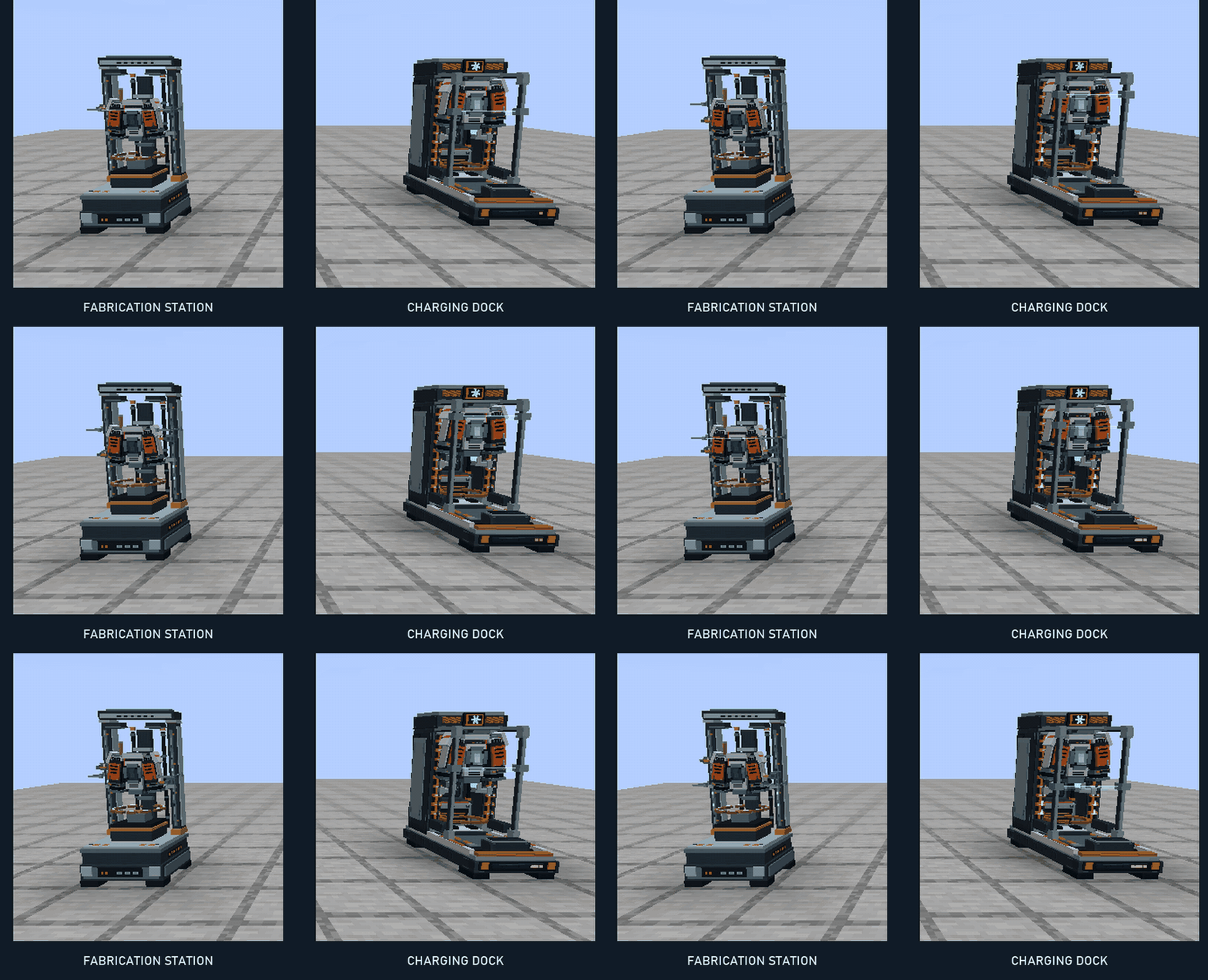
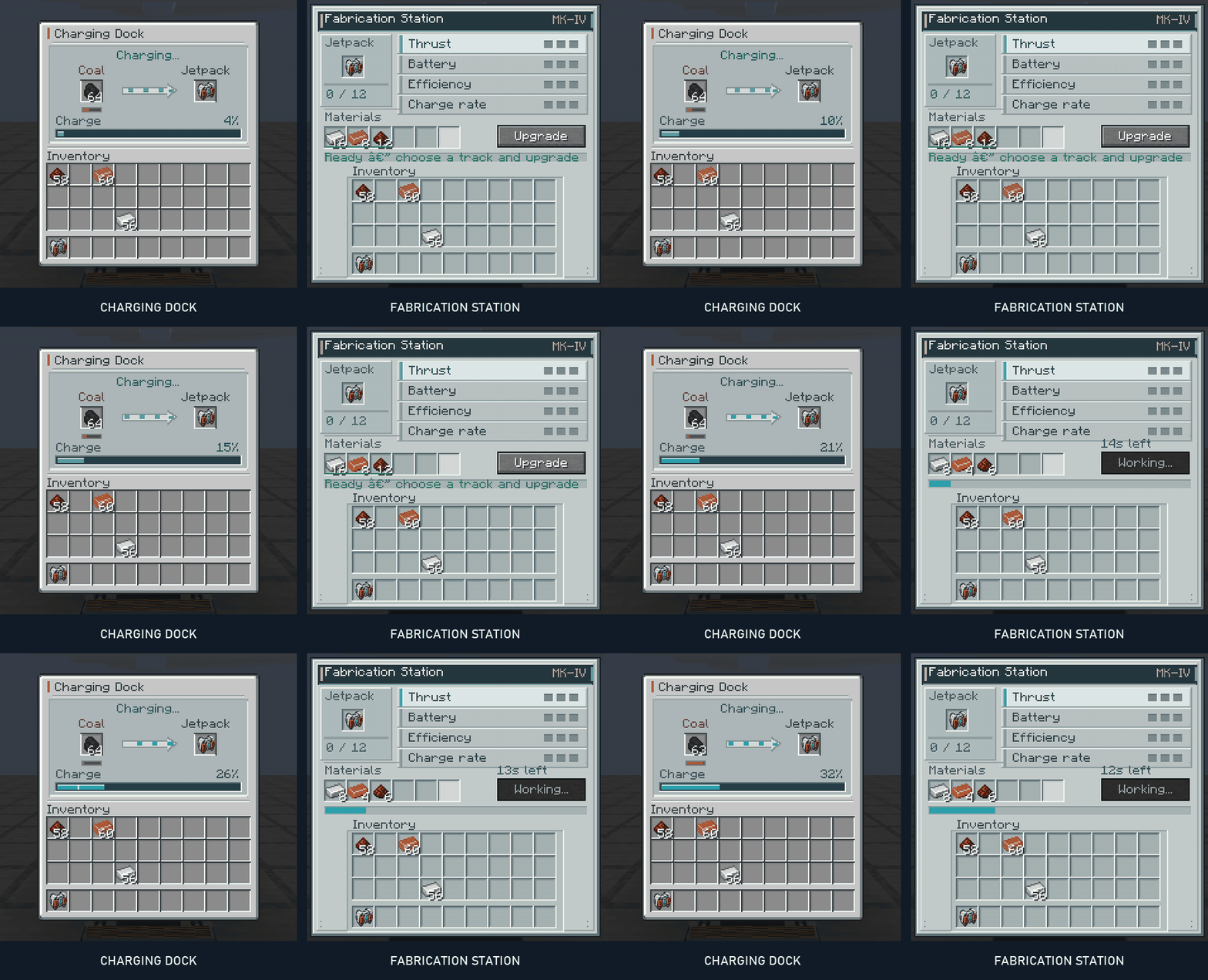
Open Charging Dock at full size | Open Fabrication Station at full size
Charging Dock — insert your pack and coal or charcoal. Fuel is converted into charge, the pack appears in the machine, and the interface shows its current charge and fuel reserve.
Fabrication Station — insert the pack, choose an upgrade track, and supply the indicated materials. Ghost item hints and quantities help explain the recipe. Each upgrade takes a short amount of time, with visible progress while the station works.
| Upgrade | What it improves |
|---|---|
| Thrust | Acceleration and ascent speed |
| Capacity | Energy available between charges |
| Efficiency | Energy used during powered flight |
| Charging | How quickly the dock charges the pack |
Each track has three levels. Capacity upgrades preserve the energy already in the pack instead of granting free charge.
Player Jetpack Team

Owner