
PeerCraft
- By

Снимок ÑкÑана_20260821_090026.png
Description
PeerCraft
Open your singleplayer world to friends over the internet.
PeerCraft lets your friends join your Minecraft world without renting a server. Open your world to LAN, enable internet play, and share a short room code. You can also add friends and join their worlds from the in-game friends list.
You usually won't need to change your router settings. Some networks can still prevent a connection — see the connection FAQ below.
What you can do
- Host your own world. Keep playing in your singleplayer save and invite friends to join.
- Join with a room code. Share a 6-character code to get together.
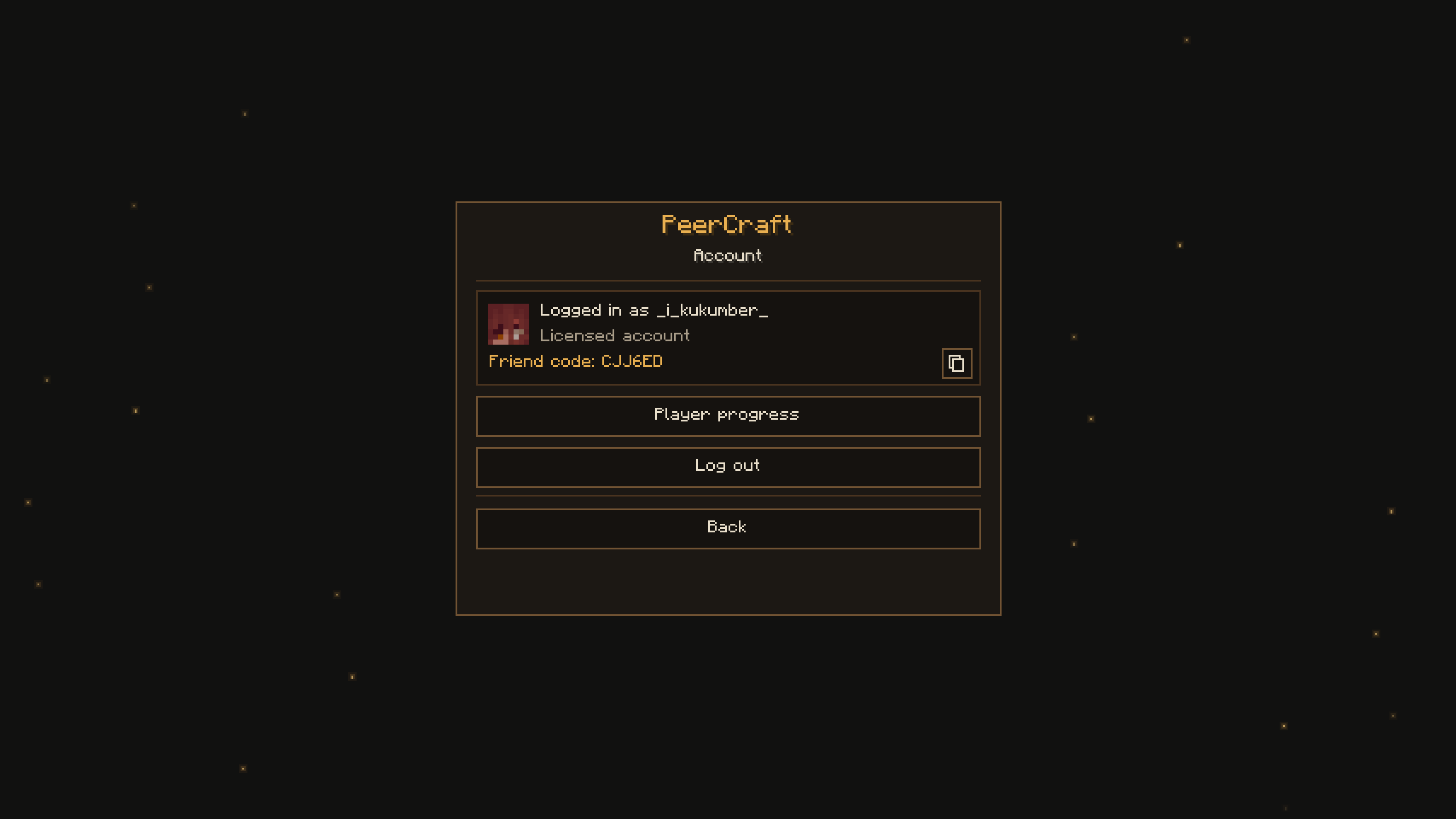
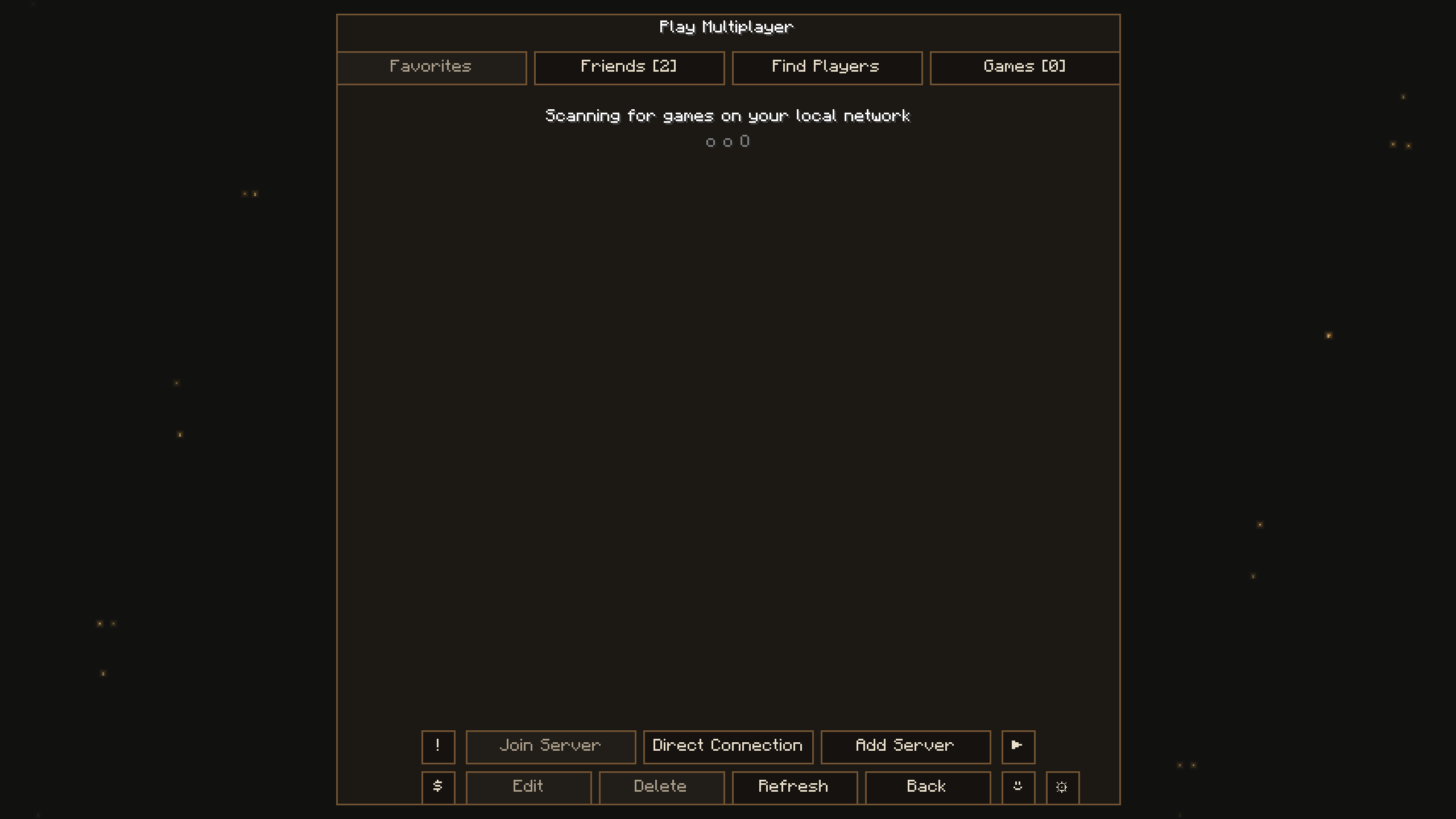
- Add friends. See who's online and join a friend who's hosting, without asking for a new room code.
- Browse public worlds. Make your world visible in the Games tab, or find someone else's public game. A PeerCraft account is required.
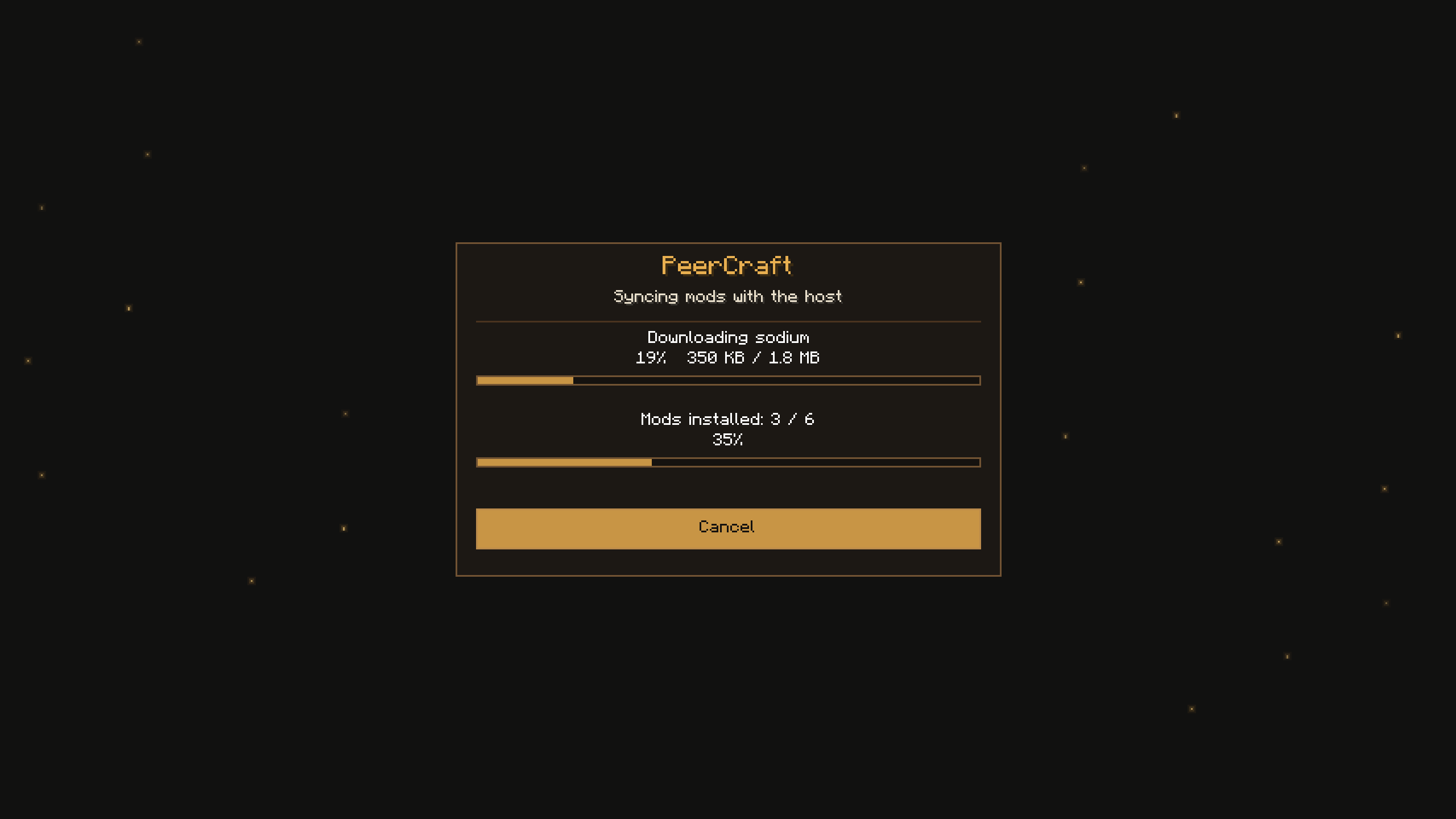
- Download missing mods. When supported, PeerCraft offers to download mods shared by the host. Review the list before installing, then restart Minecraft to load them.
- Choose what you share. Configure mod downloads and sharing separately in the in-game settings.
- Choose who can join. Hosts can set a player limit and decide whether to allow players without a Minecraft license.
- Use English or Russian. Both interface languages are included.
Start playing
Both players need PeerCraft for their Minecraft version and mod loader.
- Host: open a singleplayer world, press Escape, and choose Open to LAN.
- Enable PeerCraft: play over the internet, then start the LAN world.
- Share the room code with your friend.
- Friend: sign into a PeerCraft account, open Multiplayer, and enter the room code — or connect through the Friends tab.
The host must keep Minecraft running and the world open while everyone plays.
Pick the right download
Choose the file that matches both your Minecraft version and your loader. A file for one version won't work on every version in between.
| Minecraft | Available loaders |
|---|---|
| 1.21.1–1.21.11 | Fabric; NeoForge except on 1.21.2 |
| 26.1, 26.1.1, 26.1.2, 26.2 | Fabric and NeoForge |
| 1.16.5 | Fabric — experimental |
| 1.12.2 | Forge — experimental |
| 1.7.10 | Forge — experimental |
Older-version builds are less thoroughly tested. Some NeoForge versions use a beta loader release; check the requirements of the file you download.
Installation
Install the matching mod loader, then put PeerCraft and its required dependencies into your game's mods folder:
- Fabric: install Fabric API as well.
- NeoForge: no separate API mod is needed.
- Forge 1.12.2: install MixinBooter as well.
- Forge 1.7.10: install UniMixins as well.
Launch the game with that loader. Your friends need to install PeerCraft too.
Frequently asked questions
Do we need the same Minecraft version?
Yes. Using the same loader and compatible mods is also the easiest way to play together. Different loaders can work with compatible setups, but PeerCraft cannot turn Fabric mods into NeoForge mods or vice versa.
Do I need to rent a server or forward ports?
You don't need to rent a Minecraft server. PeerCraft normally connects players without manual port forwarding, but this depends on both players' networks.
Why can't my friend connect?
Some routers, internet providers, and firewalls block the direct connection PeerCraft needs. Check that your firewall allows Minecraft to communicate, and try another network if possible. PeerCraft currently has no fallback server to carry the game connection when a direct connection fails, so it cannot guarantee a connection on every network.
Can players without a Minecraft license join?
PeerCraft supports its own nickname-and-password accounts alongside licensed accounts. The host decides whether to allow unlicensed players.
Do missing mods install automatically?
By default, you review and confirm the download first. Only install mods from hosts you trust. After installing new mods, restart Minecraft and reconnect. Some mods and modpacks may require manual setup.
Can we keep playing after the host leaves?
Normally, the session ends when the host closes the world. The 3.4.2 beta includes an experimental option to transfer the world and hosting role to another player. Back up your world before trying it.
What if I lose my friend code or password?
Keep your account recovery card. If you lose your friend code, you can sign in using the account ID on that card and your existing password. Email password recovery is not available for general use yet.
Beta notice
PeerCraft is a hobby project developed by one person. Bugs and connection problems can happen, especially with experimental features and older Minecraft versions. Back up important worlds before upgrading or testing world transfers.
Feedback and support
Found a bug or have an idea? Use the Feedback button on the title screen, email peercraft2@gmail.com, or open an issue on GitHub.
If you'd like to support development, there's also a Donate button on the title screen.
PeerCraft Team
