PasteShot
- By
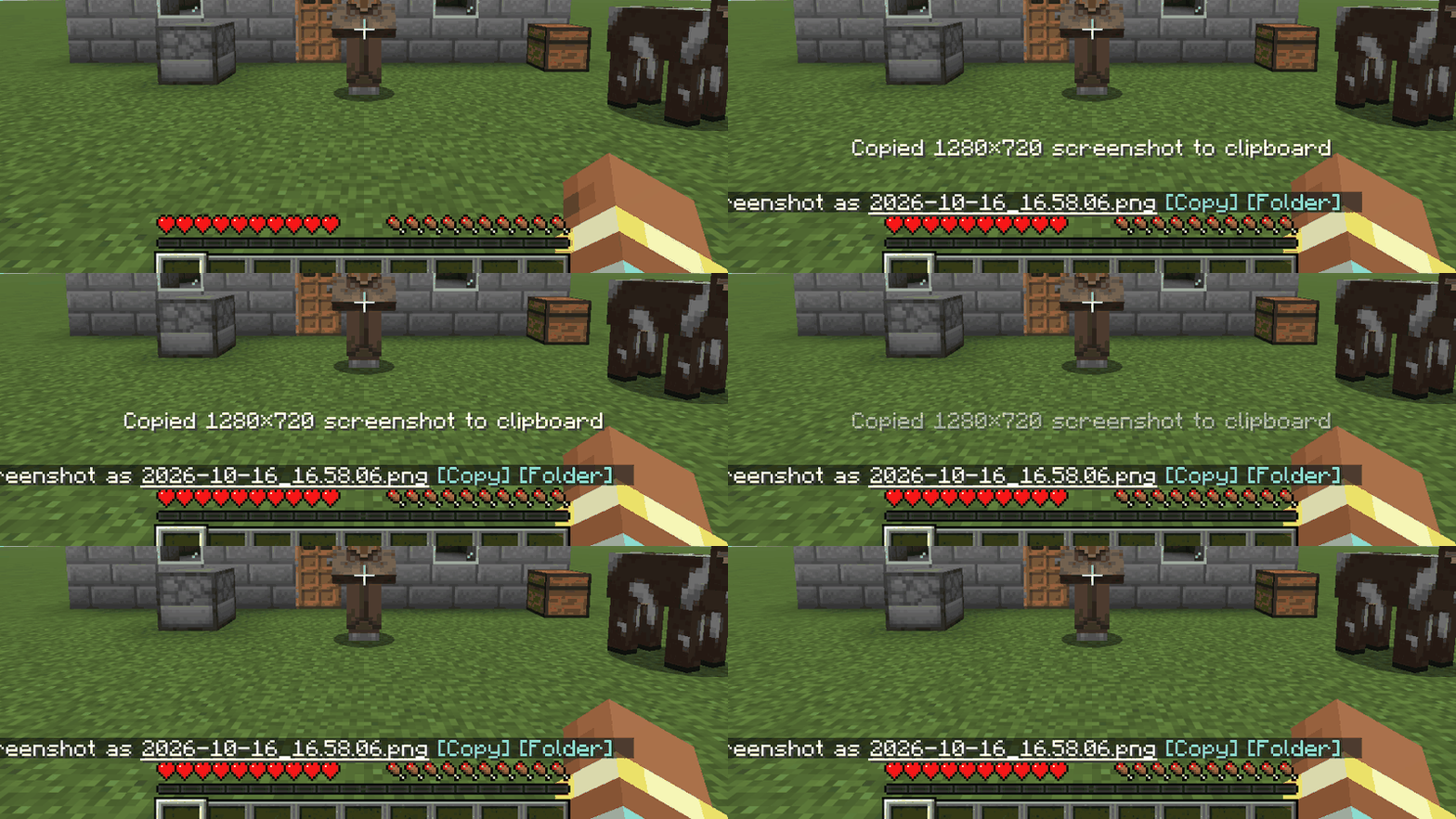
Press F2, then Ctrl+V. Every screenshot is also copied to your clipboard — and if it can't be, PasteShot tells you why.
01-f2-copies-the-screenshot.gif
02-copied-message-and-saved-line.png
03-copy-and-folder-buttons.png
04-pasteshot-test-command.png
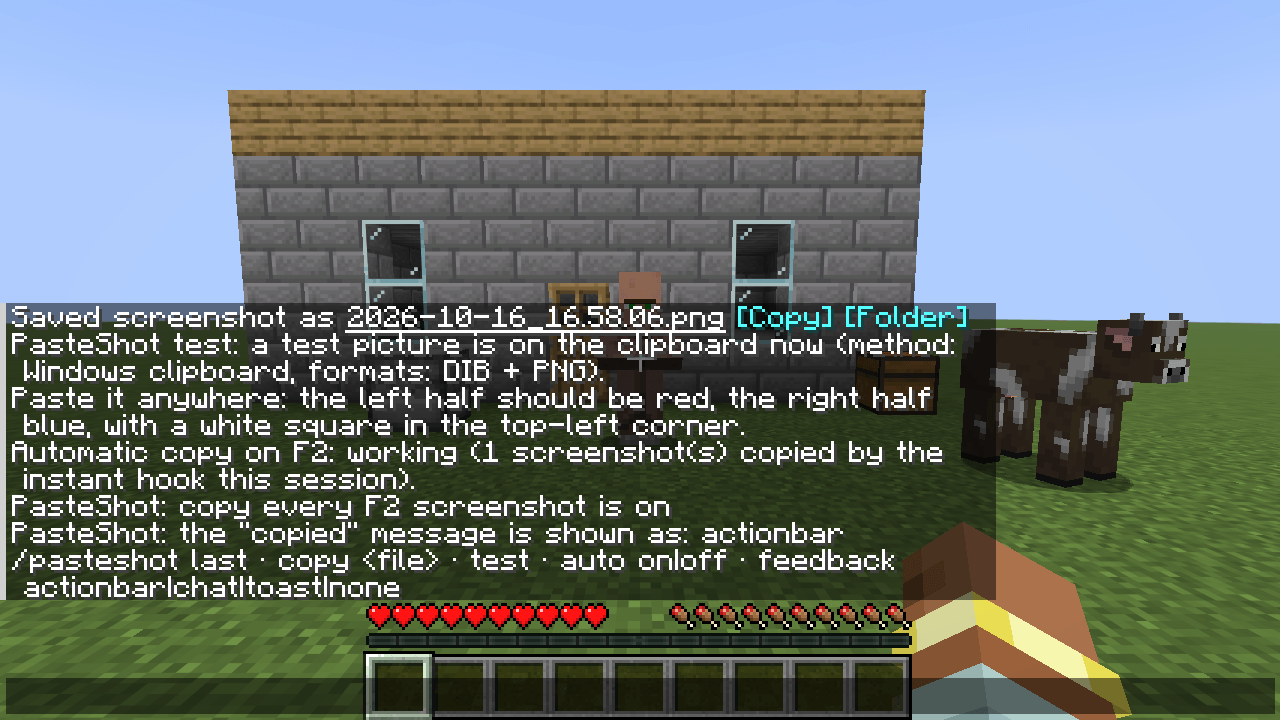
05-pasteshot-status-command.png
Description
Works on Minecraft 26.3.
You took a great screenshot. Now you have to leave the game, open the screenshots folder, find the newest file and drag it into Discord.
With PasteShot you press F2 and then Ctrl+V. That's it. The screenshot is still saved as a file exactly like before; it is simply on your clipboard as well.
What you see in game
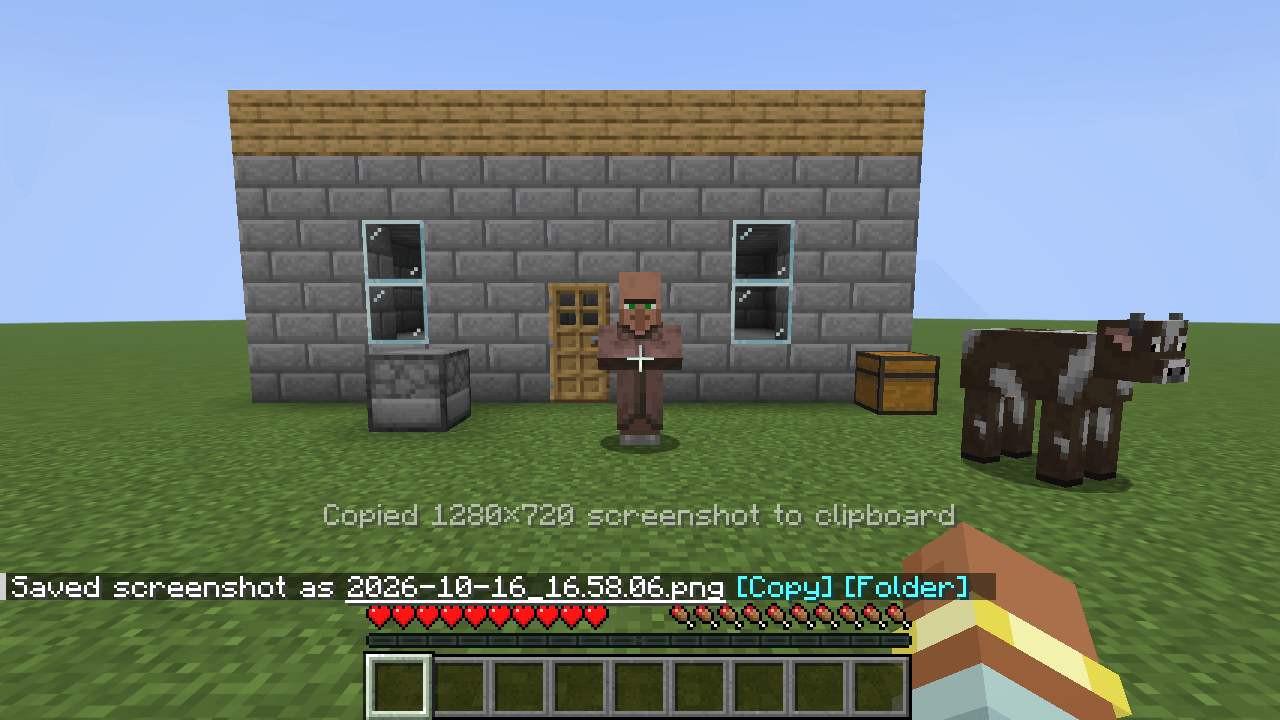
- Press F2. Above the hotbar, a line says "Copied 1920×1080 screenshot to clipboard" and fades away.
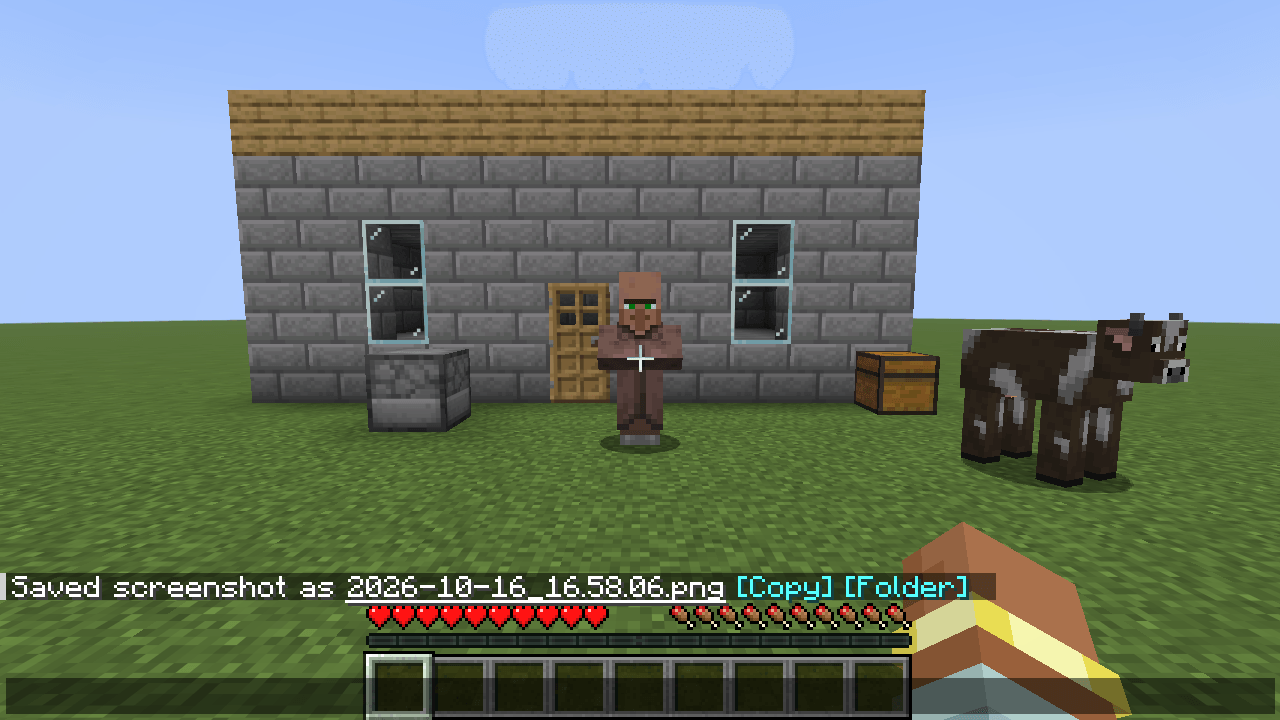
- The usual chat line "Saved screenshot as …" gets two buttons: [Copy] puts that screenshot on the clipboard again, [Folder] opens the screenshots folder.
- Switch to another program and paste. (Checked so far: Paint on Windows 11. Tell me if a program you use doesn't accept it.)
If something goes wrong, it says so Screenshot-to-clipboard mods can break when the game changes its screenshot code — sometimes with a crash on F2, sometimes by silently doing nothing. PasteShot is built to do neither:
- It is built to never get in the way of the screenshot itself. Your file is saved by the game as always, whatever happens to the copy.
- If the copy fails, a red chat line tells you the reason.
- If the instant-copy hook can't attach — a Minecraft hotfix changed the screenshot code, or another mod replaced it — PasteShot does not crash the game: it tells you once, and copies the saved file a moment later instead. (For this one case it watches the screenshots folder for the game's own new screenshot, so it does not depend on the part that broke. While the normal path works, nothing in that folder is ever copied.) A new Minecraft version (26.4 and later) needs a new build of the mod.
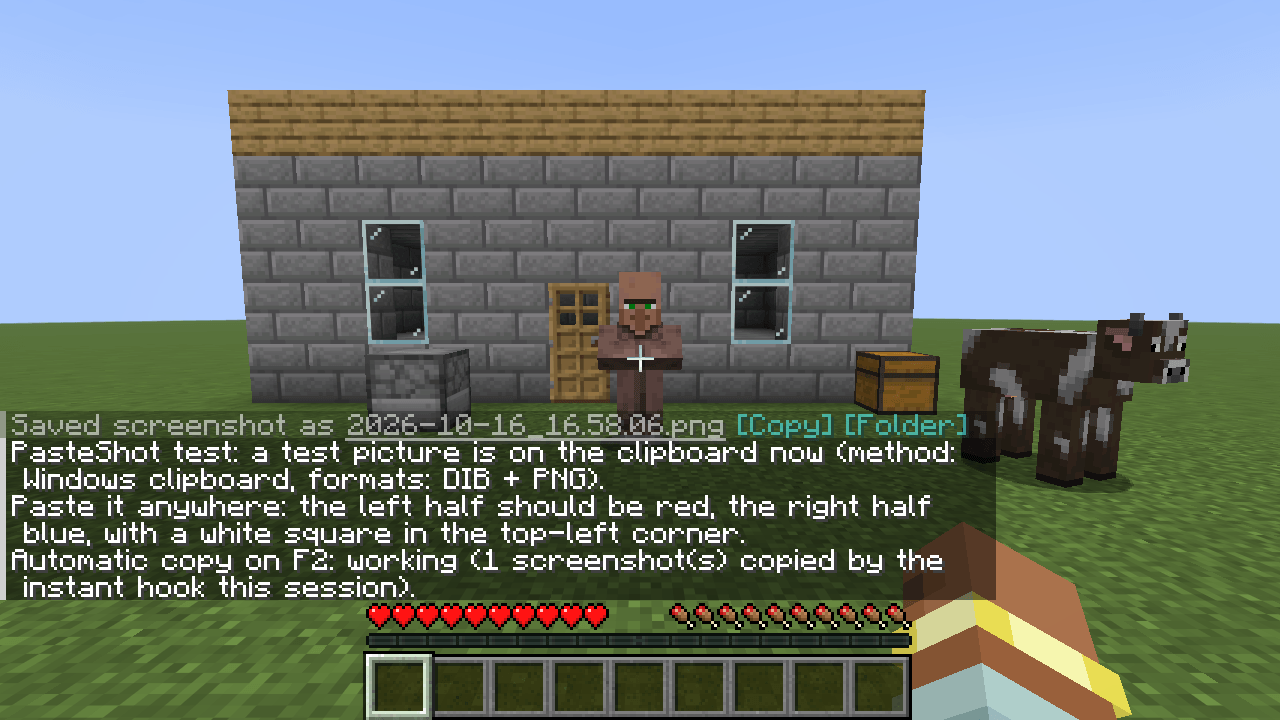
- /pasteshot test puts a test picture on the clipboard and reports which method was used, so you can check your setup in ten seconds.
More
- Copy an older screenshot: /pasteshot last, or /pasteshot copy (press Tab for a list). Works for any PNG directly in the screenshots folder, including ones saved by other mods.
- Choose how the "copied" message appears: /pasteshot feedback actionbar | chat | toast | none
- Turn automatic copying off and on: /pasteshot auto off | on. The [Copy] button still works while it is off.
- English and Japanese.
Small and self-contained
- Needs Fabric API. Nothing else: no config library, no extra downloads.
- About 65 KB. No bundled native libraries, no AWT. It uses what Minecraft 26.3 already ships.
- On Windows the picture is placed on the clipboard in two formats at once (a classic bitmap and a PNG), which covers what most programs look for.
- Client-side only. Nothing needs to be installed on the server. It never sends anything anywhere: there is no upload feature and no network code.
Good to know
- F2 replaces whatever was on your clipboard, every time. That is the point of the mod, but if you'd rather decide each time, use /pasteshot auto off and the [Copy] button.
- Checked on Windows. macOS and Linux have not been tested. They go through the game's own clipboard library and should work, but I can't promise it yet — please report what you see.
- On Linux the picture leaves the clipboard when you close the game, unless you run a clipboard manager. That is how the Linux clipboard works.
- Screenshots taken by other mods (for example high-resolution screenshot mods) are not copied automatically; use /pasteshot last after taking one. PasteShot only puts something on your clipboard when you press the screenshot key or ask it to.
- A "copy without saving" key exists under Controls → Key Binds → Miscellaneous. It has not been tested on a real client yet.
- Seen working in game: the action-bar and toast messages, the buttons, /pasteshot test, last, copy, auto. Covered by unit tests only so far: the chat and none message styles, and the red line shown when a copy fails.
- Minecraft 26.3 only.
Requirements Fabric Loader 0.19.5+, Fabric API, Minecraft 26.3.
Source: https://github.com/hullspark/fabric-mods
Disclosure: this mod was written largely by AI (Claude) under the author's direction, and tested on a real Windows client. It does not reuse code or assets from other mods. Client-side only; it does not collect or transmit any data.
PasteShot Team