Hullspark Cursor Pop
- By
The item on your cursor pops up when you pick it up and sinks into the slot when you put it down.
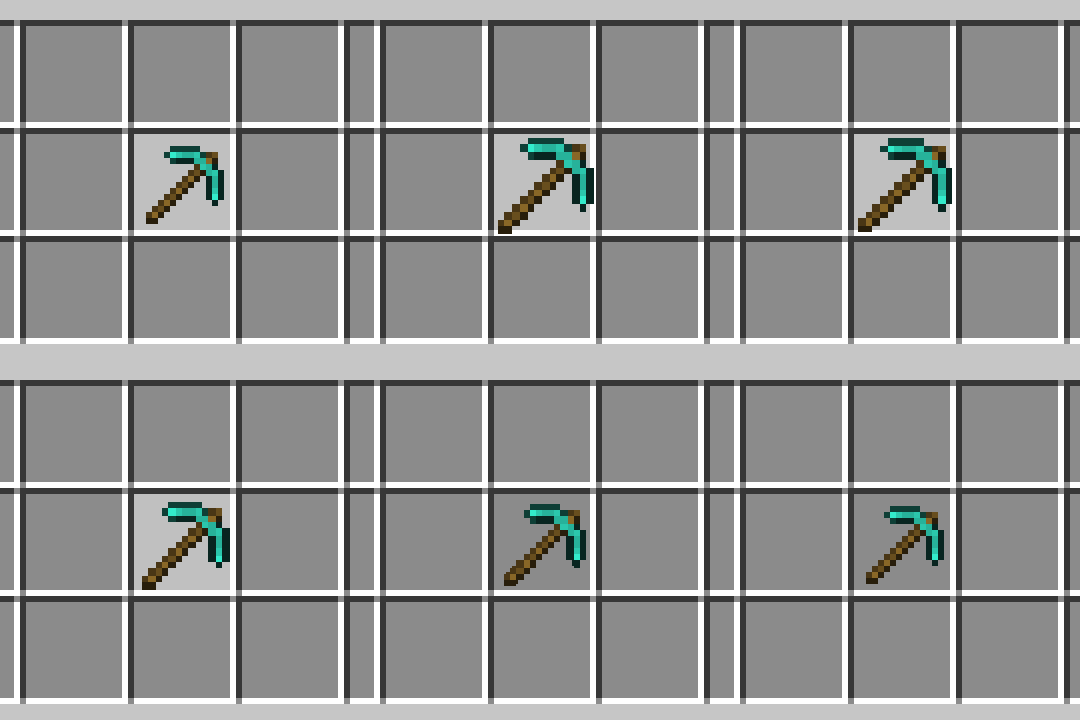
pick-up-and-put-down.gif
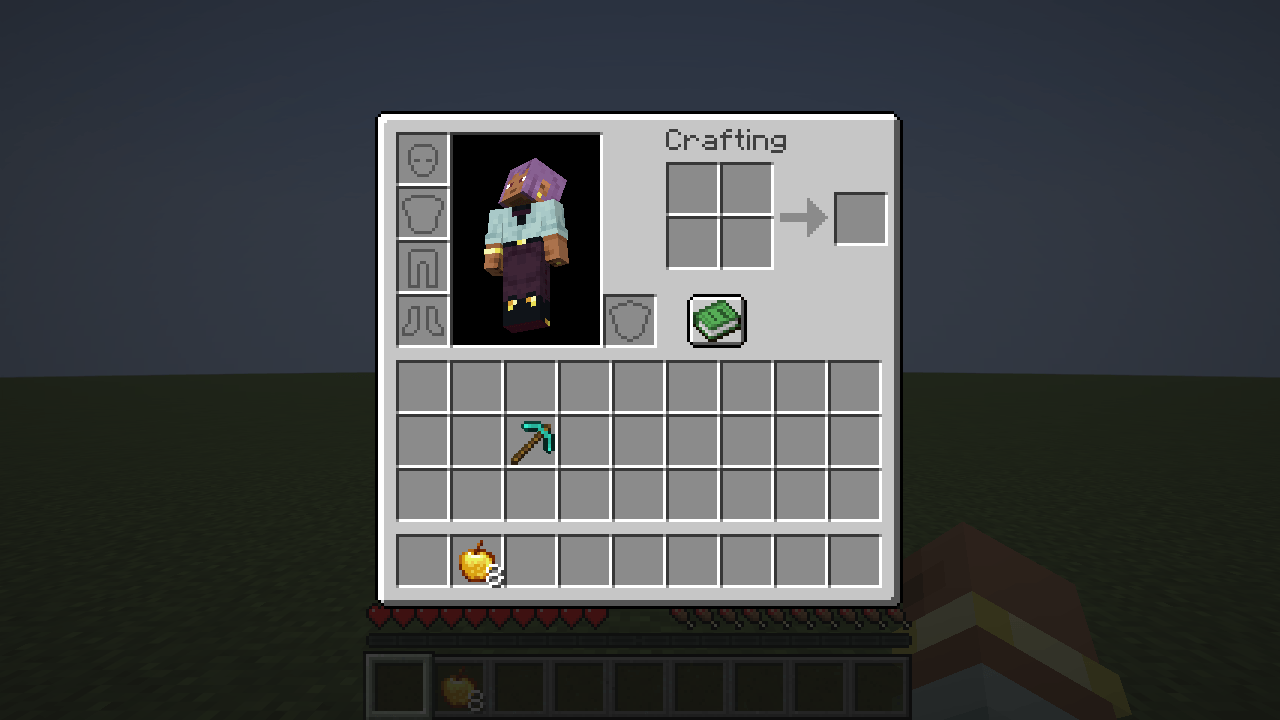
gametest-green-04-put-down-just-now.png
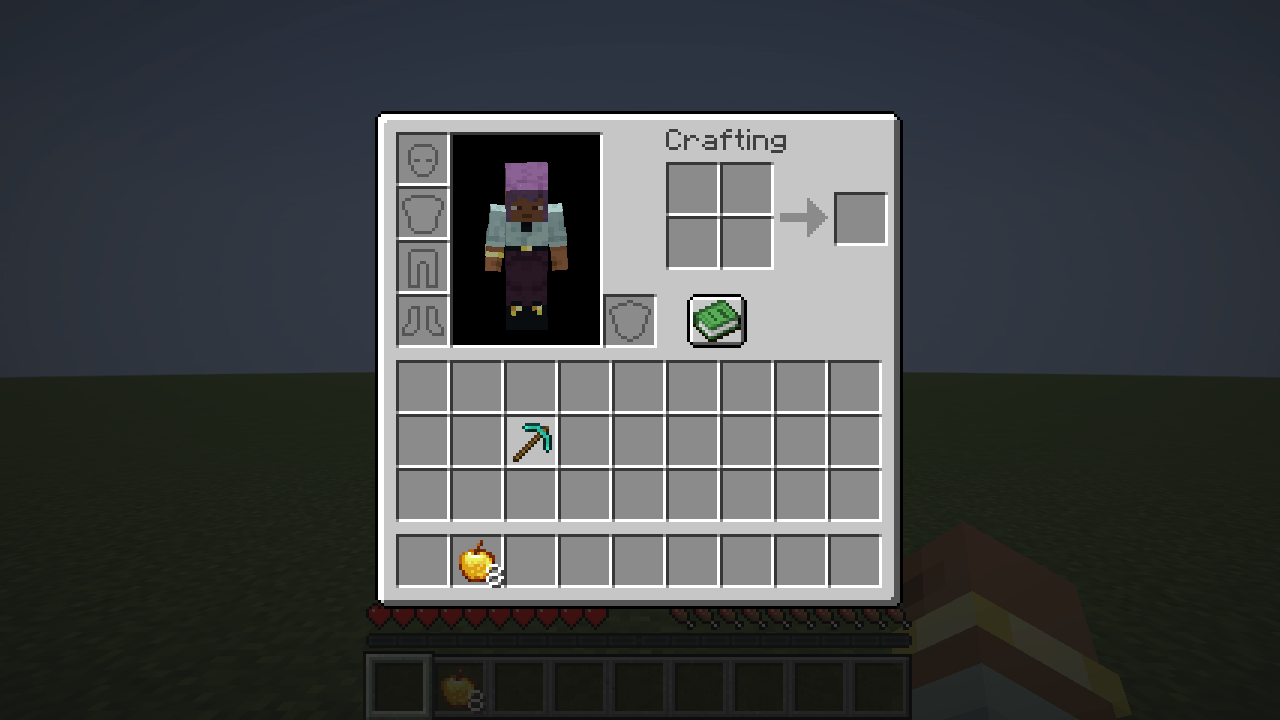
gametest-green-01-picked-up-just-now.png
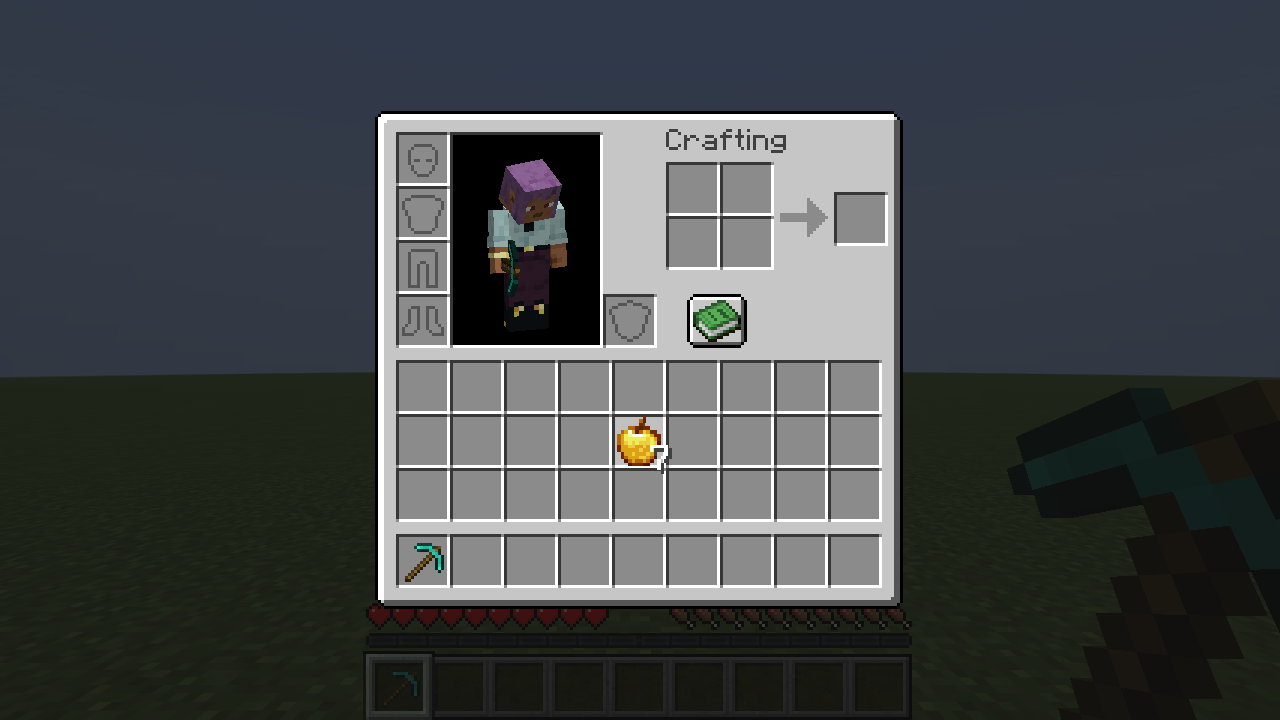
gametest-green-08-seven-apples-pulse.png
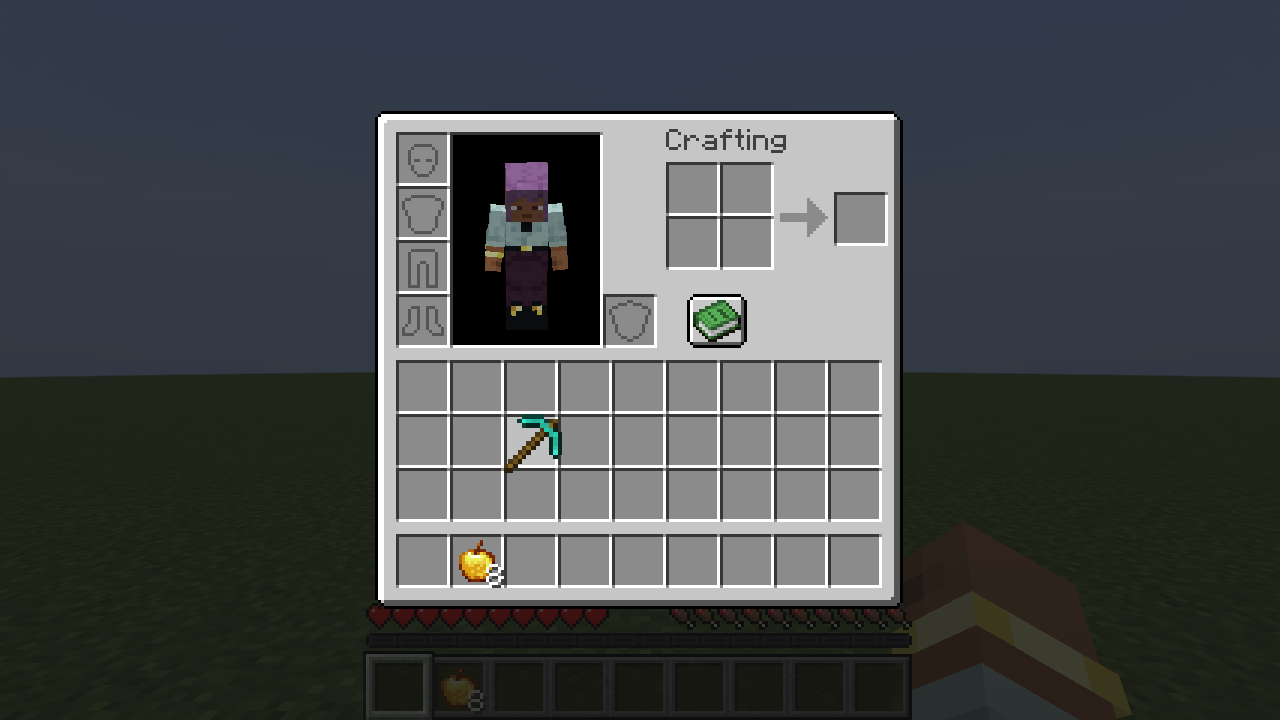
gametest-green-10-strength-5-peak.png
Description
You pick a sword up in your inventory and nothing happens on screen: the item just jumps to the cursor and back. There is no feel to moving things around, and in a crowded inventory it is easy to lose track of which item is the one in your hand.
Where on screen: the item that follows your cursor in the inventory screen.
What it does:
Pick up: the item grows from its normal size to a peak (130% at the default strength) in about 0.07 seconds, then settles to a resting size (112%) in about 0.12 seconds. While you carry it, it stays a little larger than the items in the slots, so it reads as "the one in my hand". Put down: a copy of the item is drawn once more where you let go and shrinks back to its normal size in about 0.12 seconds, so it looks as if it sinks into the slot. Drop one off a stack (right-click on an empty slot) or split a stack: a small pulse, then back to the resting size. Swap for a different item: it pops again. You stay in control: /cursorpop sets it up (client-side only, nothing is sent to a server): on / off, strength 1-5 (1 = a barely visible lift, 5 = a big one), reduce true|false. Reduce motion turns every movement off: the carried item is only slightly larger than in a slot and never moves. The settings are saved in config/cursorpop.properties. Only the size of one drawing changes. No items, blocks, textures or sounds are added, nothing is sent to a server, and nothing about the game or your inventory is changed or stored. Result: in an automated test (a real game window and a real survival world, with the animation stopped at known moments and measured in the screenshots), the item was about 1.3 times its normal size at the peak and 1.12 times at rest, a stack dropped one item with a small pulse, and put-down items sank onto the slot they were put into.
With the mod off, or switched off with /cursorpop off, the size never changed.
Hullspark Cursor Pop Team