


Particle Filter
- By

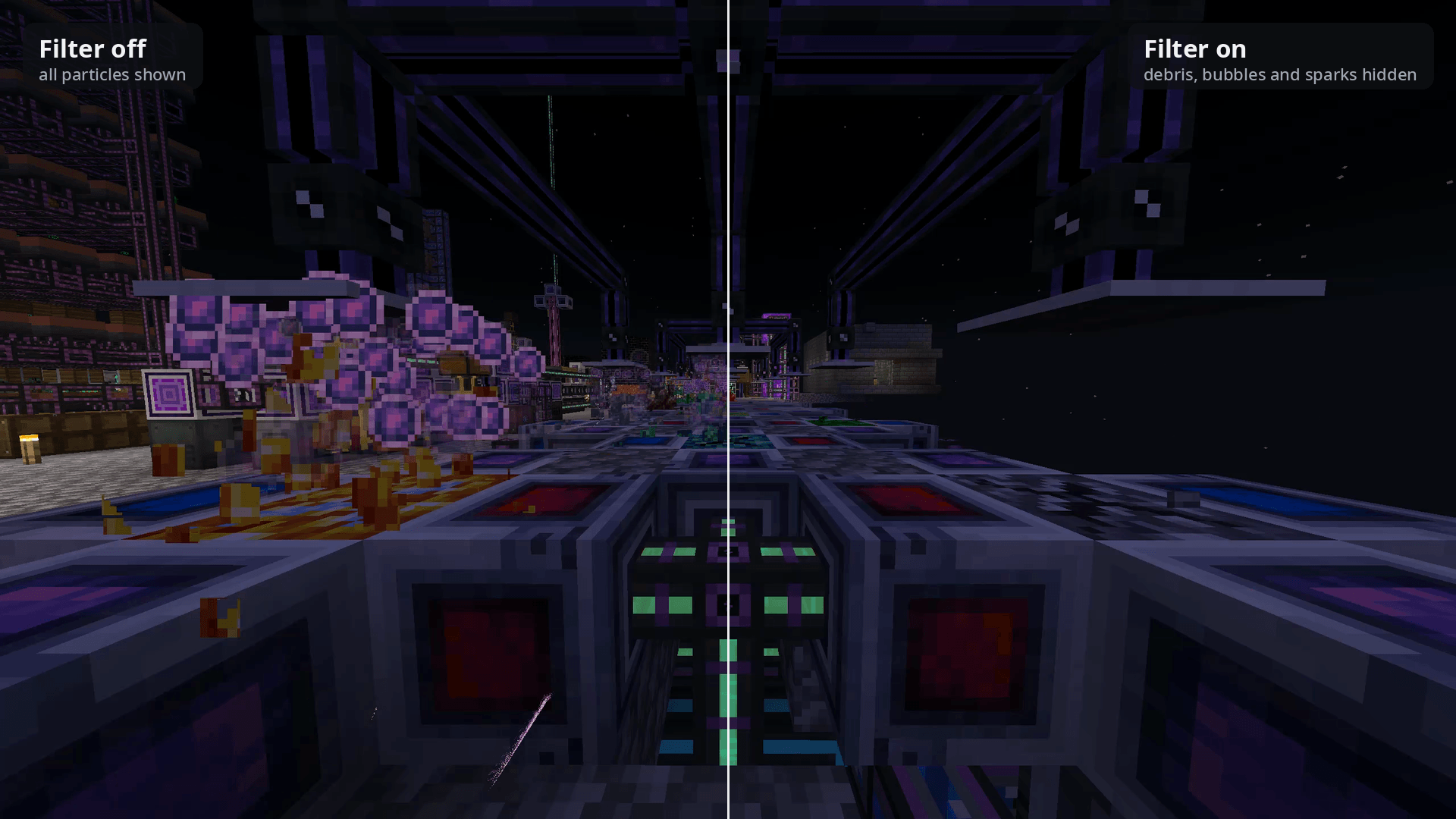
The same spot on a crystal farm at the same moment: all particles shown (left), and with block-breaking debris, AE2 bubbles and sparks hidden (right). Blocks and machines are untouched.
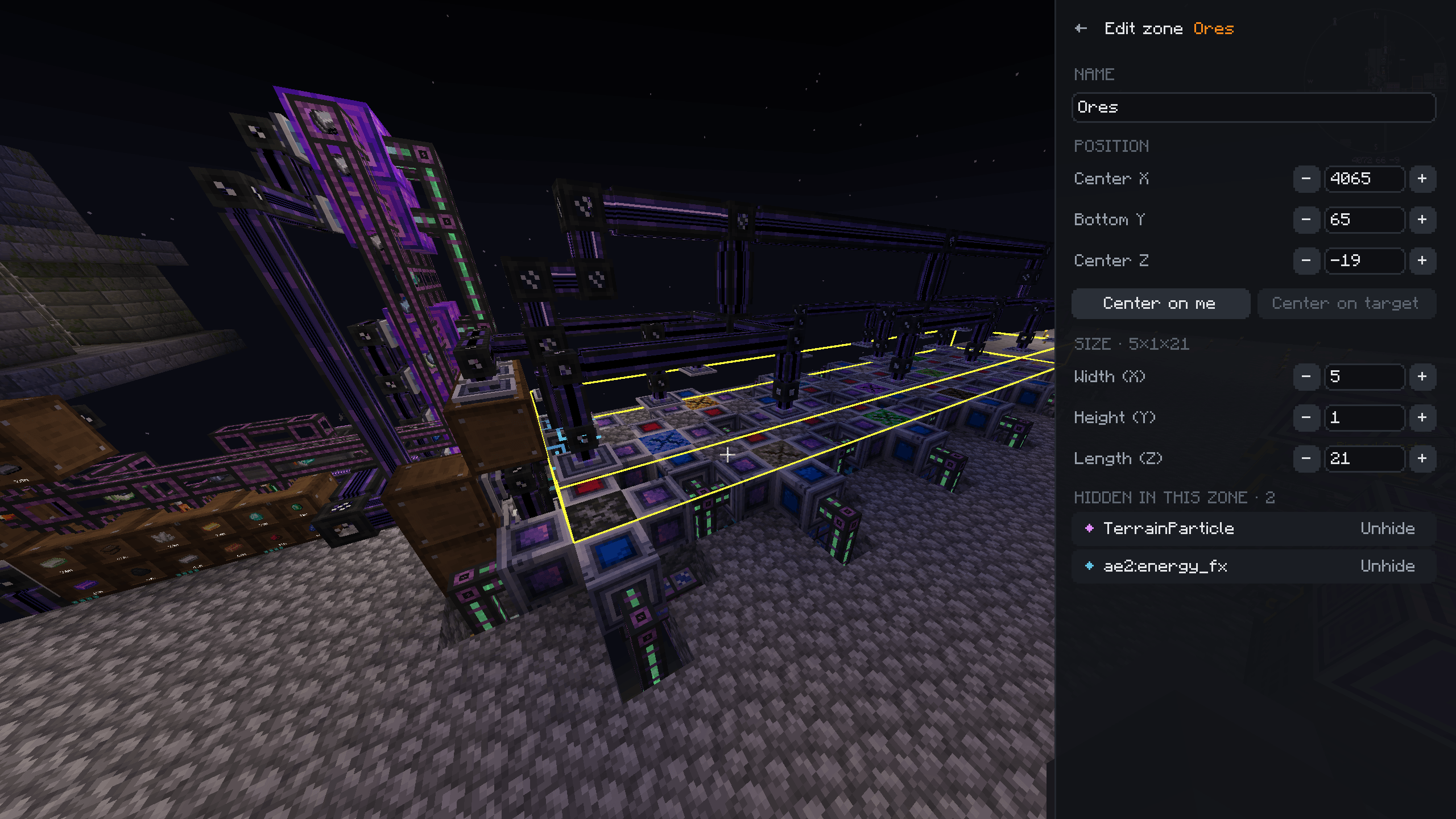
The zone editor opens as a side panel, so the zone's outline stays highlighted in the world while you move and resize it.
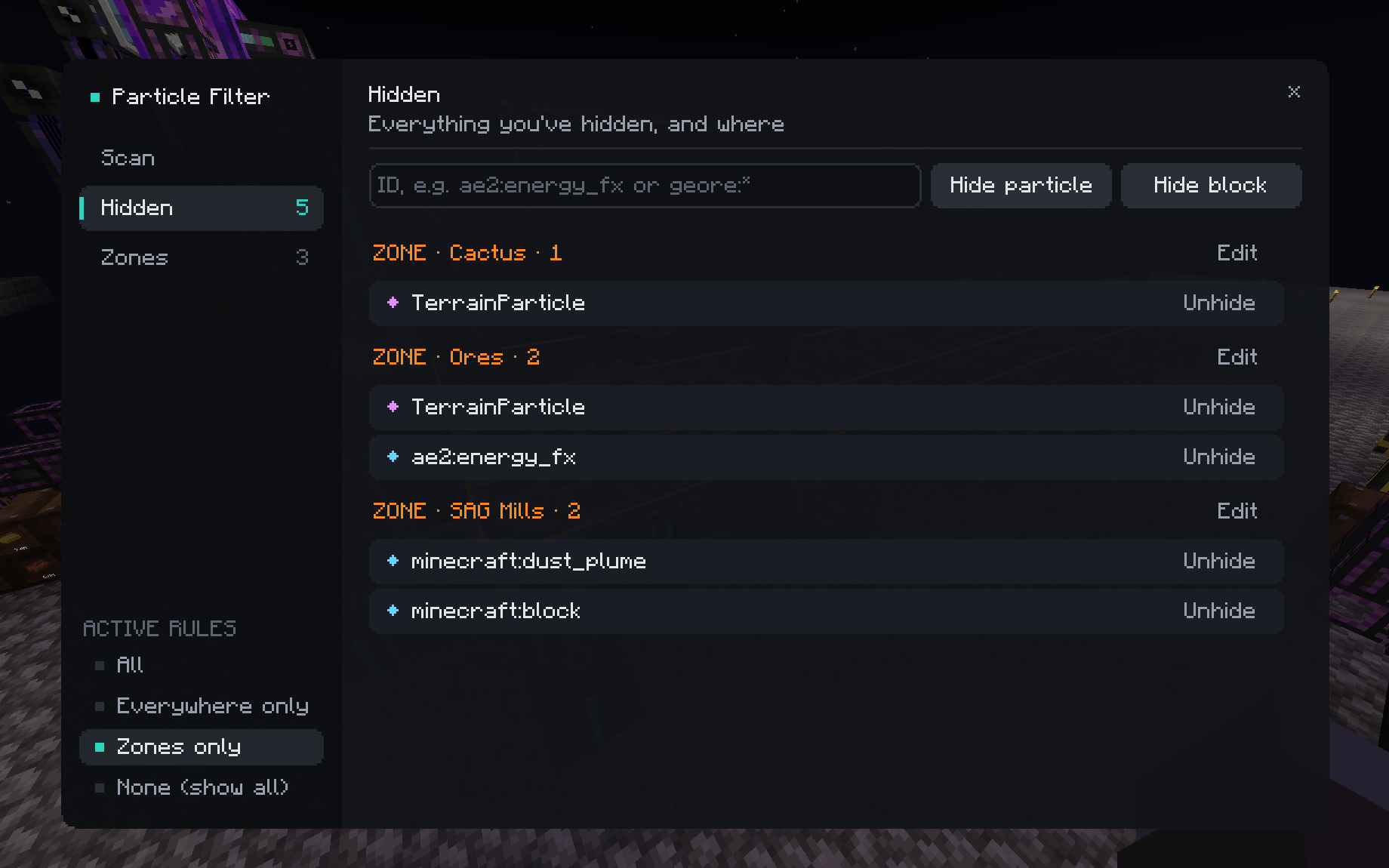
Hidden particles grouped by where they apply (everywhere, each zone, or block breaking), with one-click Unhide.
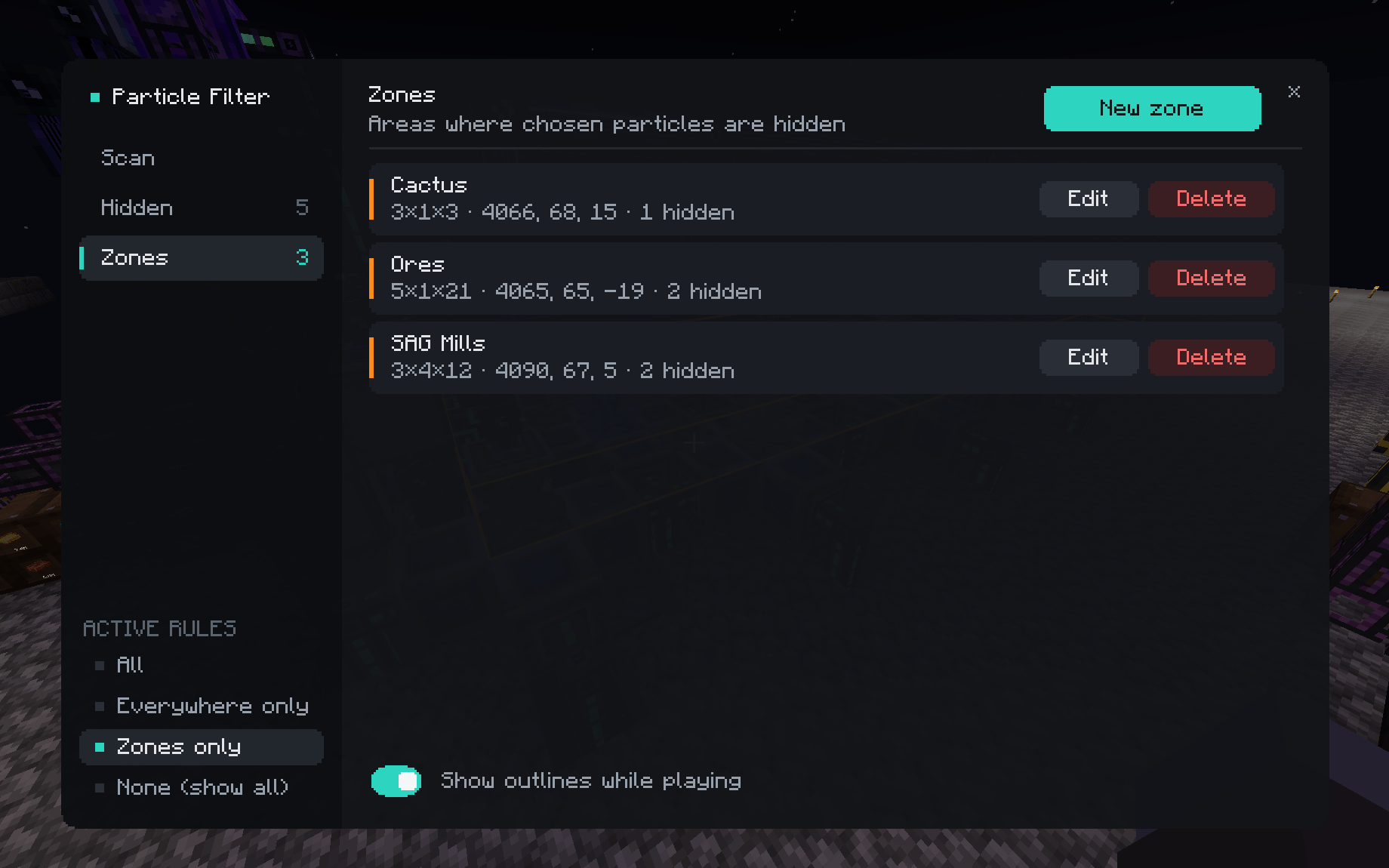
Each zone's size, position and how many particles it hides. Hover a zone to highlight it in the world.
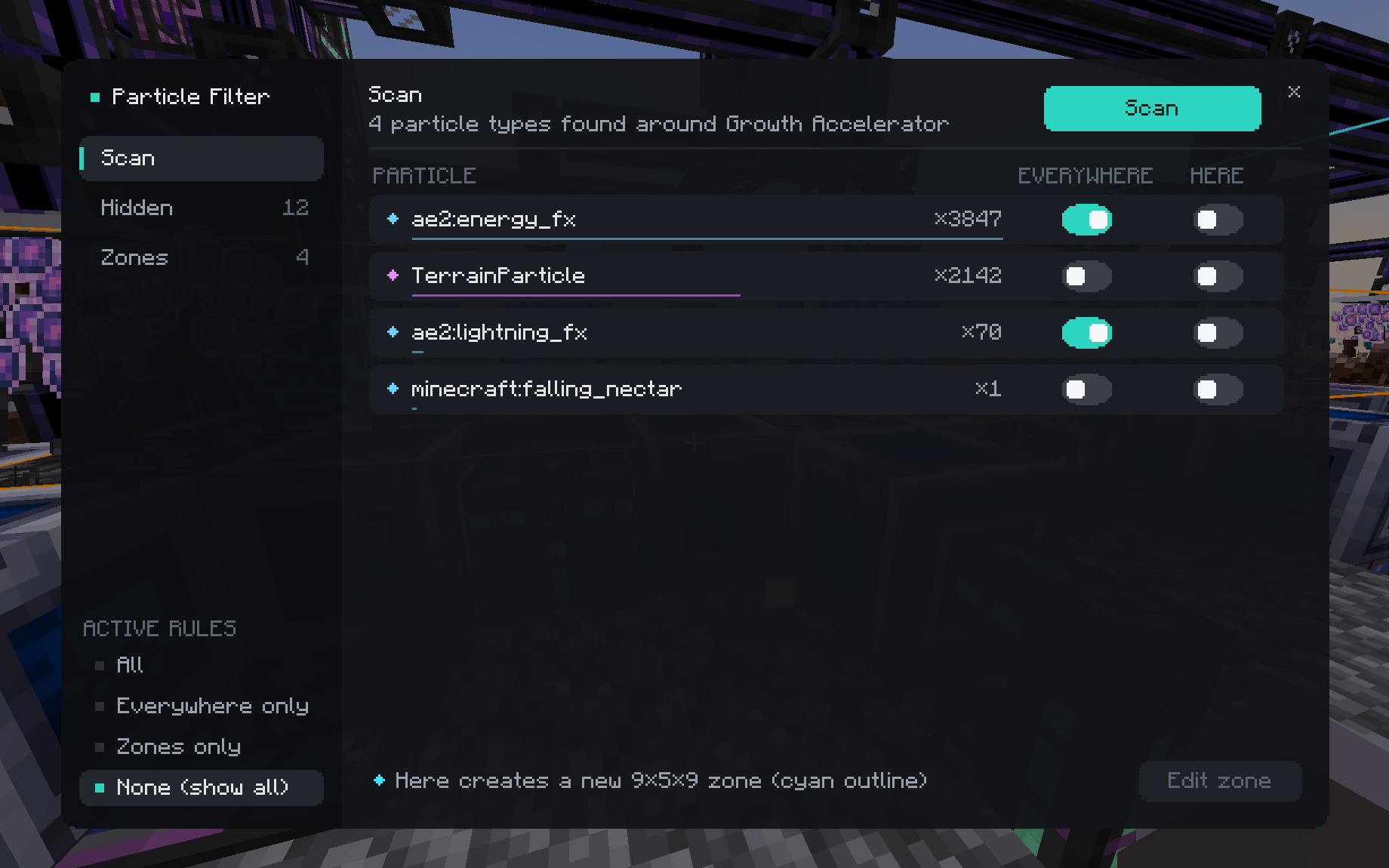
Aim at where the particles come from and press Scan. Every particle within 6 blocks over the next 5 seconds is listed with how often it appeared (here, around an AE2 Growth Accelerator), so you don't need to know its name.
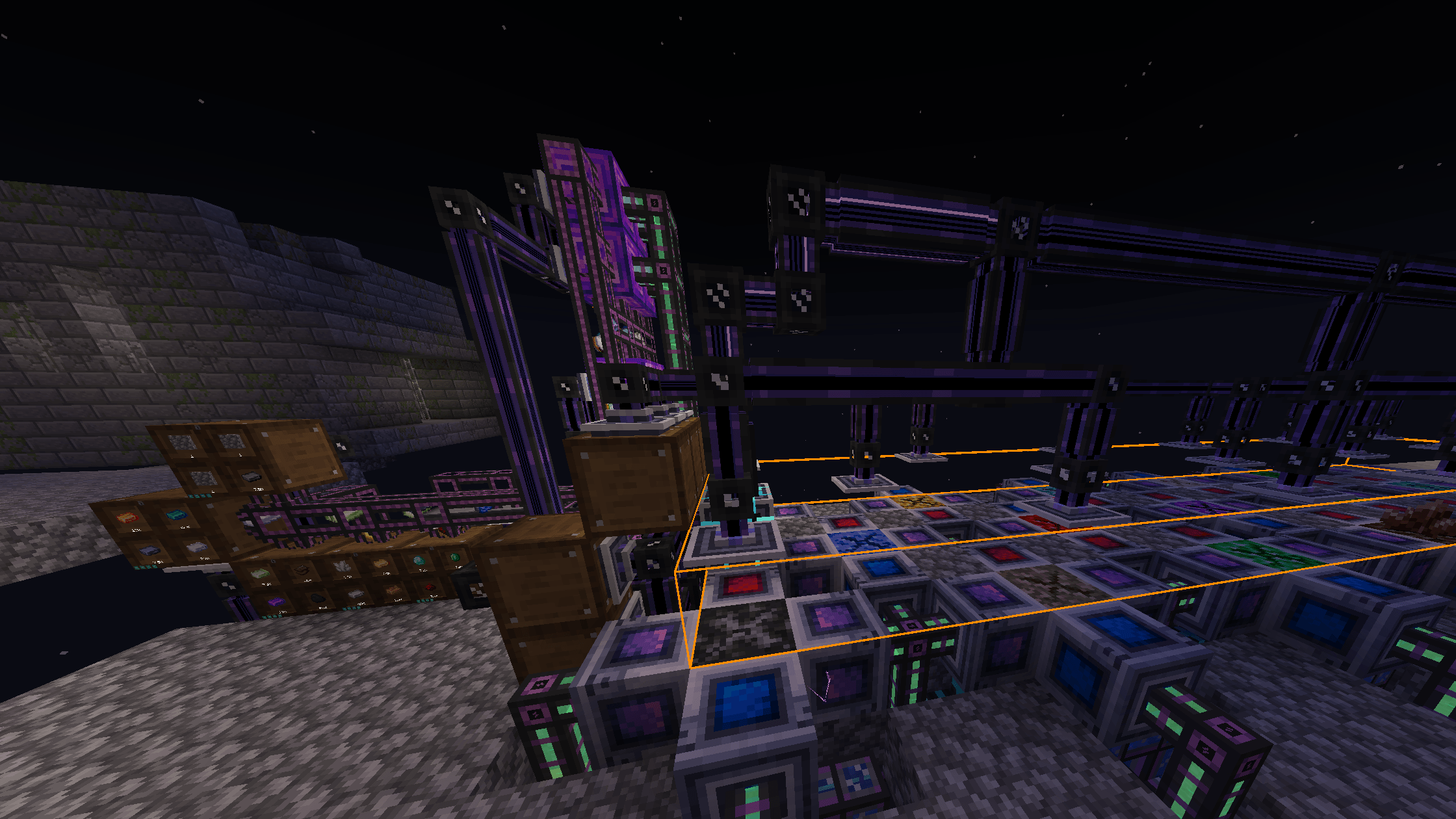
Zones are drawn as outlines while the menu is open, or all the time if you switch on "Show outlines while playing".