Omni: Teams | Squads, Team Chat & Roles
- By
Create squads, invite friends, manage roles, and chat with your team in Minecraft. Connect Omni: Claims, Currency, and Map for land, shared banking, and position pins.

Give your friends a squad of their own. Pick a team color, invite your crew, and keep plans in team chat while you build and explore together.
Requires Omni: Lib
BUILD YOUR SQUAD
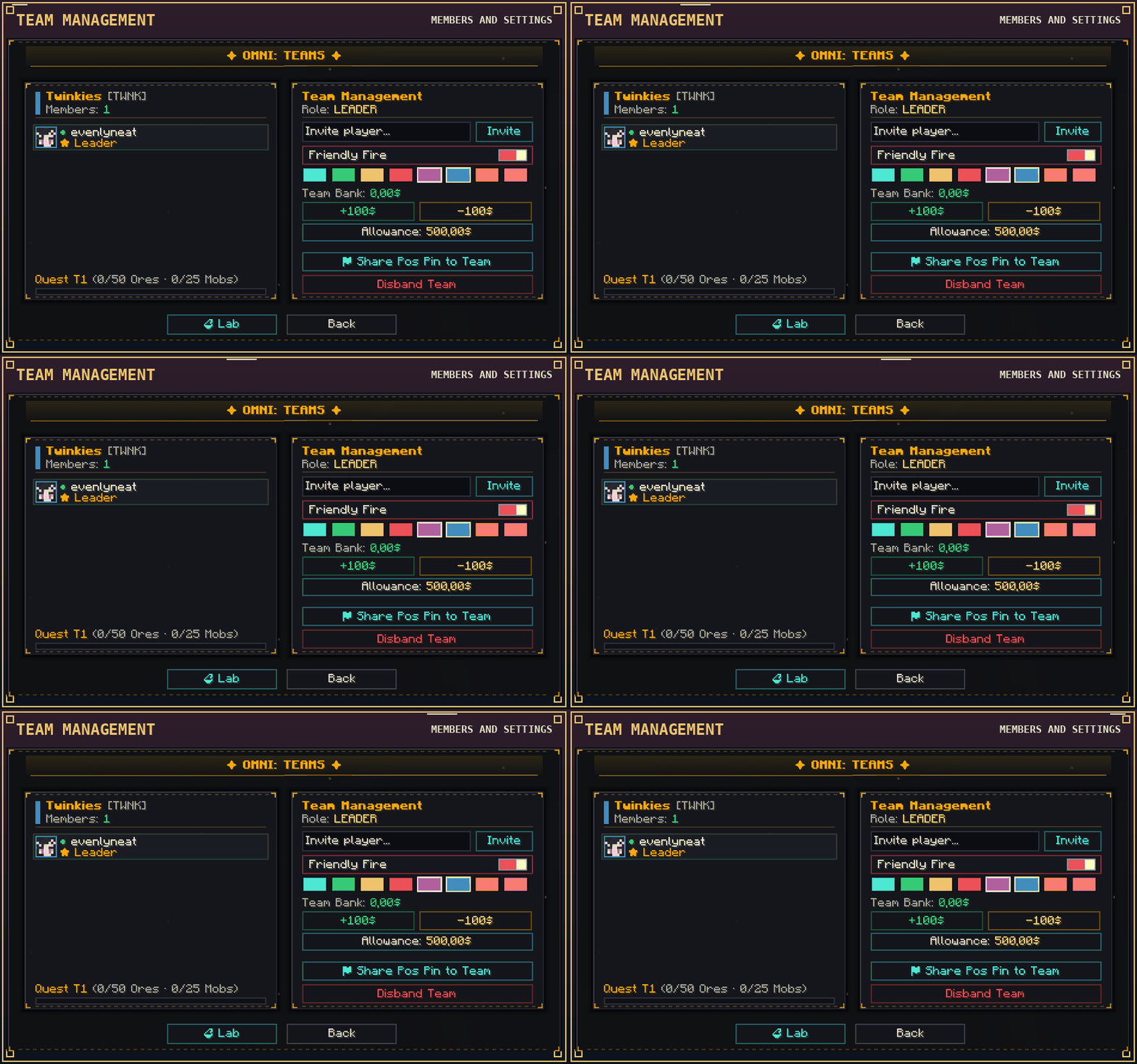
Create a team with its own name, tag, and color. Invite friends, see who’s on the roster and what role they have, and choose whether friendly fire is enabled. Use /tc to talk to your teammates in team chat. The team screen also shows your current quest tier and progress toward ore and mob goals.
CONNECT YOUR OTHER OMNI MODS
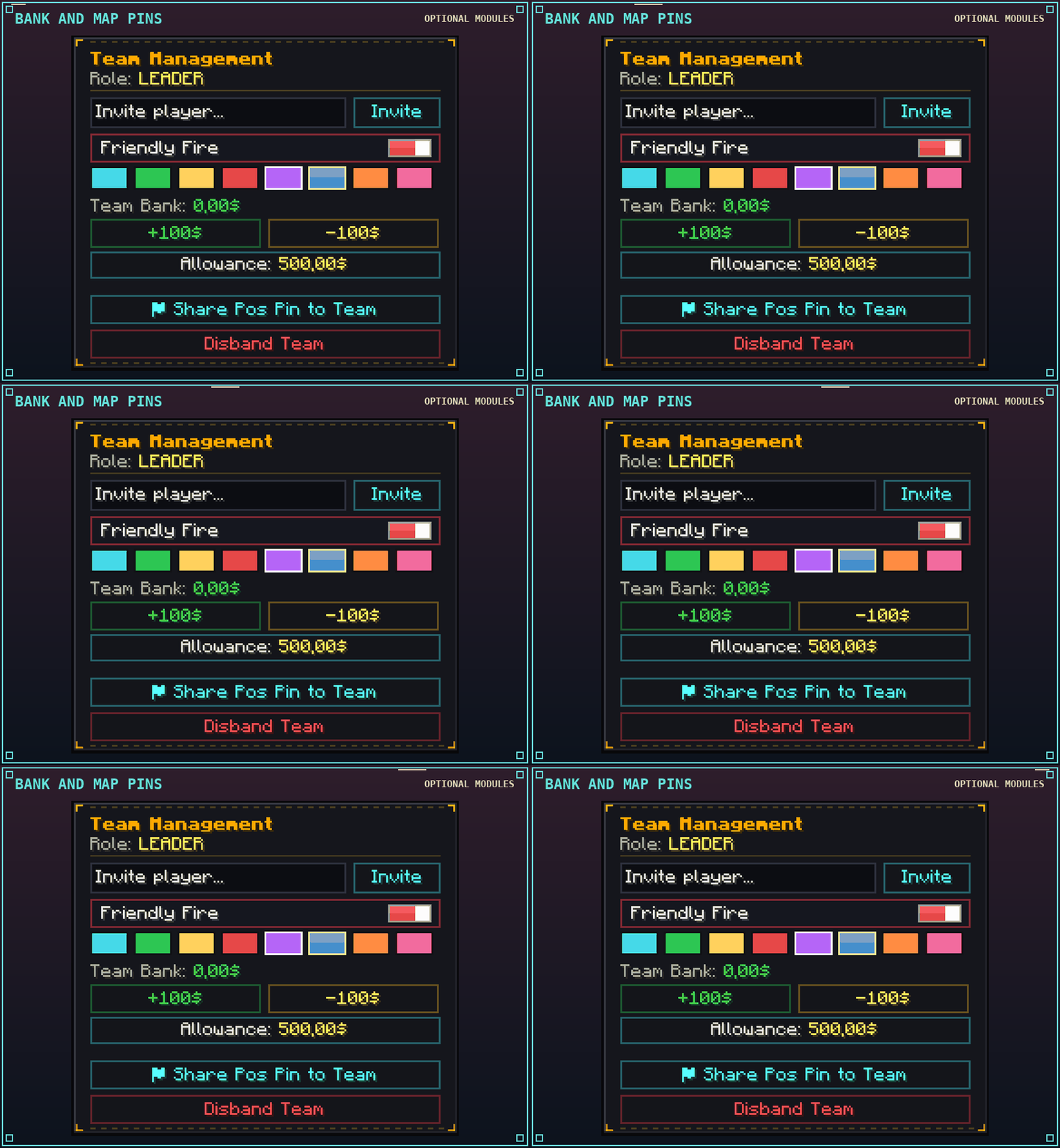
Omni: Claims • Pair your squad with the suite’s land-claim module when building a shared base. Omni: Currency • Pool money in the Team Bank. Check the shared balance and allowance, or deposit and withdraw funds from the team screen. Omni: Map • Share your current position as a pin with your team. Mark the cave entrance you just found or show everyone where to meet for the next build.
FIND YOUR TEAM IN THE CENTRAL HUB
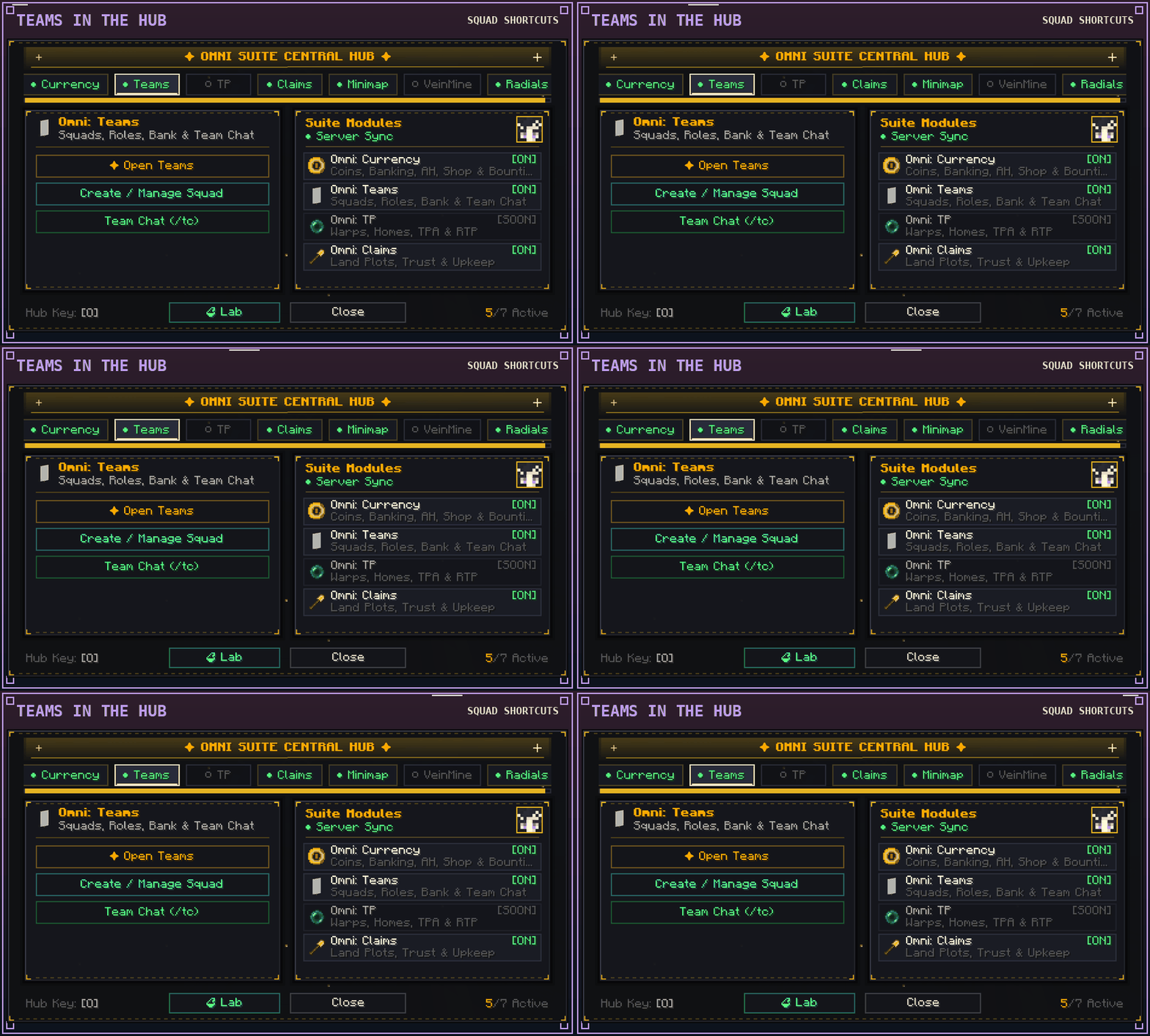
Press O by default to open the Omni Central Hub, then select Teams. From there you can open team management, create a squad, or find the team chat shortcut.
Install Omni: Lib alongside Omni: Teams. Claims, Currency, and Map are optional integrations you can add to suit your SMP or modpack.

Omni: Teams | Squads, Team Chat & Roles Team

Owner