ModernMenu with customization by Adapts
- By
A modern, animated main menu, pause menu and loading screens for Minecraft 1.12.2.
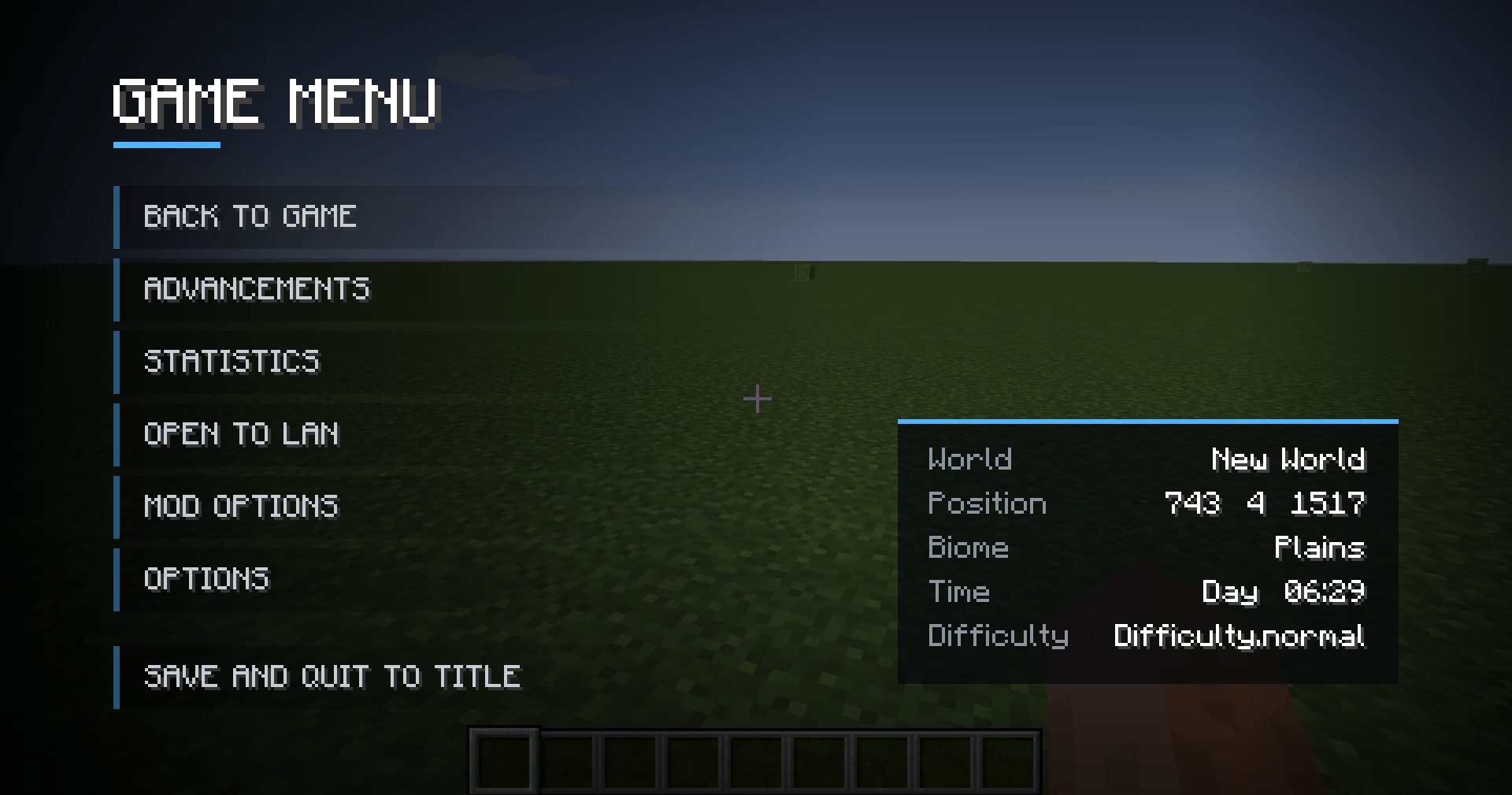
2026-09-26_23.50.44.png
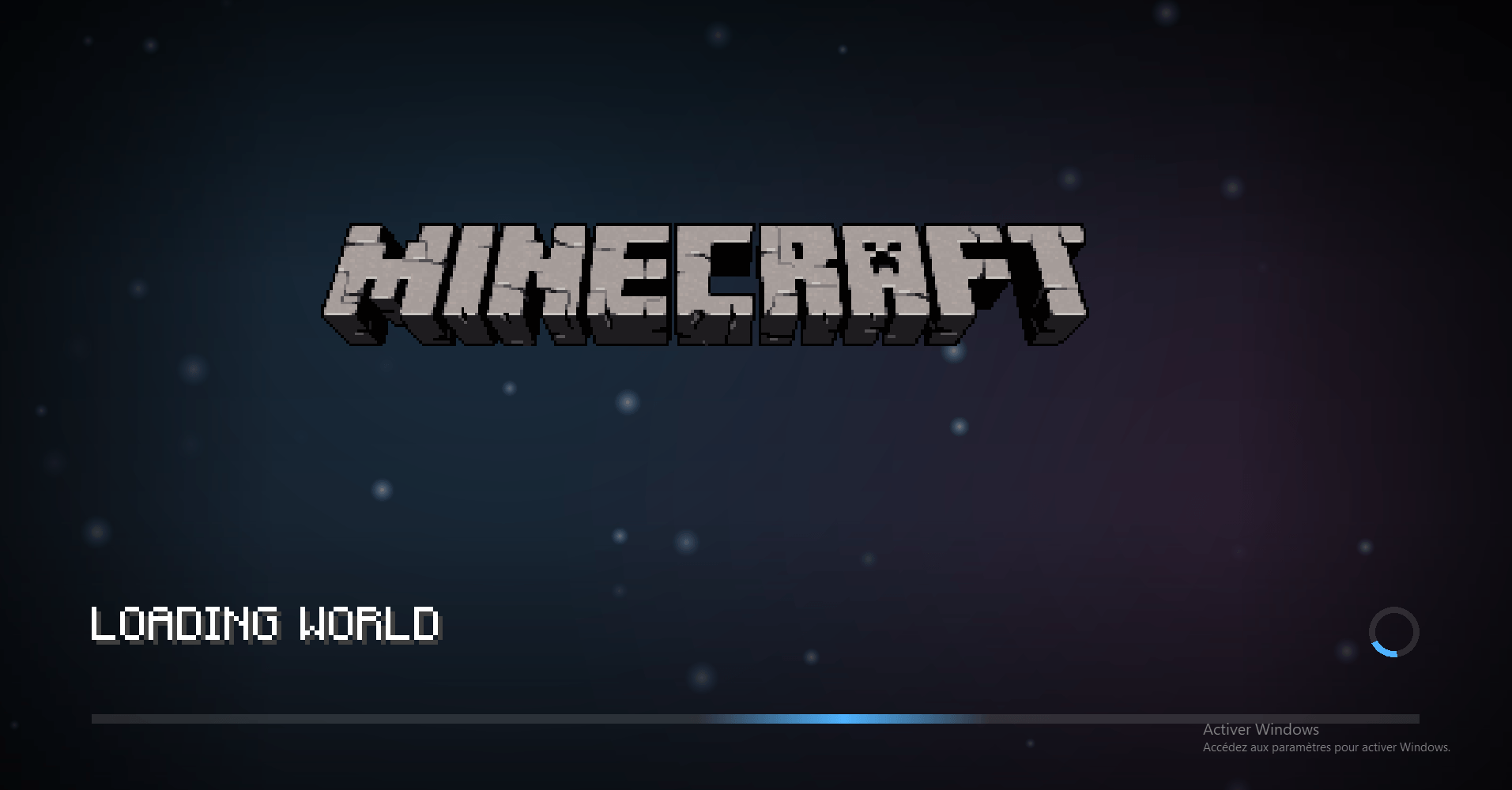
modern dl.png
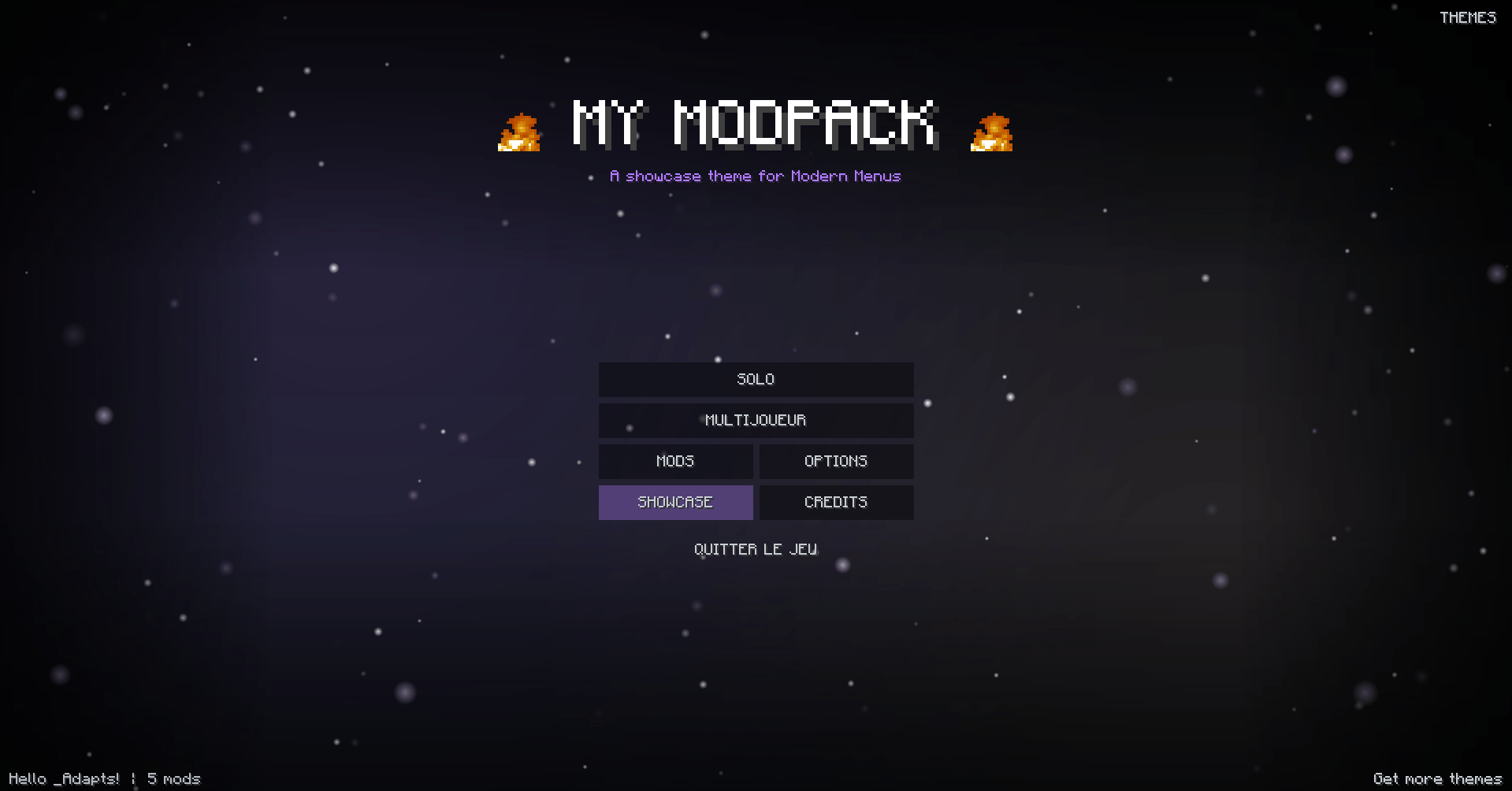
dsqddqsdqs.png
Description
Modern Menus (Join us on discord: https://discord.gg/B5sMcUThpv)
Give Minecraft the look of a modern game, or create your very own menus! Modern Menus redesigns the main menu, the pause menu and the loading screens, and lets you build your own with simple JSON themes: animations, particles, animated images, custom pages... no coding needed.
🎨 THEMES
- Every menu is a theme: a folder with a few JSON files and your images
- Switch themes in-game with the Themes button (top right of the main menu)
- Press F5 on a menu to reload your changes instantly
- Mistakes are shown on screen with the file and element number, so they are easy to fix
- Share a theme by zipping its folder: perfect for modpacks and servers!
📦 BUILT-IN THEMES
- Default: smooth panorama, animated side buttons, world info card in the pause menu
- Showcase: a demo of every feature (particles, animated fire, rolling credits, easing curves...)
🧩 WHAT YOU CAN CUSTOMIZE
- Main menu, pause menu (Esc), loading screens, and your own custom pages
- Backgrounds: panorama, animated lights, image slideshow with fade and slow zoom
- Particles: snow, rain, embers, stars, fireflies, bubbles, dust
- Images: your own PNGs or any game/mod texture, including animated sprite sheets
- Texts with variables: {player}, {mods}, {biome}, {x} {y} {z}, {world}...
- 5 button styles: modern, flat, text, vanilla, or your own textures
- Position of every element anywhere on screen, in pixels or percent
✨ ANIMATIONS
- Keyframe animations on position, size, rotation and opacity
- Play them when the menu opens, in a loop, on hover or on click
- 20 easing curves: smooth, bounce, elastic, back...
🎯 BUTTON ACTIONS
- Vanilla menus: singleplayer, multiplayer, options, mods, language, quit
- Open your own pages (credits, rules, news...) and go back
- Open a web link (Discord, website...)
- Join a server in one click
- Load a singleplayer world directly
⏳ LOADING SCREENS
- World creation and loading, server connection and terrain download
- Real progress bar while the terrain is generating
- Rotating gameplay tips (or your own)
- Very lightweight: adds almost no loading time
🖥️ STARTUP SCREEN
- The Forge startup screen gets a matching dark theme (visible from the second launch, since Forge shows it before mods are loaded)
⚙️ CONFIGURATION
In-game (Mods > Modern Menus > Config) or in config/modernmenus.cfg:
- Active theme
- Animations on/off
- Each part (main menu, pause menu, loading screens) can be turned off to get the vanilla screen back
📖 CREATE YOUR OWN THEME
A full guide is available on our Discord and in the THEMES.md file, with examples for every feature.
📦 INSTALLATION
- Minecraft 1.12.2 with Forge
- Drop the .jar into your mods folder
- Client-side only: works on any server!
❓ FAQ
Does it need a resource pack?
No, everything is drawn by the mod. Themes can use their own images if you want.
Do I need to know how to code?
No, themes are simple JSON files. Copy the default theme and edit it, then press F5 to see the result.
Can I use it in my modpack or for my server?
Yes! Make a theme with your logo, your links and a button that joins your server in one click.
Does it work with other mods?
Yes. It only replaces the vanilla menus, so menus added by other mods are left untouched.
ModernMenu with customization by Adapts Team