BlueVoice
- By
Simple proximity voice chat: push to talk or continuous voice, 3 voice ranges, English/French menu.
2026-10-10_21.06.10.png
2026-10-10_21.06.21.png
Description
BlueVoice - Proximity Voice Chat (Forge 1.12.2)
Talk to the players around you directly in-game, no Discord needed!
The further away you are, the quieter you sound.
Features
- Proximity voice chat: volume fades with distance
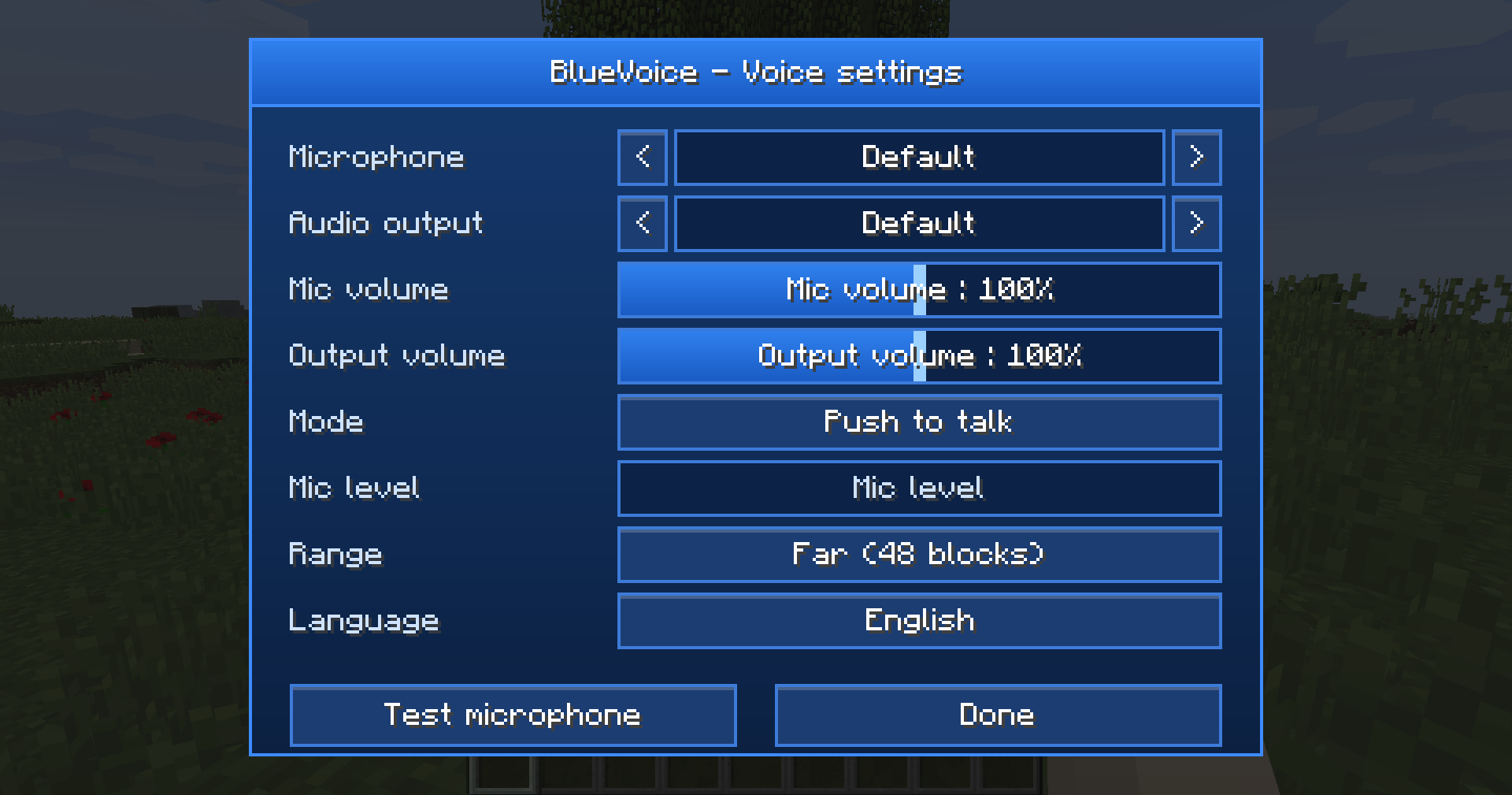
- Two modes: Push to talk or Continuous voice (adjustable activation threshold)
- 3 voice ranges: Near (8 blocks), Medium (24), Far (48)
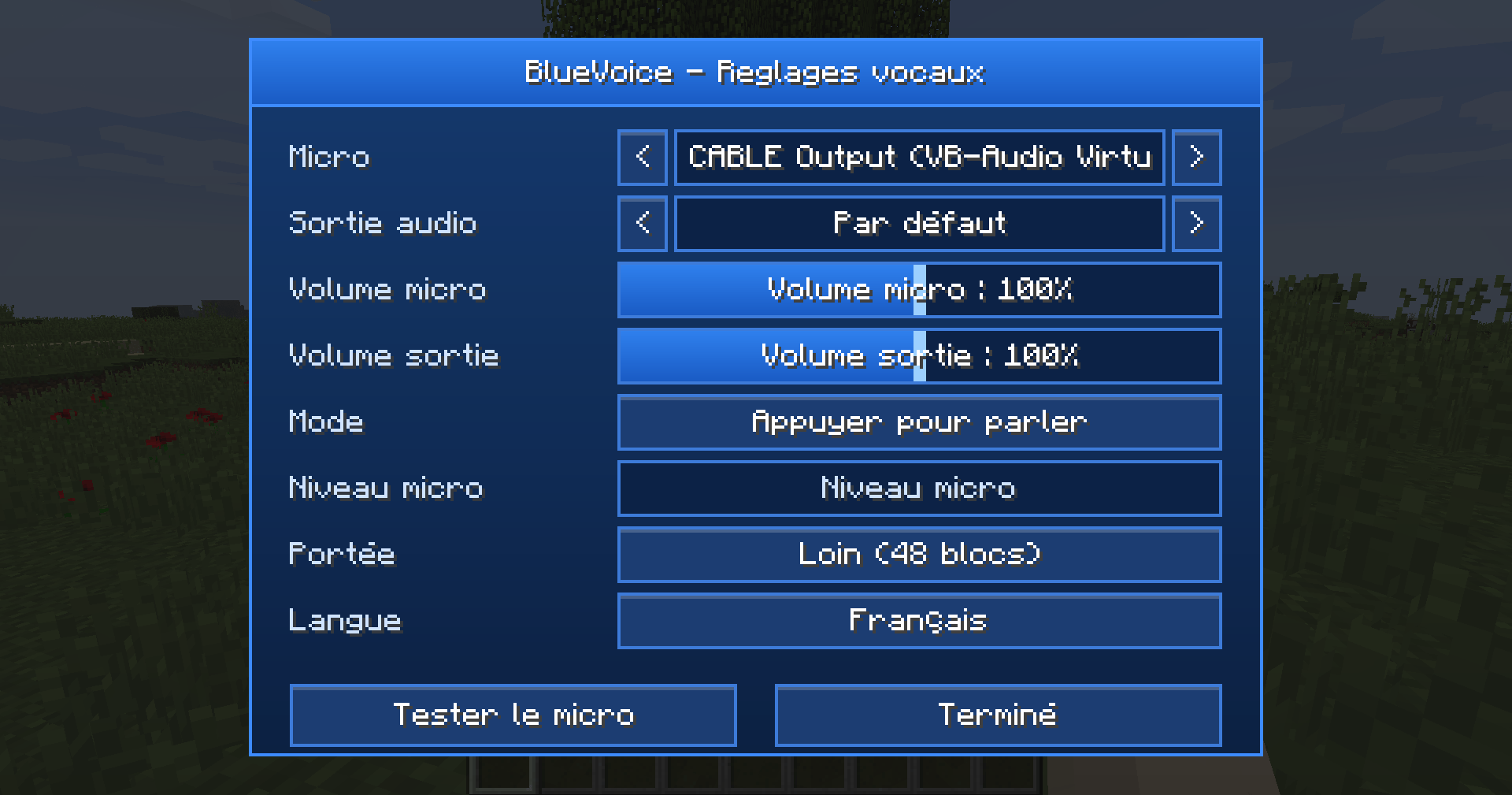
- Clean blue settings menu: microphone and audio output selection, volume from 0 to 200%, live mic level
- "Test microphone" button to hear yourself and tune your mic
- On-screen indicator: your current range while talking, and the names of players speaking
- English / French, selectable in the menu
Controls (can be changed in Options > Controls)
V - Talk (push to talk)
N - Open the settings menu
G - Change voice range
M - Mute / unmute microphone
Installation
- Singleplayer / LAN: just put the mod in your mods folder.
- Servers: the mod must be installed on the server AND on every player's client.
- Voice ranges can be changed in config/bluevoice-server.cfg
Tips
- Use headphones: with speakers, your microphone can pick up other players and cause echo.
- If your microphone shows as "unavailable", allow microphone access in Windows (Settings > Privacy > Microphone).
Support, bug reports and suggestions
Join the Discord: https://discord.gg/ZBYTCMZnSs
BlueVoice Team