Material Nexus
- By
One copper ingot, not five. Unify duplicate ingots, ores and dusts in your modpack: pick the one to keep from an in-game screen, and tags, recipes and items follow. No scripts, full preview before anything changes.
One copper ingot, not five.
A big modpack ends up with the same material made by every mod: five copper ingots, three tin plates, a dozen recipes that disagree about them. Material Nexus finds every one of them, lets you decide which item is kept, then cleans the tags, rewrites the recipes and converts the items for you. Nothing changes until you have seen the preview and pressed Apply.
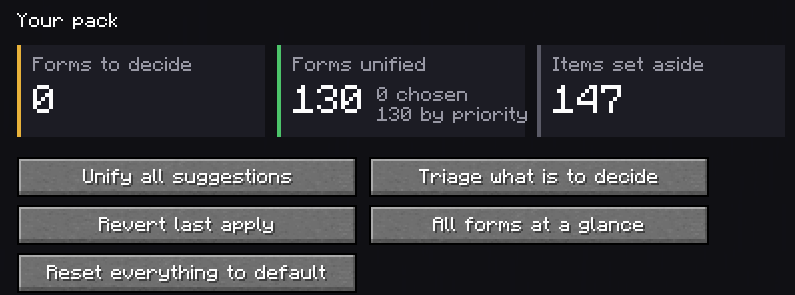

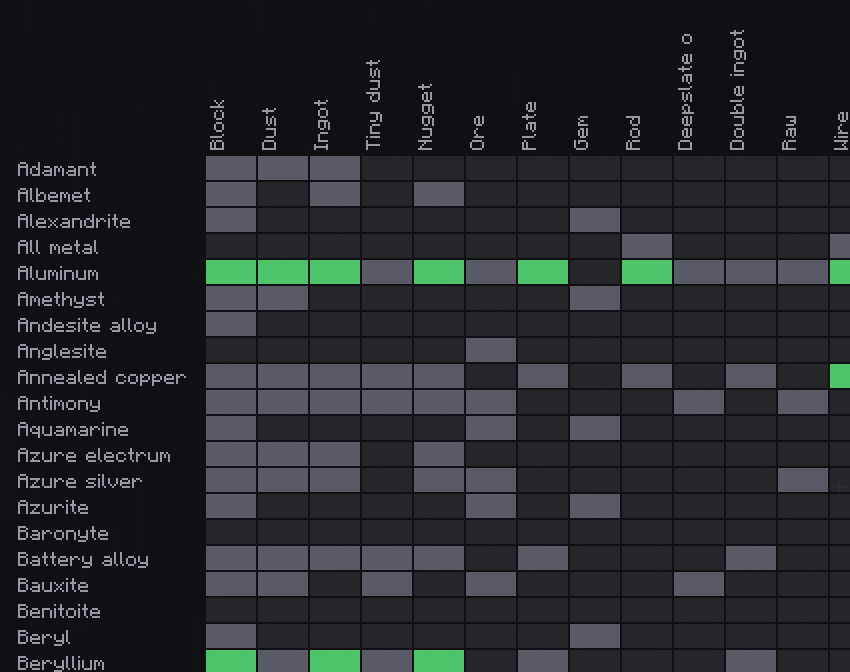
- Every form of every material, read from the convention tags (
c:ingots/copper,c:plates/tin…) and from item names for the forms mods leave untagged: double ingots, wires, large plates. - Variants are set aside, not merged: an item that only shares a tag (a yellow amethyst, a plastic plate tagged as plates) is recognised by its name and left alone, with the word that gave it away.
- The whole pack as a grid: materials against forms, what is to decide, unified or single.

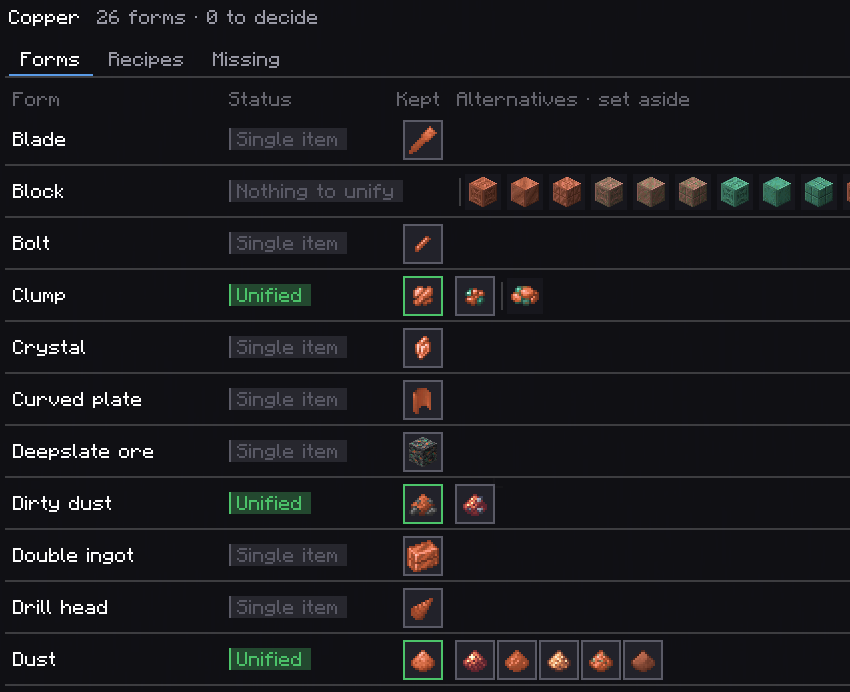
- Click the item to keep. Each suggestion says why it was made, and each item which mod it comes from and how many recipes make and use it.
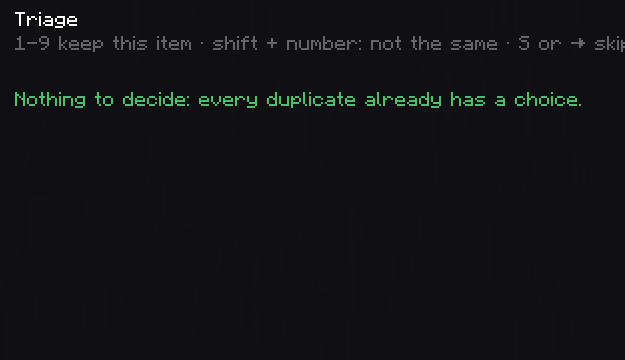
- Triage with the keyboard: every open duplicate, one at a time, 1-9 to keep, shift for "not the same item".
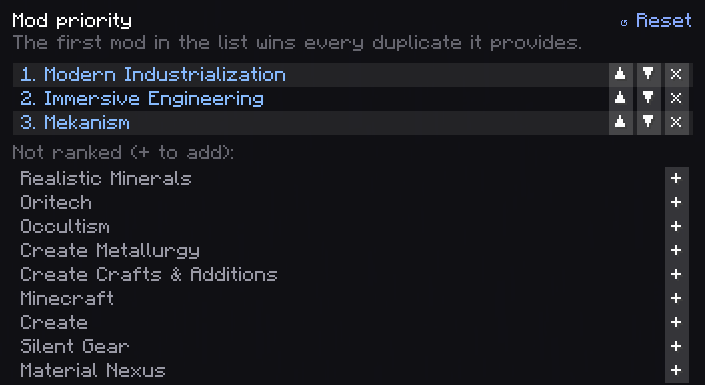
- Or rank the mods once: the first mod in the list wins every duplicate you have not decided.

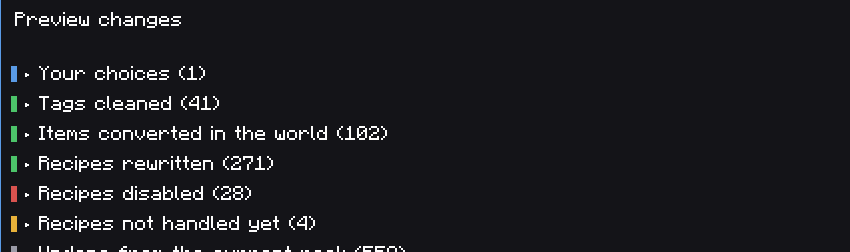
- Every change listed first: tags cleaned, items converted, recipes rewritten or disabled, recipes not handled yet.
- Apply writes one generated datapack and reloads: the alternatives leave the material's tag, recipes that make or use them are rewritten to the kept item (a rewrite that duplicates another recipe is disabled instead), and items already in the world become the kept one when the game touches them (dropped, in an opened container, at login). Nothing scans the world.
- Tags fixed on request: an item a mod forgot to tag gets its convention tag, and any item can be put in or taken out of a form's tag, so recipes asking for the tag accept the right items.
- Recipes it cannot rewrite are named, never guessed: add a one-file recipe format and they are.
- Recipes of many mods are rewritten from data: Create and its addons, Mekanism, Immersive Engineering, Modern Industrialization, Oritech, Occultism, Silent Gear and more.

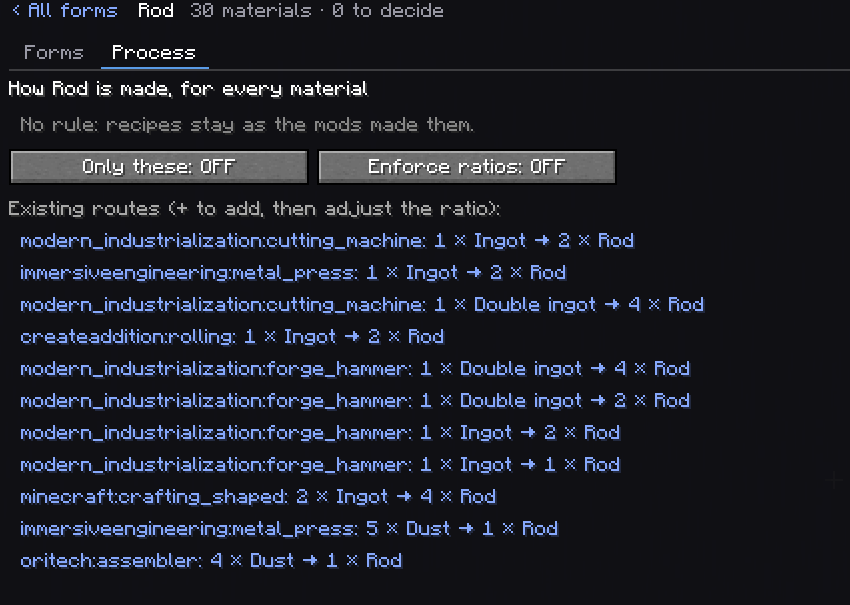
- Process rules say how a form is made for every material: an ingot gives two rods in the metal press, nine ingots make a block. Missing machine recipes are written by copying one the pack already has, and checked by the game before they are kept.
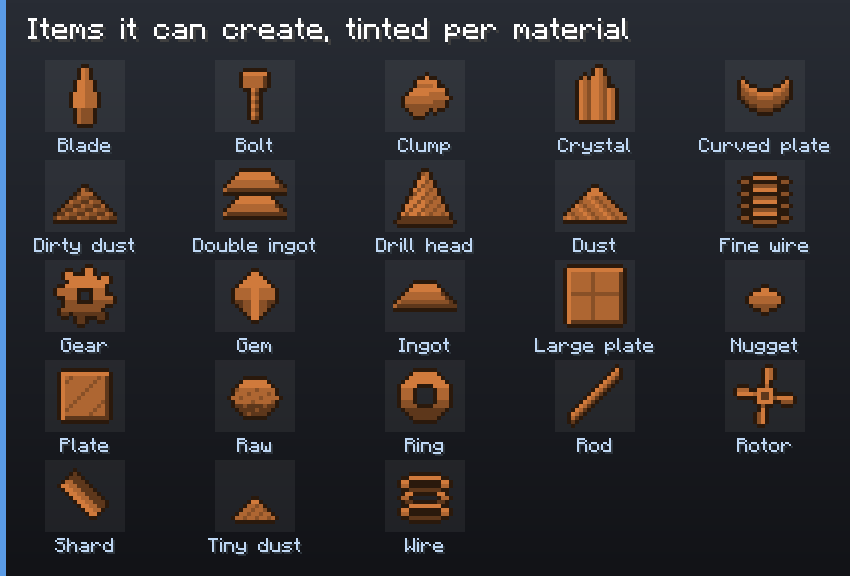
- Missing forms can be created: a netherite rod, a tin gear. The new item takes the material's colour.

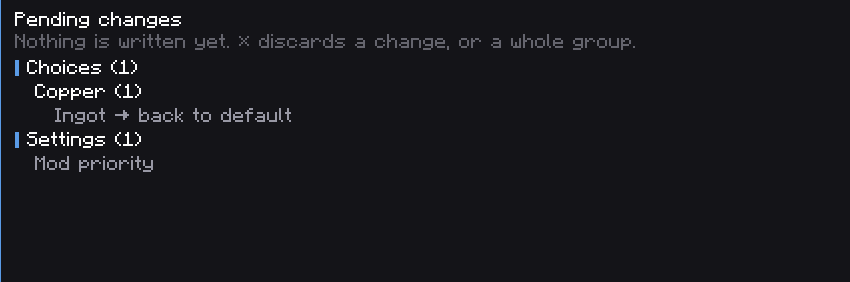
- Discard any pending change, a whole material, or everything.
- Back to default: one saved choice, a material, or the whole pack.
- Revert the last apply, or restore any of the last 20 applied states from the history.
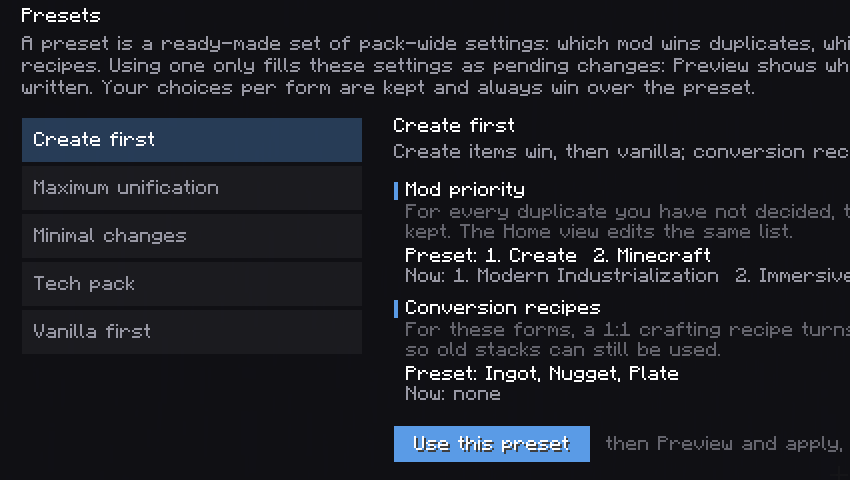
- Presets for the usual setups (vanilla first, tech pack…), shown next to your settings.

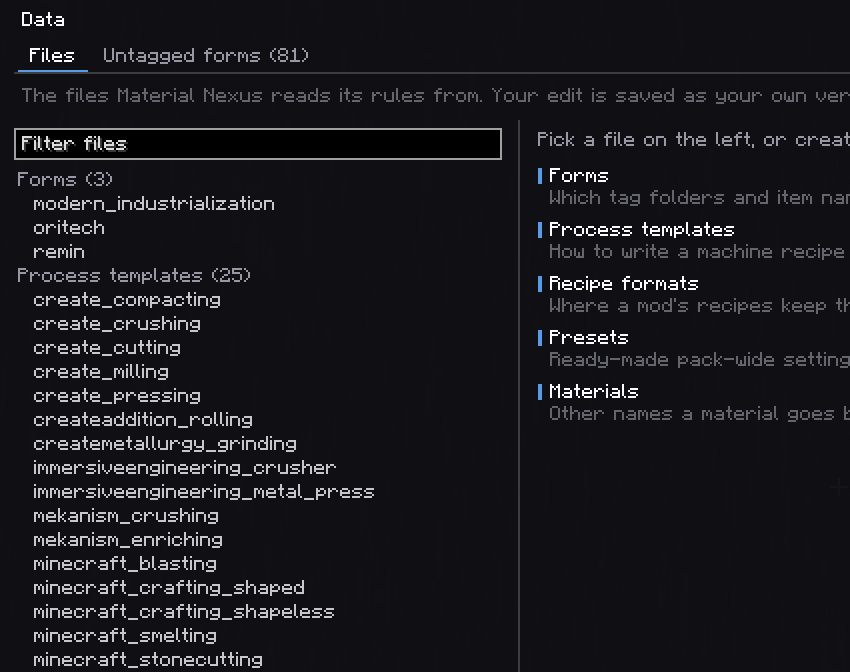
Everything is files in config/materialnexus/, made to ship with the pack; the
wiki documents every field. The rules themselves
(which tags and names make a form, how a mod's recipes store their items, process templates,
presets) are datapack data, editable in game in the Data view. /materials report writes a full
analysis. KubeJS scripts get a read-only MaterialNexus binding to ask which item is kept, and a pack
that already unifies with scripts sees what they decided, offered as the same choices, with the script
lines to delete once applied.
Compatibility
| Loader | NeoForge |
| JEI (optional) | alternatives hidden once unified |
| EMI (optional) | alternatives hidden once unified |
| Almost Unified (optional) | each job (tags, recipes, hiding) left to it unless you give it to Material Nexus: never done twice |
| KubeJS (optional) | a read-only MaterialNexus binding; what scripts already unify is offered as choices; scripts keep the last word |
Needed on the server, and on clients for the screen, the tooltips and created items.
FAQ
Does it change my pack on its own? No. Nothing is unified until you choose and press Apply, after the preview.
Can I undo? Yes: discard pending changes, put choices back to default, revert the last apply, or restore an earlier state from the history.
Multiplayer? Decide in singleplayer or LAN, then ship config/materialnexus/ with the pack. On
a dedicated server the screen is read-only. If you created items, every client needs the same
items.json.
Is it like Almost Unified? Both unify. Material Nexus is built around a screen and a preview: you see every duplicate, every variant set aside and every recipe it would change before anything happens, and you can undo anything. It also writes missing machine recipes and creates missing items. The two can run together, each doing its own part.
Fabric? No.
Can I put it in my modpack? Yes. No need to ask.
Permissions
Modpacks: yes. No permission needed, no message required, public or private, monetised or not, on any platform or launcher.
Credit is appreciated and never required.
Forks and addons: yes, under the MIT terms. Please do not publish a fork under the name Material Nexus: the name is not covered by the licence.
Assets (textures, logo) are the one exception: redistribute them with the mod freely, but do not lift them into another project.
Links
Wiki · Source · Report a bug
Material Nexus Team