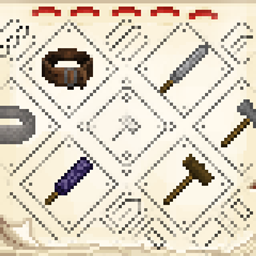
Allows players to mark the items they craft by embellishing the tooltip of the item.
## Walkthrough
1. Craft a stamp from an iron ingot and two dyes
2. Right-click with the stamp in your hand to open the stamp UI
3. Draw tooltip borders and decorations in the stamp UI
4. Choose if the stamp should automatically apply to all crafted items (only works for items with durability)
5a. Craft an item in the regular workbench and it should recieve the tooltip you drew in step 3 (if the stamp is set to auto apply and is in the player inventory)
5b. Put the stamp in your main and another item in the other hand, rightclick to apply the stamp to the offhand item
Maker's mark Team

Owner