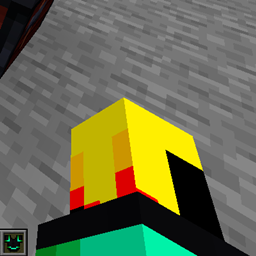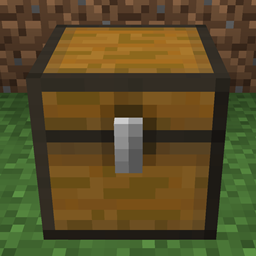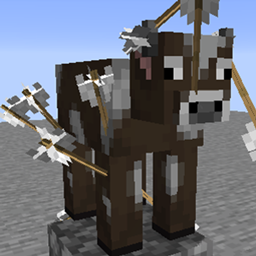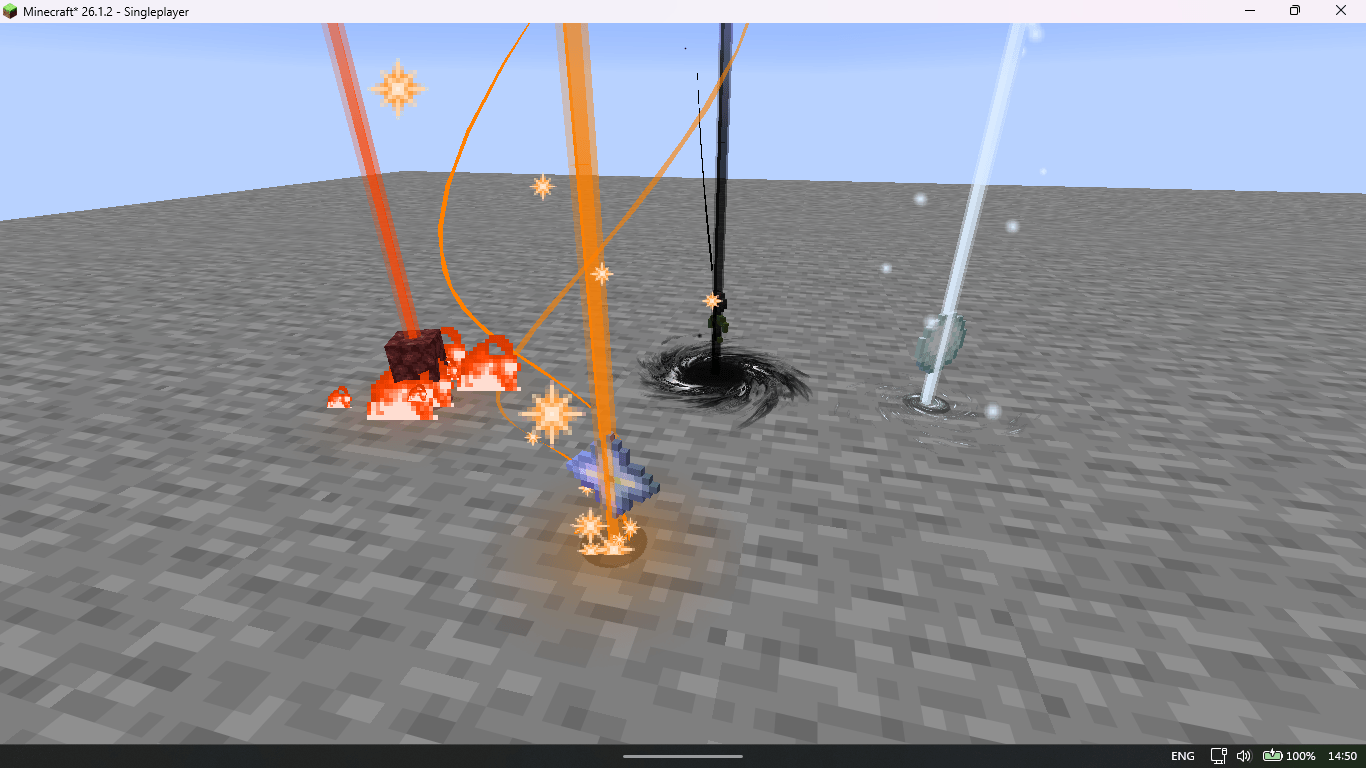
Captura de pantalla (804).png
Captura de pantalla (803).png
Description
Loot Beams Reforged
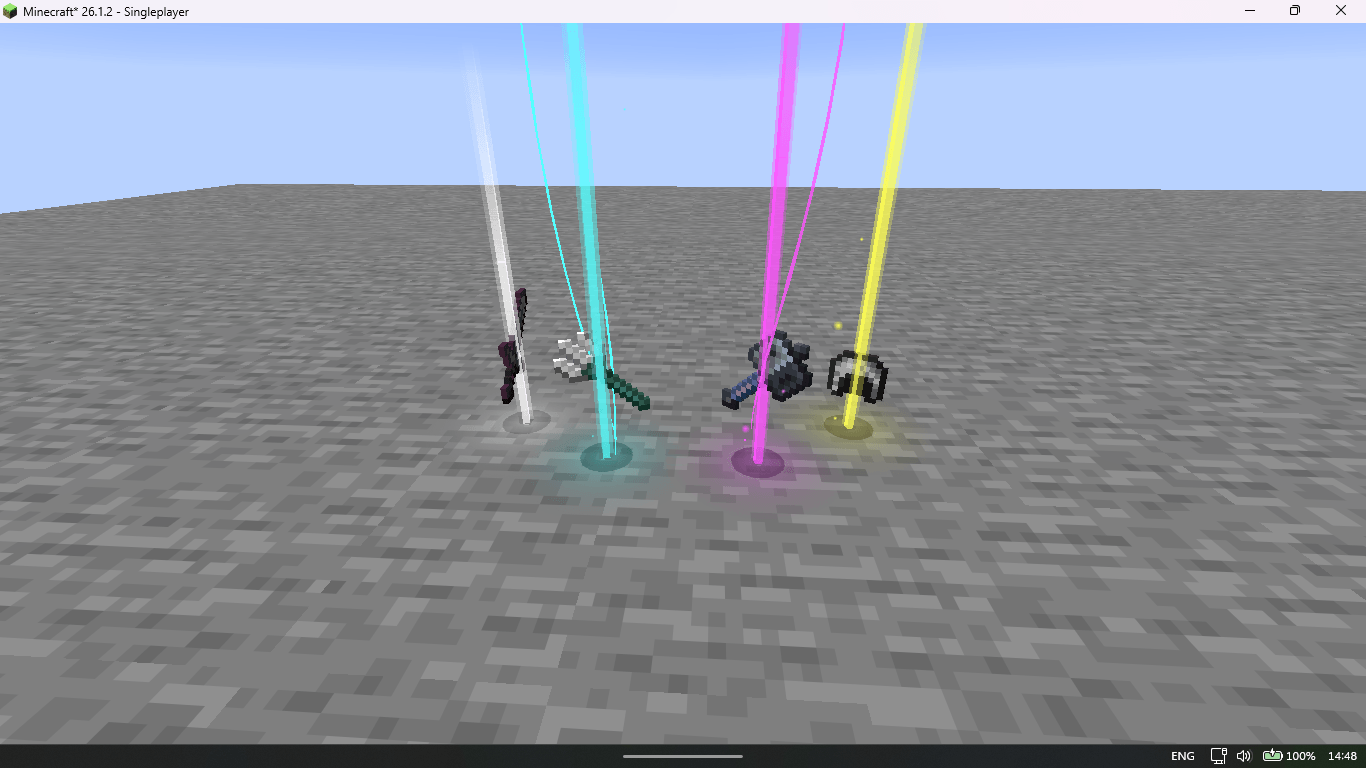
Renders highly configurable colored beams on dropped items!
An updated, multi-platform port of Loot Beams Up, bringing colorful and customizable loot beams to modern Minecraft versions so the mod doesn't stay stuck in 1.21.1.
📖 Description
Loot Beams Reforged is a client-side mod that adds a beam of light to every dropped item, making your loot impossible to miss. Each beam is fully customizable: its color can follow the item's name or rarity, and you can fine-tune nearly every aspect of the beam, the nametag, the particles, and the ground glow.
Because it's client-side only, it works on vanilla servers and on any server that doesn't have the mod installed — just drop it into your mods folder and your loot will light up.
This project is a faithful continuation of Loot Beams Up (itself a Fabric port of the original Loot Beams for Forge), modernized and ported to newer Minecraft versions and additional mod loaders.
🌟 Features
- Beams on every item : all dropped items get a colored beam by default.
- Smart colors : beams automatically pick a color based on the item's name, rarity, or custom NBT overrides (
lootbeams.color: "0xFFFFFF"). - Two render modes : the classic vertical Beam, or Droplight (inspired by the Droplights mod).
- Nametags & tooltips : see an item's name by looking at it, crouching, on item frames, or in third-person view.
- Ground glow effects : customizable ground glows with custom textures and animated sprites (
.mcmeta). - Particles & trails : fully configurable particle trails with custom, animated particle textures.
- Custom rarities : define rarities with their own colors and effects via
minecraft:custom_data, selectors, and translatable strings. - Animated & gradient beams : animated beams plus gradient colors for both beams and ground glows.
- Shader support : works with Iris in both Loot beam and Droplight modes.
- Preset manager : save, load, and share your setups (Numpad 5 by default).
- Legendary Tooltips support : beams and tooltips integrate with Legendary Tooltips.
- Whitelist / blacklist : control exactly which items get beams.
- In-game config : configure everything through Mod Menu / Cloth Config.
- Zero server-side requirements : runs on vanilla servers.
⚙️ Compatibility
- Minecraft Versions : 1.21.1, 1.21.11, 26.1.x, 26.2 and 26.3.
- Modding Platforms :
- Fabric : ✅ Fully supported!
- NeoForge : ✅ Fully supported!
- Environment : Client-side only.
- Mod Compatibility :
- Iceberg — library compatibility
- Iris — shaders support
- Legendary Tooltips — rarity / tooltip integration
- Mod Menu — in-game config screen
- Prism — animated gradient colors
- Cloth Config — configuration backend
📦 Installation
- Download the mod : grab the latest version from Modrinth.
- Install the loader : make sure you have Fabric Loader or NeoForge installed for your Minecraft version.
- Add the mod : place the
.jarfile into yourmodsfolder. - Launch the game : start Minecraft and watch your loot light up!
- (Optional) install Mod Menu + Cloth Config for the in-game settings screen.
🛠️ Contributing & Feedback
Contributions, ideas, and bug reports are always welcome!
- Found a bug? Report it on GitHub Issues.
- Have a feature request? Open a suggestion thread.
- Want to contribute? Fork the repo and submit a pull request.
📄 License
This mod is licensed under the MIT License. See LICENSE for details.
❤️ Acknowledgments
Loot Beams Reforged wouldn't exist without the amazing work that came before it:
- shiroroku — creator of the original Loot Beams (Forge).
- EnsoX — author of Loot Beams Up, the Fabric port this project continues.
- Grend (AHilyard) — for Iceberg and Legendary Tooltips.
- IMS (IMS212) — for the Droplights mod and the Droplight render idea.
- VanderCat — contributions.
Created by [RazorPlay01] — thank you for using the mod and being part of the Minecraft modding community! If you enjoy the mod, please consider leaving a review or a like — it helps a lot!
Loot Beams Reforged Team

Owner