List Order
- By
Drag your worlds and servers into the order you want. Saved. The world folders are never touched.
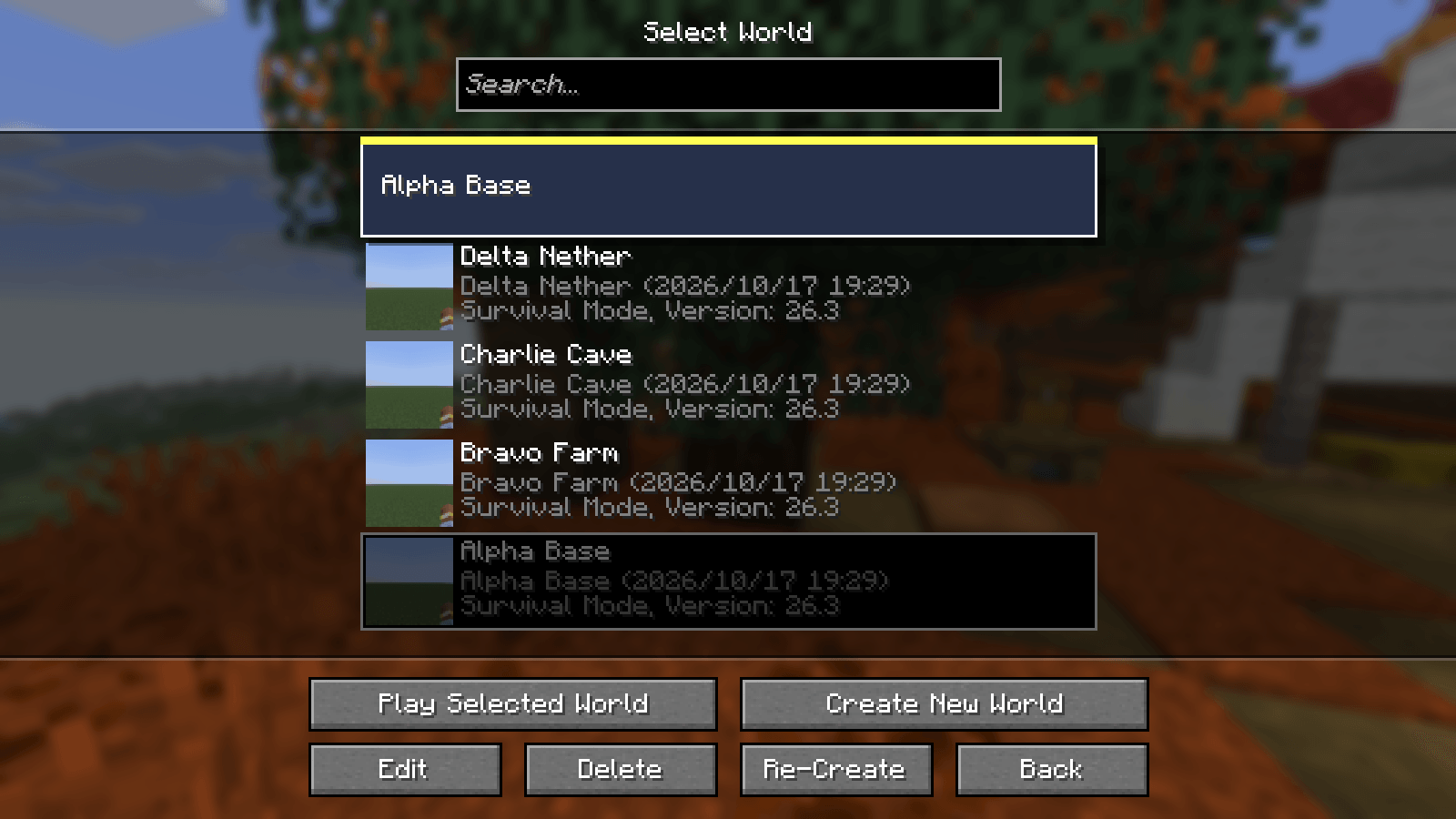
gametest-green-worlds-2-dragging.png
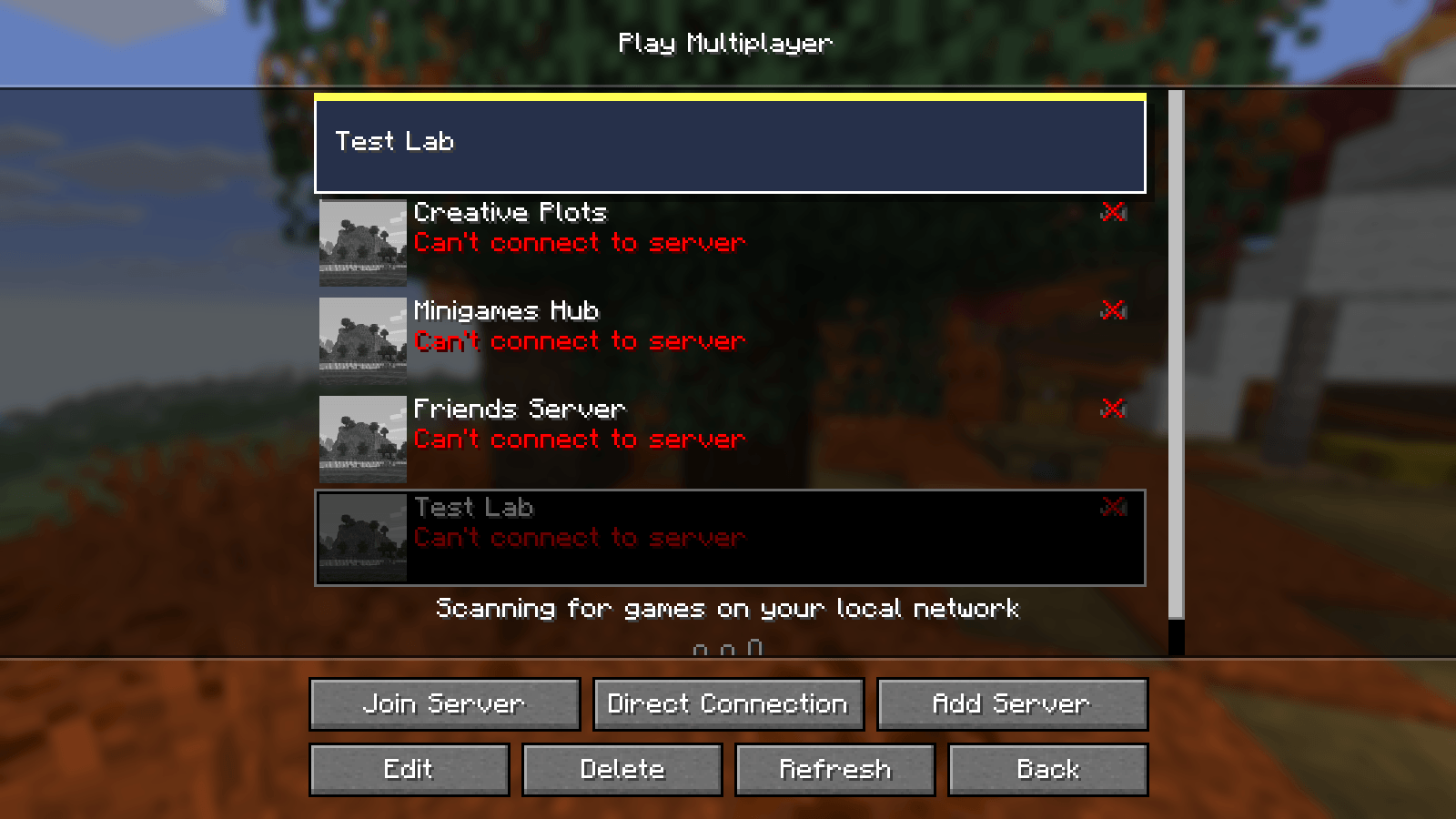
gametest-green-servers-2-dragging.png
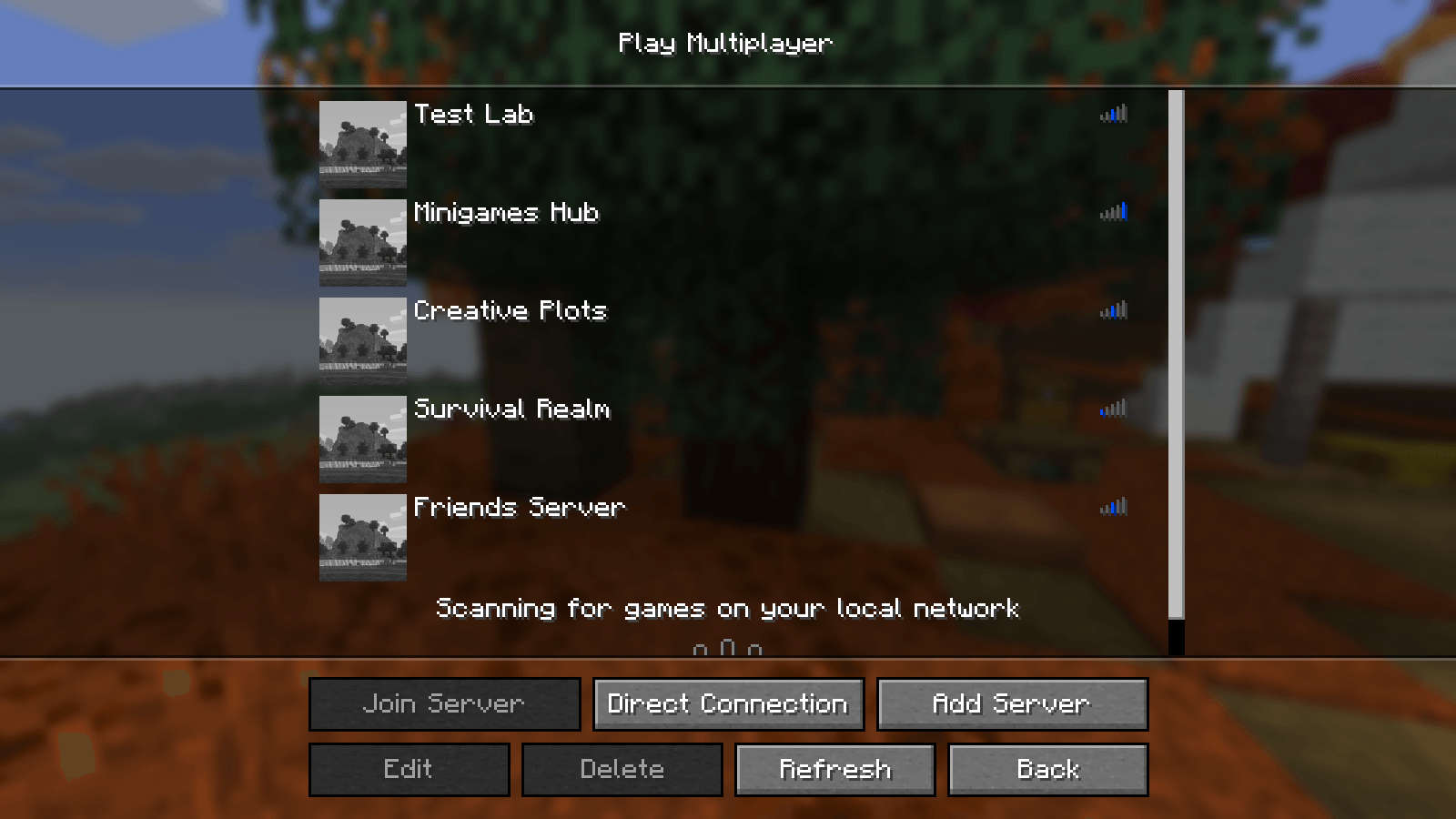
gametest-green-servers-4-reopened.png
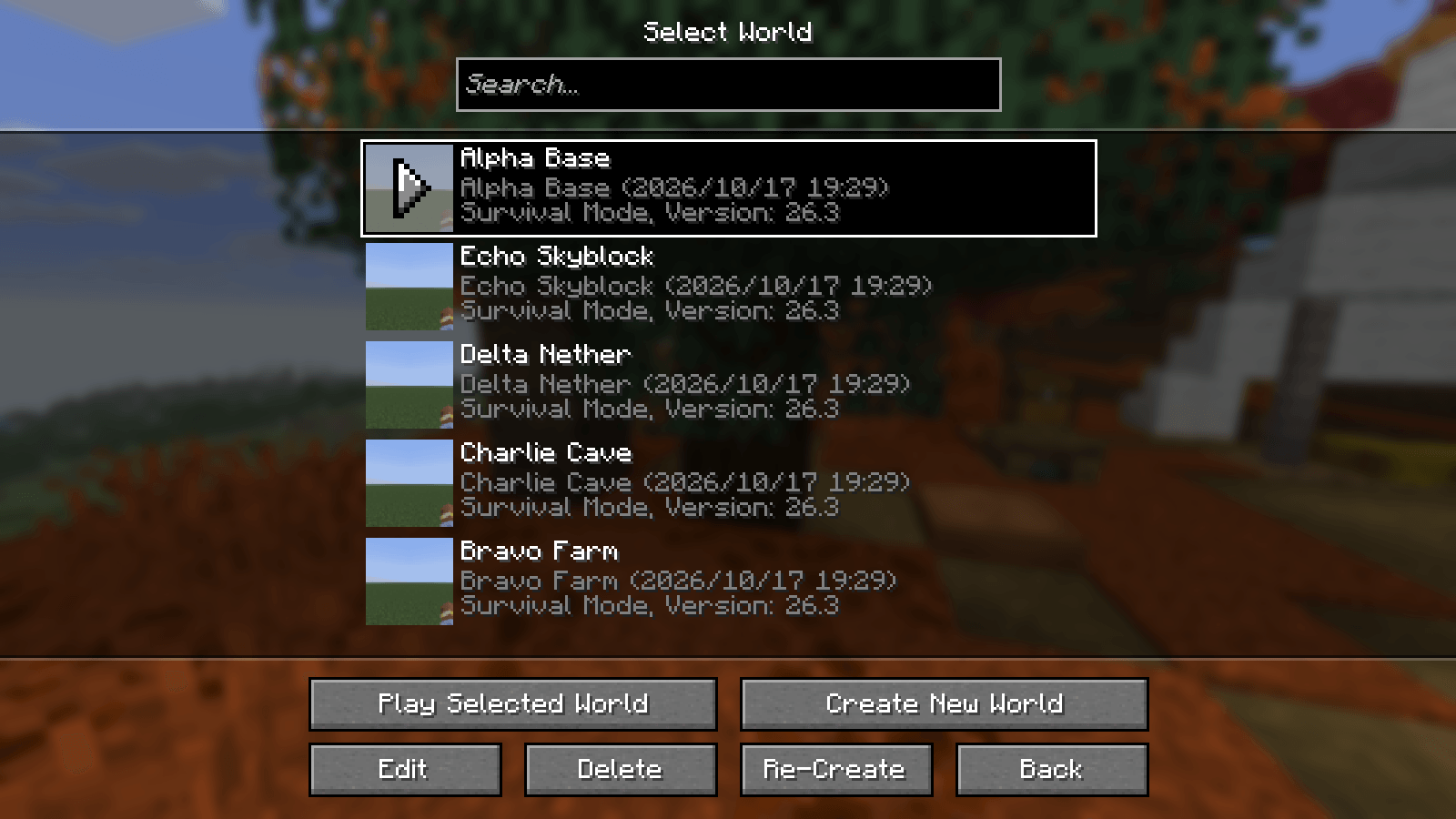
gametest-green-worlds-3-after.png
Description
You have played for a while and your world list is a pile: the world you play every day is third from the bottom, a test world sits on top, and the list only ever sorts by "last played". The server list has the same problem, and the game's own way to move a server is a tiny arrow on its icon that moves it one place per click, so moving a server from the bottom to the top of a long list takes a dozen clicks.
Where: the "Select World" screen (Singleplayer) and the "Play Multiplayer" screen.
What you can do: press on a row's name (not on its icon), drag it up or down, and let go. A copy of the row follows the pointer and a yellow line shows where it will land. If the list is longer than the screen, hold the row near the top or bottom edge and the list scrolls.
Worlds: the game has no manual order for worlds (it sorts by last played). With this mod you can set one. It is saved in a small file of its own, config/listorder/worlds.txt, one world folder name per line. The world folders themselves are never opened, renamed or written. A world you have not placed yet (a new one) stays on top; the rest follow your order. To go back to the game's own order, delete that file. Servers: the game already has the little up/down arrows (one place per click) and Shift + Up/Down; both keep working. This mod adds the drag, so a server can go anywhere in one move. The order is saved where the game keeps it, in servers.dat, using the game's own save code (which also leaves its usual servers.dat_old). Before the first change of a session, servers.dat is also copied to config/listorder/backups. Esc during a drag drops it. A press and release without moving is the game's ordinary click. Shift + Up/Down moves the selected world one place (click a world first to select it). Result: in the automated test (a real game window, five real worlds and five servers, the mouse driven through the game's own input), dragging the bottom world to the top gave exactly the new order on screen and in the saved file, the world folders were byte-for-byte unchanged (every file's size and date), reopening the list kept the order, and the same for servers (read back from servers.dat with the game's own loader, with a backup that equals the file from before the drag). With the mod switched off, the same drags do nothing (the test fails).
List Order Team