LastView
- By
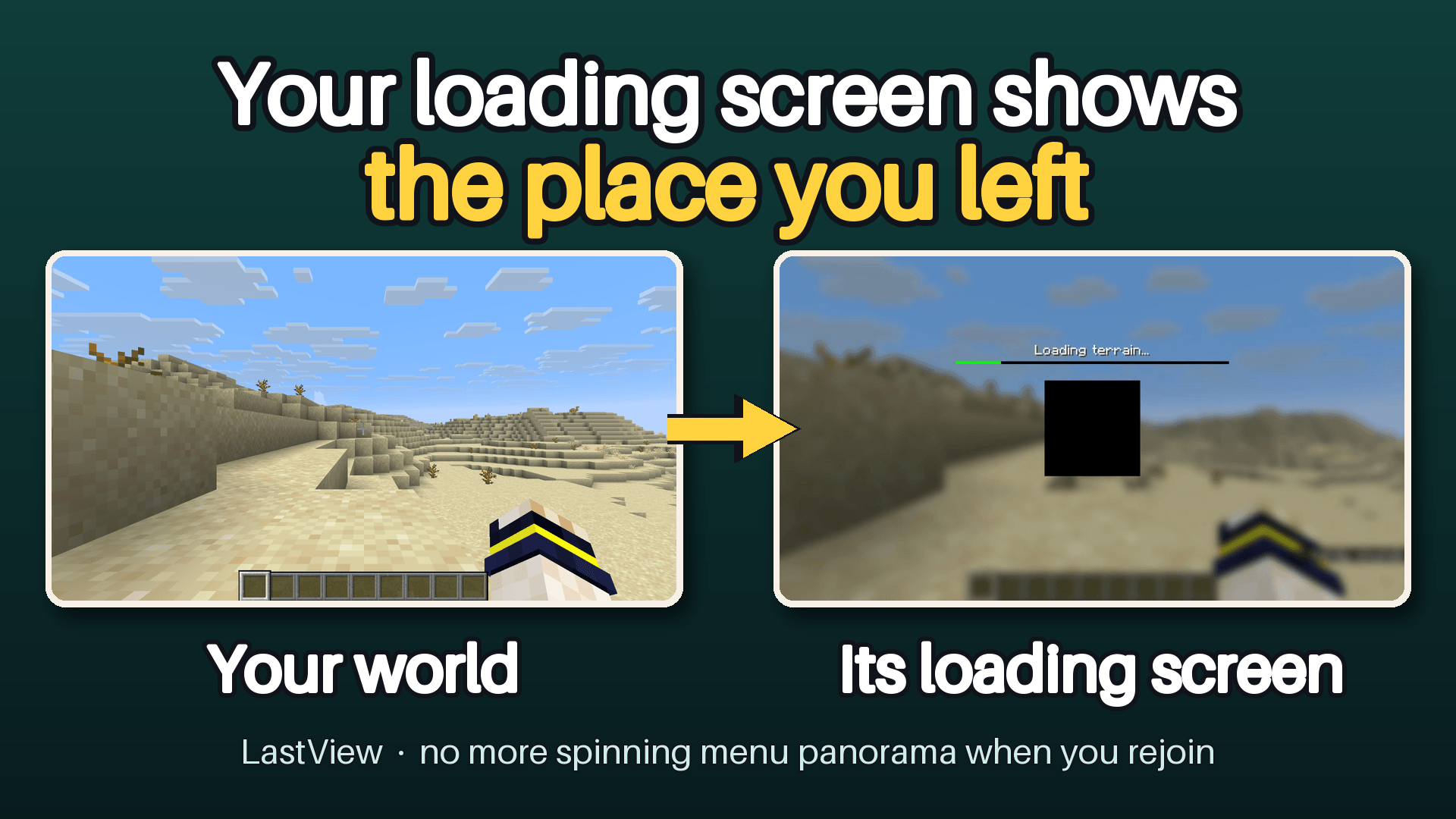
Your loading screen shows the place you left. Rejoin a world and its loading screen has your last view behind it instead of the menu panorama.
1-thumbnail.png
2-in-world.png
Description
Works on Minecraft 26.3.
You click your world, and for the next few seconds you look at the same spinning menu panorama as always. Then the world pops in from nowhere.
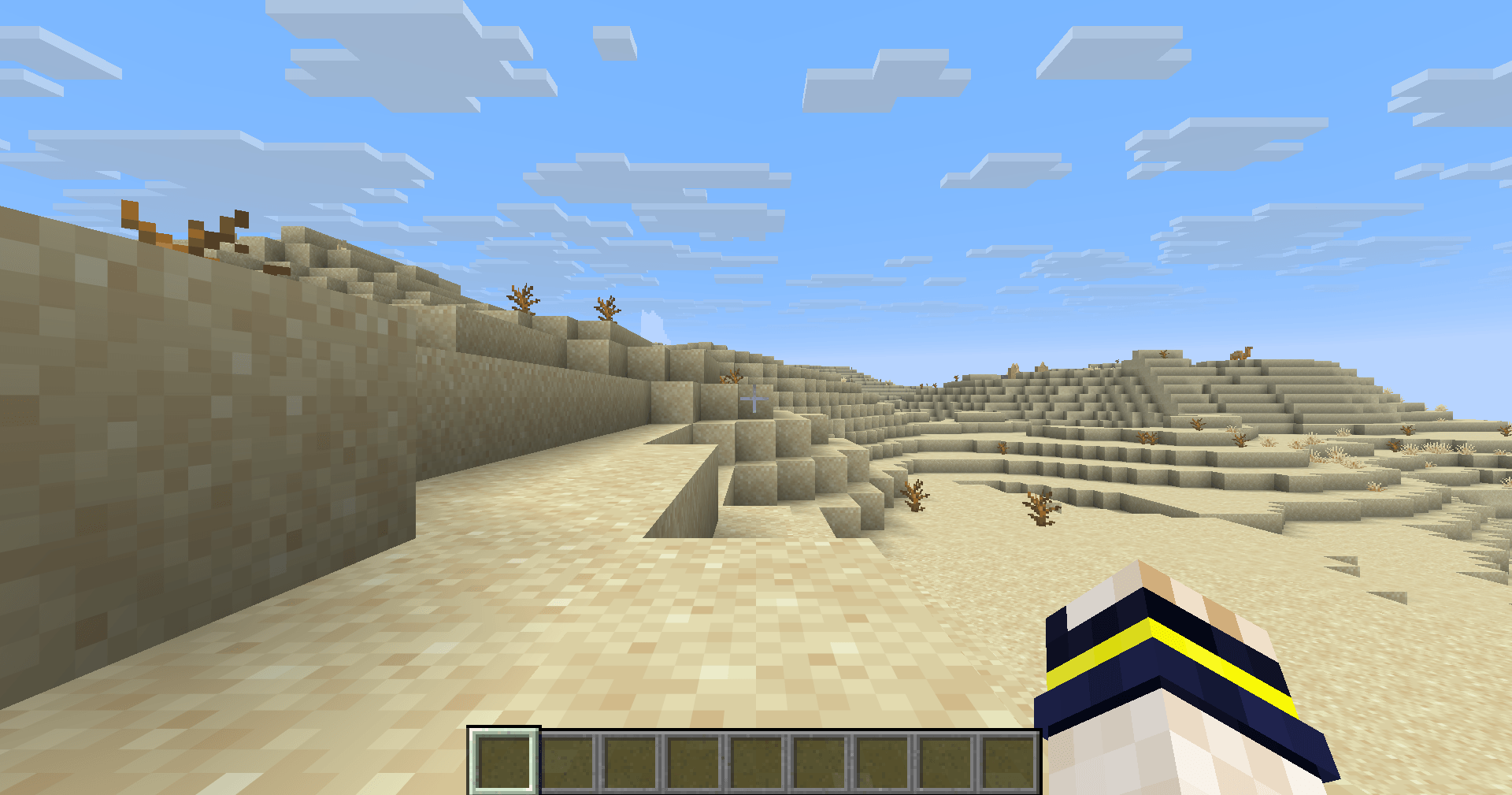
With LastView, the loading screen shows the place you are about to return to: the view you had when you last left that world or server, softly blurred behind the usual loading text. When loading finishes, you are back in that same place.
What you see in game
- Leave a world. Join it again. Behind "Loading terrain…" is the view you left, with the same blur and dimming Minecraft uses for its own menus.
- The first time you join a world with LastView installed, you see the normal background. Each world has its own picture (checked with two worlds). So does each server (by design; not yet tested).
- Changing dimension or respawning is not affected: the picture only appears when you join.
Built not to get in your way Mods that touch the join and leave path have a way of breaking exactly there. LastView is built around a few hard rules:
- Nothing special happens when you leave. The picture is taken quietly while you play (every 5–15 seconds, only when no menu is open) and written to disk about once a minute, in the background. Leaving a world just writes the picture it already has. There is no extra rendering at "Save and Quit".
- It adds no screen of its own and never touches your mouse or keyboard. It only changes what is drawn behind the vanilla loading screen.
- It does not change how you connect or disconnect. It only notes which world or server you picked, and is told by Fabric when you have left.
- Built so that if the loading-screen hook can't attach — a Minecraft hotfix changed that code, or another mod replaced it — LastView does not crash the game: you get the normal background, and /lastview says so. A new Minecraft version (26.4 and later) needs a new build of the mod.
- Built so that a kick, a server stop or a crash still leaves a recent picture (written at most about a minute earlier). Not yet tested by causing one.
Servers
- Not yet tested on a real server.
- Pictures are kept per server and per account, so two accounts never see each other's view.
- Some servers always send you to a lobby when you join. LastView notices when the place you arrive is not the place you left twice in a row, stops keeping a picture for that server, and tells you once. /lastview here on turns it back on. (Servers only; singleplayer worlds are never treated this way.)
- Realms are left alone in this version (no picture is shown or stored).
Your pictures stay on your computer
- Pictures are stored in the lastview folder of your game directory, reduced in size and blurred so that on-screen text such as chat cannot be read by eye.
- File names are codes, not names, and are mixed with a random value kept in your config, so they cannot be worked out from a server address. This mod does not write world names or server addresses in readable form. Next to each picture is a small note with the dimension, the coordinates where you left, and the time — in plain text.
- /lastview clear deletes all of them, and the one in memory. While LastView is on, a new picture of the world you are in is taken again within about 15 seconds and written to disk within a minute (seen on a real client: back after 40 seconds); use /lastview off first if you want none. /lastview here off stops taking, storing and showing a picture for the world or server you are in, and deletes the one it has. Pictures you have not used for 30 days are removed automatically, and at most 200 are kept.
- Nothing is ever sent anywhere. There is no network code.
Commands /lastview — status · on | off · here on | off — keep a picture for this world or server, or not · style soft | softer | band · clear
Small and self-contained Needs Fabric API. Nothing else: no config library. About 65 KB, no bundled native libraries.
Good to know
- The picture is what was on your screen: the world plus your HUD (hotbar, health, and any chat lines or coordinate display visible at that moment). It is blurred so the text cannot be read, and Minecraft's menu blur is added on top. /lastview style offers two alternatives.
- A style change applies the next time a picture is written. If you change the style and leave within a few seconds, the stored picture may still have the old style; it updates on your next visit.
- The picture is the view from up to a few seconds before you left, not the exact last frame. If you move and leave at once, you see the place you just came from.
- A picture taken at night or in a cave is dark, and with the menu dimming on top the loading screen can look almost black.
- While you play, the screen is read back every 5–15 seconds (never while a menu or the chat is open, or just after it closed). On a window whose size does not divide evenly, the whole screen is read (every 15 seconds). If you notice a hitch, /lastview off stops it.
- When you close the game, LastView may wait up to 2 seconds for the last picture to finish writing.
- Checked on Windows, in singleplayer, with two worlds. Servers, the lobby detection, macOS and Linux have not been tested yet.
- If another mod replaces or skips the loading screen, the picture may not appear. Nothing else is affected.
- Minecraft 26.3 (and its hotfixes).
Requirements Fabric Loader 0.19.5+, Fabric API, Minecraft 26.3.
Source: https://github.com/hullspark/fabric-mods
Disclosure: this mod was written largely by AI (Claude) under the author's direction, and tested on a real Windows client. It does not reuse code or assets from other mods. Client-side only; it does not collect or transmit any data.
LastView Team