GraveSafe
- By
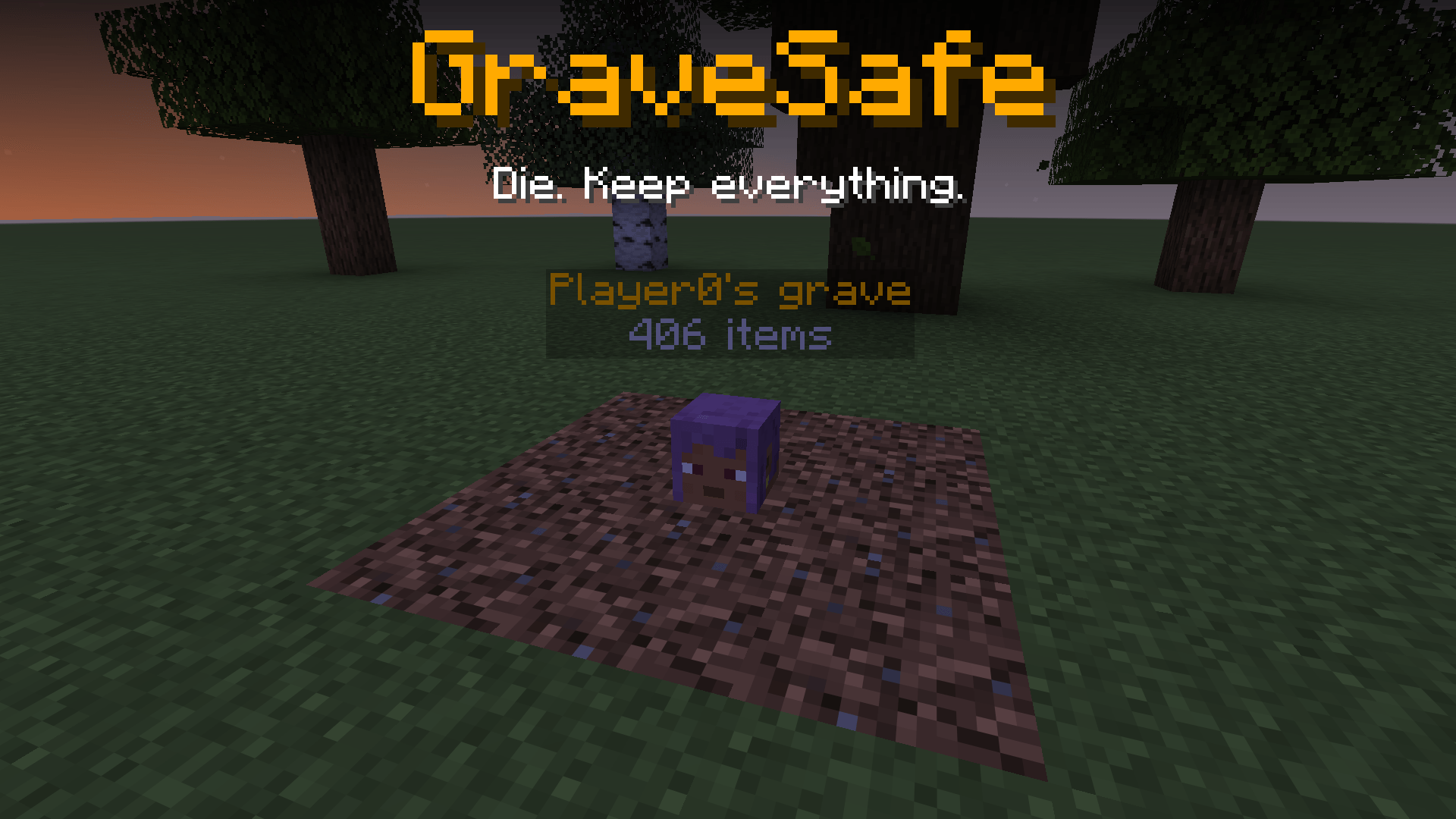
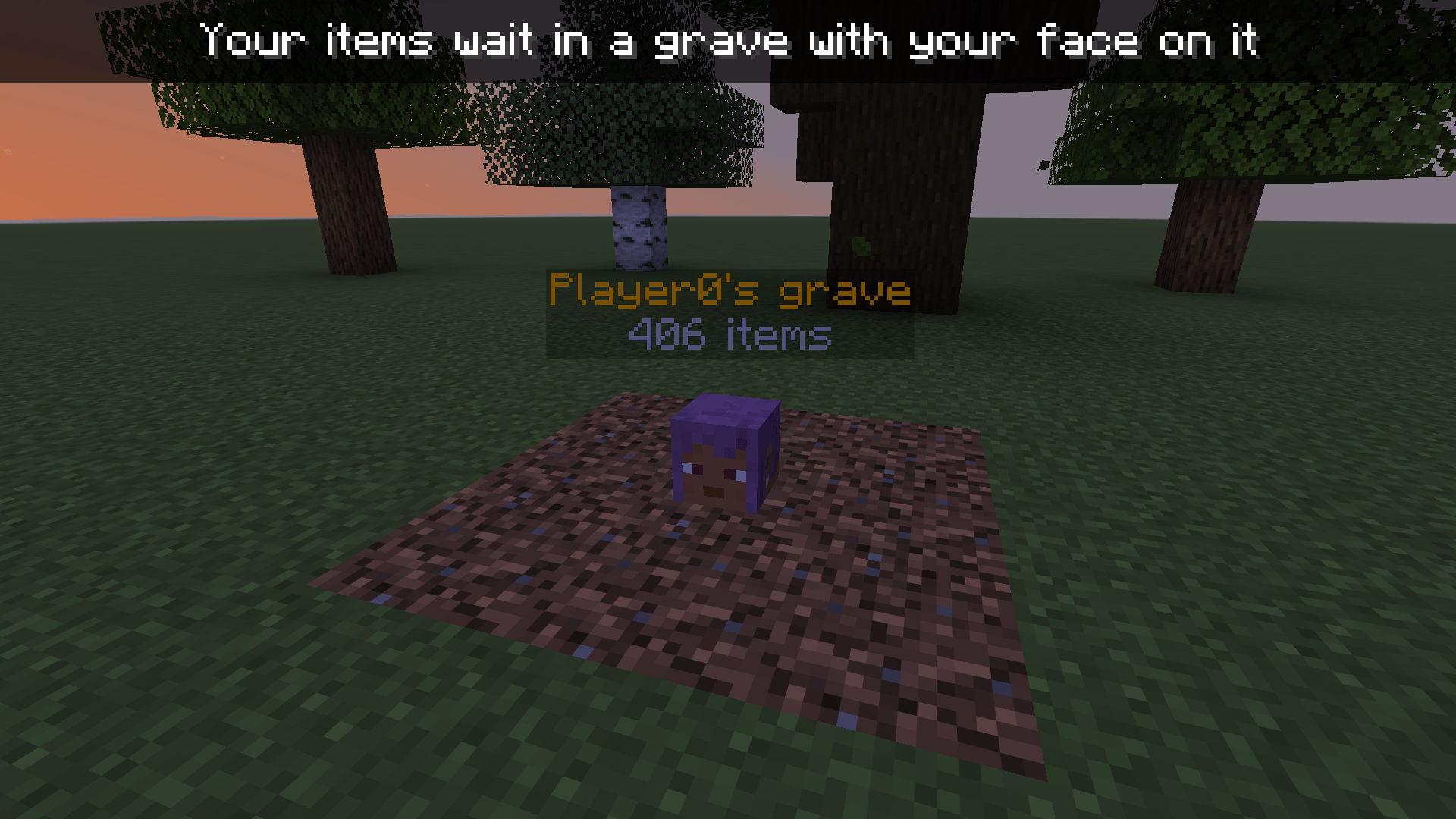
When you die, your items go into a grave marked with your own head. Only you can open it, and everything goes back into the same slots. Server-side.
thumbnail.png
1_grave.png
2_same_inventory.png
3_reclaim.png
Description
GraveSafe
Die. Keep everything.
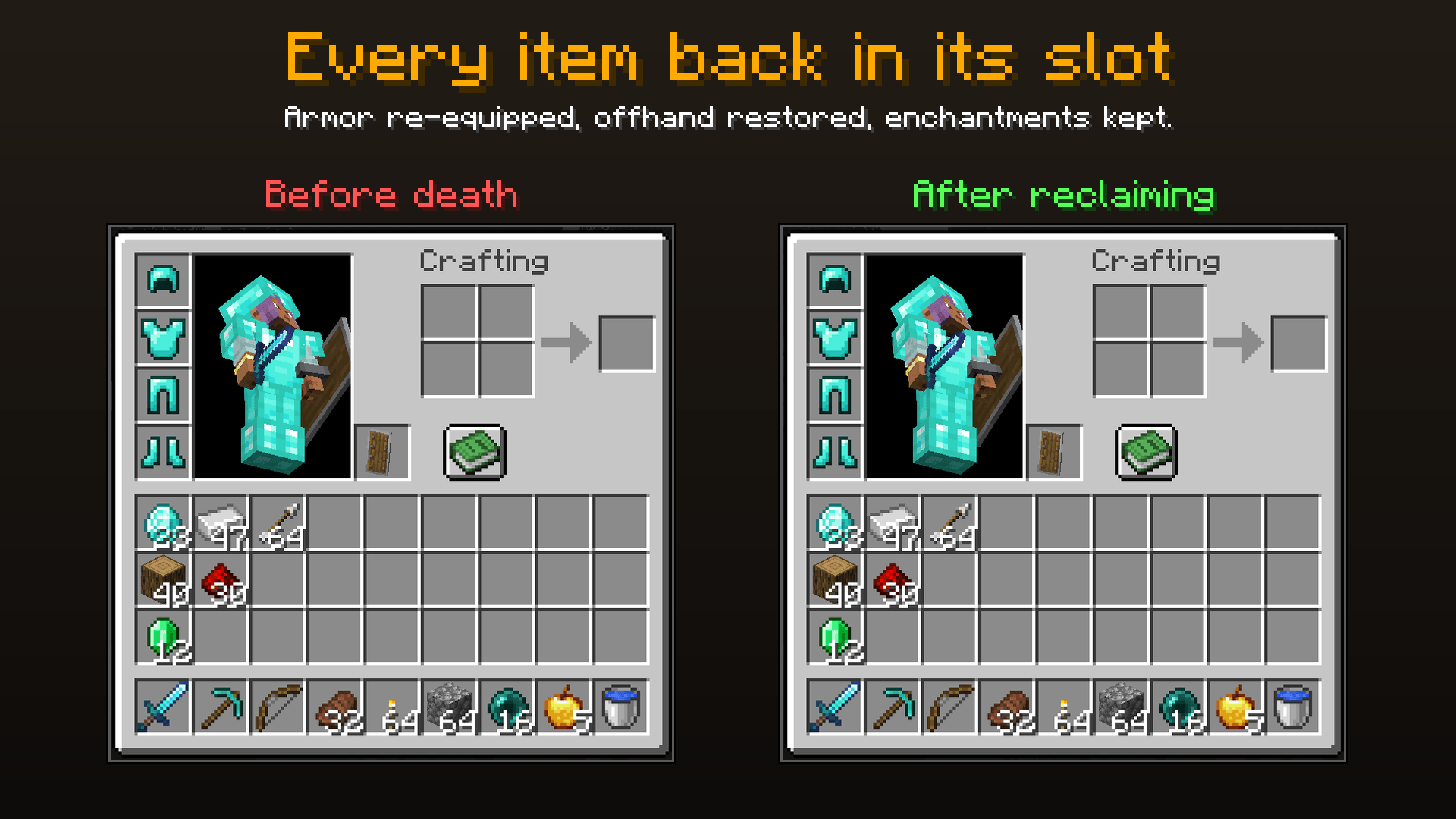
When you die, your items don't scatter on the ground to despawn, burn in lava or get picked up by someone else. They go into a grave marked with your own head and a floating name label. Walk back, right-click it, and every item returns to the exact slot it came from, with your armor back on.
No client install, no new blocks to learn, and works on any Fabric server.
Features
- 🪦 Your head marks the spot. The grave is a player head showing your skin, with a floating "Name's grave · N items" label above it.
- 🔒 Only you can open it. Other players can't open or break your grave. Server operators can open any grave. Optionally, graves can unlock for everyone after a set time.
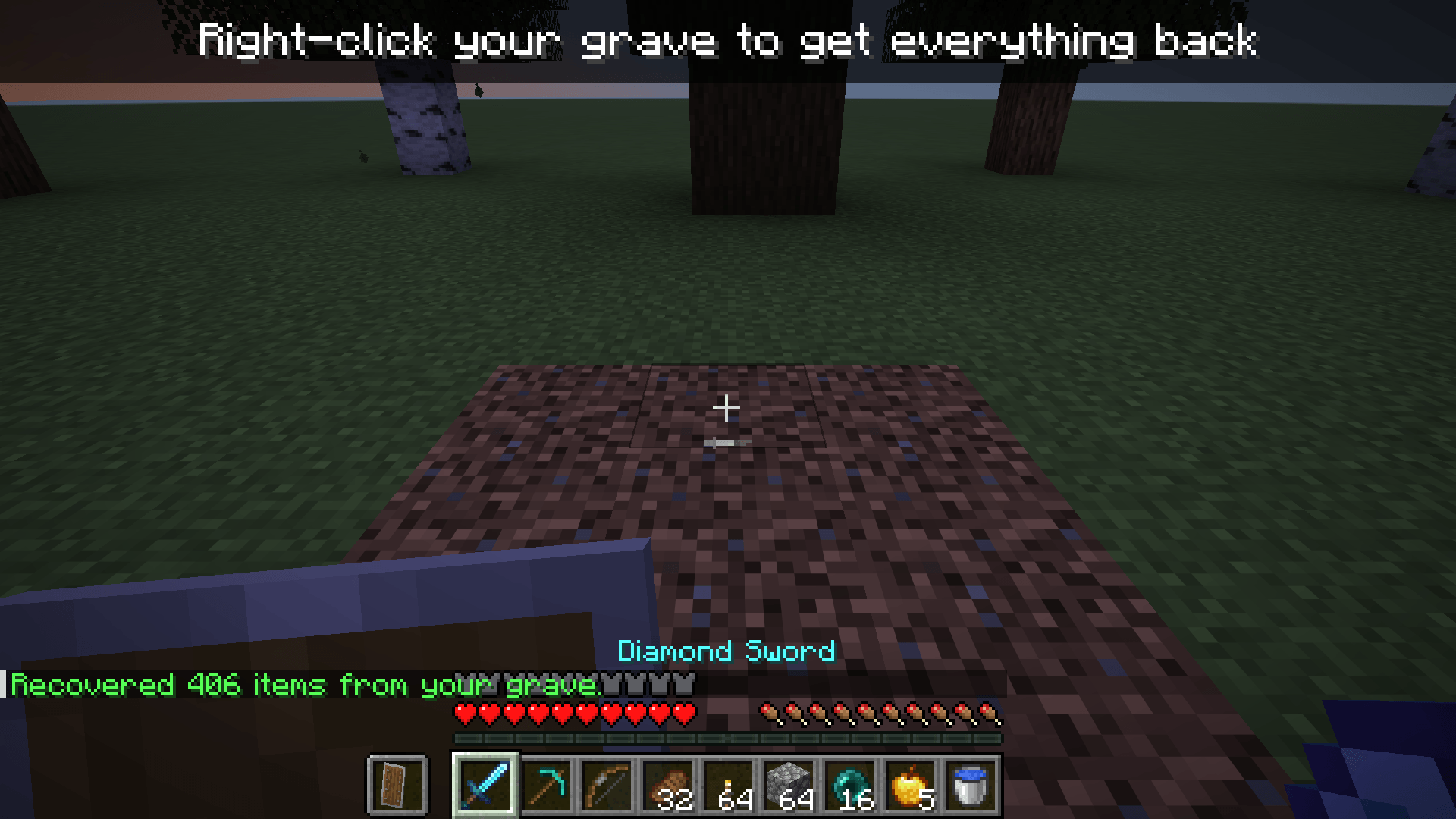
- 🎒 Everything back where it was. Right-click (or break) your grave: hotbar, inventory, armor and offhand all go back into their original slots. If you've picked up something new in a slot since, the grave's item goes into a free slot instead, and anything that doesn't fit drops at your feet.
- ✨ XP is kept too. The XP you'd normally drop is stored in the grave and given back when you open it.
- 💾 Survives restarts. Graves are saved with the world, including enchantments and all other item data.
- 🛡️ Can't be destroyed. If a grave marker is blown up or pushed away by a piston, it puts itself back, and your items are never affected (they're stored separately, not in the block). No free player heads either.
- 🕳️ Void deaths handled. Fall into the void and your grave appears where you last stood on solid ground.
- 🧱 Never overwrites blocks. The grave goes in the nearest free space (air, grass, water and similar), never replacing solid blocks.
- ⚖️ Plays by the rules.
keepInventorystill works as normal (no grave needed), and Curse of Vanishing items still vanish.
How to use
- Die. (Sorry.)
- The chat tells you where your grave is:
Your items are safe in a grave at X Y Z. - Go back and right-click your grave (or break it). Done.
Forgot where it was? Type /gravesafe to list all your graves with coordinates.
Configuration
Settings are in config/gravesafe.json:
| Option | Default | Description |
|---|---|---|
unlockAfterMinutes |
-1 |
Minutes until anyone can open a grave. -1 = only the owner (and operators), forever |
storeXp |
true |
Keep your dropped XP in the grave instead of dropping orbs |
showLabel |
true |
Show the floating name label above graves |
Installation
- Requires Fabric Loader and Fabric API.
- Server-side. On a multiplayer server, only the server needs GraveSafe; players can join with a vanilla client and still see the head and label.
- Singleplayer: put it in your own
modsfolder.
Known limitations
- Items in extra slots added by other mods (for example accessory or trinket slots) aren't stored in the grave; they drop as they normally would.
FAQ
What happens if I die with an empty inventory? No grave is made.
Can other players steal from my grave? No. Only you and server operators can open it, unless the server turns on unlockAfterMinutes.
Do graves disappear? No, they stay until they're opened.
Licensed CC0 1.0: use it in any modpack, no permission needed.
GraveSafe Team