


Genesis - World Previewer & Pregenerator
- By

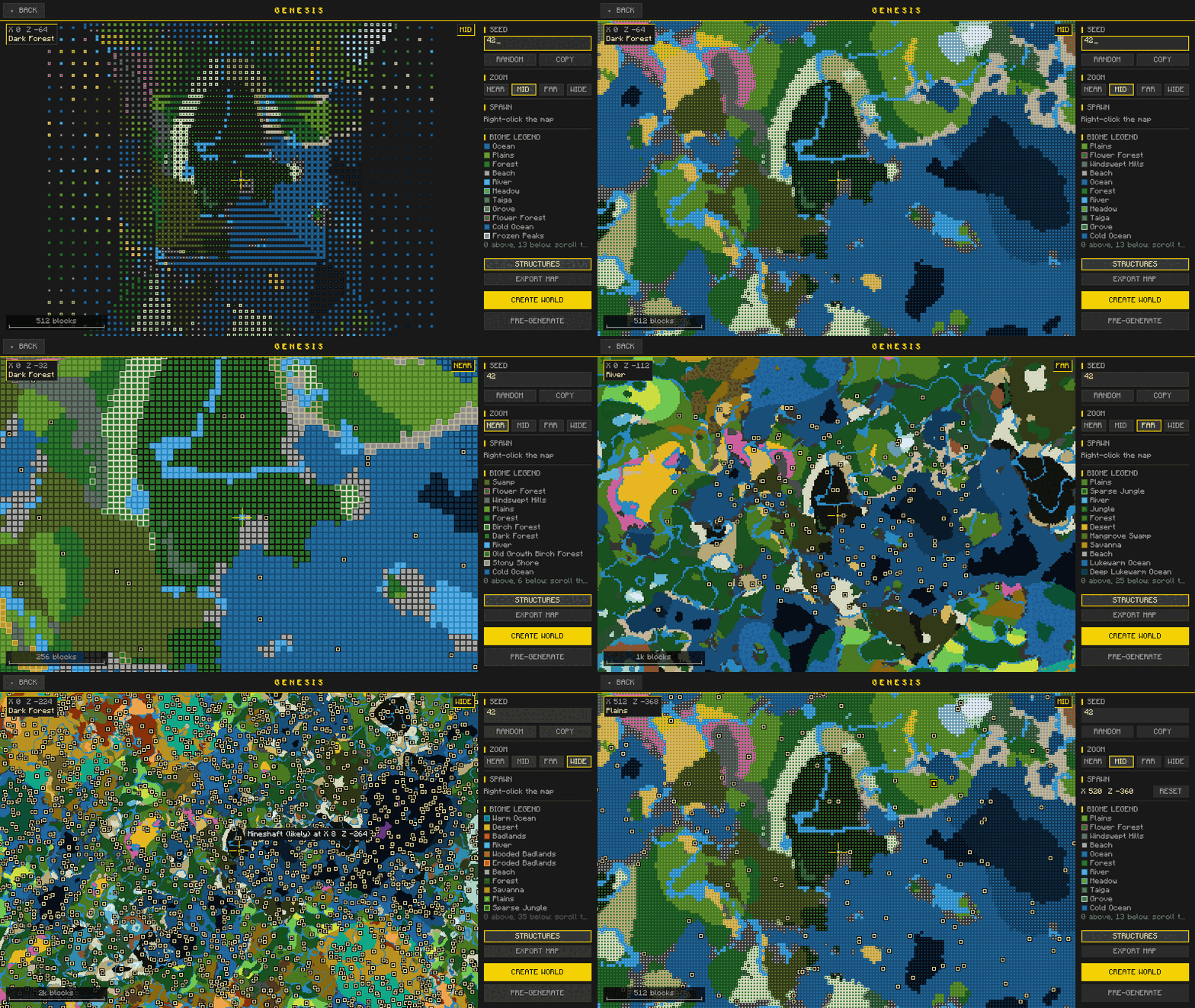
The biome map filling in for seed 42, then NEAR, MID, FAR and WIDE zoom with structure markers, and a right-click choosing the spawn point.
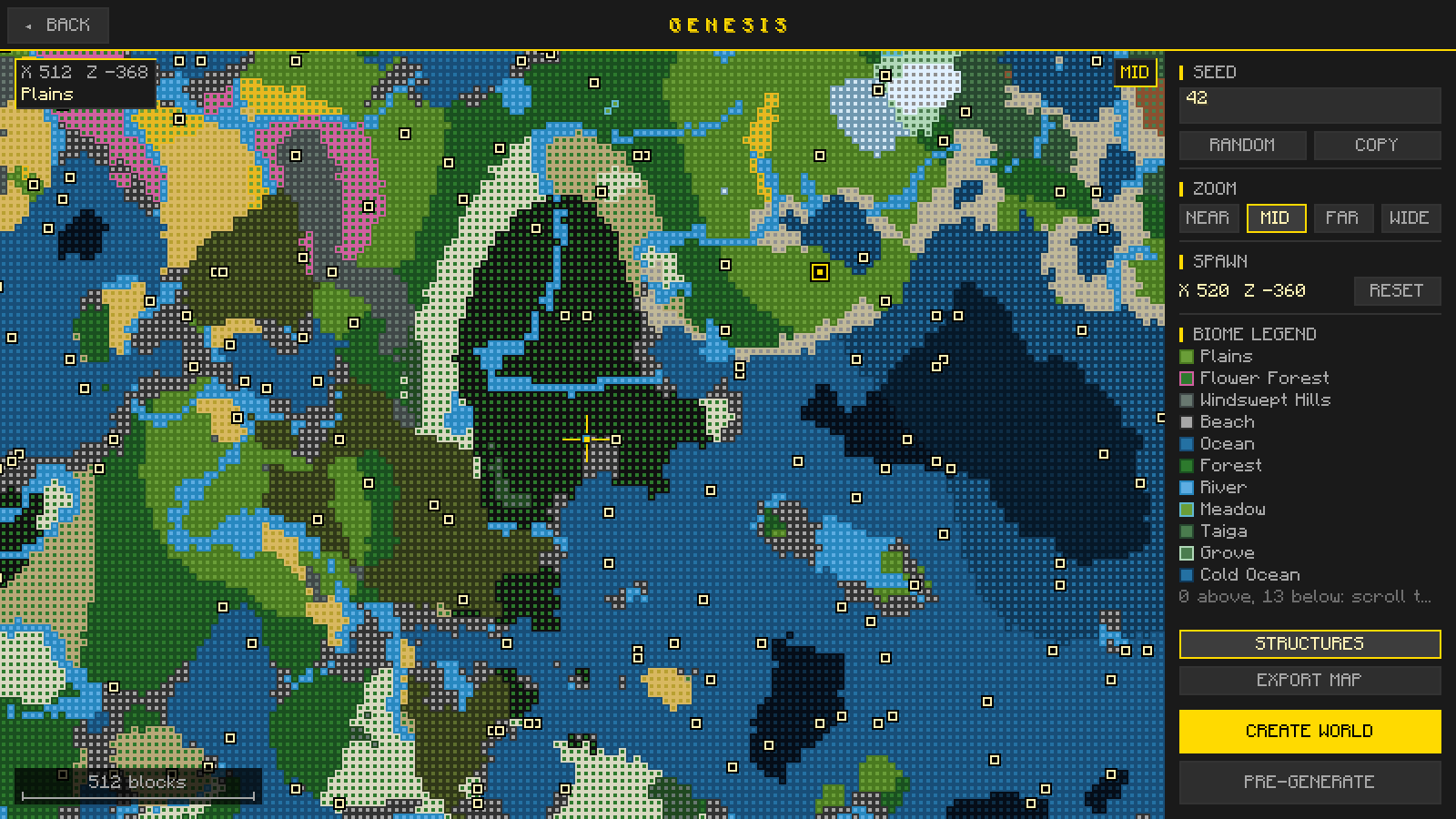
The preview on the Create World screen for seed 42 at MID zoom, with structure markers, the spawn point picked by right-clicking the map, and the biome under the cursor.
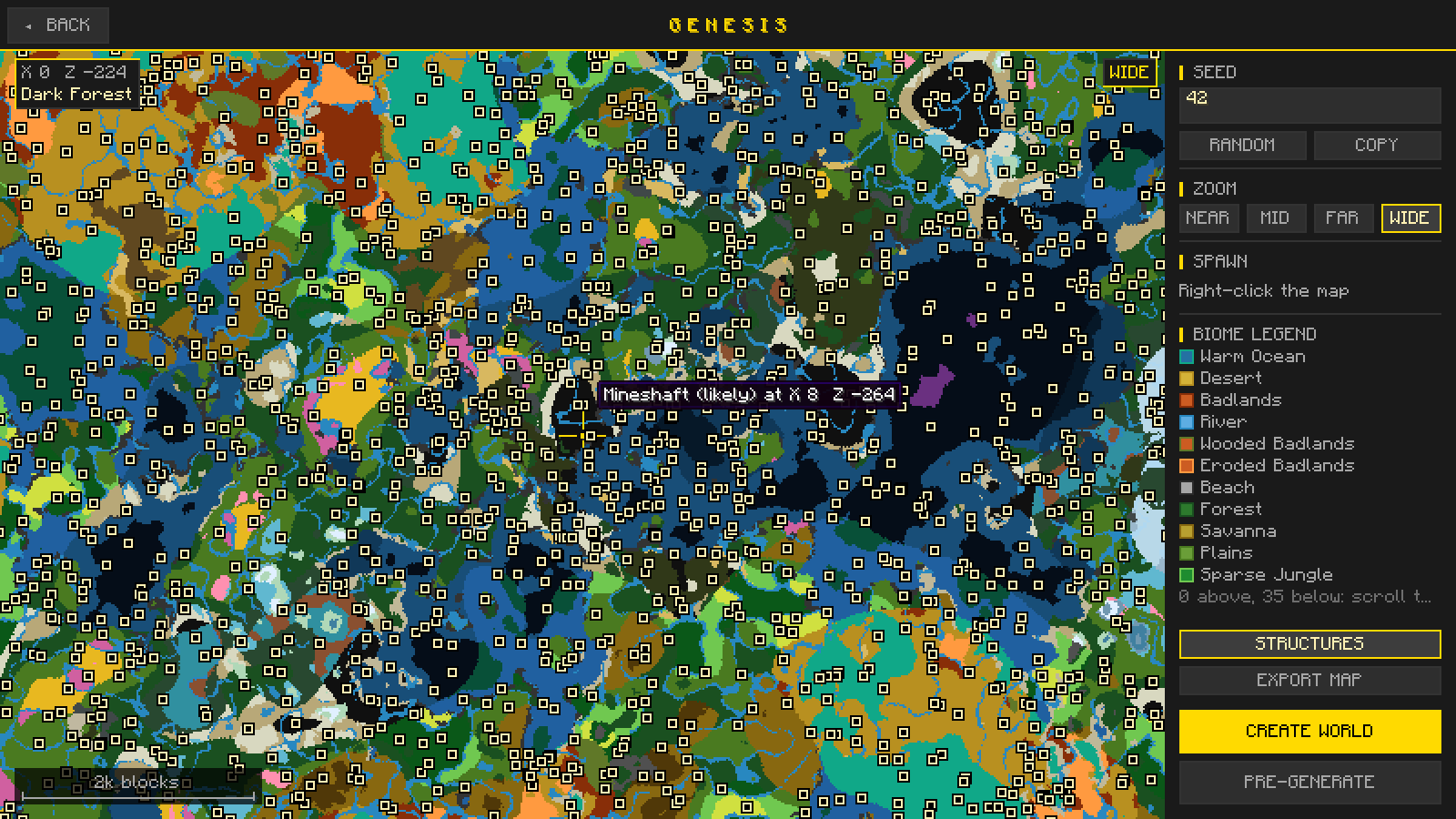
WIDE zoom shows a large area at once; hovering a marker names the structure and where it is.
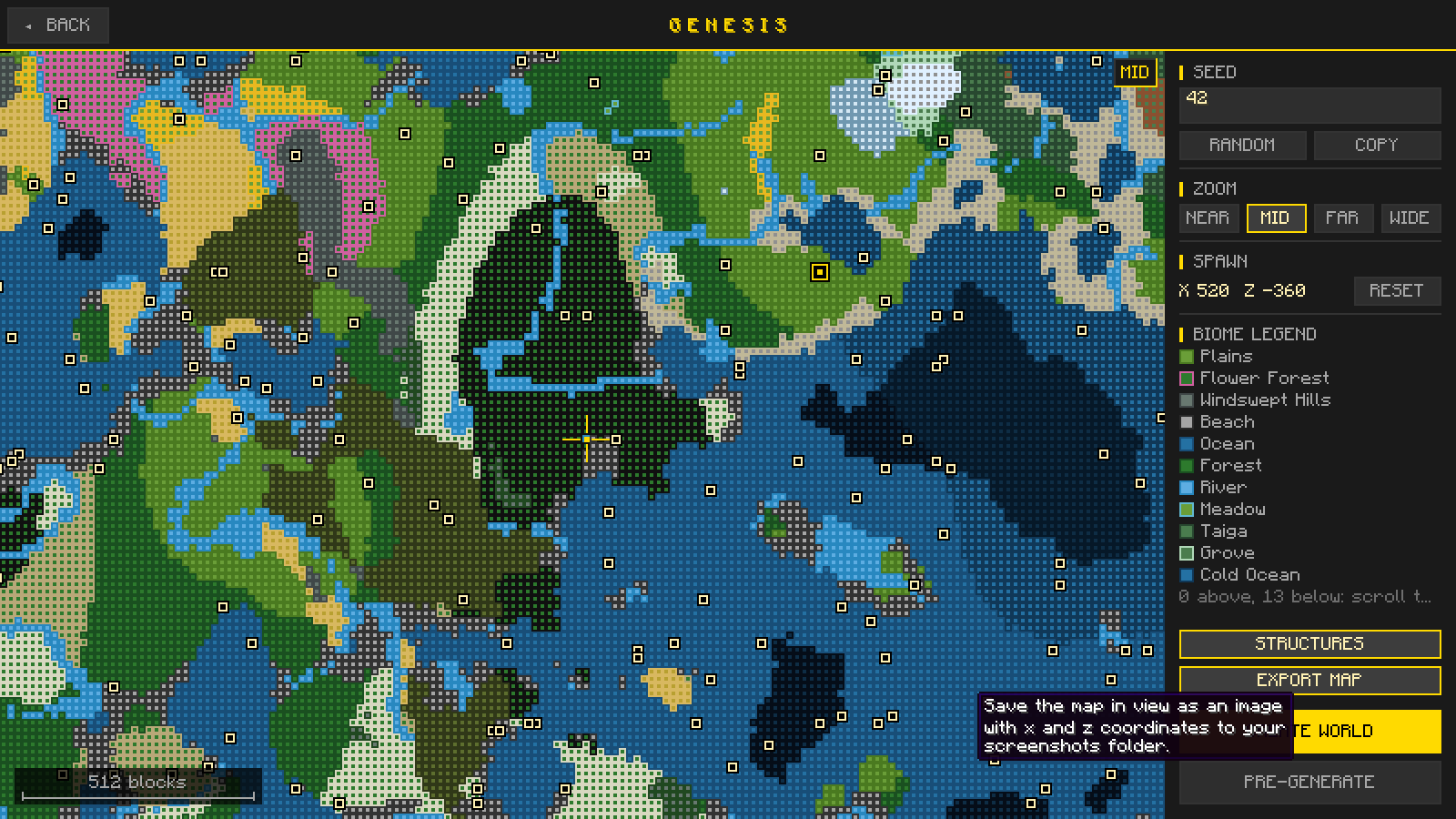
EXPORT MAP saves the map in view, with x and z coordinates, to your screenshots folder.
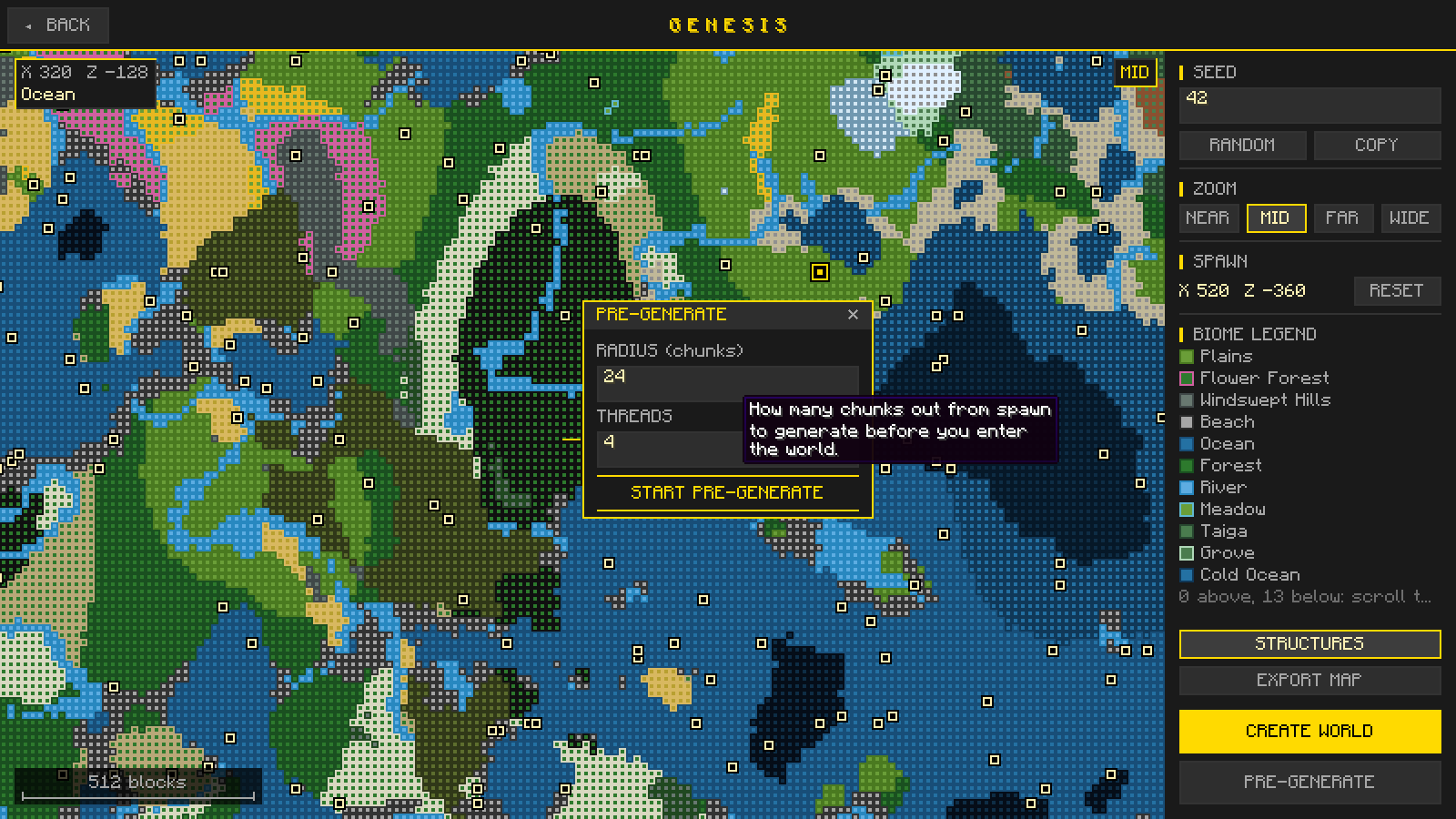
Choose how many chunks out from spawn to generate, and how many threads to use, before you enter the world.
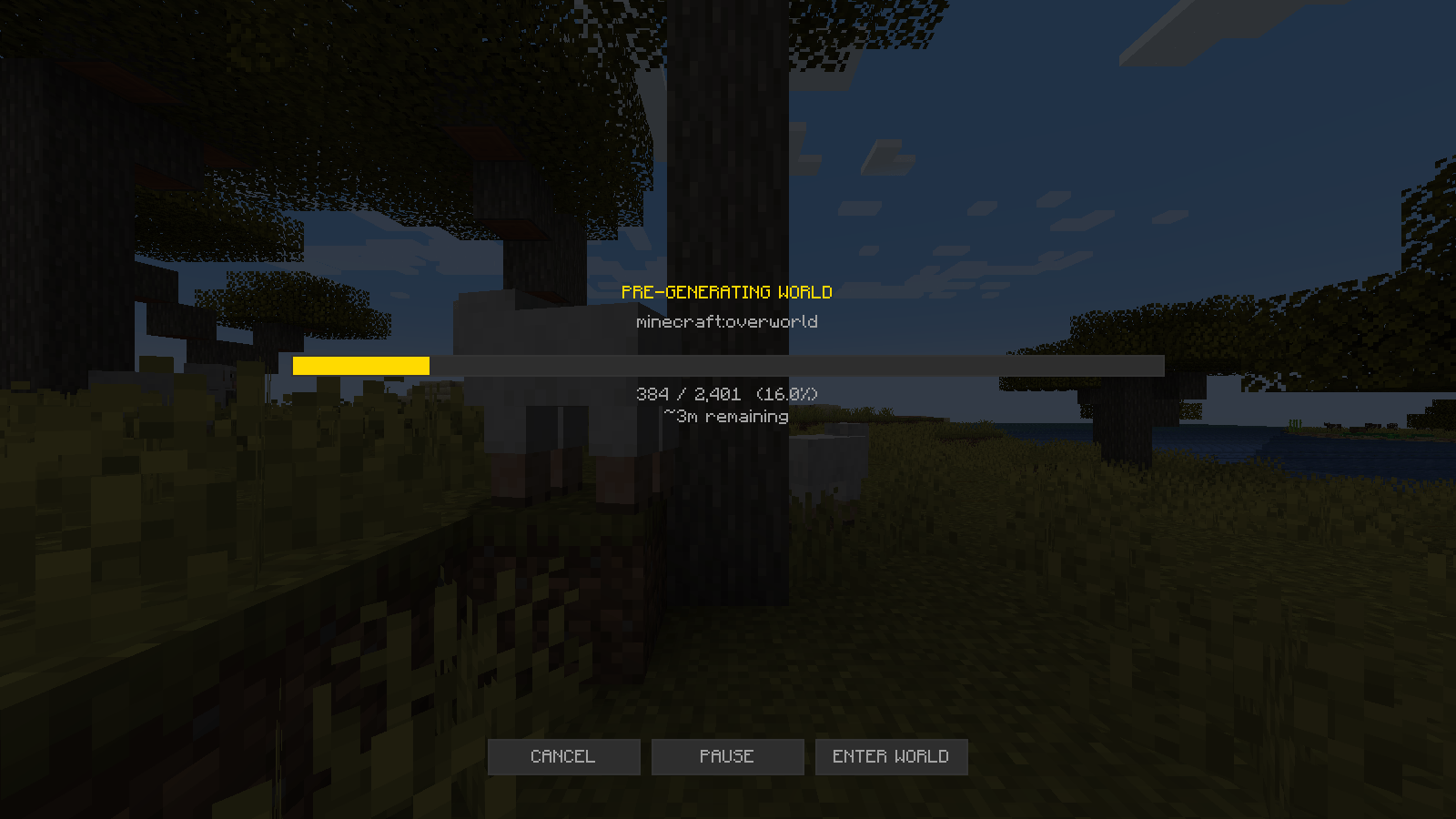
Chunks generated so far and the time remaining, with buttons to cancel, pause or enter the world while it keeps going.
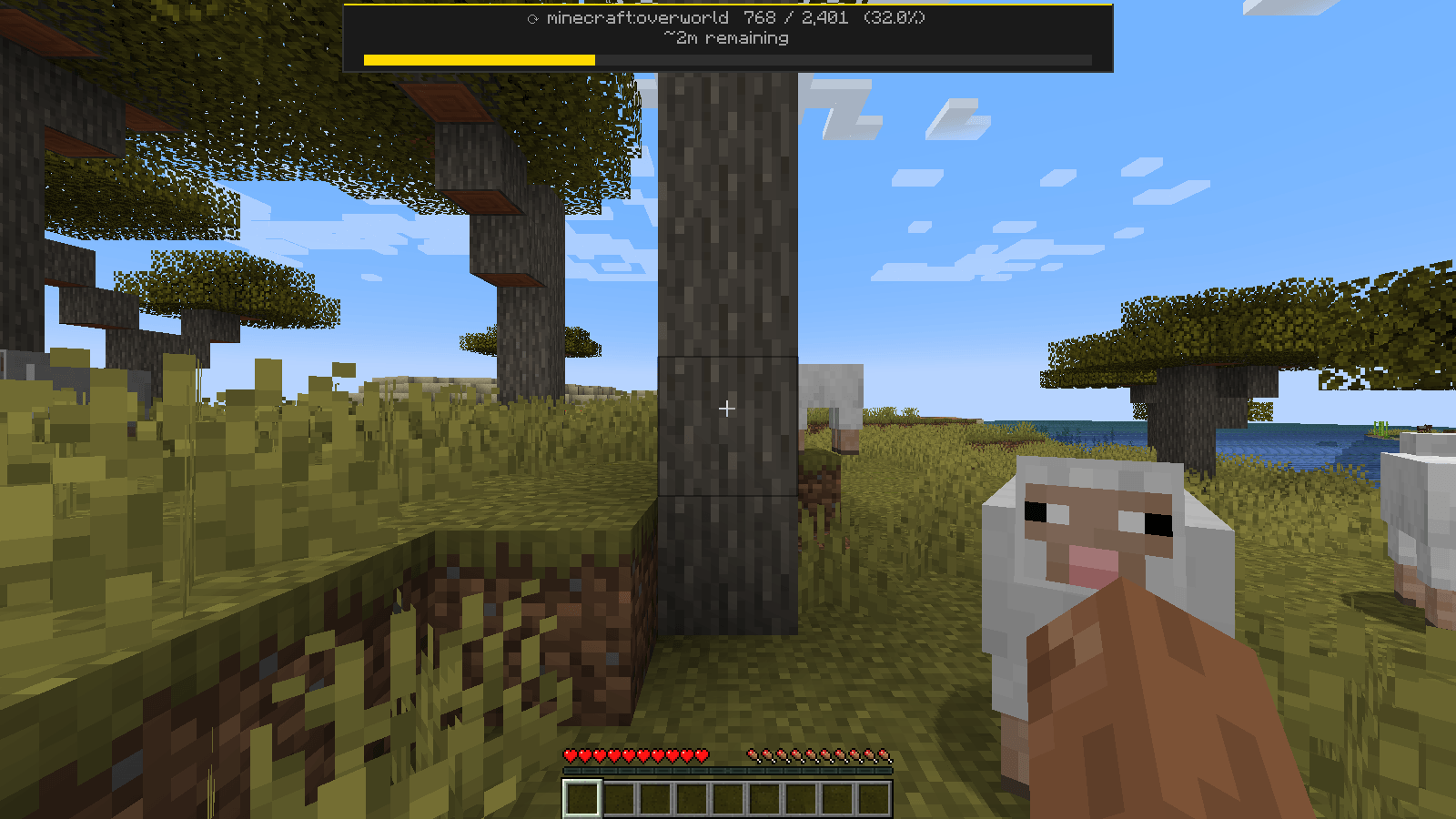
After you enter the world, pre-generation keeps running and its progress shows at the top of the screen.
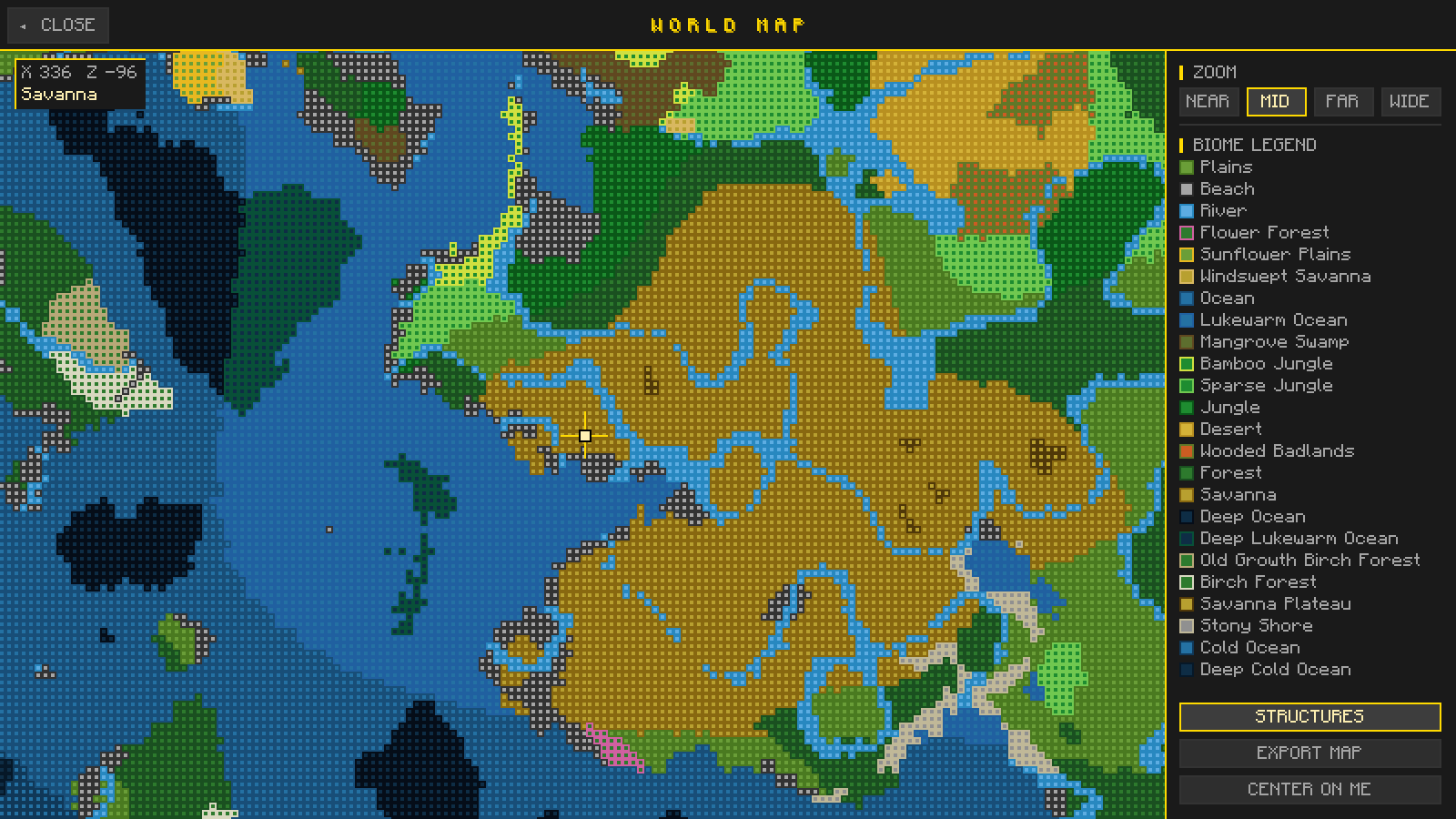
Press G in game for a map of the world you are playing, with zoom levels, a biome legend, structure markers and map export.
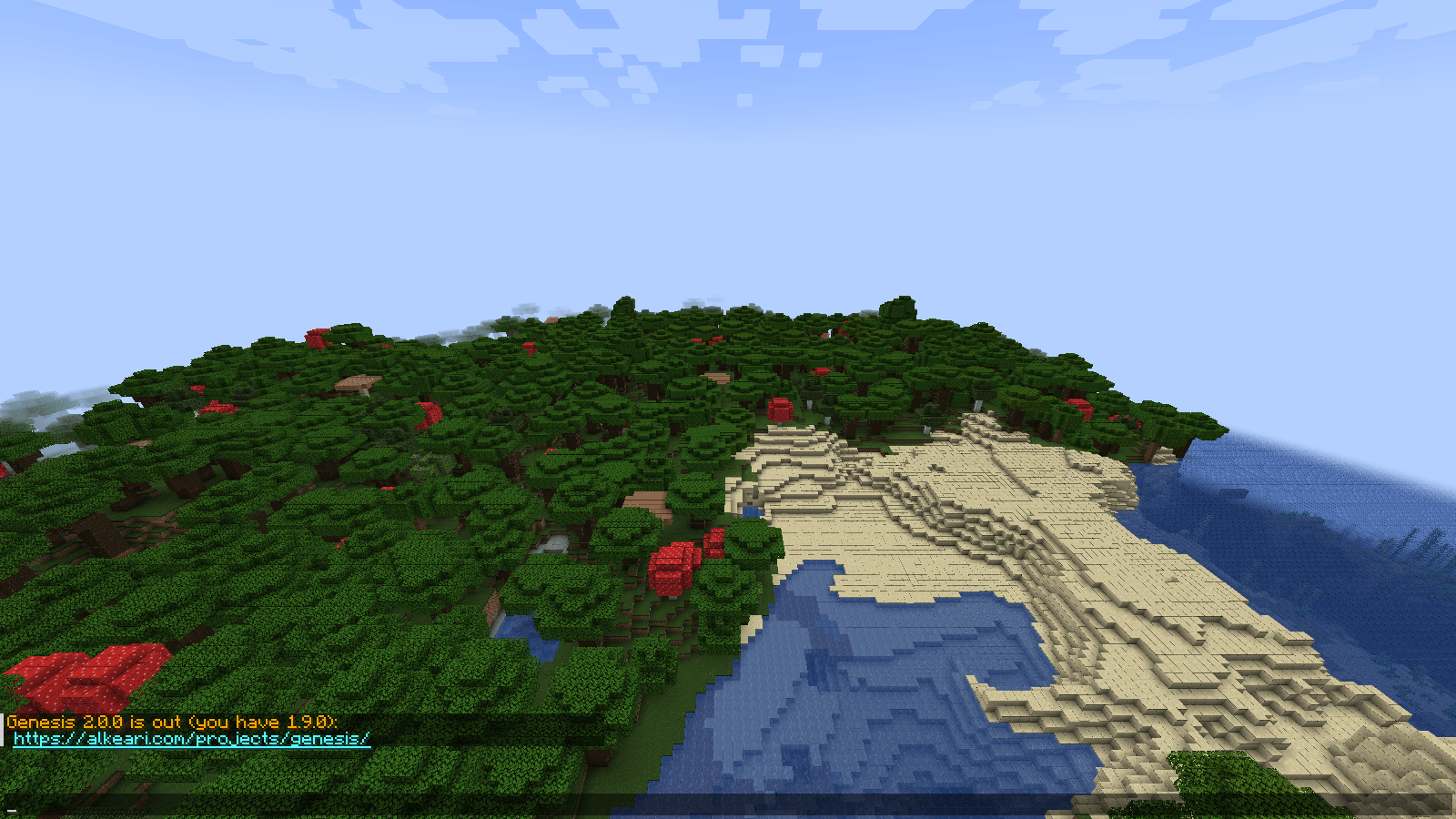
Genesis says in chat when a newer version is out for your Minecraft version and loader.