Full Metal Combat
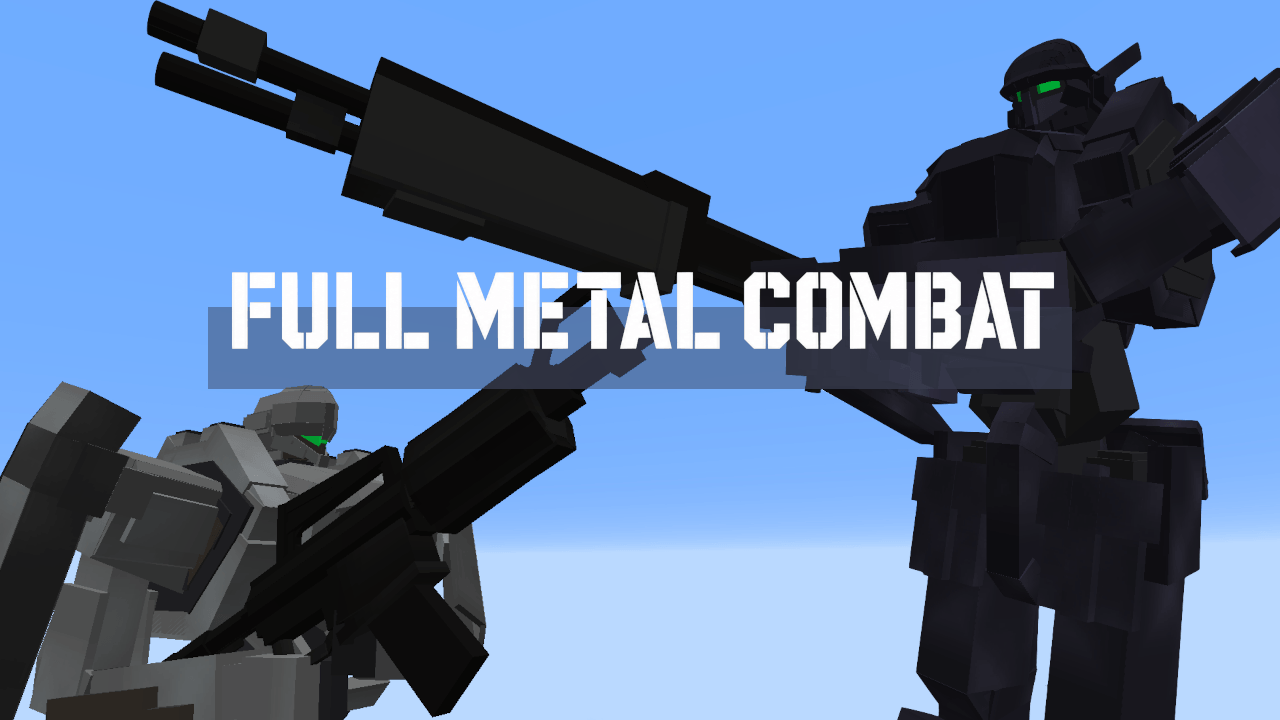
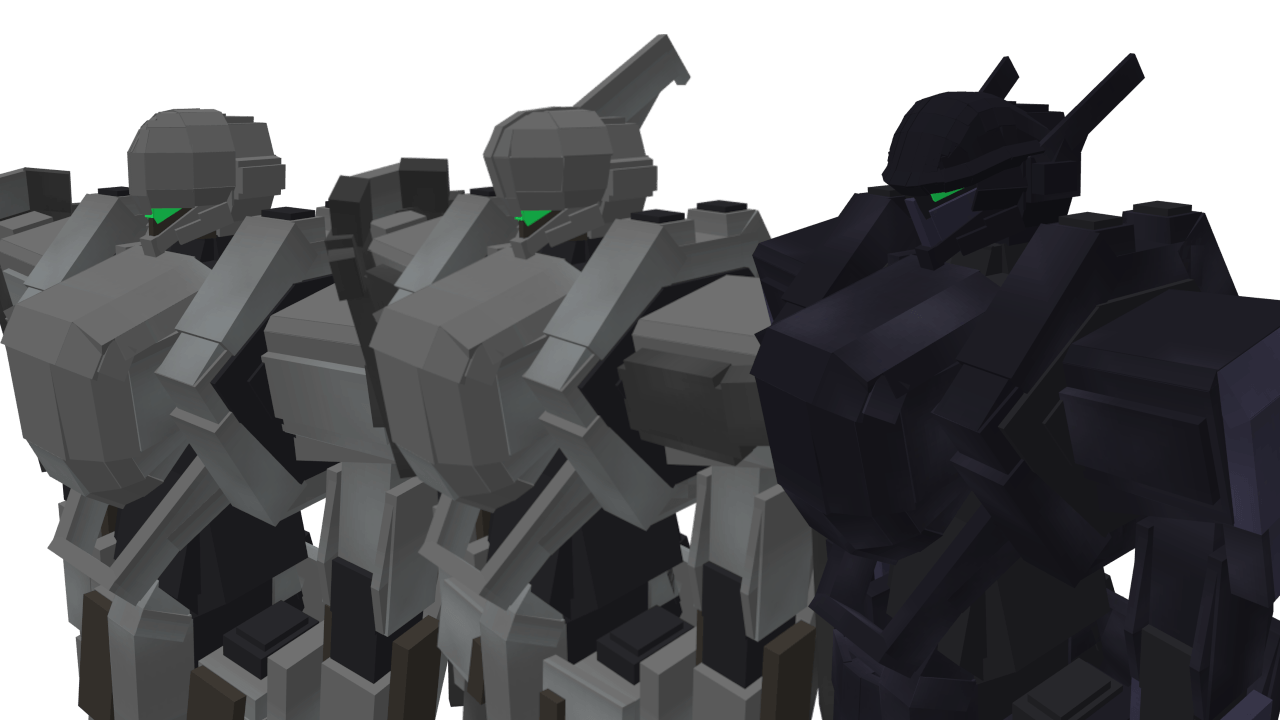
Full Metal Combat (FMC) adds rideable mech combat to Minecraft.
Pilot humanoid combat machines with a dedicated cockpit HUD, fight CPU pilots, cloak with optical camouflage, break enemy machines apart part by part, and settle it in a 10-machine Battle Royal.
Features
- Three pilotable machines with distinct specs (standard / heavy recon / melee specialist)
- Head vulcan, sniper rifle, shotgun, SMG, and a melee cutter with directional techniques
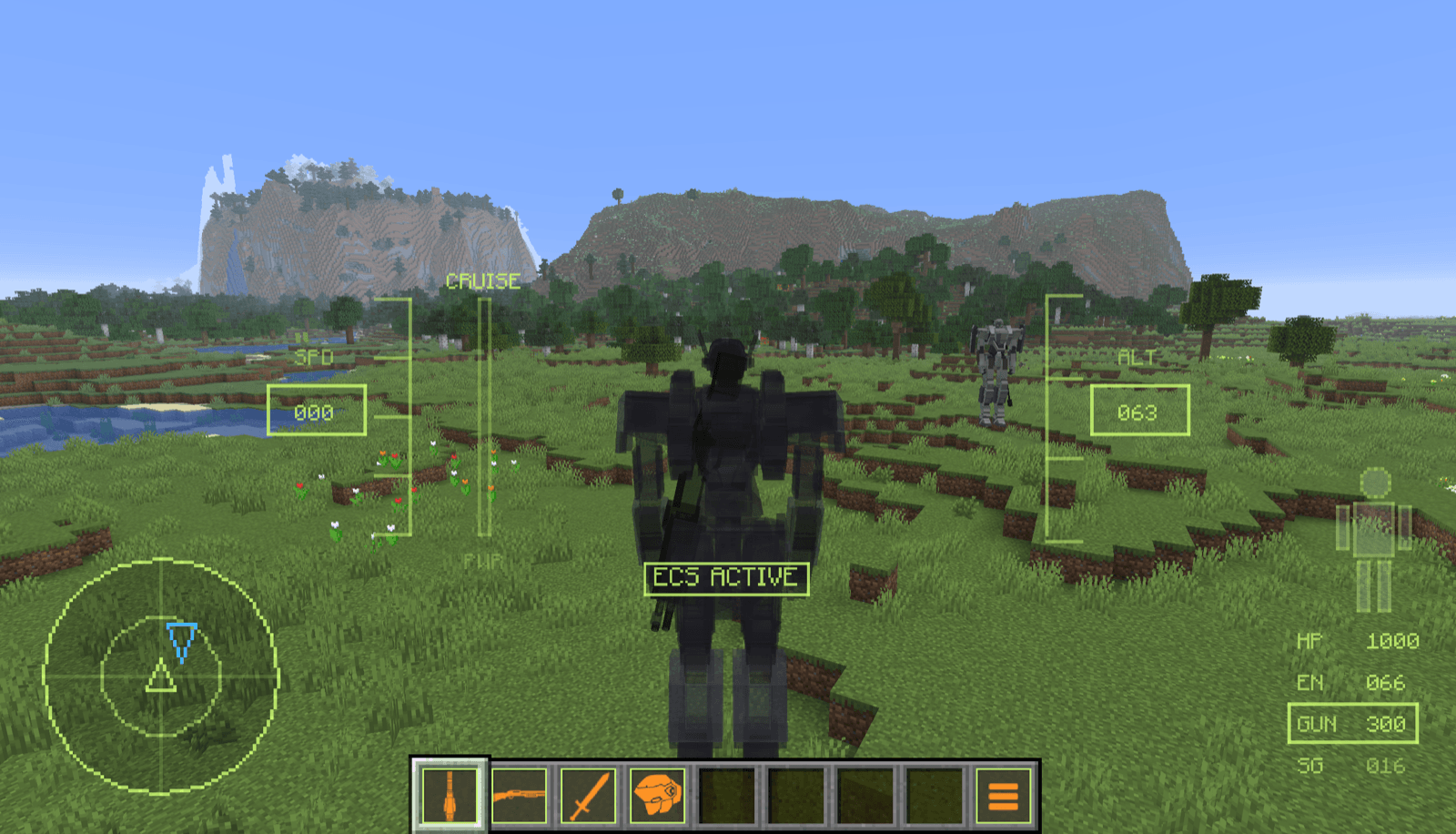
- ECS optical camouflage: vanish from sight and radar until you attack
- Part destruction: a cracked head fills the radar with static, broken arms slow your lock-on, broken legs cripple mobility
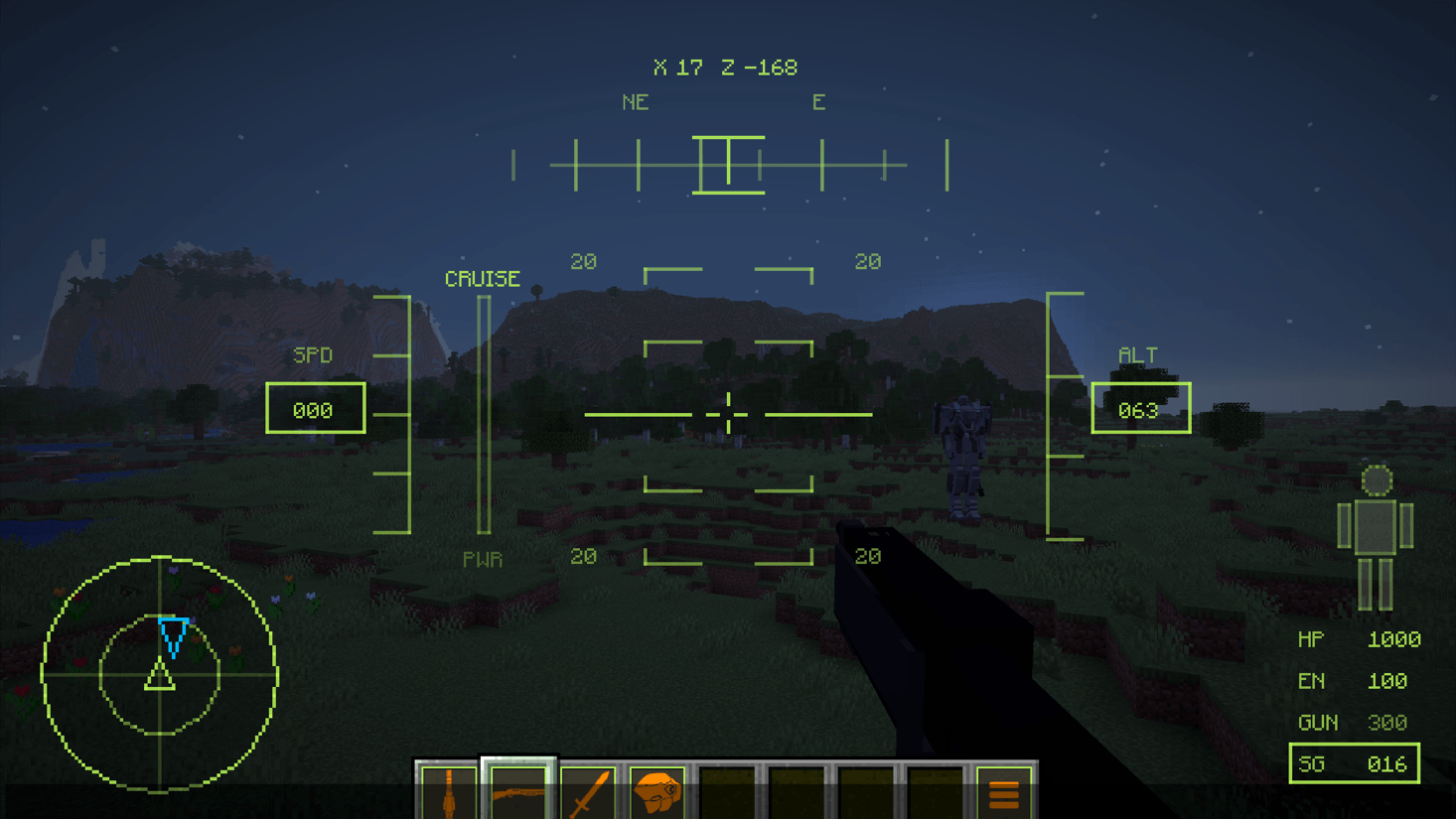
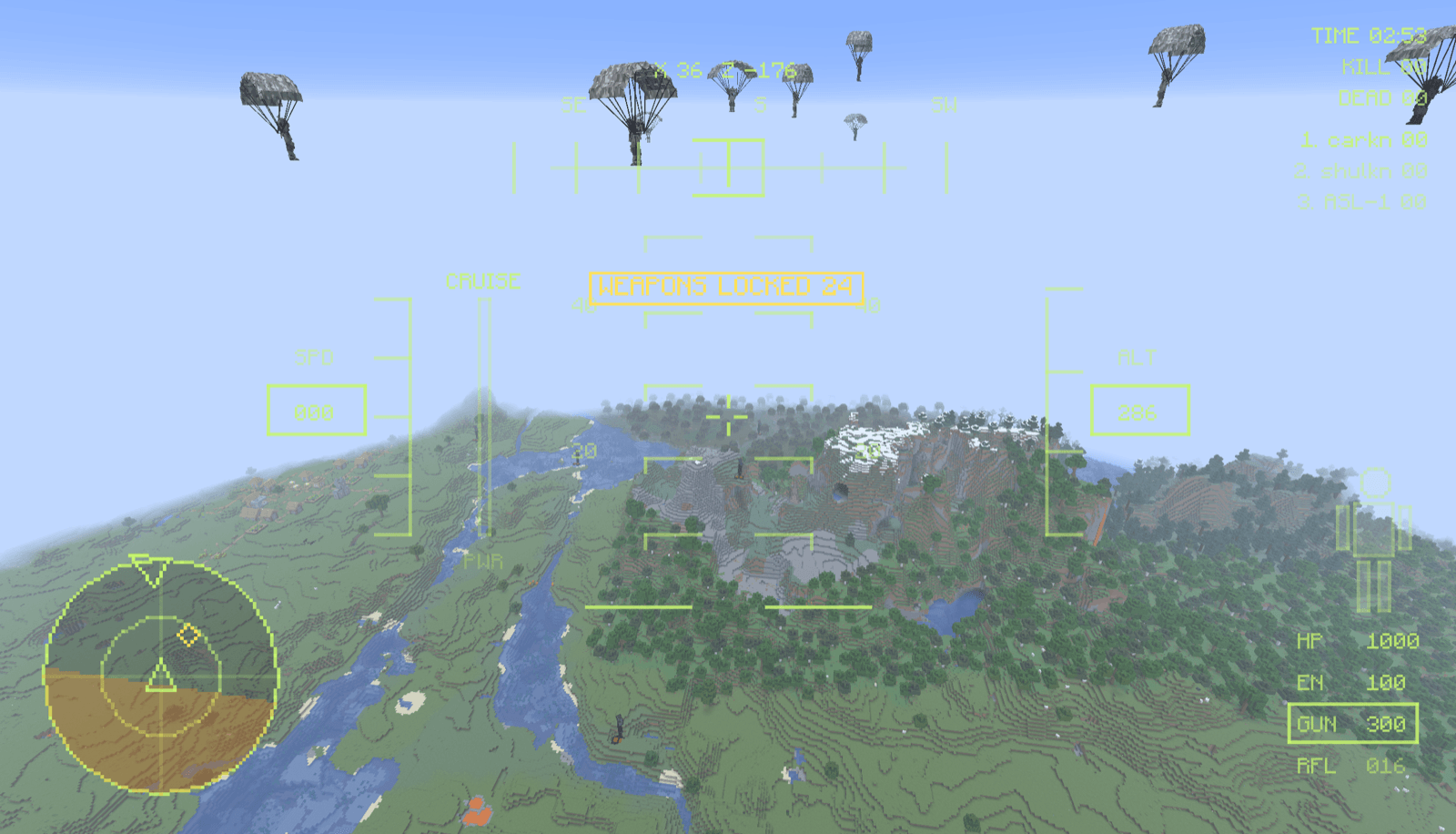
- Cockpit HUD with HP / EN / PWR, ammo counters, radar, lock-on markers, and part-damage status
- North-up tactical map showing friend and foe, supply areas, and the arena boundary
- Battle Royal for up to 10 machines (players + CPU fill) with respawns, destructible supply areas, an arena boundary, and a results screen
- Five CPU pilot archetypes across four difficulty ranks (EASY to HARDCORE)
- Gallery spectator mode — players who join mid-match can watch the running battle
- One-time in-game Setup that only changes game rules — no terrain edits
- GM tools: CPU count and difficulty settings, plus an emergency STOP button
Requirements
- Minecraft Java Edition 26.1.2
- NeoForge 26.1.2.x (26.1.2.73 or later)
- Java 25
- The same FMC jar on the server and every client
If you are only joining an FMC server, you only need to put the jar into your client mods folder. Server owners must install the same jar on the server and all joining clients.
Safety / Verification
Being careful about jar files is always the right instinct, so here is everything you need
to check this one yourself.
- Every file uploaded to CurseForge is automatically scanned for malware before approval.
- VirusTotal scan of this exact file — clean, 0/65:
view the report
- SHA-256 of
fmc-1.0.0.jar:
3614a8af60d9347f6b9a6aee8d8d0c795897c530c9db9cffd4ef559dd687d180
- The mod makes no network connections of any kind. The jar contains no HTTP or socket code,
no
Runtime or ProcessBuilder calls, no dynamic class loading, and no reflection. It ships
compiled classes, textures, sounds, and a neoforge.mods.toml — nothing else.
- Verify it yourself: open the jar in any decompiler such as JD-GUI or Recaf and look around.
If your antivirus flags this file, please tell me which product it is and what detection name
it reported, and I will look into it.
Quick Start
- Put
fmc-1.0.0.jar into the mods folder.
- Start Minecraft / the server with NeoForge.
- Join as an OP player (single-player: create the world with cheats allowed).
- Open the FMC Menu — right-click the menu item in hotbar slot 9.
- Press
Setup, then EXECUTE. This is a one-time world configuration (fall damage off, fixed weather and time, hostile mobs off). It only changes game rules and never touches terrain.
- Pick
Practice — a machine spawns and you mount up automatically. Learn the controls with no enemies around.
- When you are ready, open the menu and start a
Battle Royal.
For the full manual — controls, weapons, machines, part destruction, Battle Royal rules, and server setup — please see the User Manual.
Game Modes
Practice
Free practice with no enemies. Swap machines and weapons freely from the loadout screen.
Single Battle
A solo mode against CPU machines with selectable difficulty.
Battle Royal
The main mode. Up to 10 machines (players + CPU fill) parachute in and race to 20 kills in 10 minutes. Supply areas restore HP, parts, EN, and ammo; the orange arena boundary punishes runaways. On HARDCORE difficulty, something drops in mid-match.
Gallery
Spectator mode. Players who join the server mid-match can watch from the gallery and enter the next match.
Controls
W / A / S / D: Move- Mouse: Look / turn
Ctrl (sprint key): Boost dashSpace: Jump- Hold
Shift: Charge jump (up to 5 seconds)
Shift + Space: High jumpShift + move key + Space: Emergency evade- Left-click: Fire / melee
- Hold right-click: Rifle scope
- Hold
C: Power charge (spends EN to raise PWR)
M: Tactical mapF5: Camera switch- Hotbar: Switch weapons
For Server Owners
- Install the same jar on the server, join as an OP player, and run
Setup from the FMC Menu once.
- Server settings are auto-generated at
config/srt-server.yml on first launch (weapon damage, match rules, and more are tunable).
- A sample
docker-compose.yml and a server icon.png are available on the User Manual page.
Notes
- All FMC sounds play through the "Hostile Creatures" volume channel — keep it turned on.
- Set Particles to "All" (tracer rounds are invisible on "Minimal") and raise render distance to 32 chunks if your machine allows.
- Machines crush players on foot — never stand at a machine's feet.
- Currently targets Minecraft 26.1.2 only.
License / Usage
You may use this mod on public or private Minecraft servers. You may include this mod in CurseForge modpacks. Do not reupload, redistribute, or modify and republish this mod without permission.