Find the Bombs - Try Not to Blow Up
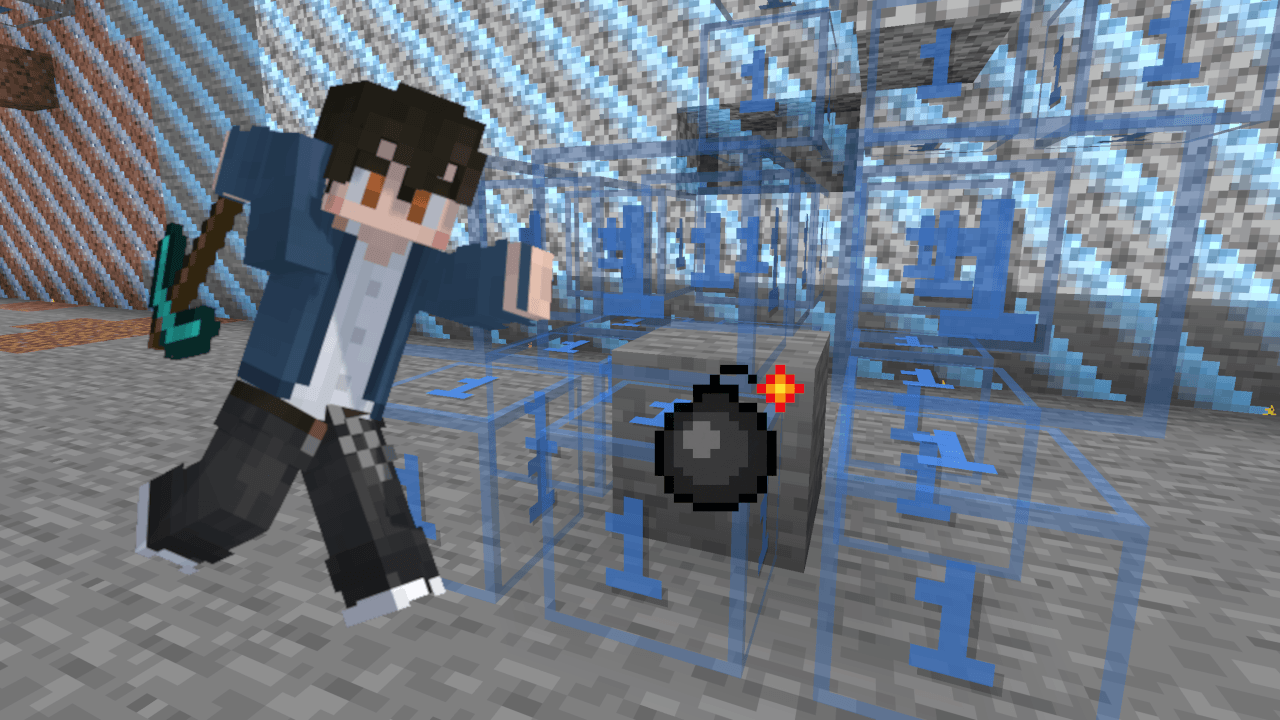
Turn ordinary terrain into a three-dimensional bomb-finding puzzle. Dig carefully, read the numbers, and work together to clear the safe blocks before time runs out. One wrong block can blow up the entire board!
How it works
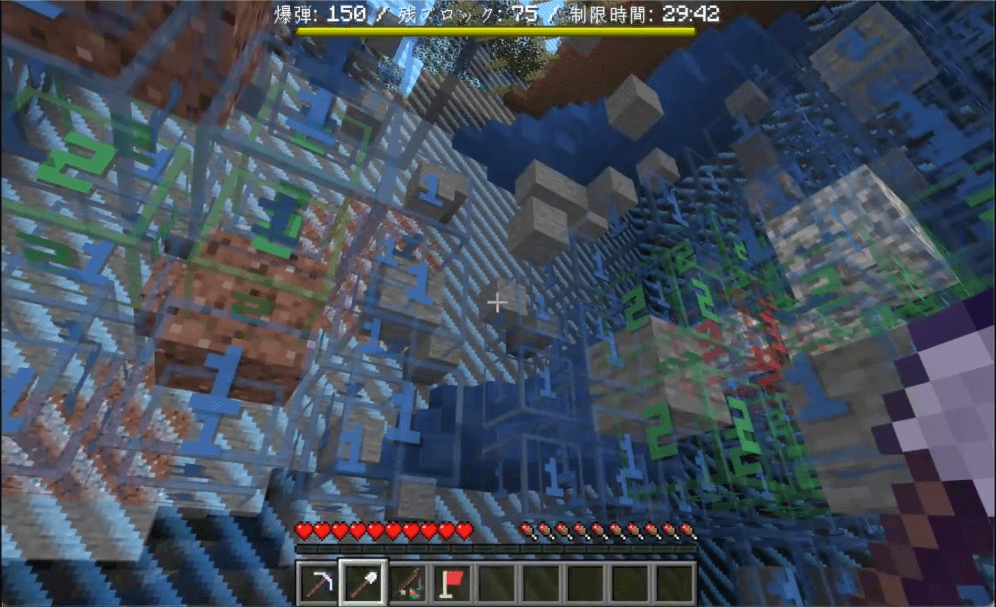
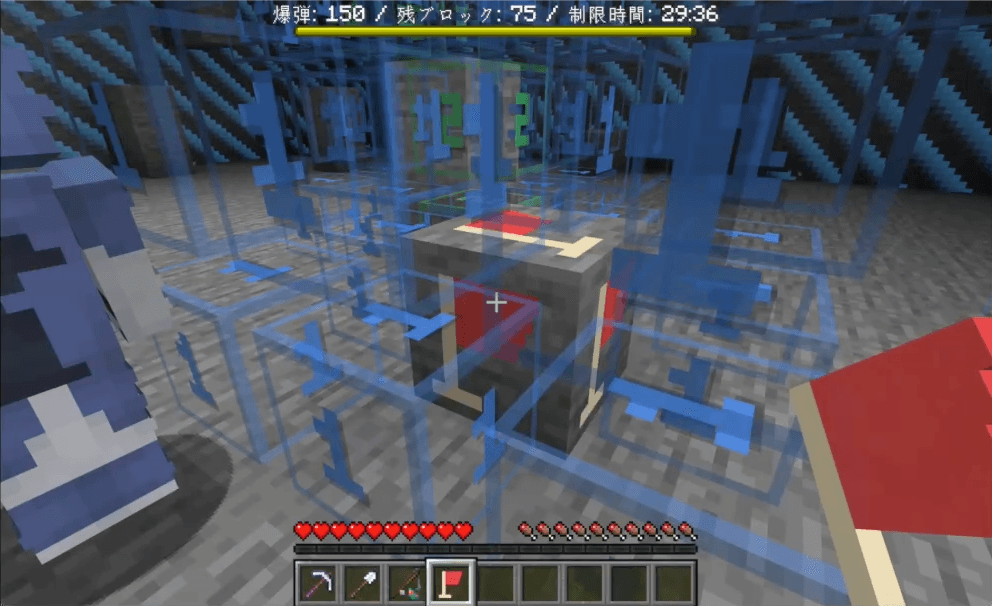
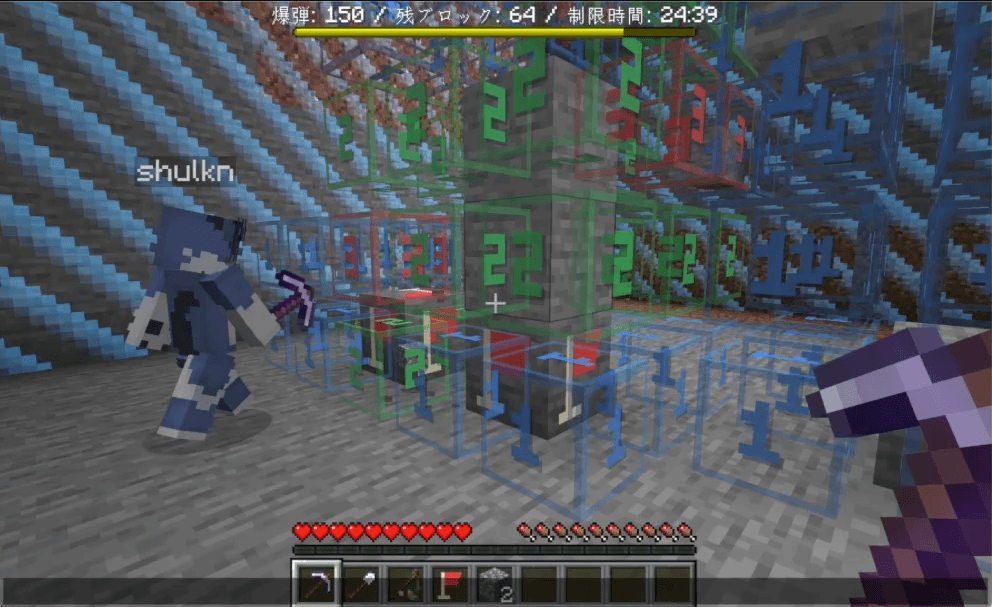
Each revealed number counts bombs in all 26 neighboring cells, including diagonals above and below. Use the Flag Tool to mark suspicious blocks. Safe areas with no nearby bombs open up automatically, and the Jump Rod helps you climb back out.
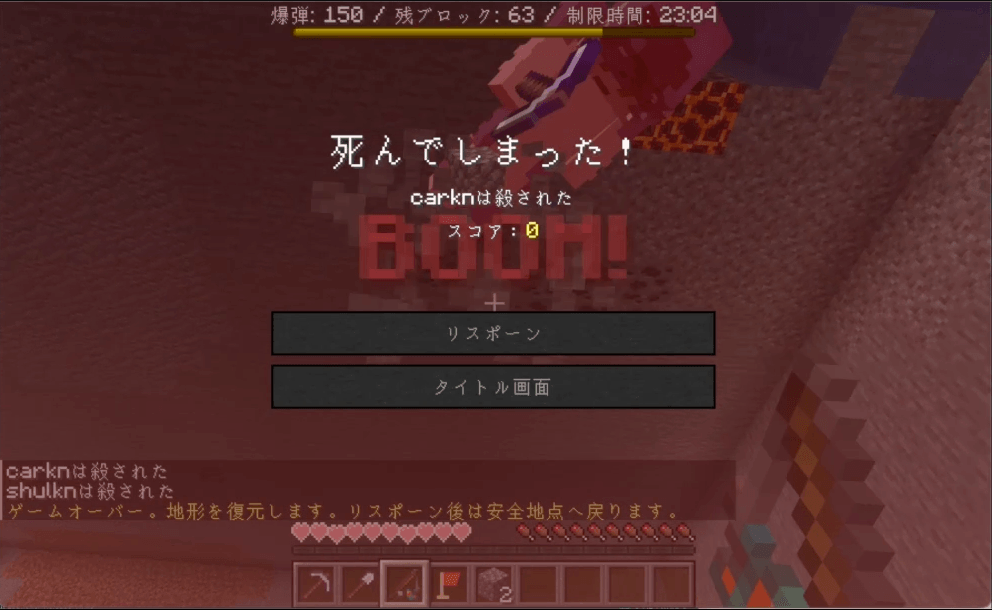
Clear every reachable safe target to win. Fully enclosed safe regions are excluded from the target count. Mining a bomb or running out of time ends the game for everyone. The terrain is restored afterward.
Features
- Solo play or cooperative multiplayer in Survival mode.
- Play in existing terrain, with a particle outline and a world border.
- Board sizes of 25×25×25, 50×50×50, and 100×100×100.
- 1-5000 bombs and a time limit of 1-60 minutes.
- Optional Safe Start protection for the first block mined and its 26 neighbors.
- Translucent, color-coded number cubes visible from all six sides.
- Right-click flags, a Jump Rod, Night Vision, and no fall damage.
- A boss bar showing bombs, blocks left, and time left.
- English menus, messages, and custom tool descriptions.
Requirements
- Minecraft Java Edition 26.3
- Permission to run commands (operator permissions on servers, or commands enabled in singleplayer)
- The companion Find the Bombs Resources pack
Command permissions are needed by the host to set up and manage the game. No mods or plugins are required.
Required Resource Pack
This datapack requires Find the Bombs Resources to display its translucent, color-coded 3D number cubes and custom flag models.
Please install the resource pack and enable it from Options → Resource Packs before starting the game. Every player must enable the resource pack on their own client, including players joining a multiplayer server.
Download the Resource Pack
Installation
- Back up and close your world, or stop the server.
- Place
bomb-search-en-datapack-v1.0.0.zip in the world datapacks folder without extracting it.
- Download the separate Find the Bombs Resources project. Place
bomb-search-en-resourcepack-v1.0.0.zip in each player's resourcepacks folder and enable it under Options > Resource Packs.
- Reopen the world or restart the server. A full restart is required for the first installation because the pack adds a storage dimension.
- Stand on solid ground in the Overworld and run
/function msp:menu.
- Choose your settings, then select Start Game and Start.
Install only one language edition of the data pack at a time.
Required resource pack
Find the Bombs Resources is published separately and is required for the number cubes and flag models. Every player must download and enable it on their client, including players joining a dedicated server. Use the matching v1.0.0 resource pack for Minecraft Java Edition 26.3.
Before you play
Use a new or dedicated world and start with 25×25×25. Starting on water or in midair is not allowed. A safe return spot outside the board is required. The 100×100×100 size needs a starting height of at least Y=36 and takes longer to prepare and restore.
The pack changes world-wide game rules and the world border. Terrain and container contents are restored, but player inventories, entities, and dropped items are not rolled back. Only gravel is replaced with stone during the game. Avoid valuable builds and storage areas.
To stop early, use Stop & Reset or /function msp:stop. Wait for restoration to finish before updating or removing the pack. See the included README for the complete settings, world changes, limitations, and usage terms.
Showcase
YouTube: https://www.youtube.com/watch?v=MvS8-j_vpgk
Japanese project page: https://minecraft-mcworld.com/260554/
Support
Created by carkn. Report problems in the project comments with your Minecraft version, installation setup, and steps to reproduce the issue. You can also contact @carkuuun on X.
Changelog
- v1.0.0 English edition: English in-game text and installation instructions.