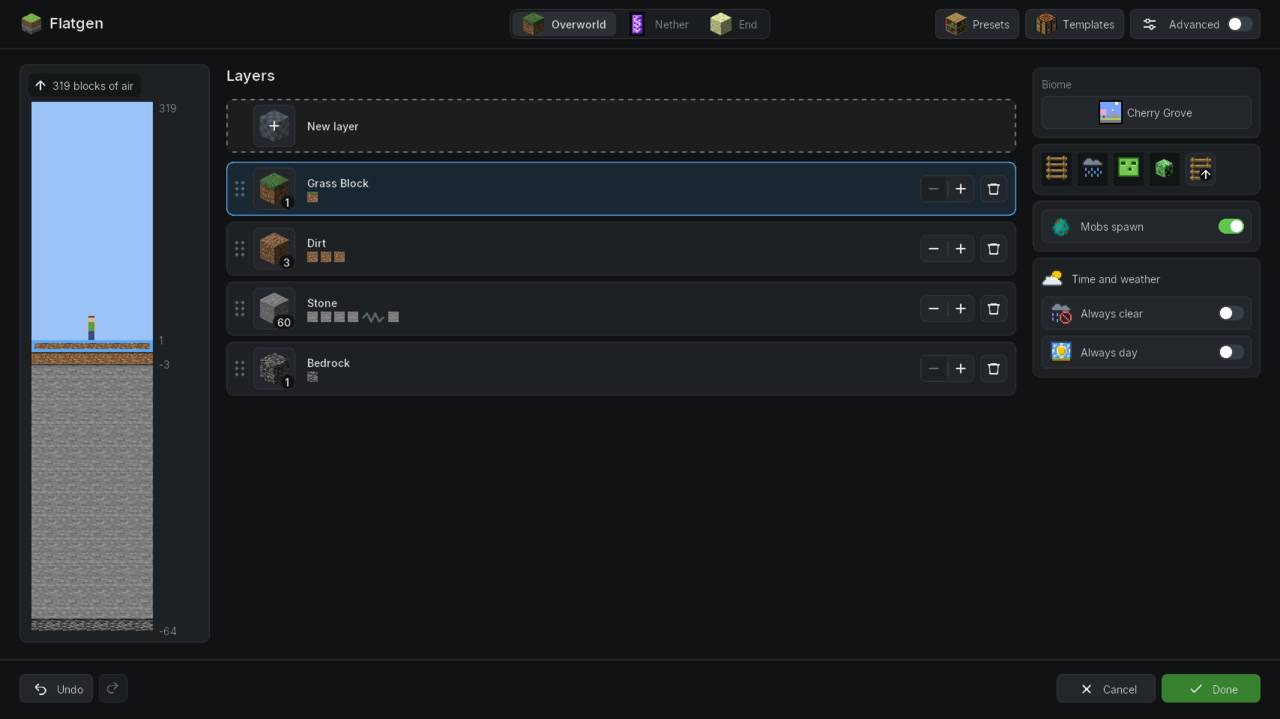
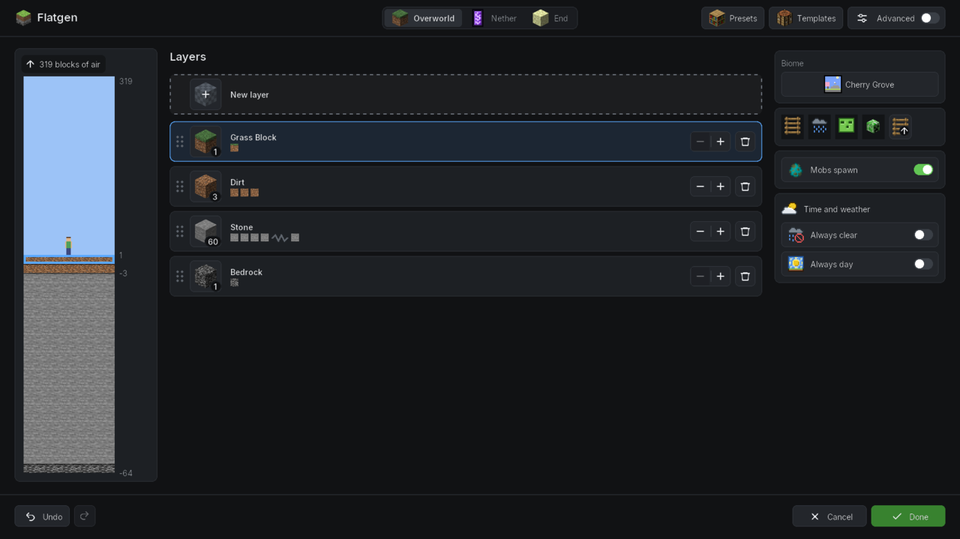
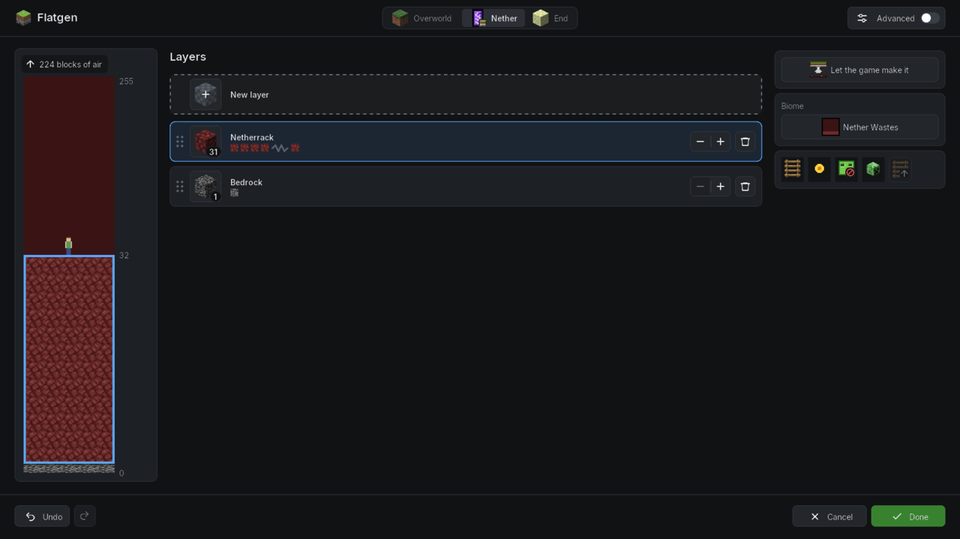
A preview of your world drawn at the left, the layers in the middle, the biome, what to expect and settings at the right. Drag a layer to reorder, − and + to change a layer's size.
Description
A superflat world editor for Minecraft.
For my son, who can't read yet but has firm opinions about how many layers of dirt a world needs.
Create World → World Type: Superflat → Customize opens Flatgen instead of the vanilla screen:
- Layers: Drag & drop layers to reorder, increase a layer's size with ease, undo anything
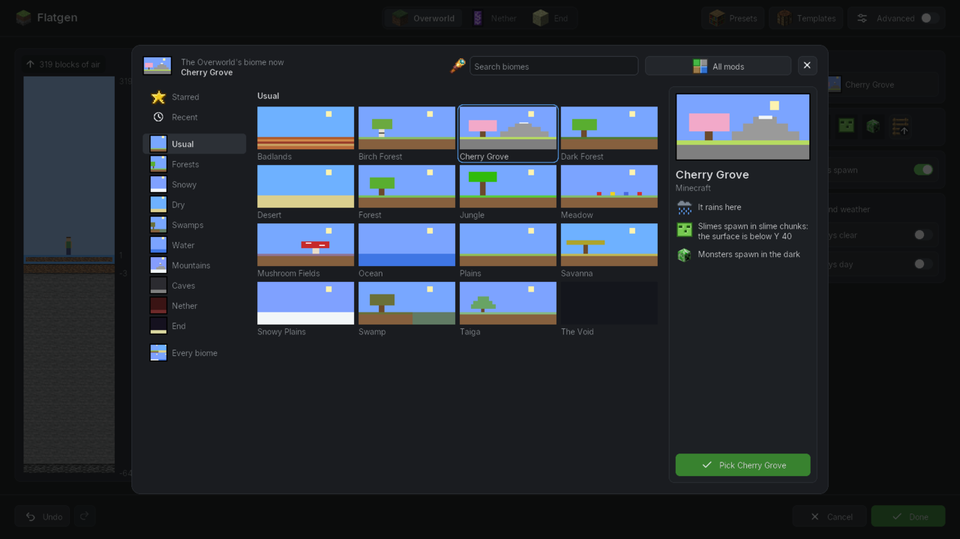
- Every block and biome: Searchable & visualized as icons (including blocks added by mods)
- Know your world before you make it: A preview that renders your configuration
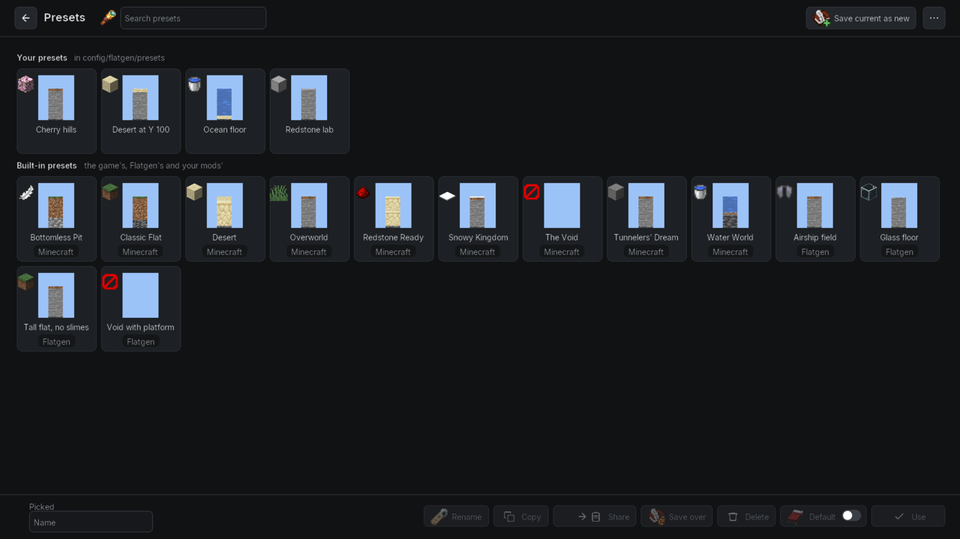
- Presets: Save your own presets, mark favorites, pick a default to start from
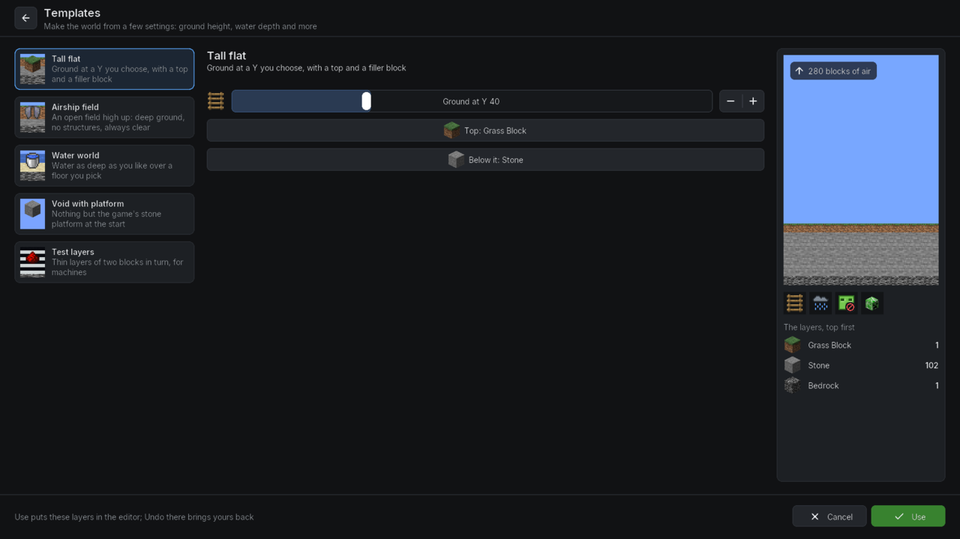
- Templates: Ready-made worlds you adjust with a few sliders
- Always day, always clear: Saved with the preset, no more
/time set dayin every new world - Flat Nether and End: Their own layers and biome, portals and the dragon work as usual
- Works without reading: Every button has an icon, keyboard and narrator supported
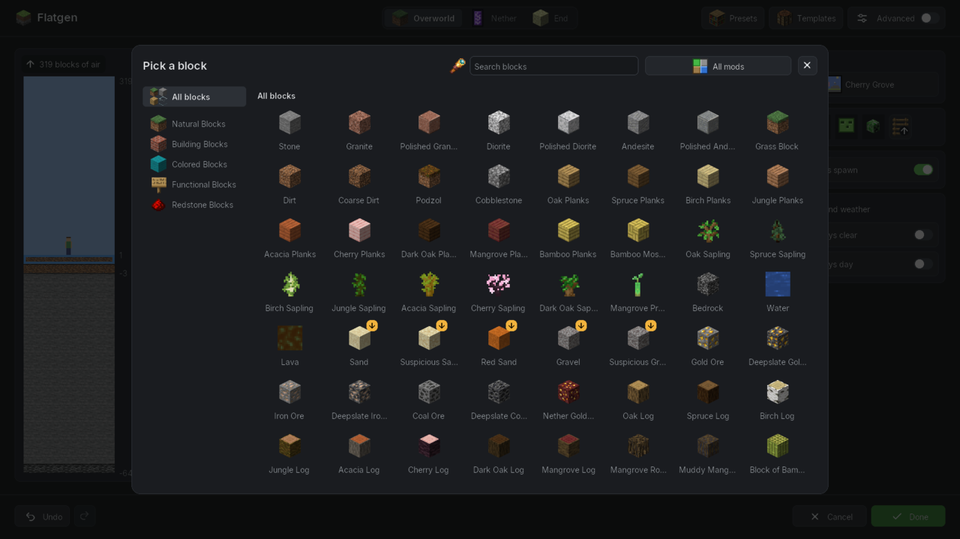
Every block, sorted by the creative inventory's tabs
Biomes by kind, each a little landscape
Presets: Your own and the built-in ones
Templates
A flat Nether and End
Worlds made with Flatgen are plain superflat worlds: they open without the mod.
Mods and modpacks can add switches of their own, such as an airport at the spawn, as data files with no code: world options. Modpacks can also bring their own presets and choose the one Superflat starts with: pack authors.
Flatgen is a client mod for Minecraft 1.20.1 on Forge and Fabric, and for 1.21.1, 1.21.11, 26.1, 26.2 and 26.3 on NeoForge and Fabric. Servers don't need it, and Fabric API isn't needed either.
Supported languages
English, German, Simplified Chinese, Japanese, Korean, Russian, Brazilian Portuguese, Spanish, French and Polish.
Missing your Minecraft version, loader or language? Requests are welcome as a comment below or a GitHub issue.
Licensed under either of Apache-2.0 or MIT, at your option.
Not an official Minecraft product. Not approved by or associated with Mojang or Microsoft.
Flatgen Team