

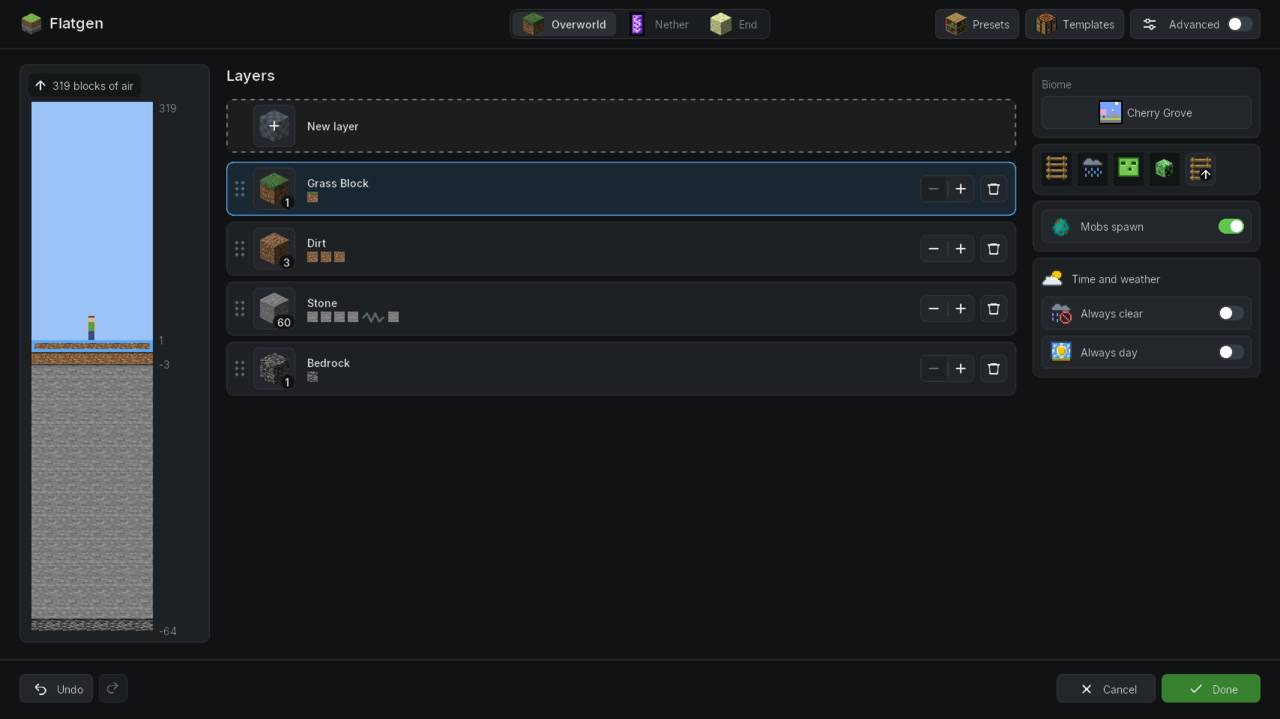
A preview of your world drawn at the left, the layers in the middle, the biome, what to expect and settings at the right. Drag a layer to reorder, − and + to change a layer's size.
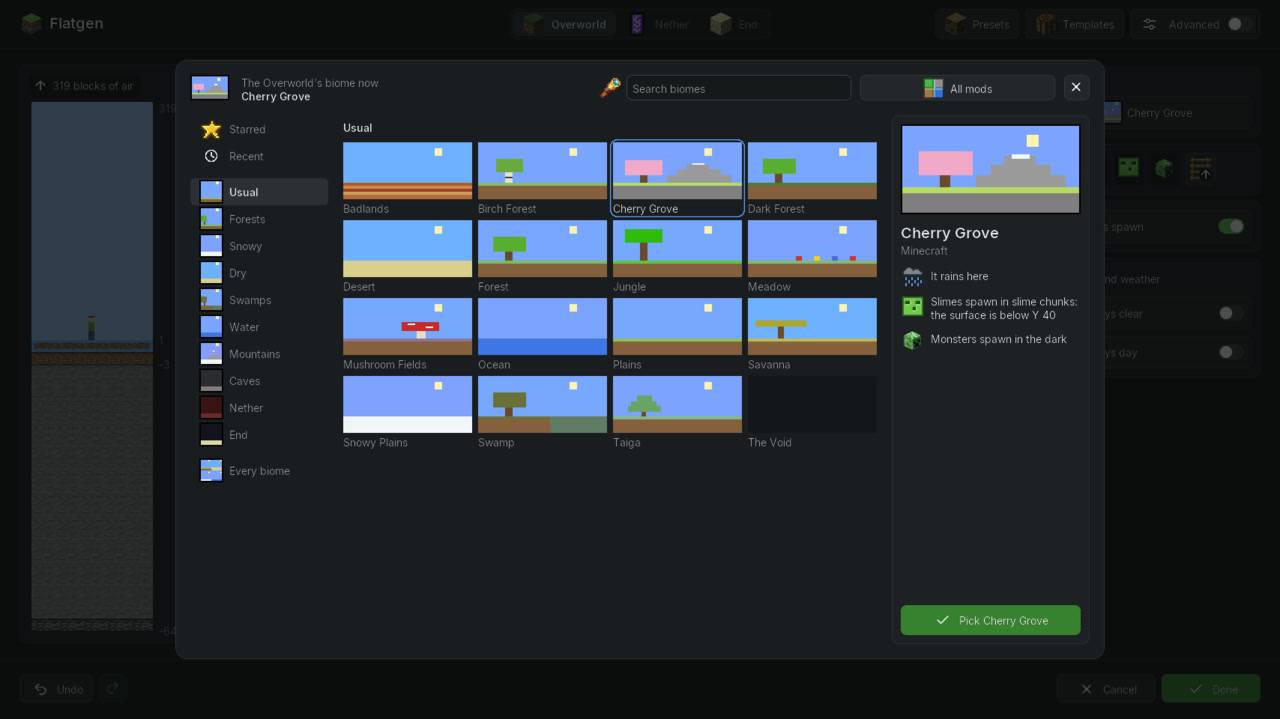
Biomes organized in categories and a picker with visual previews
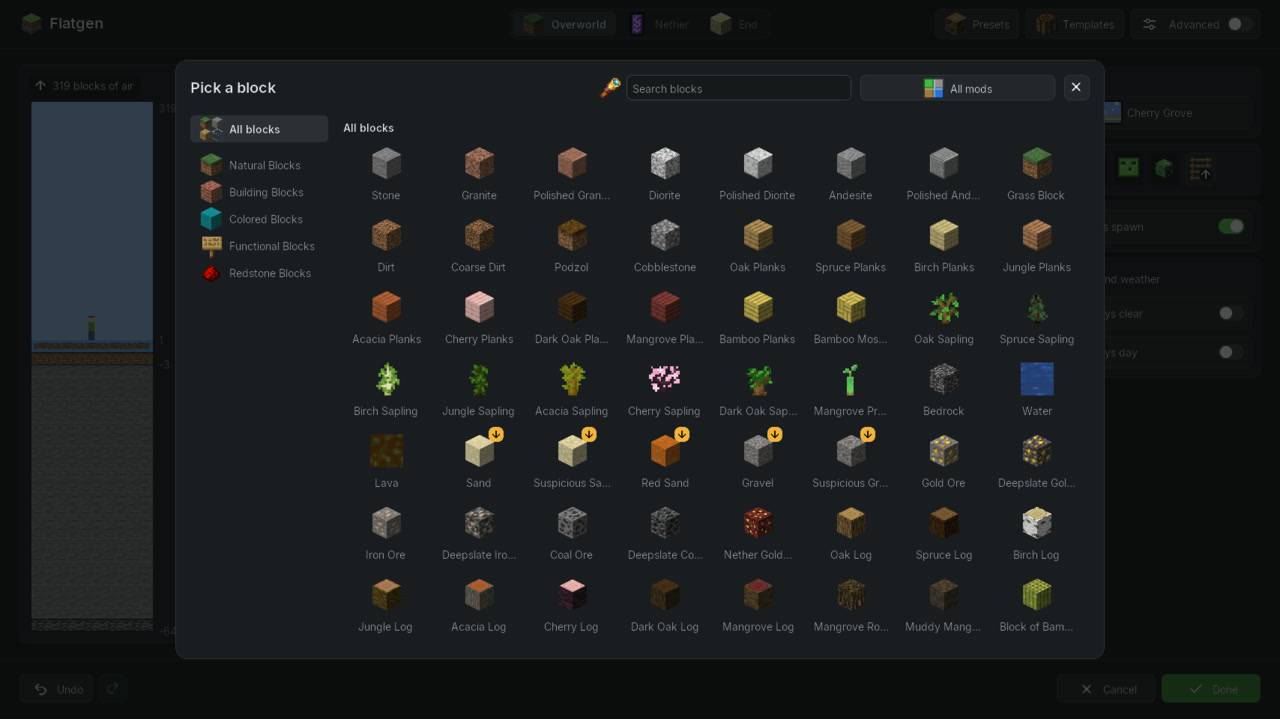
Searchable blocks with a visual preview
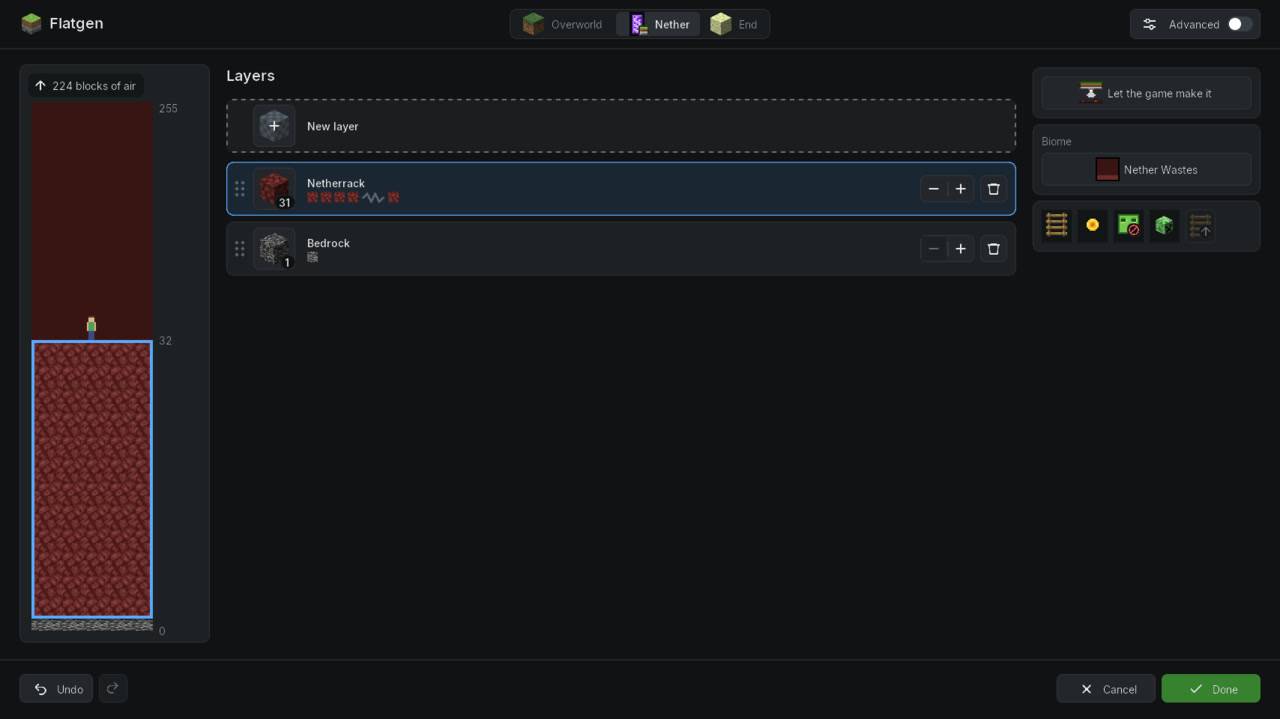
The Nether and the End can have their own flat representation. "Let the game make it" returns to the default.
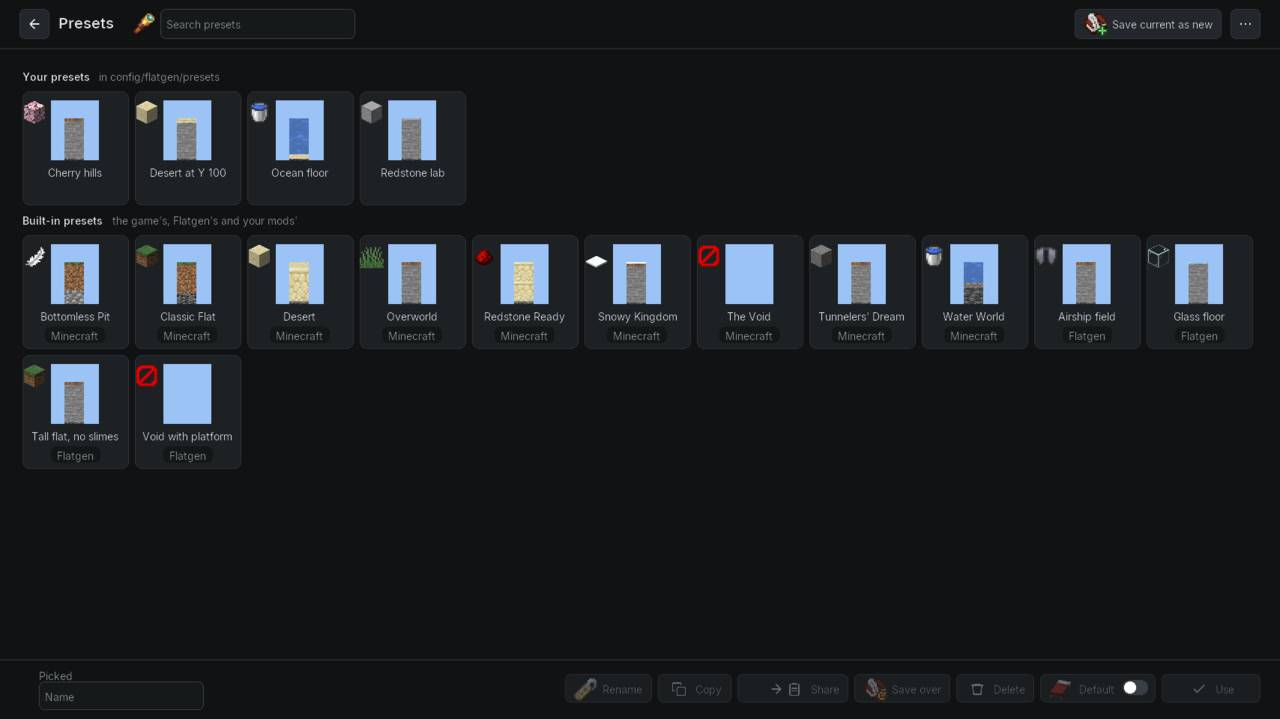
Save your own presets, mark favorites, pick a default, or share them.
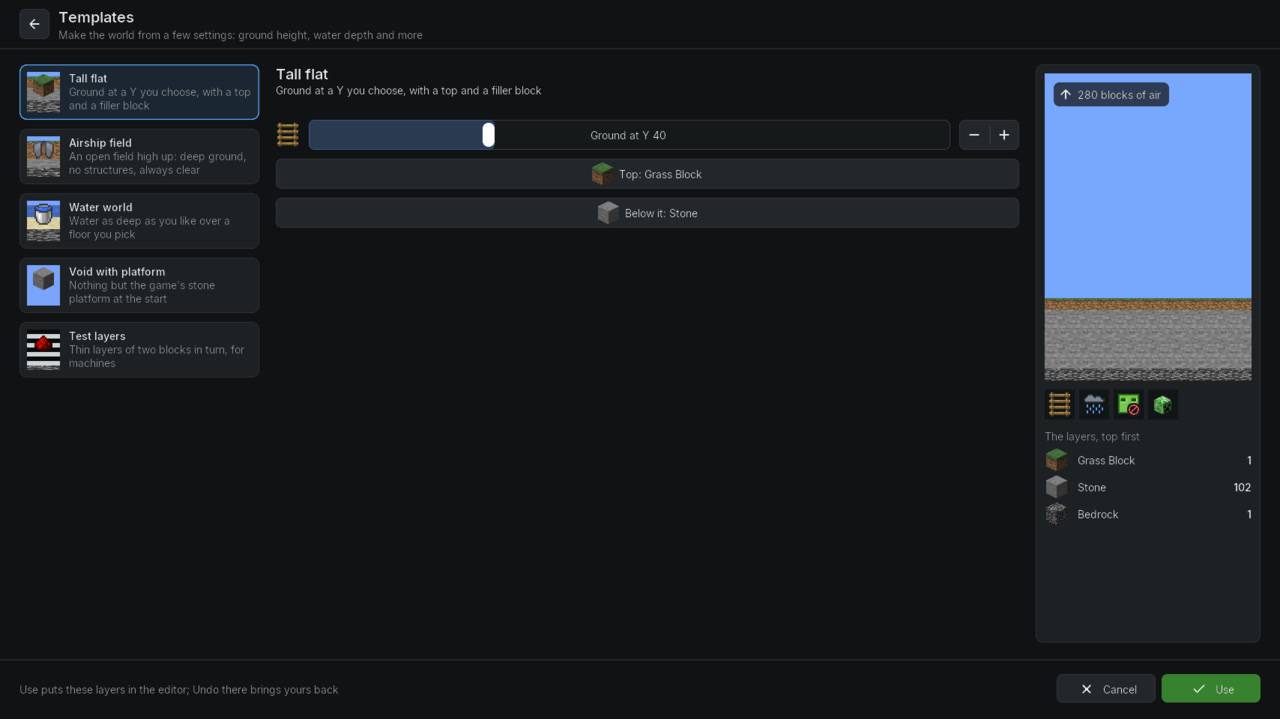
Ready-made worlds you adjust with a few sliders: a tall flat world, an airship field, a water world, a void with a platform, thin layers for machines.
Drag, Drop, Done: Superflat Worlds in Minecraft