Dollyshot
- By
Cinematic camera shots of your character when you go idle, with letterbox bars and biome music. Any key or mouse movement ends them. Client-side only.
Description
Dollyshot
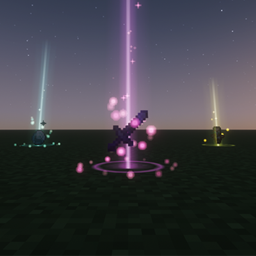
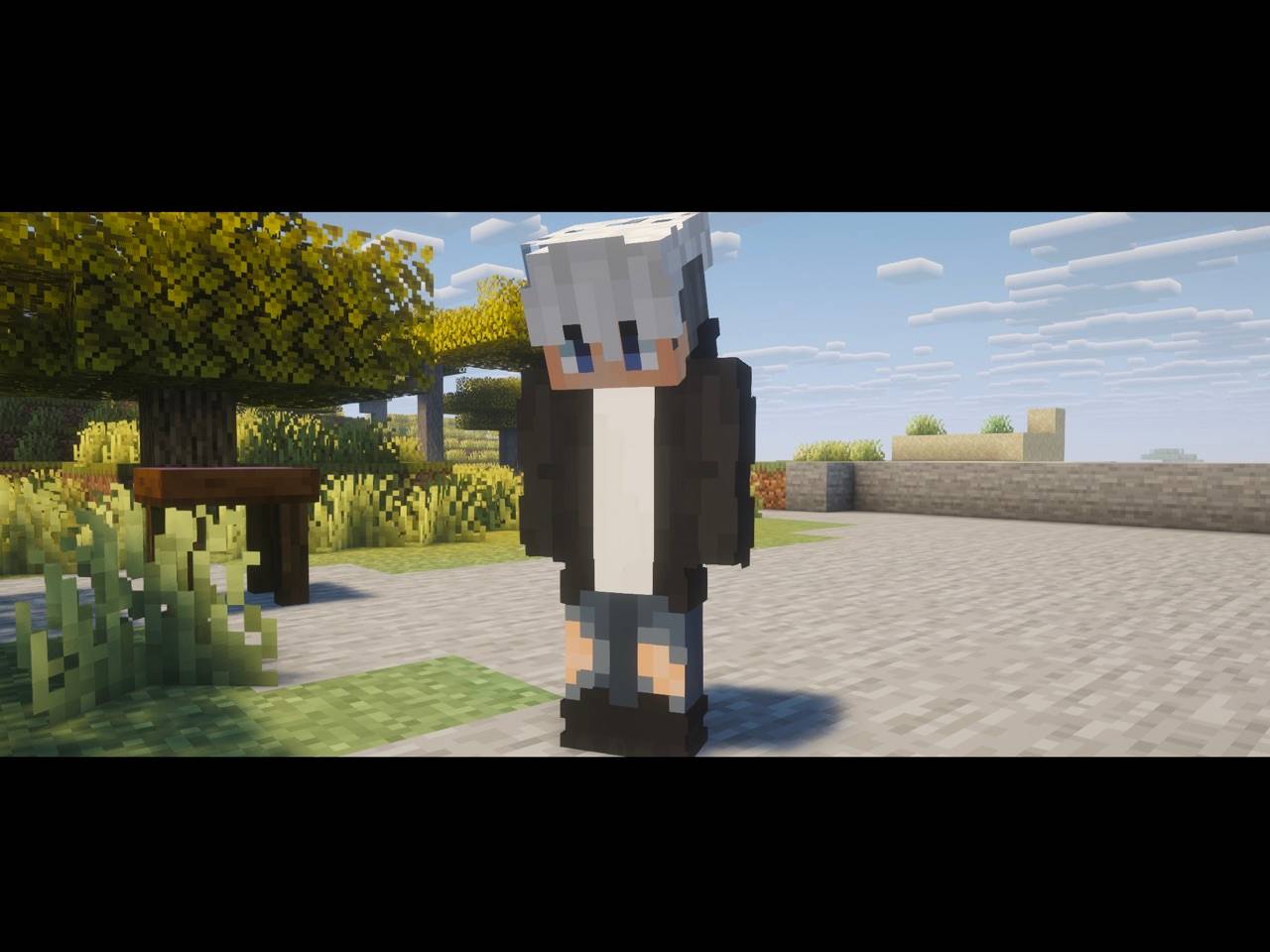
When you stop touching the keyboard and mouse, the camera leaves your head and starts filming your character with slow cinematic shots, letterbox bars and the music of the place you are in. Move the mouse or press any key and the camera is yours again.
How it works
After 30 seconds without input (configurable), the HUD, hand and crosshair disappear, black bars slide in to crop the picture to 2.39:1, and the camera cuts between shots of your character. Each shot lasts 8 seconds and fades through black into the next one. The same kind of shot never plays twice in a row.
Time spent with a menu open does not count as idle.
Shots
| Shot | What the camera does |
|---|---|
| Orbit | Circles slowly around the player, 3.5 to 5 blocks away. |
| Portrait | Starts close to the face, slightly to one side, and pulls back. |
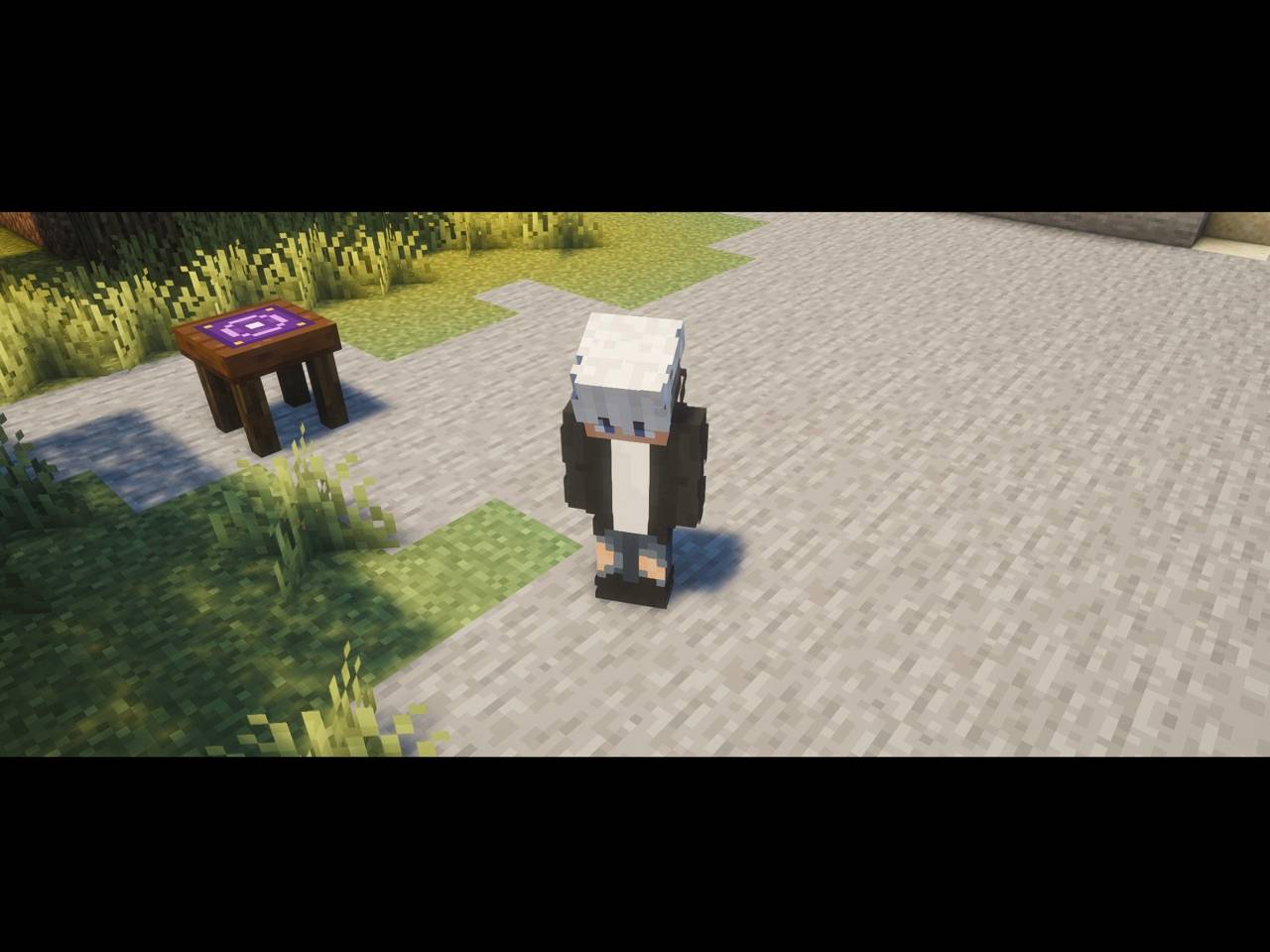
| Crane | Starts near the ground and rises 5.5 blocks while looking down at the player. |
| Wide | Films from 12 to 16 blocks away while sliding sideways. |
| Over the shoulder | Behind the player, looking where they look. |
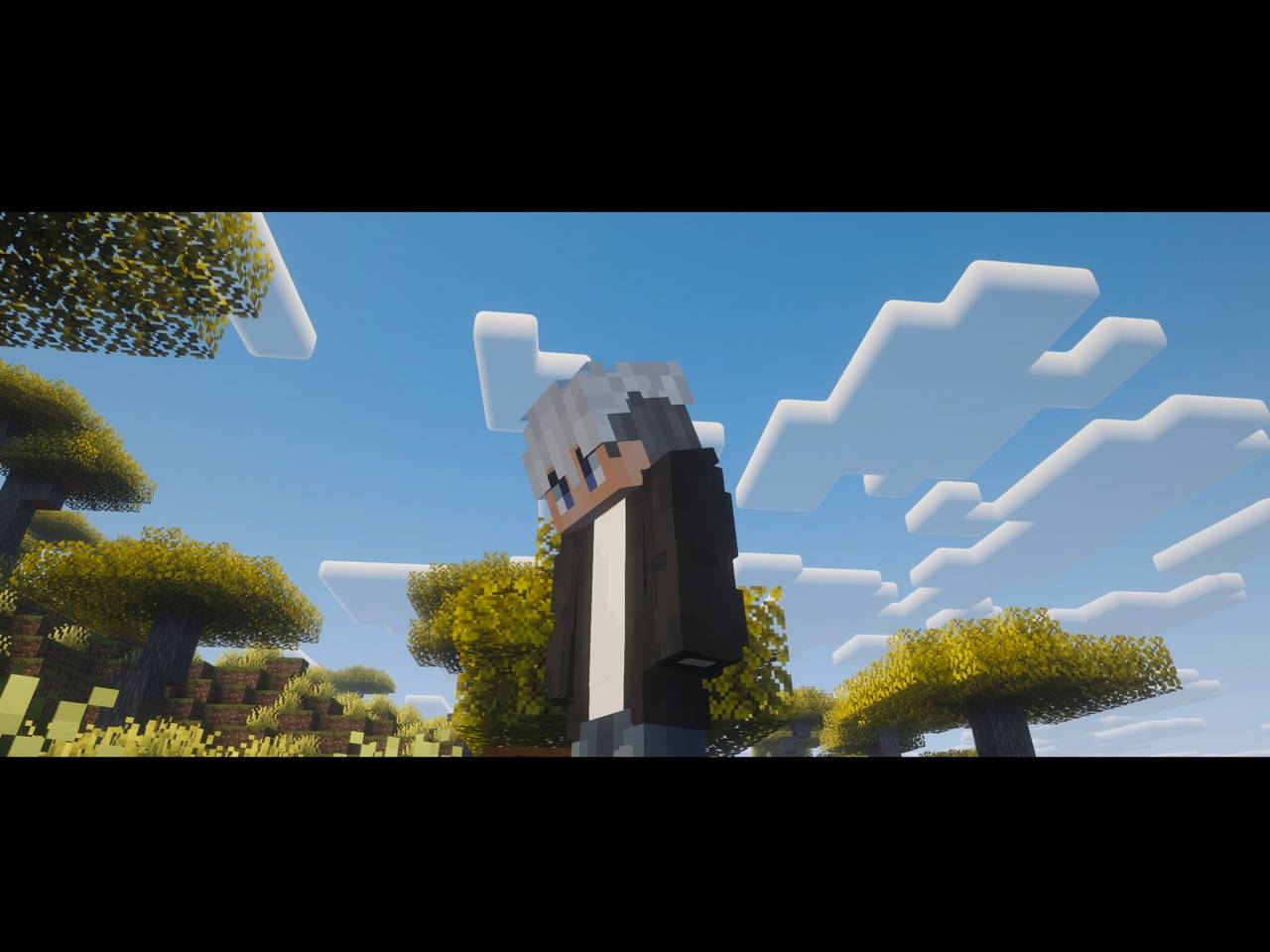
| Low angle | From ground level, looking up while circling the player. |
Before each shot, the mod checks that the camera stays out of blocks and keeps the player in sight for the whole move. In tight spaces such as a tunnel or a small room, shots that do not fit are skipped. If none fits, the camera pushes in slowly from the most open side.
Ending the shots
- Any key, click, scroll or mouse movement gives you the camera back. The click that ends the shots does not also hit or place anything.
- Taking damage, dying or opening a screen also ends them.
- Shots do not start in spectator mode, while sleeping, or while viewing through another entity.
/dollyshot starts the shots right away.
Music
When the shots start, the music for your current biome or dimension begins playing instead of waiting for the next track. Turn this off with playMusic.
Singleplayer and other windows
In singleplayer, Minecraft opens the pause menu when the window loses focus, and no shots play while a menu is open. To get shots while you use another app, turn off Pause on Lost Focus with F3+P.
Configuration
In the mod list (Mods, Dollyshot, Config) or in config/dollyshot-client.toml:
| Option | Default | Description |
|---|---|---|
idleSeconds |
30 | Seconds without input before filming starts (5 to 3600). |
shotSeconds |
8 | Length of each shot (3 to 30). |
letterbox |
true | Black bars at the top and bottom, cropping the picture to 2.39:1. |
playMusic |
true | Start the biome or dimension music when the shots begin. |
Installation
Client-side only. Servers do not need it, and it works on any server, with or without the mod. Tested with Sodium and Iris with a shader pack.
Inspired by AFK Cinematics by SpunkyInsaan (Fabric), with its own name, code and shots.
Dollyshot Team