
CreativeLock
Permission-based Creative-mode controls and protected block tracking for Paper servers.
- 29
- November 4, 2026



CreativeLock
Permission-based Creative-mode controls and protected block tracking for Paper servers.
- 29
- November 4, 2026



Screenshot 2026-11-05 012019.png
Screenshot 2026-06-30 120319.png
Screenshot 2026-11-05 012143.png
Screenshot 2026-11-05 012249.png
Screenshot 2026-11-05 012409.png
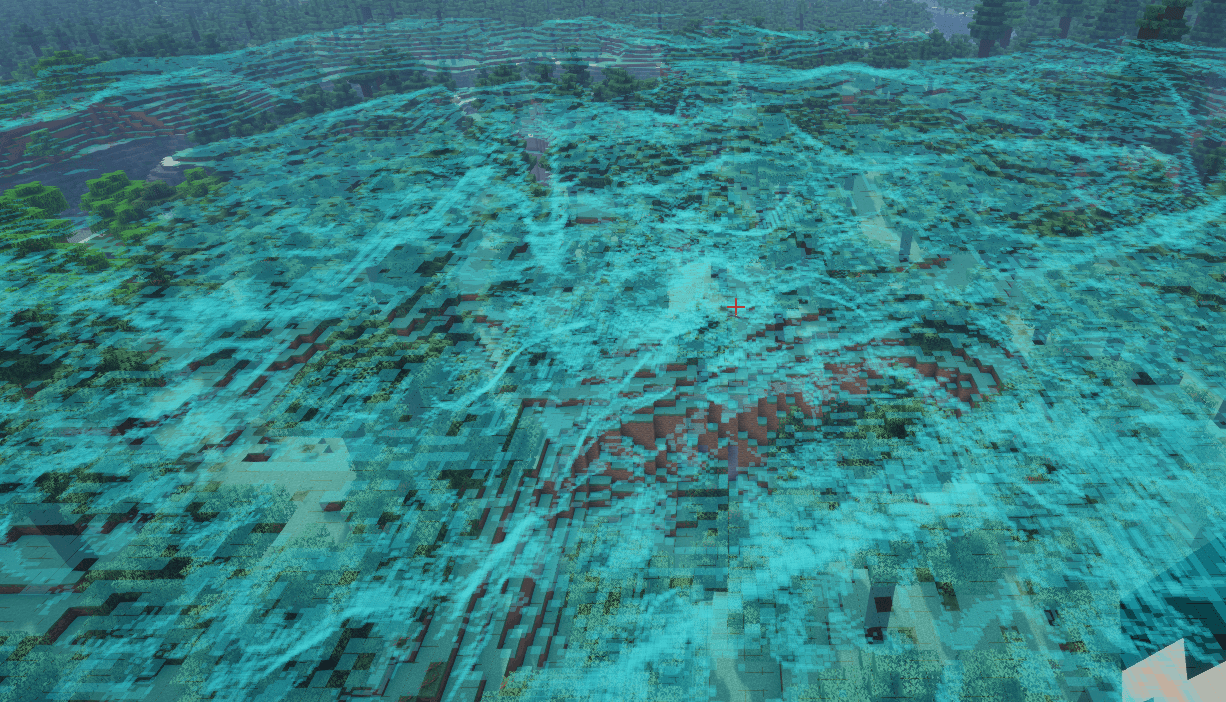
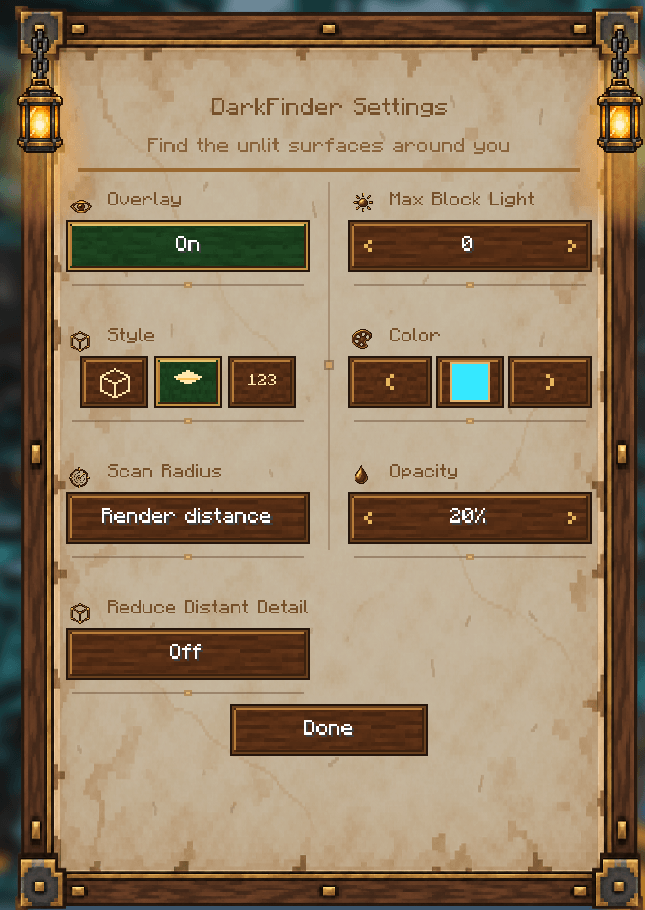
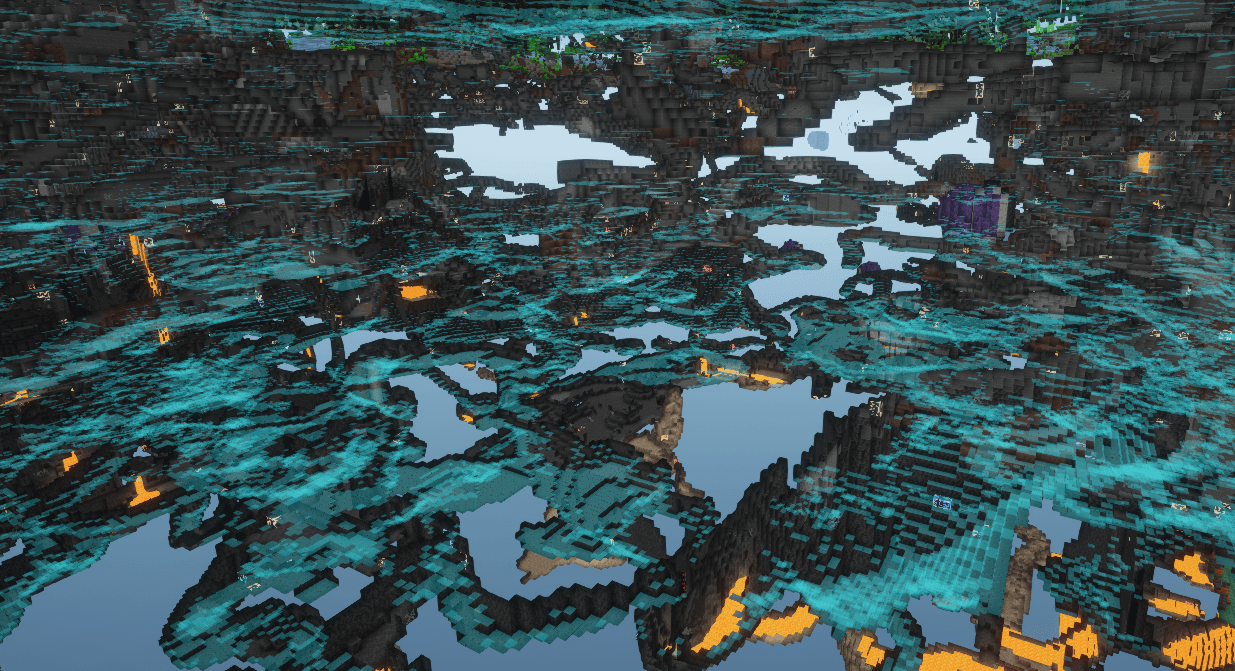
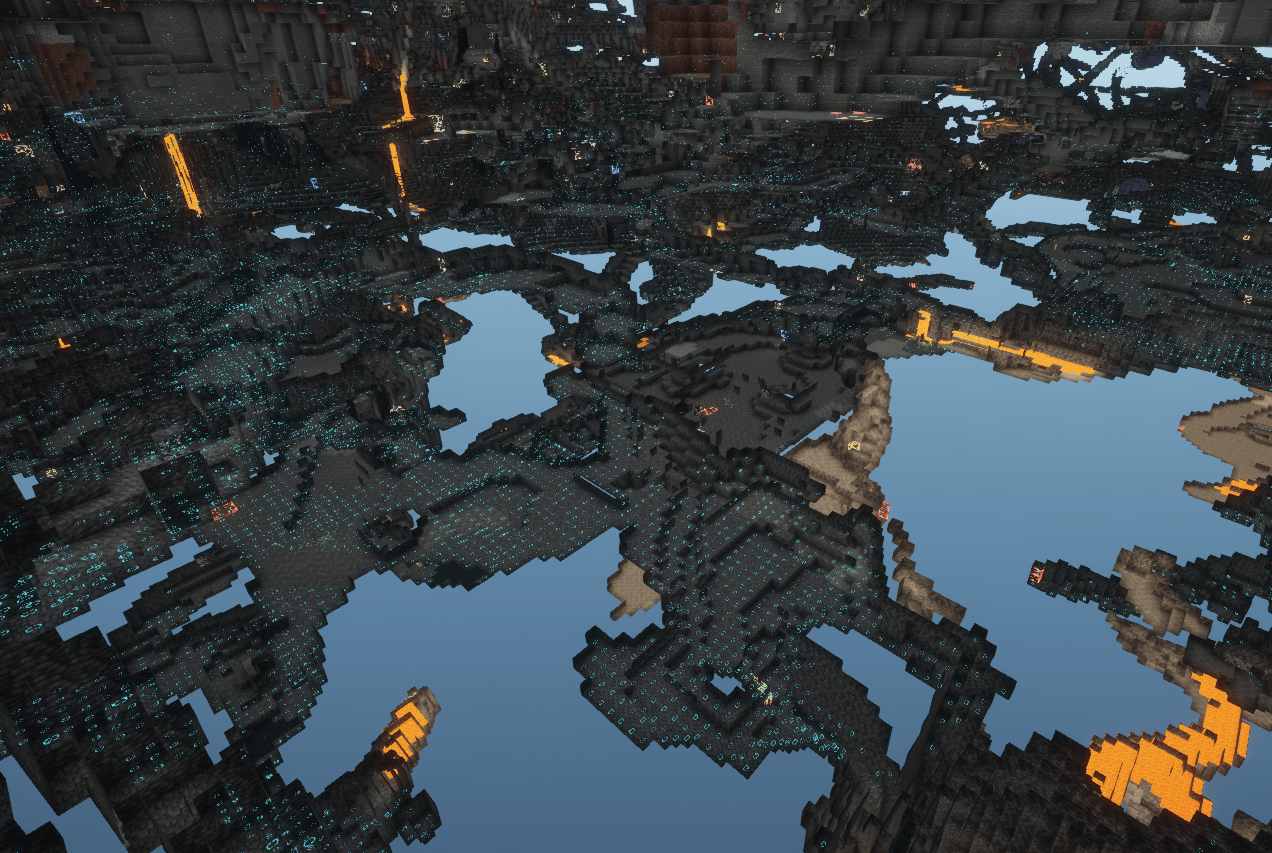
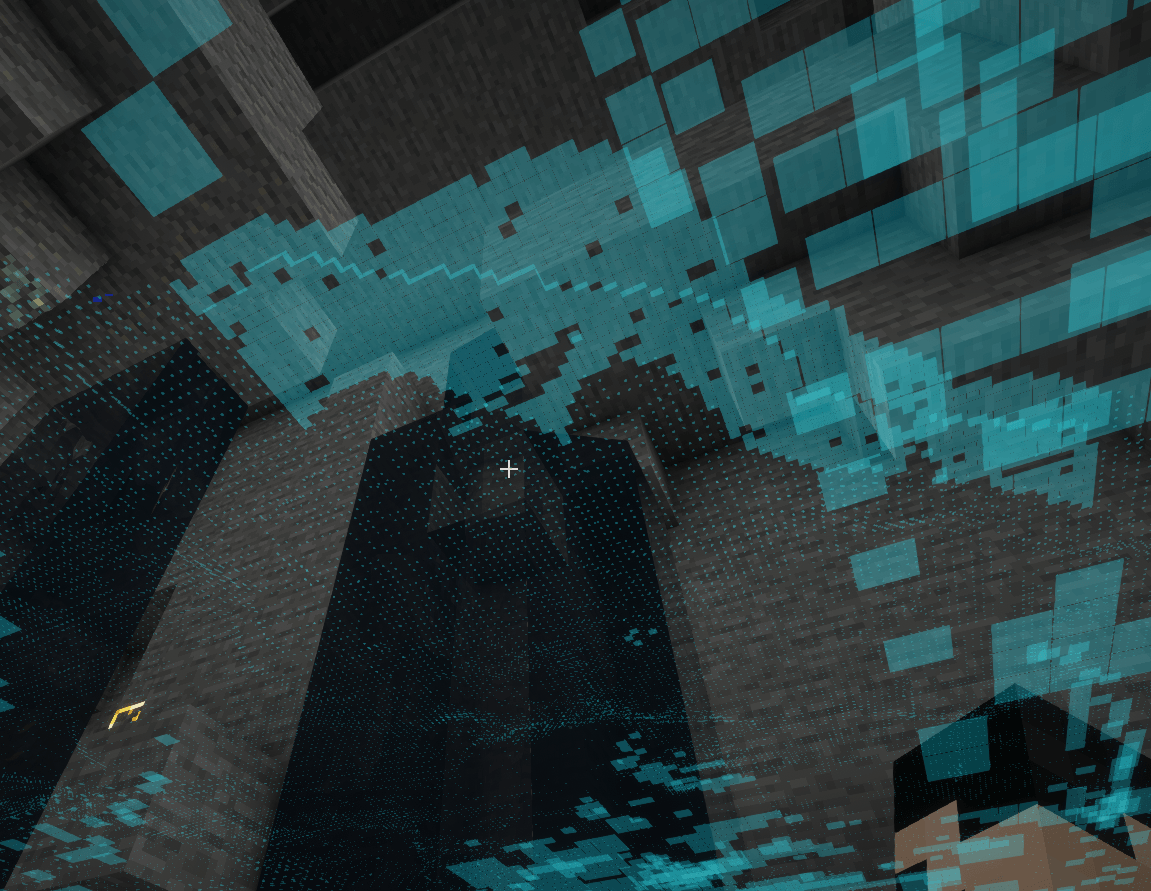
DarkFinder helps you find dark surfaces where ground-spawning hostile mobs can fit. It scans nearby loaded chunks over multiple frames, prioritizes areas closest to you, and highlights qualifying surfaces through walls.
Features
Requirements
DarkFinder is client-side. It reads blocks and block-light levels from chunks already loaded by Minecraft. It does not change blocks or send additional requests to a server. It highlights surfaces that meet the configured light threshold and have a valid support block and enough clear space for at least one registered ground-spawning hostile mob. Biome-specific spawn rules and random natural-spawn attempts are not simulated.
New installations start with the overlay off and a 24-block scan range. Press F8 to open settings and enable it. You can change the key in Minecraft’s Controls menu.

Permission-based Creative-mode controls and protected block tracking for Paper servers.
Permission-based Creative-mode controls and protected block tracking for Paper servers.