
CreativeLock
Permission-based Creative-mode controls and protected block tracking for Paper servers.
- 3
- October 25, 2026


CreativeLock
Permission-based Creative-mode controls and protected block tracking for Paper servers.
- 3
- October 25, 2026



Screenshot 2026-10-14 000826.png
Screenshot 2026-10-14 000919.png
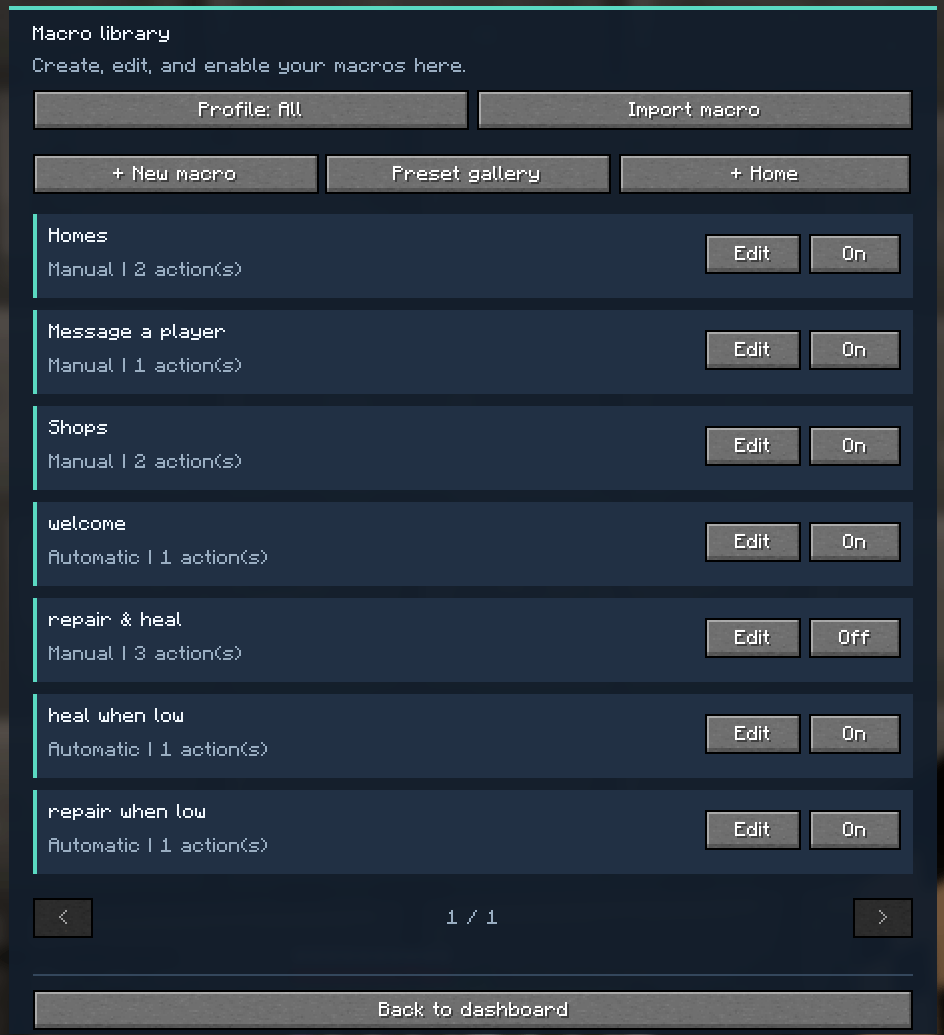
Create and run client-side macros for Minecraft chat and commands. Trigger them manually, with hotkeys, or through in-game events.
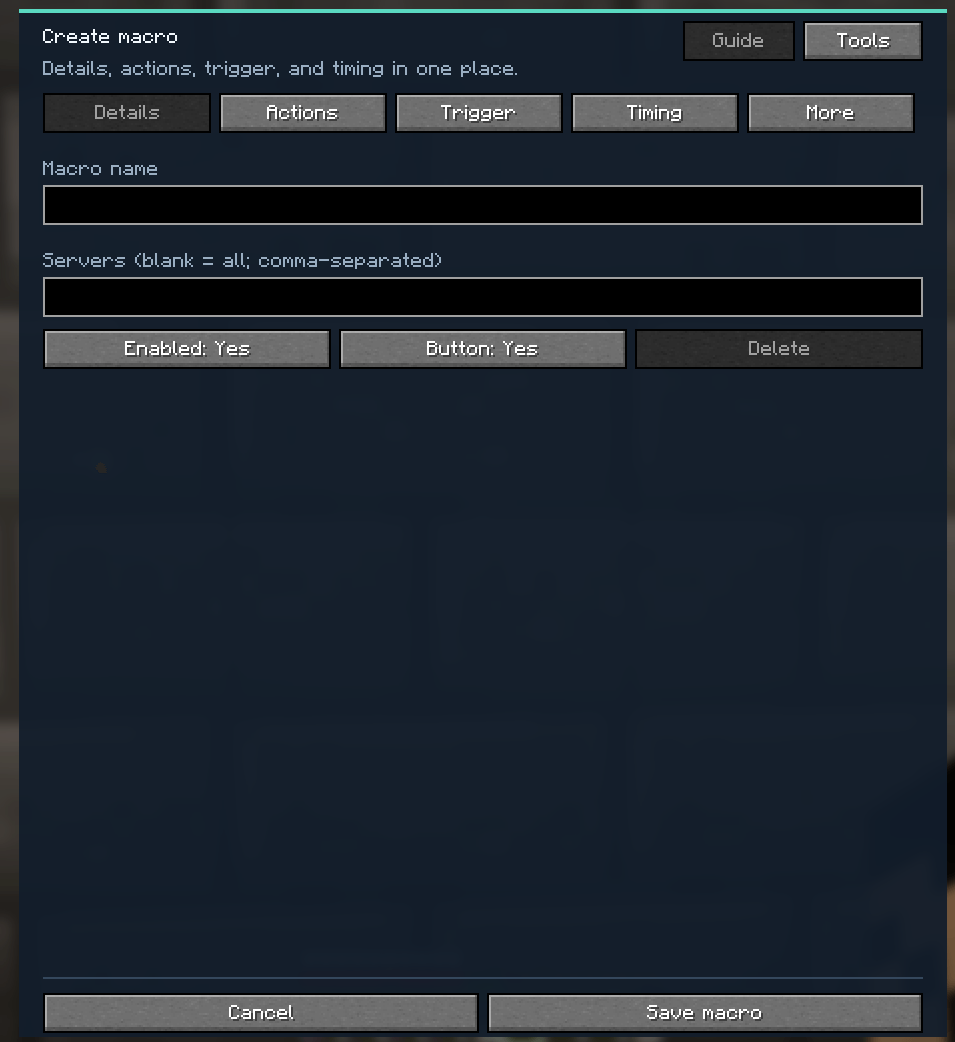
Create macros with up to 20 sequential actions, including chat messages, commands, delays, notifications, sounds, and key input.
Trigger macros manually, with hotkeys, or from events such as joining a server, receiving a chat message, changing dimension, or reaching a health, hunger, durability, or XP condition.
Add selected macros as buttons on the chat screen. Adjust their size, arrangement, and position with a live preview.
Organize settings with server profiles and optional server restrictions.
Set delays, cooldowns, and global pacing between outgoing messages.
Use placeholders, random replies, and the preset gallery to build macros more easily.
Kenace’s Macros runs on the Minecraft client and does not need to be installed on a server. Commands and server interactions still depend on the server’s features, permissions, and rules.
Install Fabric Loader and Fabric API for the Minecraft version you use. Select the matching game version and mod file below.
Found a problem or have an idea? Report it here.
All Rights Reserved. Personal gameplay use is allowed. Copying, modifying, or redistributing the mod requires written permission, except where permission is provided by the hosting platform.
Older copies previously distributed under GPL remain governed by the license terms that accompanied those copies.

Permission-based Creative-mode controls and protected block tracking for Paper servers.
Permission-based Creative-mode controls and protected block tracking for Paper servers.