promotional bannermobile promotional banner

Dark Mode Presets

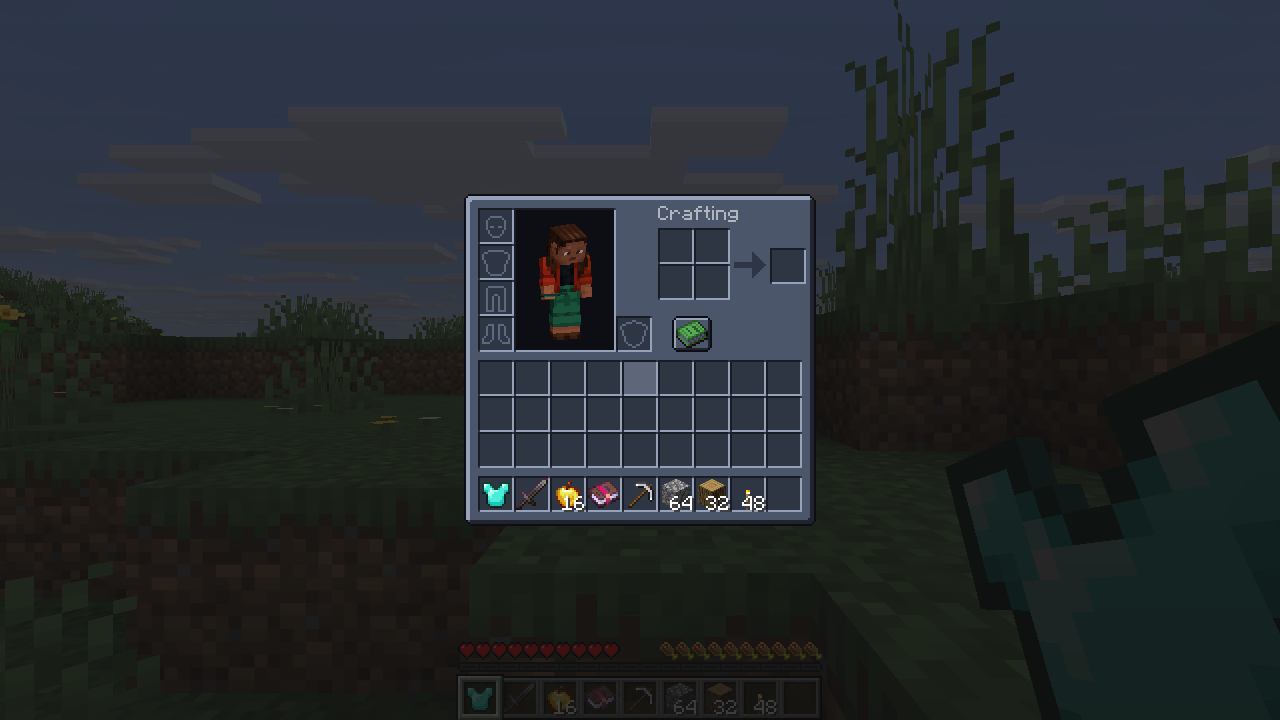
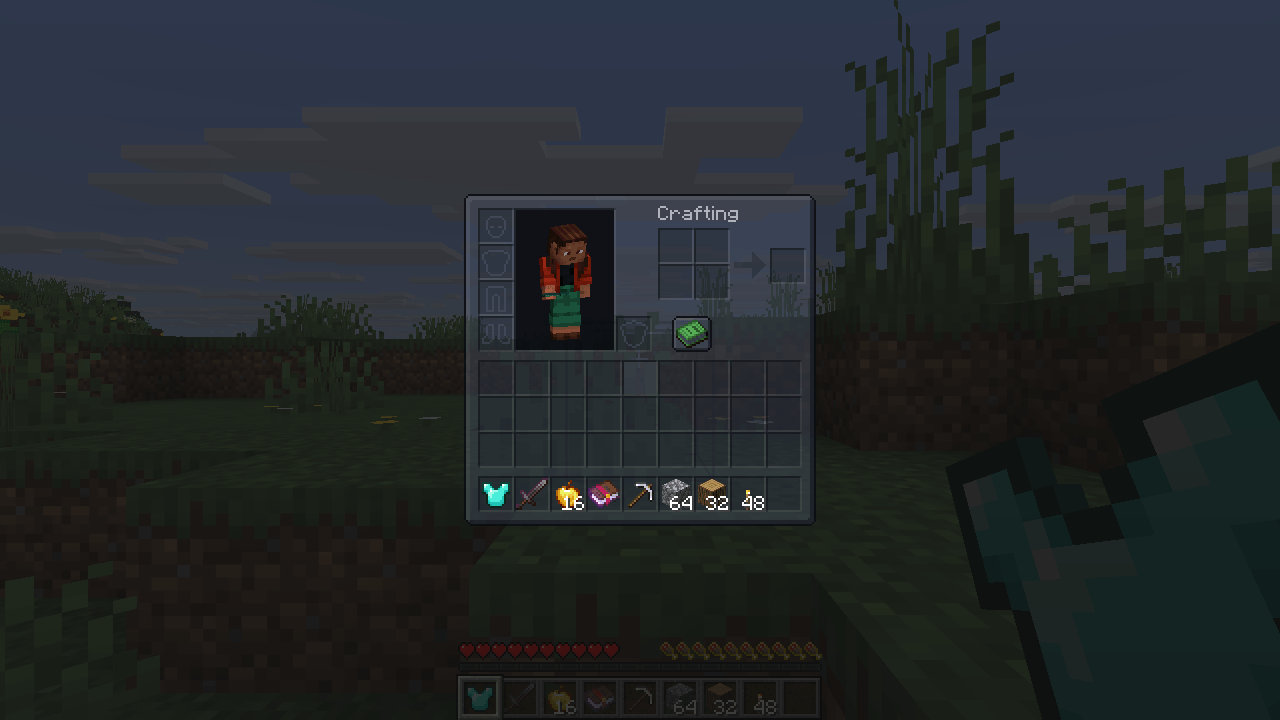
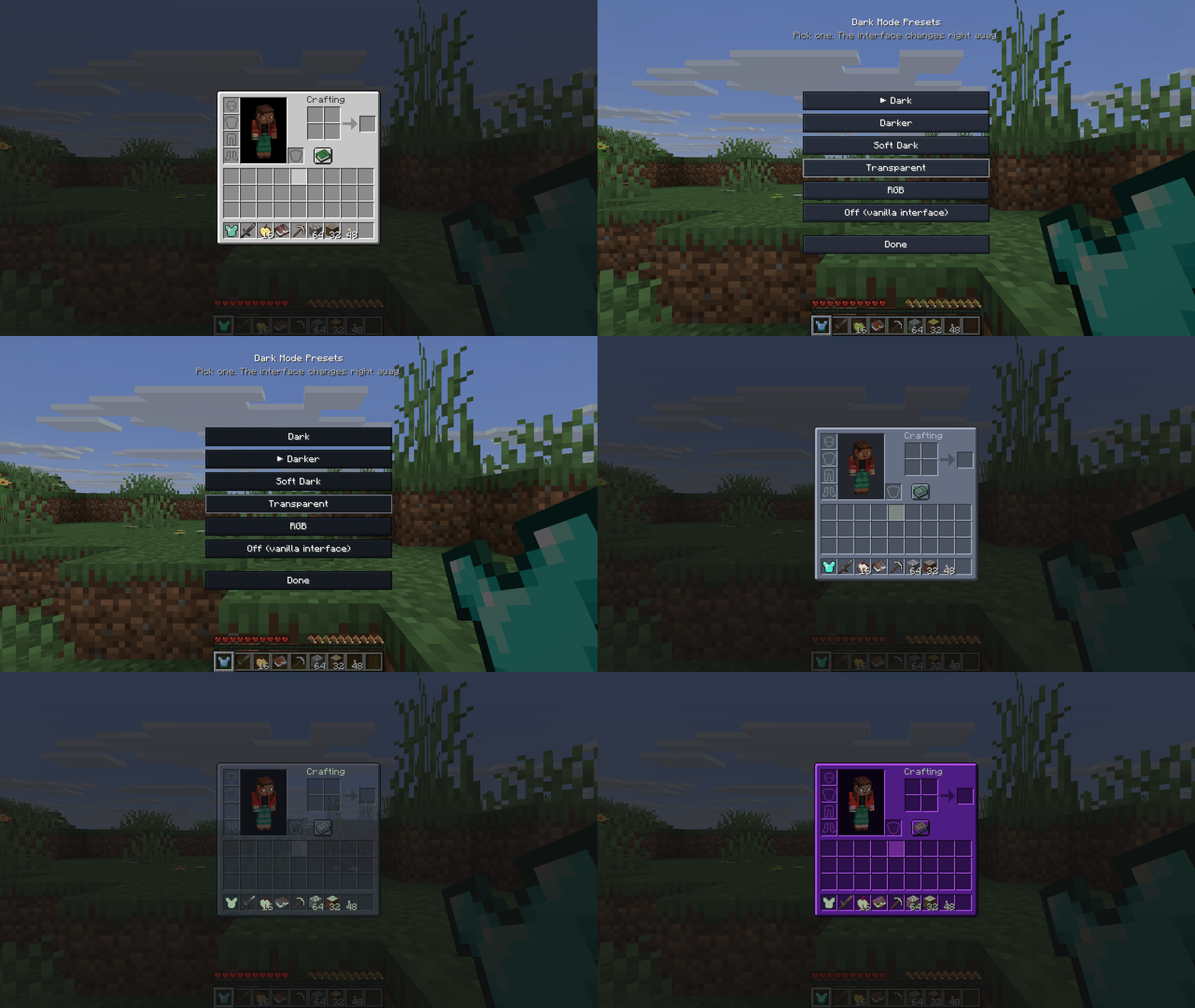
Five finished dark mode presets for every screen - Dark, Darker, Soft Dark, Transparent and RGB. One click, no config files, mod screens included.
item image
mod-dark-inventario.png

mod-dark-inventario.png

mod-transparent-inventario.png
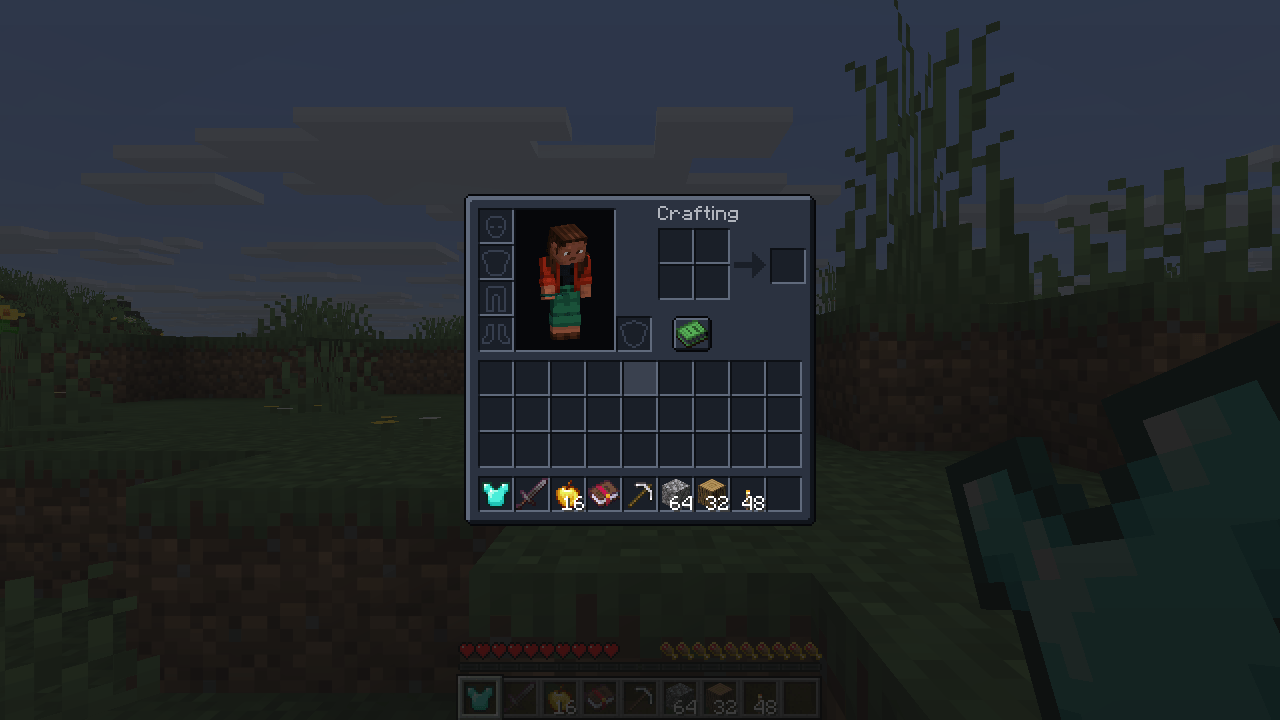
mod-transparent-inventario.png

mod-darker-inventario.png
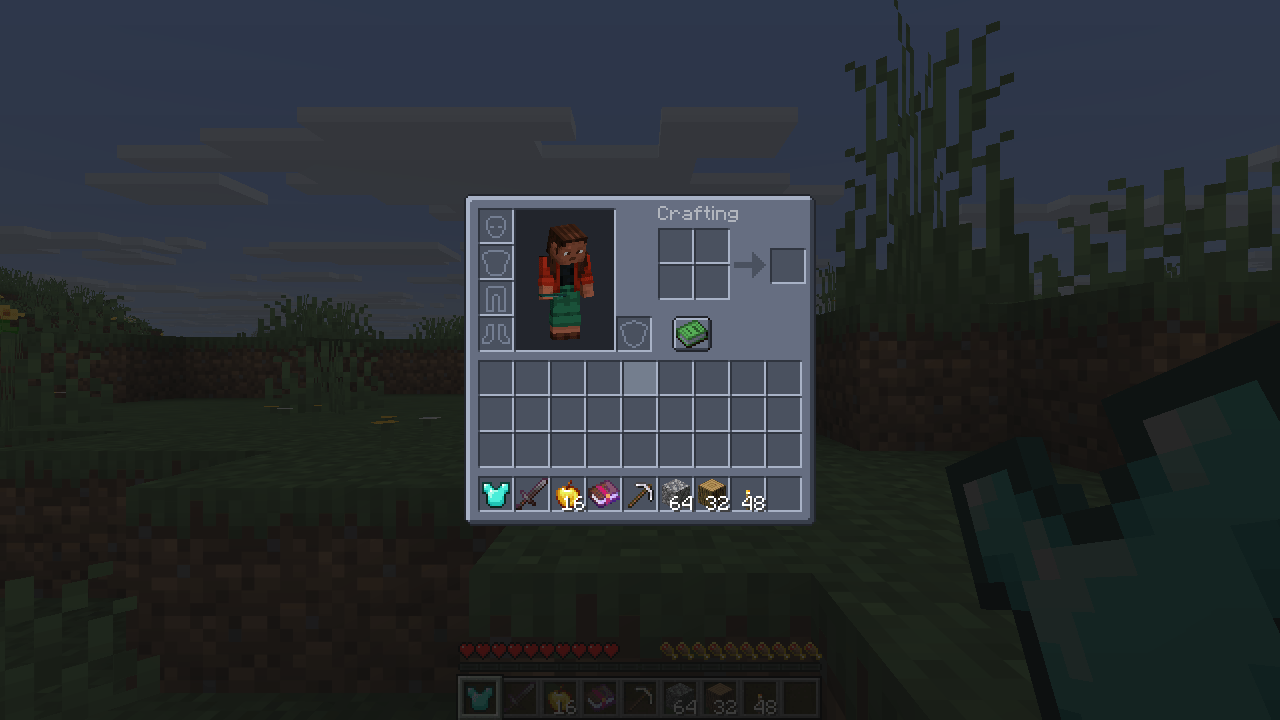
mod-darker-inventario.png

mod-soft-inventario.png

mod-soft-inventario.png

Description

Five finished dark mode presets. Pick one. That's the whole setup.

  • Dark - calm charcoal, easy on the eyes at night.
  • Darker - deeper still, for playing with the lights off.
  • Soft Dark - lighter and lower in contrast, for a bright room or a light shader.
  • Transparent - see the world through your inventory, with the slot grid still readable.
  • RGB - a dark base with a violet glow on the borders.

Why this one

  • Presets, not a config file. Choose from a screen (Mod Menu, the mods list, or /uithemes). No texture lists, no wildcards, no exclusions to maintain.
  • Mod screens are themed too - by rule, not from a list of supported mods. A mod released tomorrow is themed the day you install it.
  • What carries information is left alone. Hearts, hunger, armour, potion icons, maps and boss bars keep the colours the game gave them.
  • Text stays readable. Interface labels are lifted on the dark panels instead of turning grey-on-charcoal.
  • Nothing is redistributed. The theme is computed on your machine from the textures you already have, so no mod author's artwork is copied into this mod.

How switching works

Picking a preset applies it after a quick texture reload (a few seconds, the same reload the game does for resource packs).

Requirements

Client-side only - works on any server. Fabric API on Fabric. Minecraft 26.3 (Fabric) and 26.2 (NeoForge).

The Dark Mode Presets Team
profile avatar
Owner
  • 5
    Projects
  • 259
    Downloads

More from Vitral

  • Loot Beams - Rarity Light Beams for Dropped Items project image

    Loot Beams - Rarity Light Beams for Dropped Items

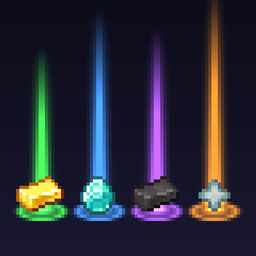
    Valuable drops glow with a soft beam coloured by value - green, blue, purple, orange - so you never lose loot again. Client-side.

    • 59
    • September 27, 2026
  • Gear Compare project image

    Gear Compare

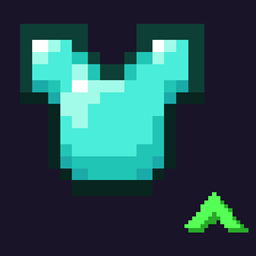
    Hover any armour, tool or weapon and the tooltip tells you how it compares to the one you are already using, as a plain difference. Client-side, works on any server.

    • 55
    • September 23, 2026
  • HUD Layout project image

    HUD Layout

    Drag and drop every part of your HUD: move, scale and hide the hotbar, health, hunger, chat and more, in game with one key.

    • 80
    • September 23, 2026
  • Loot Beams - Rarity Light Beams for Dropped Items project image

    Loot Beams - Rarity Light Beams for Dropped Items

    Valuable drops glow with a soft beam coloured by value - green, blue, purple, orange - so you never lose loot again. Client-side.

    • 59
    • September 27, 2026
  • Gear Compare project image

    Gear Compare

    Hover any armour, tool or weapon and the tooltip tells you how it compares to the one you are already using, as a plain difference. Client-side, works on any server.

    • 55
    • September 23, 2026
  • HUD Layout project image

    HUD Layout

    Drag and drop every part of your HUD: move, scale and hide the hotbar, health, hunger, chat and more, in game with one key.

    • 80
    • September 23, 2026