Description
Customers Minecraft Mod for NeoForge
Feedback Appreciated
We would love any feedback you have good, bad, or inbetween and any suggestions for improvements. Please drop a comment and we'll be sure to review them. Thank you!
Overview
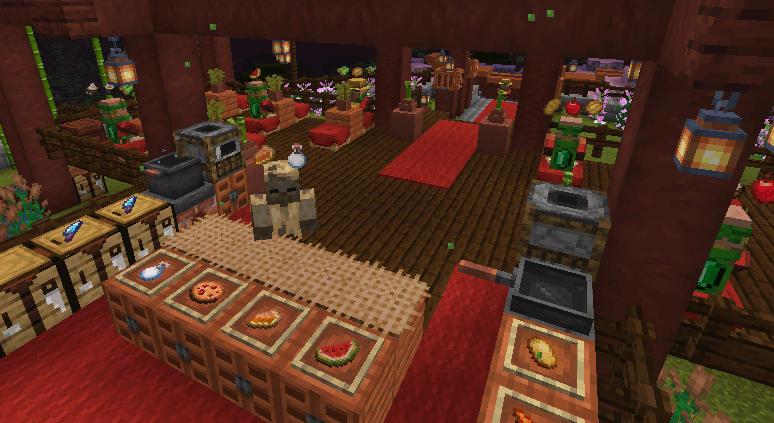
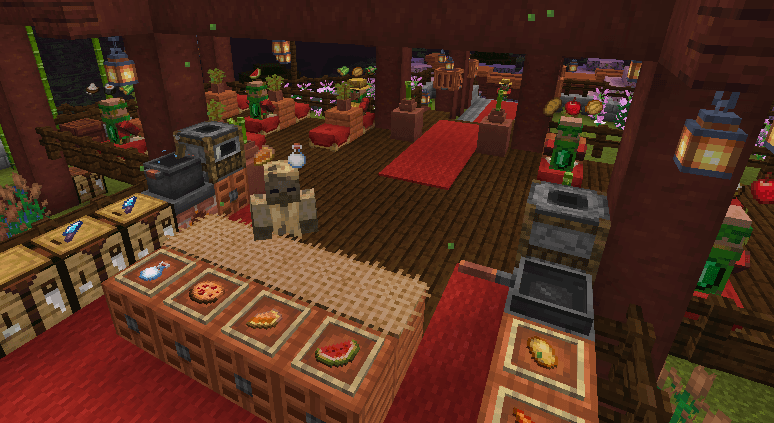
This mod provides Customer Villagers that will spawn, decide they want to buy some items from you, and go to where they think they can buy them from you. Once you sell the items to them they will pay you, say thank you, and go on their merry way. It provides the basic villager AI, spawning blocks, and controls to crafter and customer type gameplay experiences like a fast-paced diner or a cozy rode-side farm stand.
Supported Minecraft Versions
For now we support Minecraft versions:
- 1.21.1
Mod Loader
For now we are only supporting NeoForge.
Customer Spawner Blocks
A customer spawner block is the starting point for this mod. Where you place it is where your customers will spawn and what you place inside of it determines what your customers will want to buy from you.
Similar to a regular mob spawner block, each customer block will try to keep up to 4 customers spawned at any one time. If you want more customers at the same time, put down more customer spawner blocks.
Crafting Customer Spawner Blocks
You can craft a customer spawner block from a bed surrounded by 8 emeralds.
Spawning Modes
The customer spawning modes are mostly around time or shifts, do you configure the spawning mode with a Clock. Hold a Clock and right-click the customer spawner block to cycle through the spawning modes. Each spawning mode change will show a message with the change and change the block texture.
- Continuous / Default - The default mode will try to continuously keep 4 customers spawned.
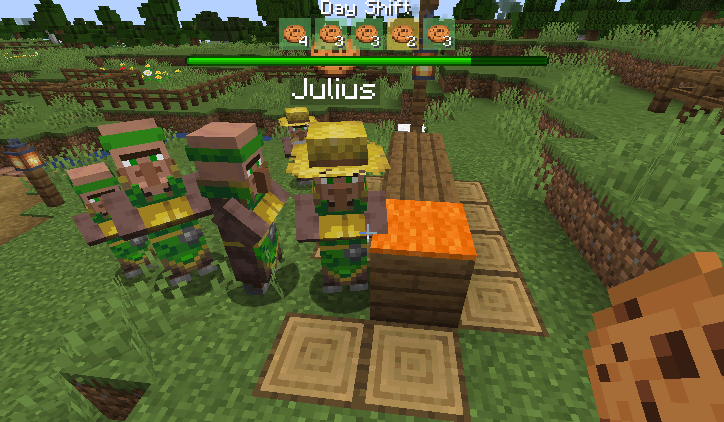
- Day Shift - This mode will keep spawning customers, but only when it's daytime from 5am - 7pm.
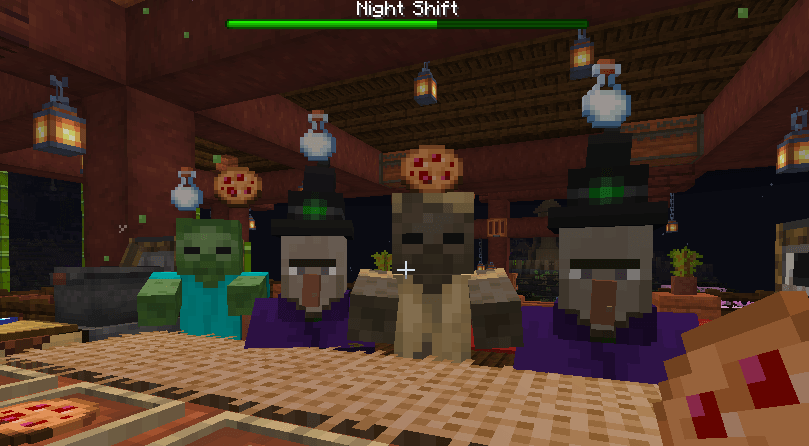
- Night Shift - This mode will keep spawning customers, but only when it's nighttime from 7pm to 5am.
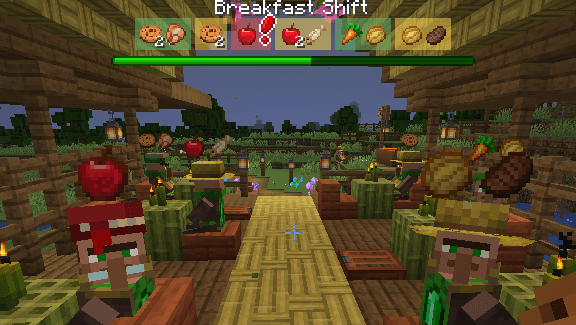
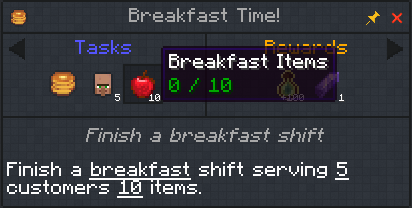
- Breakfast Shift - This mode will keep spawning customers from 5:30am - 10:30am - A little over 4 minutes.
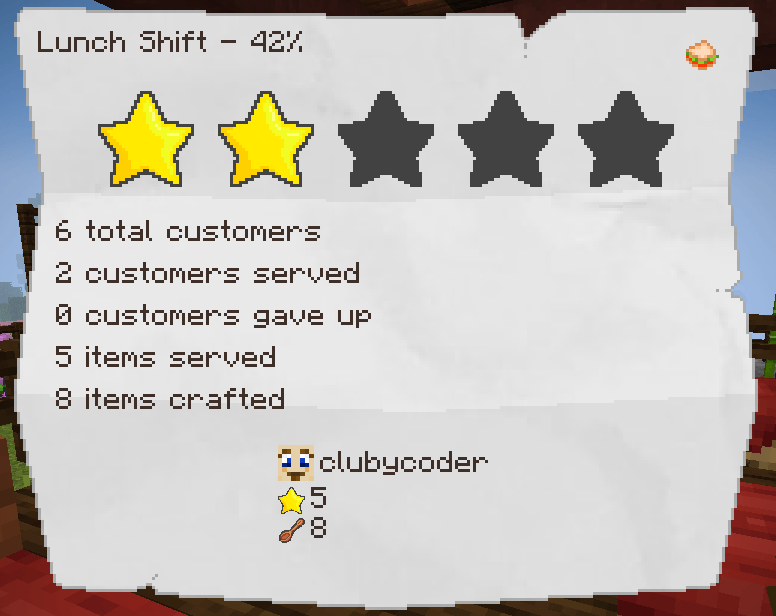
- Lunch Shift - This mode will keep spawning customers from 11:30am - 3:30pm - Just under 3 1/2 minutes.
- Dinner Shift - This mode will keep spawning customers from 4:30pm - 9:00pm - Just under 4 minutes.
- Manual - This mode only spawns manually with a redstone pulse.
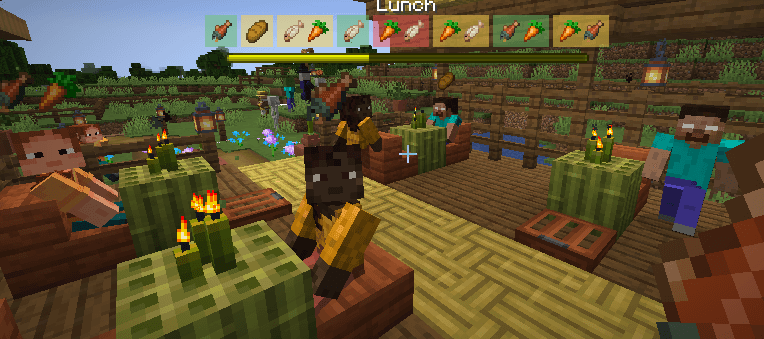
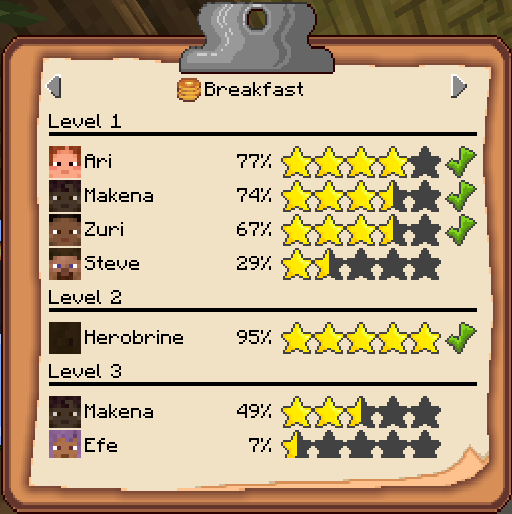
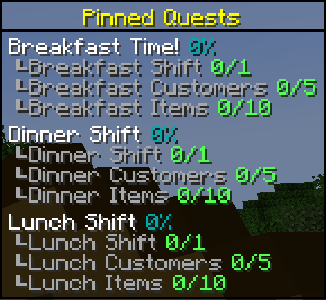
For the time restricted shift modes, the players within 64 blocks of the spawner will get shift messages, progress bars, and scores.
Redstone and Customer Spawner
Similar to a hopper, if the Customer Spawner block is is any mode other than Manual and is receiving power, it will turn off spawning. This will allow you to turn off getting new customers when you don't want to deal with them or if you want to use redstone to control when the shifts are on.
If a Customer Spawner is in Manual mode, a redstone pulse like with a button will spawn a customer. This will let you completely customize the spawning with your redstone contraption.

Controlling Items For Purchase
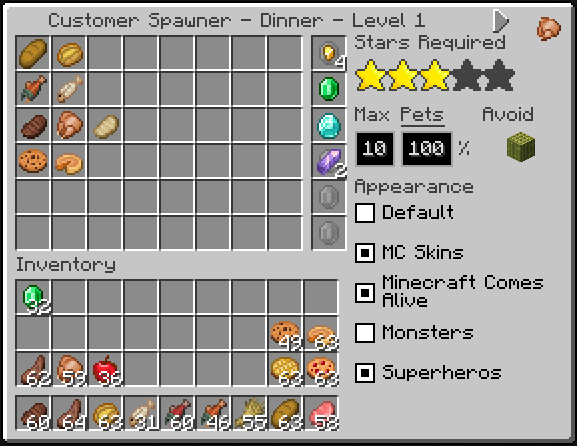
To control the items the customers can purchase the customer spawner block also acts like a container like a chest. The items or stacks of items you put in the spawner are what the customers can randomly decide to purchase.
The size of the stack is the limit to how many of that item a customer can ask to buy. For example if you have put a single apple in the customer spawner the customer will only ask to buy a single apple. However, if you put a stack of 5 apples in the customer spawner, the customer will decide to randomly buy 1 to 5 apples.
The separate 6 rows in the spawner container are used to define how many different items a customer can decide to buy and what each of those items can be. Each of the 6 container rows is a "slot" for a customer to decide to buy from. All 9 items on that row (except for emeralds) can define an item the customer can ask for for that slot. A customer will only ask for one item per slot, and it will randomly decide how many slots to buy from from 1 to the number of rows you have items in.

Emeralds are special. Just like regular villager traders, you will be paid in emeralds. By default, you will be payed one emerald for each item you sell to a customer. If a spawner container row contains a stack of emeralds, that will define how many emeralds the items in that row cost. Remember this will be per item not per stack so if the customer buys more than one of the item, you will be payed that number of emeralds multiplied by the number of items in the stack.
Examples:
- Row 1 contains just a single apple - Customer will always ask for a single apple and pay a single emerald
- Row 1 contains a stack of 5 apples - Customer will always ask for from 1 to 5 apples and pay one emerald for each
- Row 1 contains a stack of 5 applies and a stack of 5 carrots - Customer will always decide to buy either apples or carrots and buy from 1 to 5 of them paying one emerald for each.
- Row 1 contains a stack of 3 chocolate chip cookies, a single pumpkin pie, and a stack of 2 emeralds - Customer will always decide to buy chocolate chip cookies or a pumpkin pie. If it decides to buy chocolate chip cookies it will buy from 1 to 3 and pay 2 emeralds for each cookie. If it decides to buy a pumpkin pie it will only buy 1 and pay 2 emeralds for it.
- Row 1 contains a single apple and row 2 contains a single pumpkin pie and a stack of 2 emeralds - Customer will decide to buy from 1 to 2 items. If it decides to only buy 1, it will randomly pick which row to buy from. If it decides to buy 2, it will buy one item from each row.
Counter or Table-Top Blocks
Once a customer spawns, it needs to know where to go to buy the items it picked. This is where the counter or table-top blocks come in. Whatever item you place on top of the spawner will be treated as the counter or table-top block to find. A good approach would be to use colored carpet blocks that you are not using on the floor or other parts of your build and put that same carpet color on the tables or counters where you want the customers to go. You can also use a sign with custom text that you match on the sign next to your counter where you want customers to gather.
- Carpet or wool blocks - Matches the type and color
- Signs - Matches the wood type and text
- Containers or banners named with an anvil - Matches the block type and name
- Lecterns with a named book on them - Matches the book name
- Other items - Exact block match
For all the blocks of this type in a 64 block radius and go to a random one trying to avoid going to one that already has a customer next to it.
Avoid Block
When a Customer looks for a spot to go to next to your counter or table-top blocks it will look at all the spaces around it as options unless that block matches the block directly under the customer spawner block. This can be used to set of builds like a counter where you only want the customers to go to one side of it because the other side if the kitchen. On the other side of the counter use a different block for the kitchen tiles and put that same kitchen floor block under the customer spawner.
Example Build
In this example we have customer spawner blocks setup for breakfast, lunch, dinner, and the night shift. Breakfast, lunch, and dinner have green candles on top for the counter/table-top block, and the night shift has green carpet. All of the spawners are on top of bamboo planks setting it as the block to avoid sending customers to:

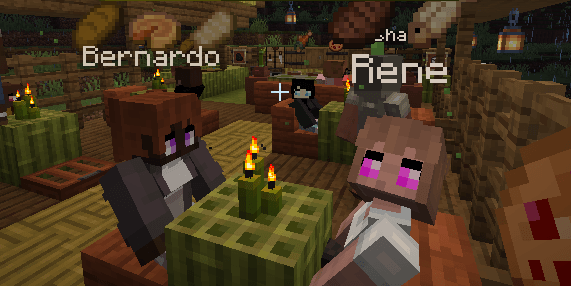
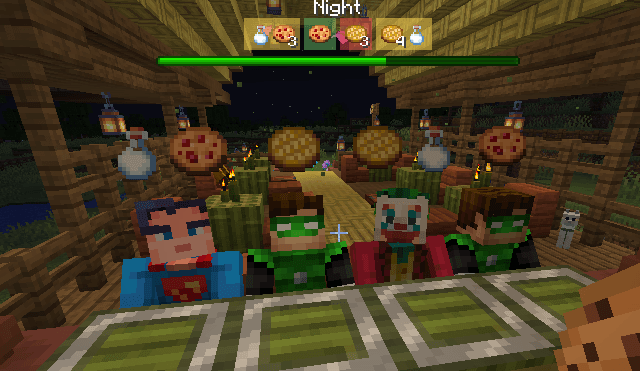
Now in our cafe we have several tables for customers that have green candles on them for the breakfast, lunch, and dinner customers, and for the nigh shift customers we want them to just come to the bar that is covered in green carpet. The kitchen behind the bar is floored with bamboo planks so customers won't go in the kitchen:

Villager Customers
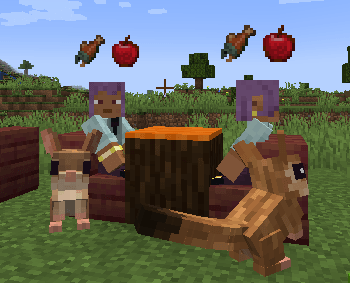
The Customer Spawner will spawn Customer Villagers that are just normal villagers with custom AI and a custom profession. The Customer profession give them a unique skin and hat so you can tell they are customers.
The customers work like villager traders where you can right-click and sell them what they want. They will also show icons above their heads for what they want to give you a heads up for what to prepare.
If you want your customers to have names, think about using the Villager Names mod. If you want more items to sell like more food items use other mods like Farmer's Delight.

Special Night Shift Customers
If the Customer Spawner Block has a lit jack-o-lantern block next to it and the spawner mode is on Night Shift, it will also randomly spawn the monster customers which are just like the villager customers but on the client side will show up and sound like friendly zombies, skeletons, witches, husks, etc.

Picking Items to Buy
The first thing a customer will do it look at it's spawner to pick what items it wants to buy. See [Controlling Items For Purchase](#Controlling Items For Purchase).
Going to the Counter or Table
Once it has picked items to buy, it needs to find where to buy them. See [Counter or Table-Top Blocks](#Counter or Table-Top Blocks). Once the customer has found all the matching blocks, it will shuffle the list and then sort it ascending by the number of customers within 2 blocks of it. It will then pick the first one which should be a random block with the fewest number of other customers near it. This should give a nice pattern of filling our a counter or restaurant full of tables.
Serving and Selling to the Customer
You will serve the customer what they want or sell them what they want to buy just like any other villager trader. Right click on them to open up the trade and sell them one of the items. After being sold one of the items they want, that item will be removed from the trades.
Thank You and Goodbye
Once the customer's trade list is empty they will say thank you and goodbye to you in chat and walk back to the spawner that created them. Once they reach the spawner they will pick a random block to walk to 32 blocks away that has 2 air blocks above it and that they can actually path to. They will then walk to this block and once they get there despawn.
Supplier Spawner Block
A Supplier Spawner Block can be used to setup a Supplier that will show up at the beginning of the day will new supplies to buy for your restaurant or stand when you can't or don't want to gather them your self. Lets say your Customers want steaks, but you don't want to harvest a bunch of cows. That's where a Supplier can help you out.
Crafting Supplier Spawner Blocks
You can craft a supplier spawner block from a barrel surrounded by 8 emeralds.
Specifying What the Supplier Will Sell
The supplier spawner block acts like a double-chest container and the items you put in it, including the size of the stack, will be what the supplier will sell you. Similar to the customer spawner blocks, the exception is emeralds. Emeralds are used to set the price of the items the supplier will sell. The Supplier will default to 1 emerald per stack of items, but if you put a stack of emeralds after each of the items in the container, that will set the price to the count of emeralds. For example if you put a stack of 32 raw steaks in the container and in the next slot put 5 emeralds, the supplier will sell you 32 raw steaks for 5 emeralds.

Supplier Spawning
The Supplier will spawn each morning up to 32 blocks away from the spawner and walk to the spawner. Once the Supplier is there you can start build items.
Once it is dark the Supplier will walk away and despawn.