Create: Sulfuric Resonance
- By
Build an entire thermochemical industry with Create — generate and transmit heat, harness sulfur chemistry and sulfuric acid, process advanced resonant materials, and automate increasingly complex industrial systems.
Description
Create: Sulfuric Resonance
Version 0.6.1 Tied Ends IS OUT on Modrinth, Curseforge is currently having some technical difficulties with my file upload.
Known Incompatibilities — NONE
Verified Compatibilities
Create: Bits 'n' Bobs
Create: Bits 'n' Bobs added compatibility with CSR in its 2.3.5 update.
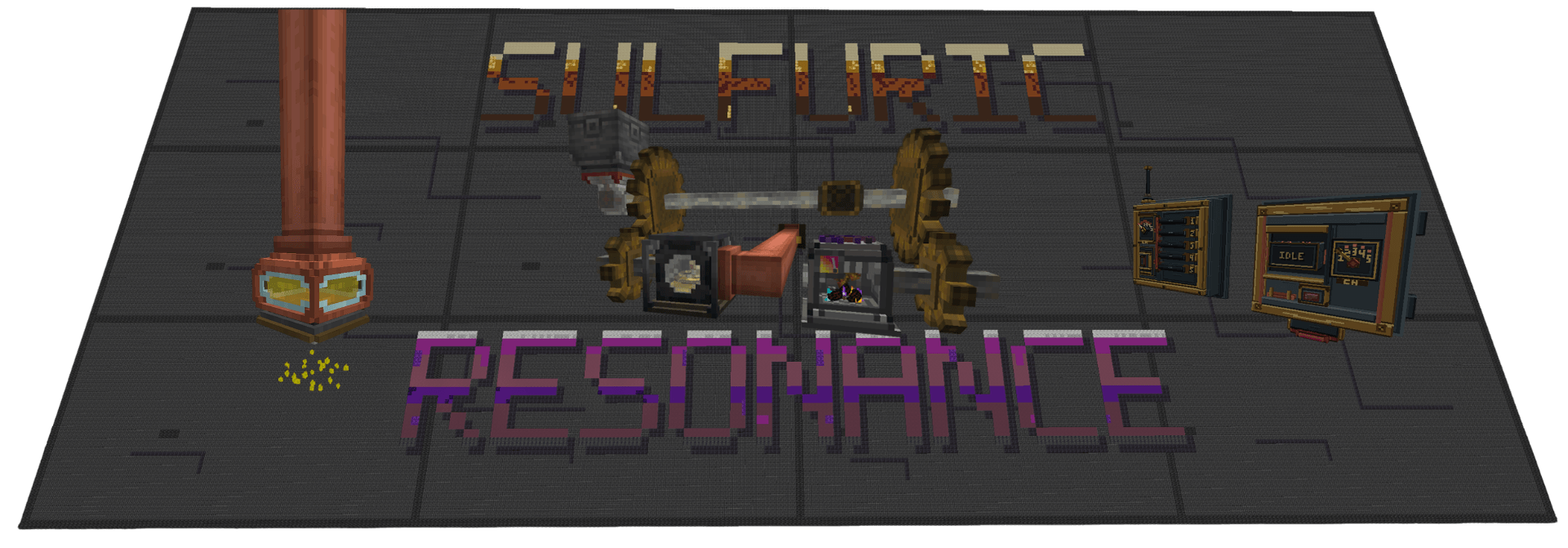
Create: Sulfuric Resonance, or CSR, is a NeoForge addon for Create focused around thermochemical heat, sulfur chemistry, industrial processing, advanced materials, and factory automation.
Create has heat, but outside of heating recipes there isn't a whole lot you can actually do with it.
CSR changes that.
Heat can be generated, moved, split, stored, controlled, monitored, and combined with rotation and chemistry as part of an actual factory network.
I try to keep CSR feeling like an extension of Create rather than a completely separate tech mod sitting beside it. Belts, Funnels, Chutes, Mechanical Arms, pipes, cogwheels, redstone, Wrenches, Engineer's Goggles and physical factory layouts are used wherever they make sense.
Not every recipe or interaction is listed here on purpose.
Ponder, advancements, JEI/EMI, and simply experimenting with the machines are part of learning the mod.
Current Update — 0.6.0 Second Yield
0.6.0 — Second Yield introduces a completely new way to process raw metals, along with a new machine and an entire material chain built from what that processing leaves behind.
Rotary Leacher
The main addition is the new Rotary Leacher.
It is inspired by real-world metal leaching: raw mineral material is placed into a chamber with Sulfuric Acid and mechanically agitated to recover more usable metal than you would get by simply smelting it immediately.
A basic recipe looks like:
4 Raw Ore → 5 Purified Metal Chunks + 1 Mineral Tailings
Those 5 chunks can then be smelted or blasted into 5 ingots.
Iron, Gold, Copper, and Zinc are currently supported.
The Leacher also supports bulk processing, meaning larger valid batches can be processed together instead of forcing the machine to repeat the smallest recipe one batch at a time.
It works with normal factory automation, including:
- Item insertion and extraction
- Sulfuric Acid input
- Mechanical Arms
- Create kinetic power
- JEI and EMI
- Ponder
The internal cogwheel follows the kinetic speed supplied to the machine while the mixing assembly continuously agitates the contents during operation.
Mineral Tailings
Leaching doesn't only give you more metal.
It also creates Mineral Tailings.
Instead of making them another useless waste item that piles up in storage, they can be processed into Mineral Concrete Mix and reused as construction material.
0.6.0 adds both:
- Mineral Concrete
- Weathered Mineral Concrete
Each family includes:
- Blocks
- Pillars
- Slabs
- Stairs
- Walls
Stonecutting support is included where it makes sense.
That is where the name Second Yield comes from.
You get a second yield from the ore itself, and then another use out of what would normally have been left behind.
Requirements
Required
- Minecraft 1.21.1
- NeoForge 21.1.238+
- Create 6.0.7+
- Java 21
Optional
- JEI 19.42.0.387+
- EMI 1.1.24+
JEI and EMI can be installed separately or together.
Thermochemical Industry
Heat in CSR is part of the factory rather than just being a recipe condition.
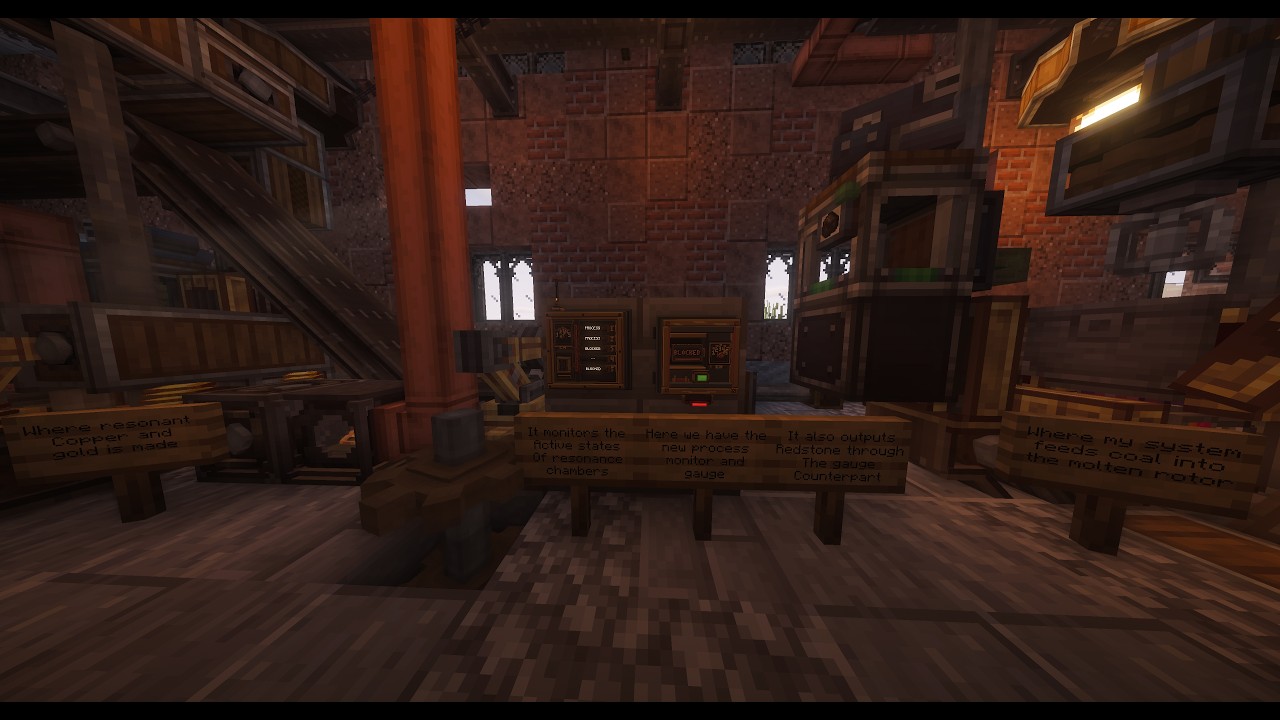
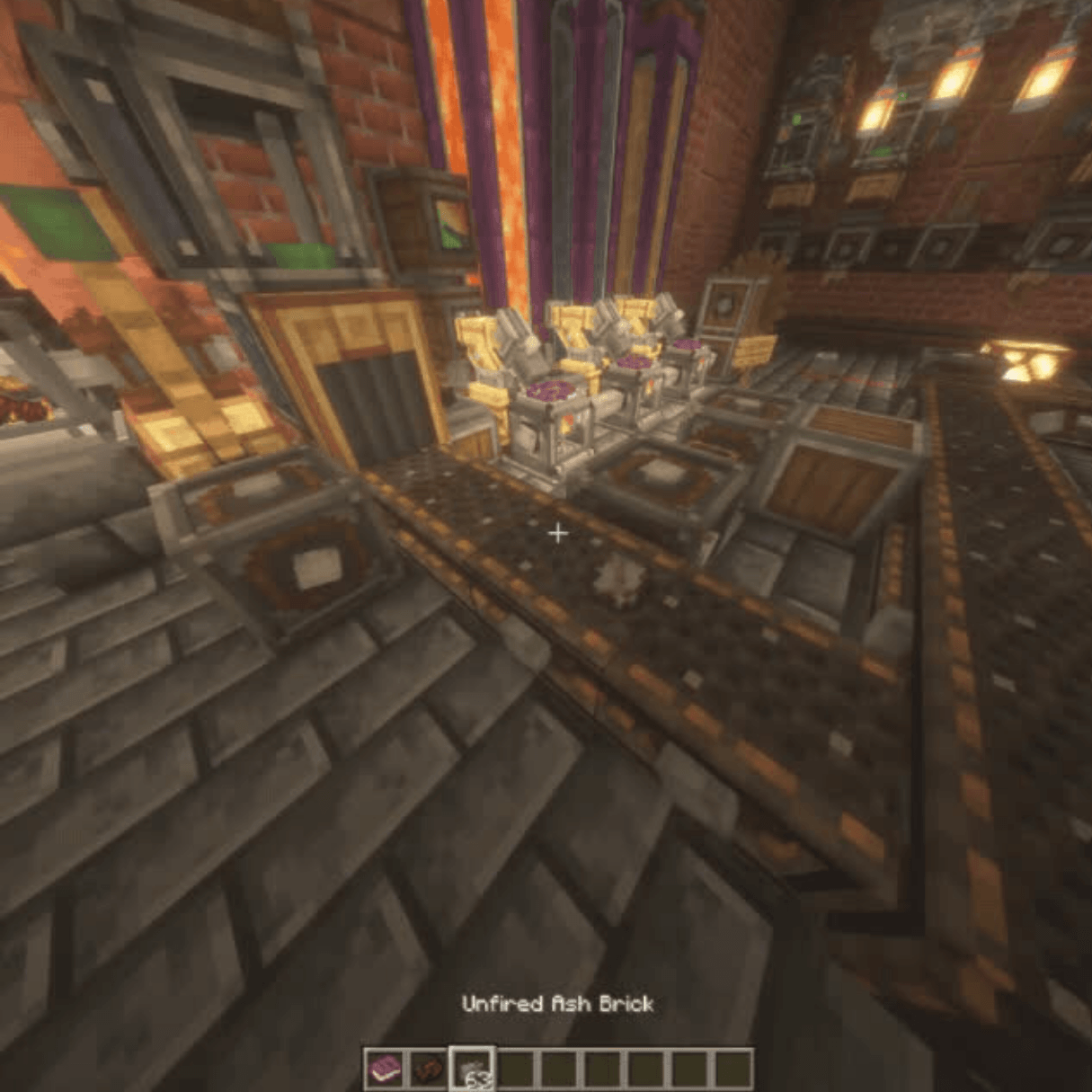
The Molten Rotor Furnace is CSR's main high-output heat and kinetic generator.
Its heat can be moved around a factory through dedicated thermochemical infrastructure including:
- Thermochemical Shafts
- Thermochemical Conduits
- Thermochemical Gearboxes
- Thermochemical Cogwheels
- Thermochemical Clutches
Regular Create cogwheels do not transmit CSR heat.
That is intentional.
I don't want placing a cogwheel against an existing factory to suddenly spread thermochemical heat through everything connected to it.
The heat network is another physical system you have to actually build and route.
Molten Rotor Furnace
The Molten Rotor Furnace converts fuel into both thermochemical heat and kinetic power.
Its behavior changes depending on temperature, fuel and operating conditions.
It supports:
- Automated fuel insertion
- Mechanical Arm insertion
- Fuel queues
- Engineer's Goggles
- Visible fuel
- Particles and sound
- Ponder
- Data-driven custom fuels
Afterburn
Normal Radiant operation ends at 1599 °C.
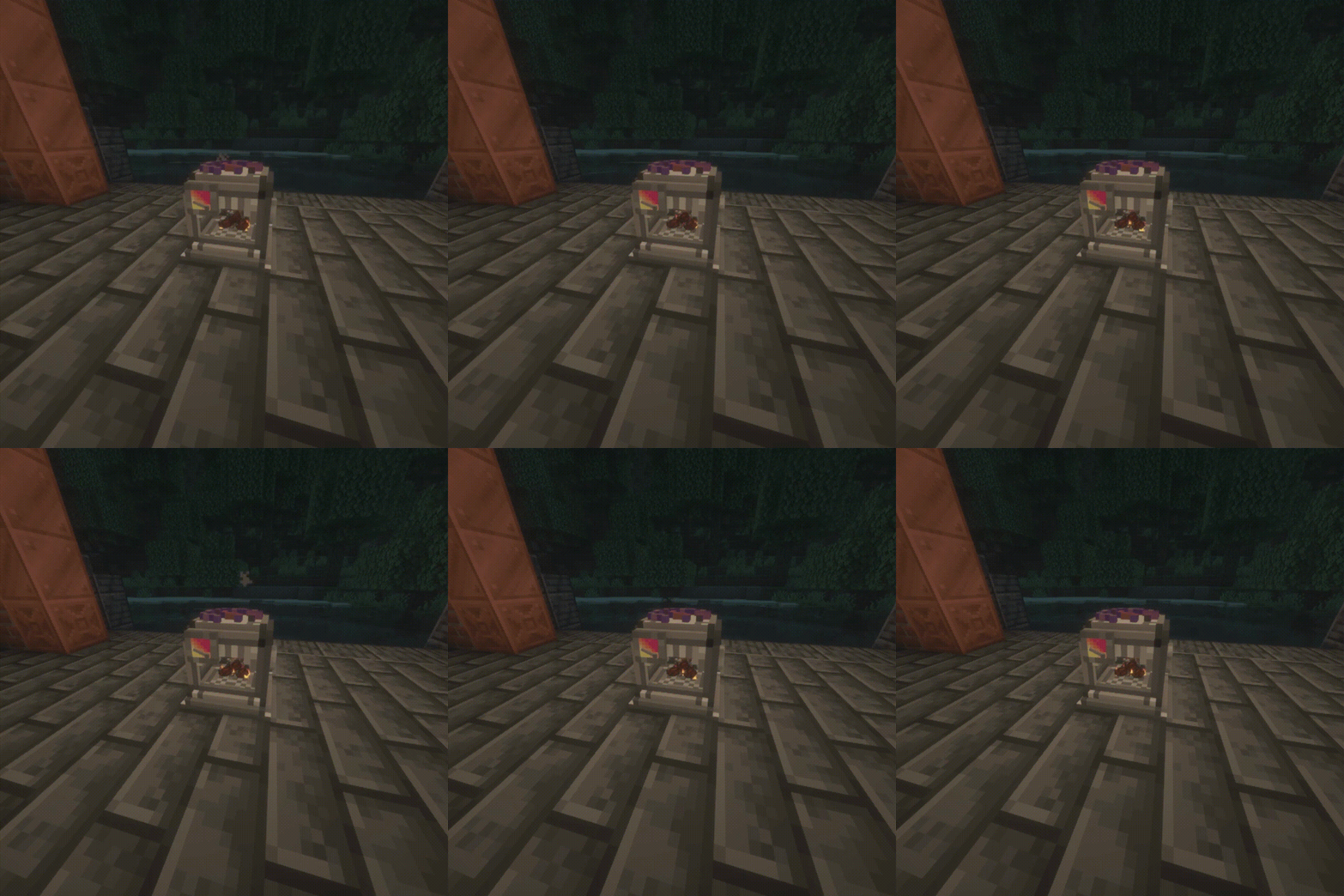
With the proper fuel, the Molten Rotor Furnace can enter Afterburn and continue heating up to 2000 °C.
Afterburn is not another normal heat tier.
It is a higher-temperature operating state of the Molten Rotor Furnace.
While active it allows the Furnace to:
- Operate above the normal Radiant ceiling
- Produce greater stress capacity
- Hold extreme temperatures longer
- Cool more slowly above 1599 °C
Custom Molten Rotor fuels can also be added through datapacks or KubeJS.
KubeJS is not required for custom fuels.
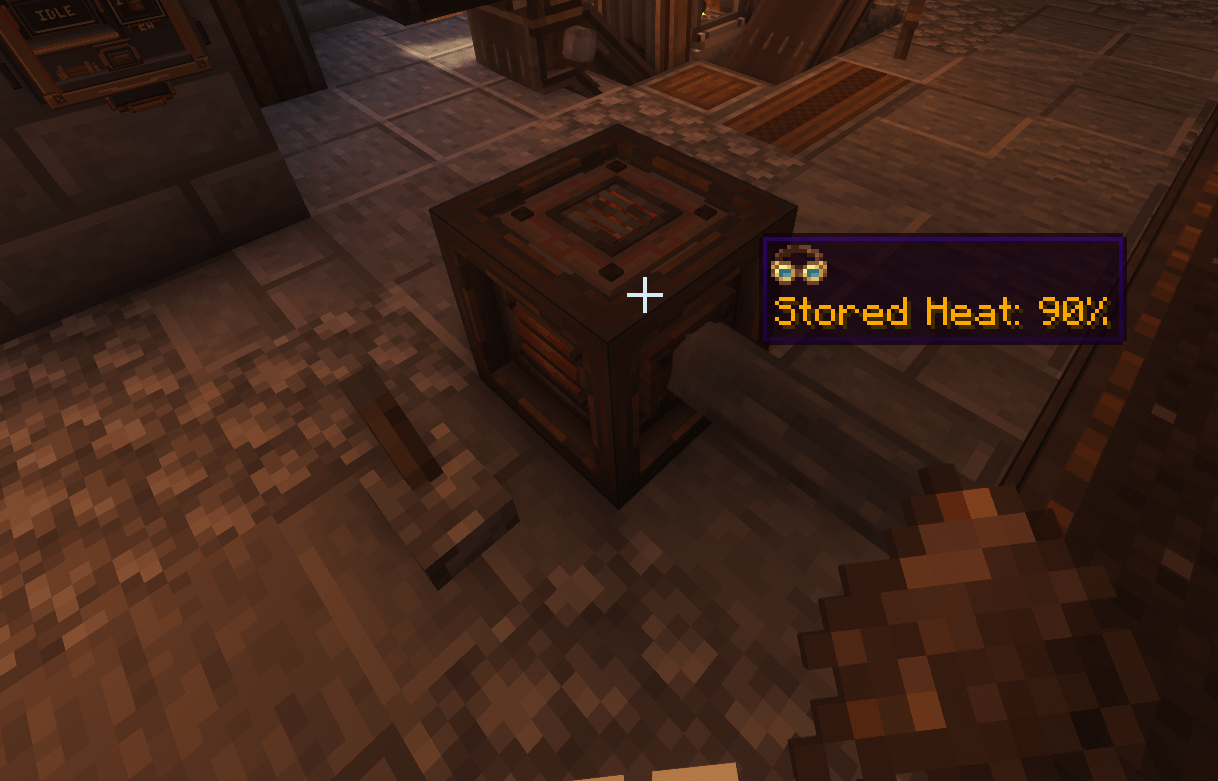
Thermal Battery
The Thermal Battery stores thermochemical heat for later instead of forcing every factory to constantly produce exactly as much heat as it is currently using.
One Battery can hold roughly 5× the thermal capacity of a fully heated Molten Rotor Furnace.
Stored heat persists when the Battery is broken and placed again.
It can discharge:
- Heated — 64 RPM / 2048 SU
- Superheated — 128 RPM / 4098 SU
The Battery intentionally does not provide Radiant or Combustion-level heat.
It is meant to support the Molten Rotor Furnace, not replace it.
Sulfur & Chemistry
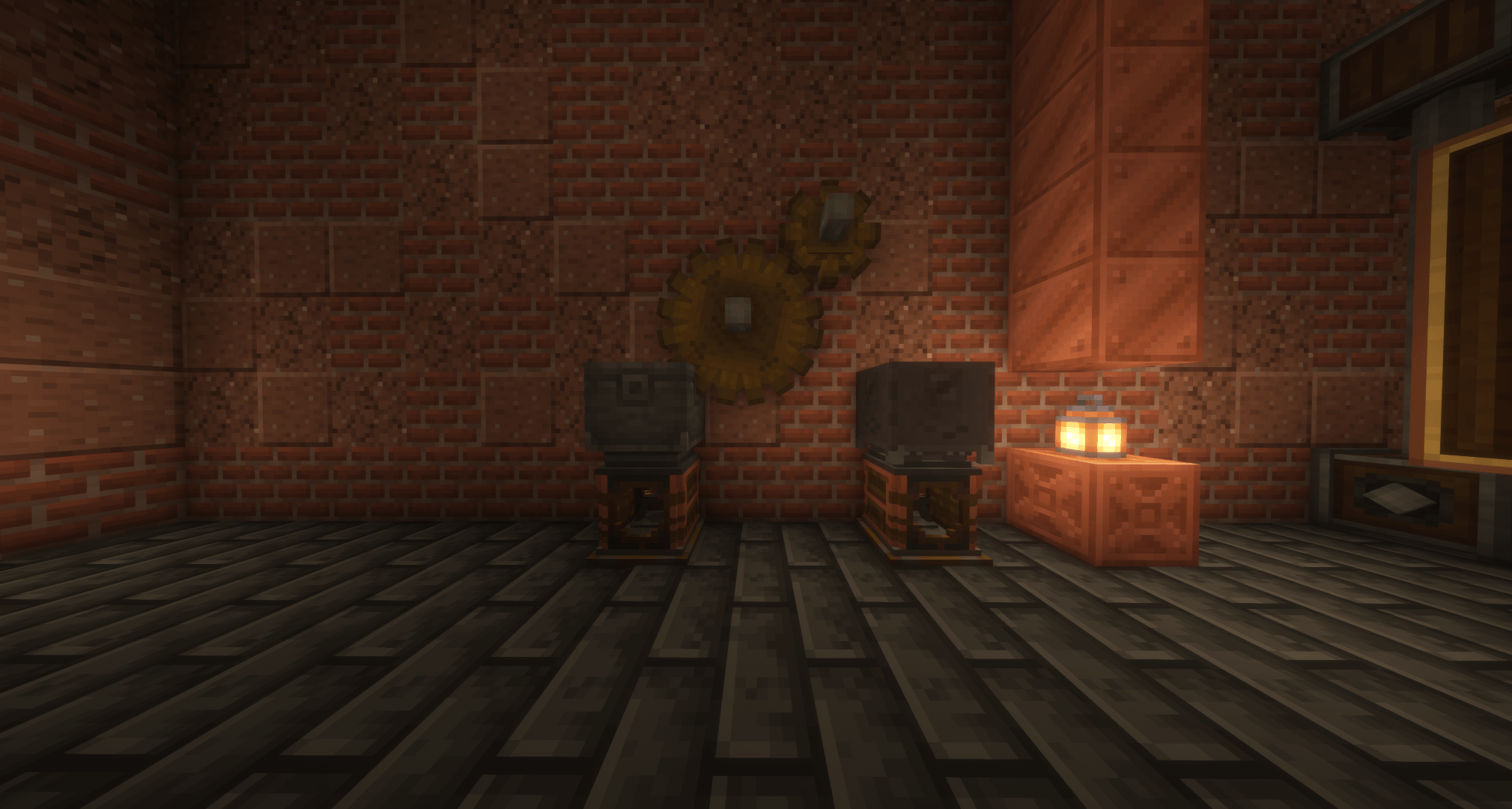
Sulfur runs through a large portion of CSR's progression.
It is used for things such as:
- Sulfuric Acid
- Specialized fuels
- Thermochemical machinery
- Chemical treatment
- High-temperature processing
- Advanced materials
CSR uses common sulfur tags where practical so sulfur from other mods can work where appropriate.
Sulfuric Acid is one of CSR's main industrial fluids.
It can be transported using compatible fluid infrastructure and incorporated directly into automated processing.
0.6.0 expands its role substantially through the new Rotary Leacher and ore-processing system.
Advanced Processing
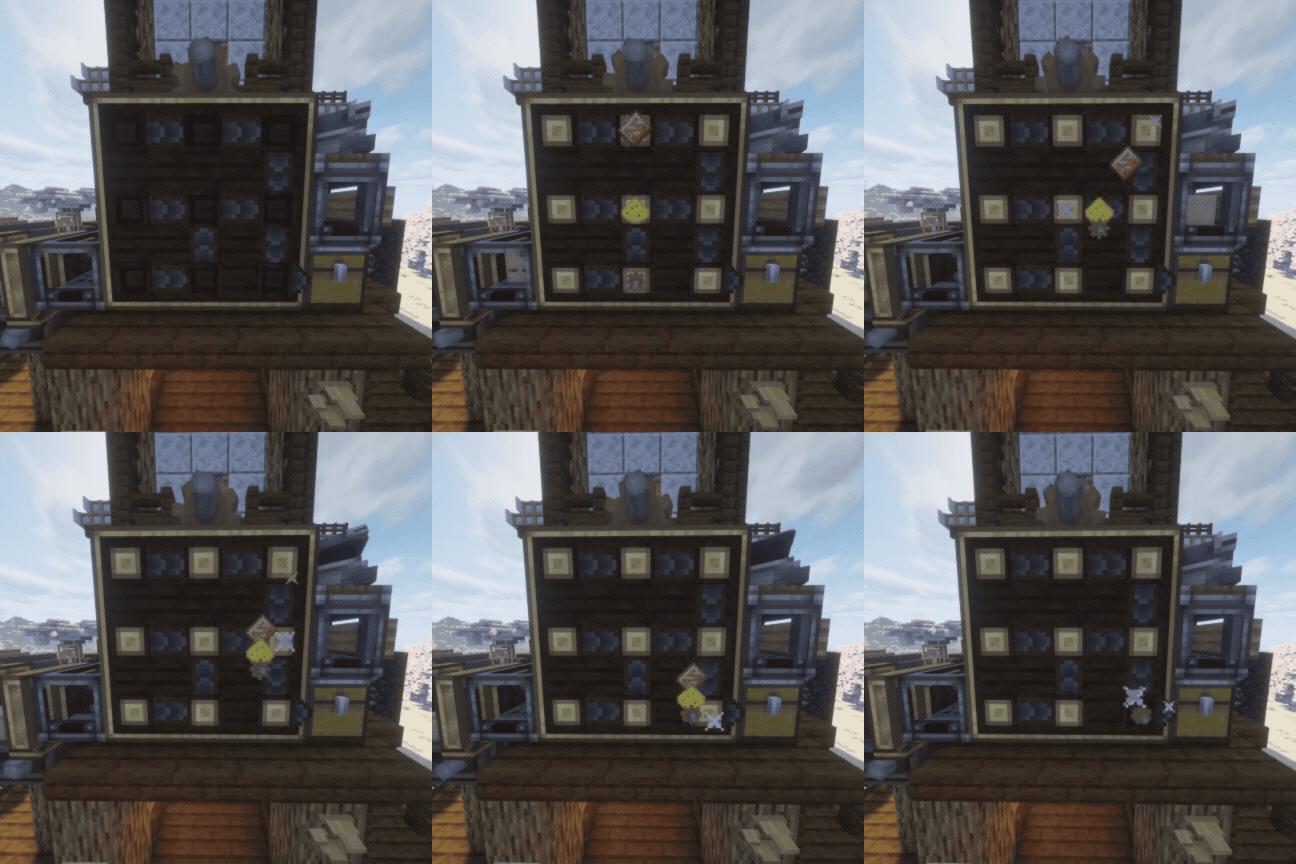
CSR adds several processing systems beyond normal Create manufacturing.
These include:
- Rotary Leaching
- Combustion Mixing
- Combustion Belt processing
- Precision Processing
- Resonance Processing
Later processing can combine requirements such as:
- Heat
- Rotation
- Sulfuric Acid
- Catalysts
- Specialized reagents
- Multiple inputs
- Longer processing times
The goal isn't to make you stand in front of a GUI clicking buttons.
These machines are meant to become pieces of automated production lines.
Resonance
Resonance is one of the later parts of CSR's progression.
It brings together heat, rotation, sulfur chemistry, specialized materials and more demanding processing requirements.
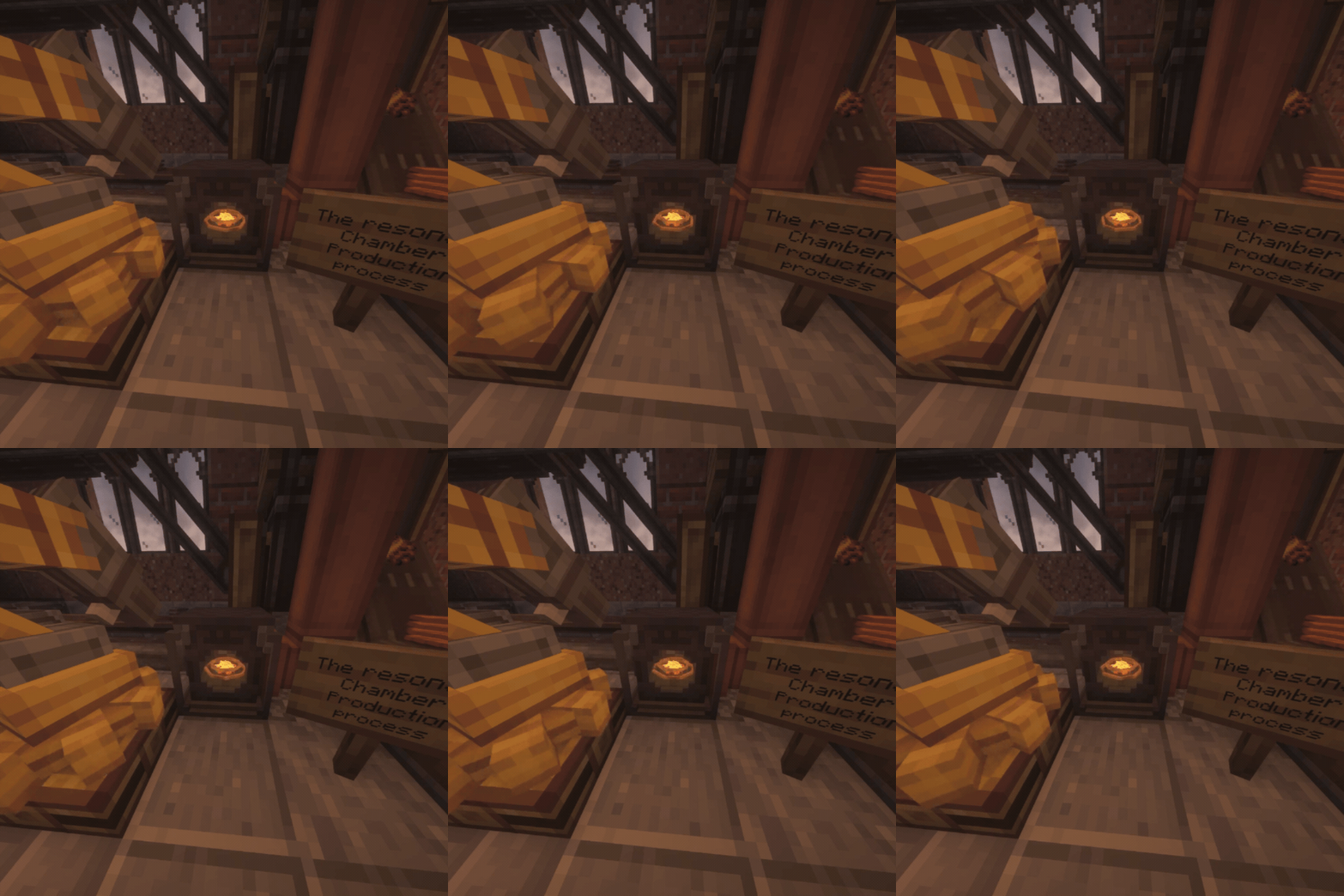
The Sulfuric Resonance Chamber is the main machine behind the system.
Recipes can require different combinations of:
- Materials
- Catalysts
- Auxiliary ingredients
- Sulfuric Acid
- Heat
- RPM
- Processing time
Its animation and sound respond to what the machine is actually doing rather than playing the same thing regardless of state.
The Catalyst Bed can also be placed beneath the Chamber to give active recipes a 1.5× processing speed boost.
Create Integration
CSR is designed around Create-style automation.
Depending on the machine, you can work with things such as:
- Funnels
- Belts
- Chutes
- Hoppers
- Mechanical Arms
- Fluid pipes and tanks
- Cogwheels and shafts
- Redstone
- Wrenches
- Engineer's Goggles
- Linked monitoring equipment
- Dispensers
- Potato Cannons
Machines are meant to become parts of factories, not isolated blocks that require constant player interaction.
Create Steam Boilers
The Thermochemical Boiler Interface allows CSR heat networks to power Create steam boilers.
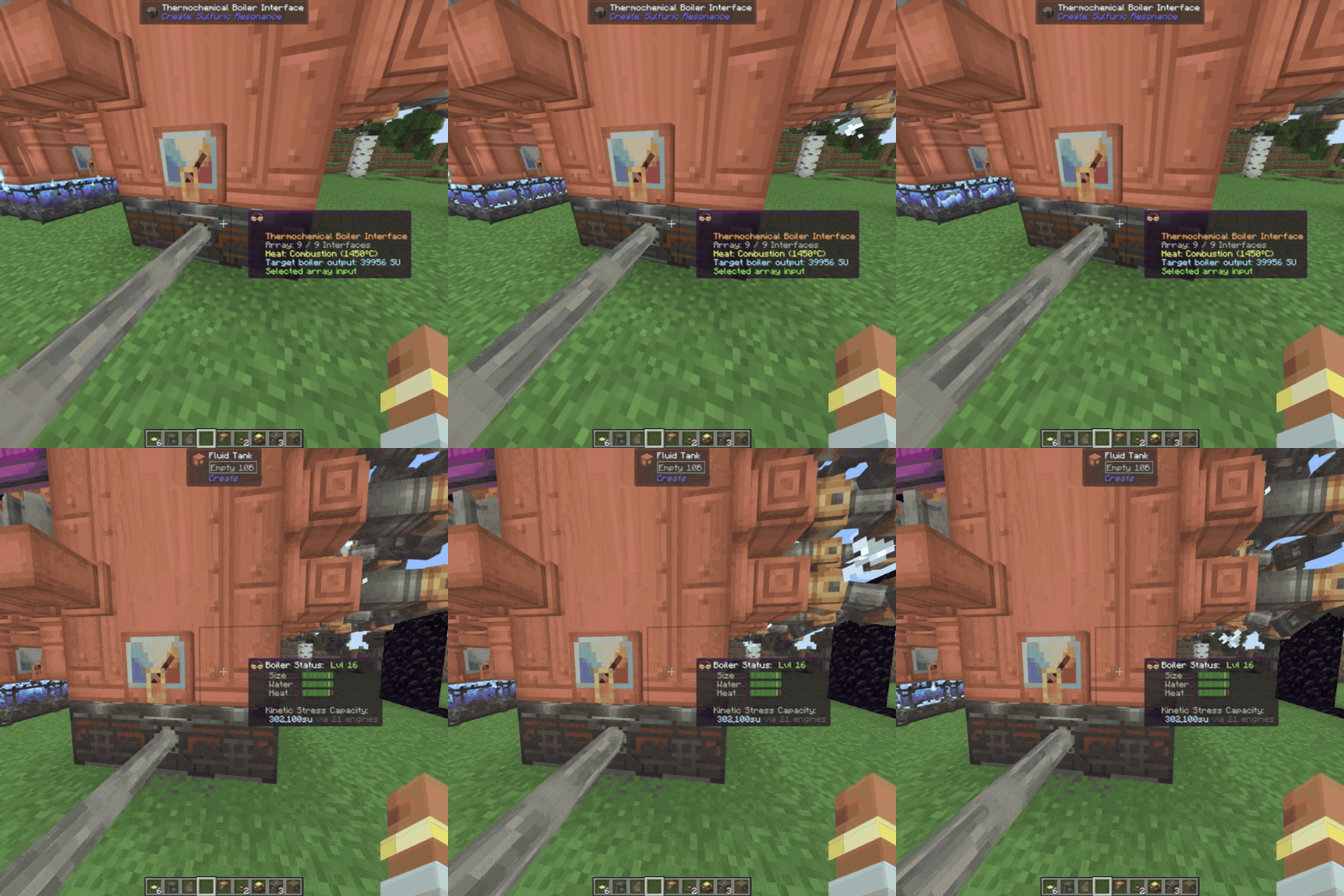
Interfaces can form arrays up to 3×3, with a single thermochemical shaft supplying the array.
The conversion remains:
Thermochemical Heat → Boiler → Steam Engine → Rotation
The Interface itself does not magically generate or transmit Stress Units.
Industrial Materials
CSR includes material chains for machinery, chemistry, heat infrastructure and construction.
Some include:
- Ash Ceramic
- Ash Bricks
- Ashesil
- Tempered Ashesil
- Acid-Resistant Ceramic
- Obsidian Fiber
- Obsidian Cloth
- Cinder materials
- Industrial filaments
- Acid-Etched Copper
- Rubber
- Resonant materials
- Purified Metal Chunks
- Mineral Tailings
- Mineral Concrete
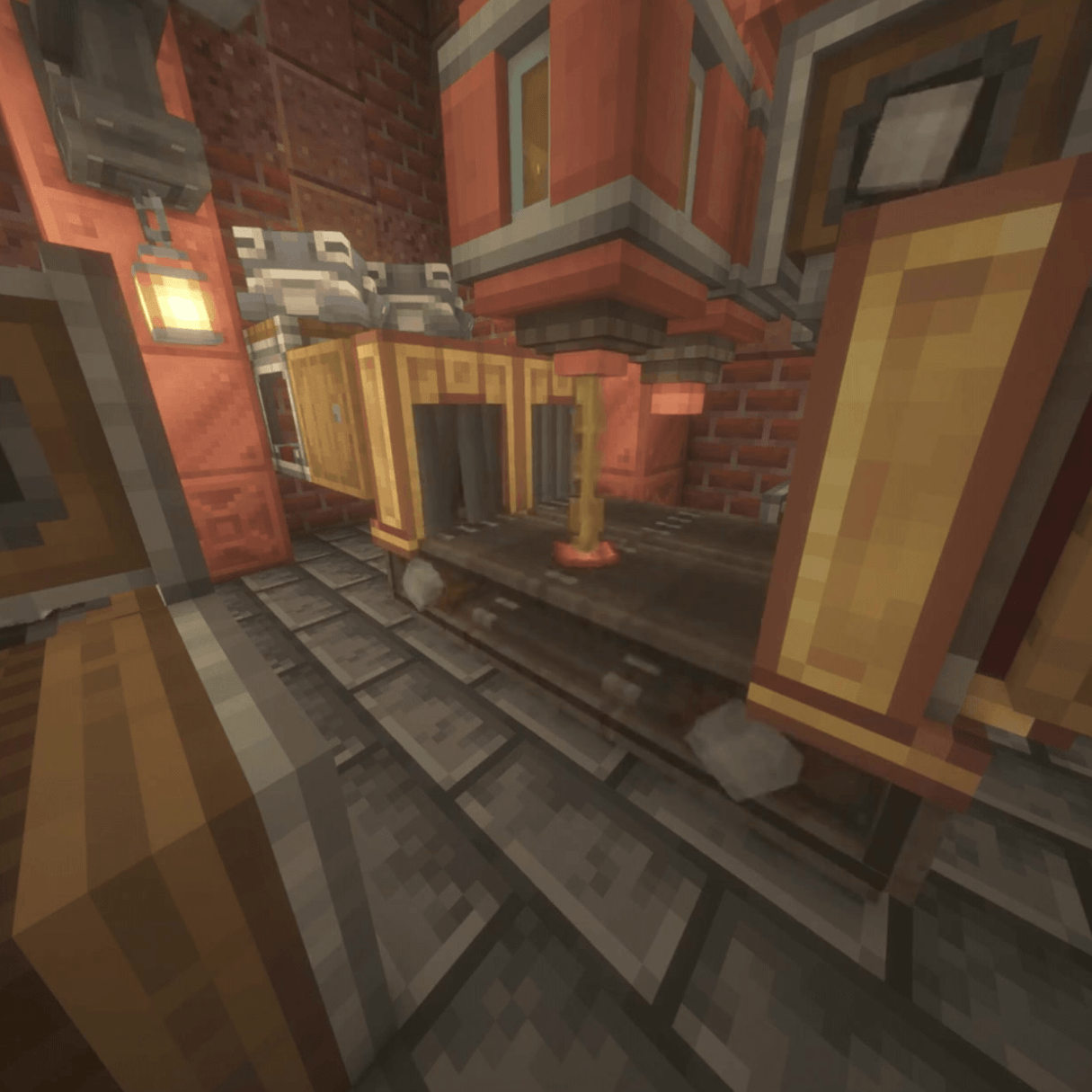
Not every intermediate material is listed here.
There are things to find.
Spritzers
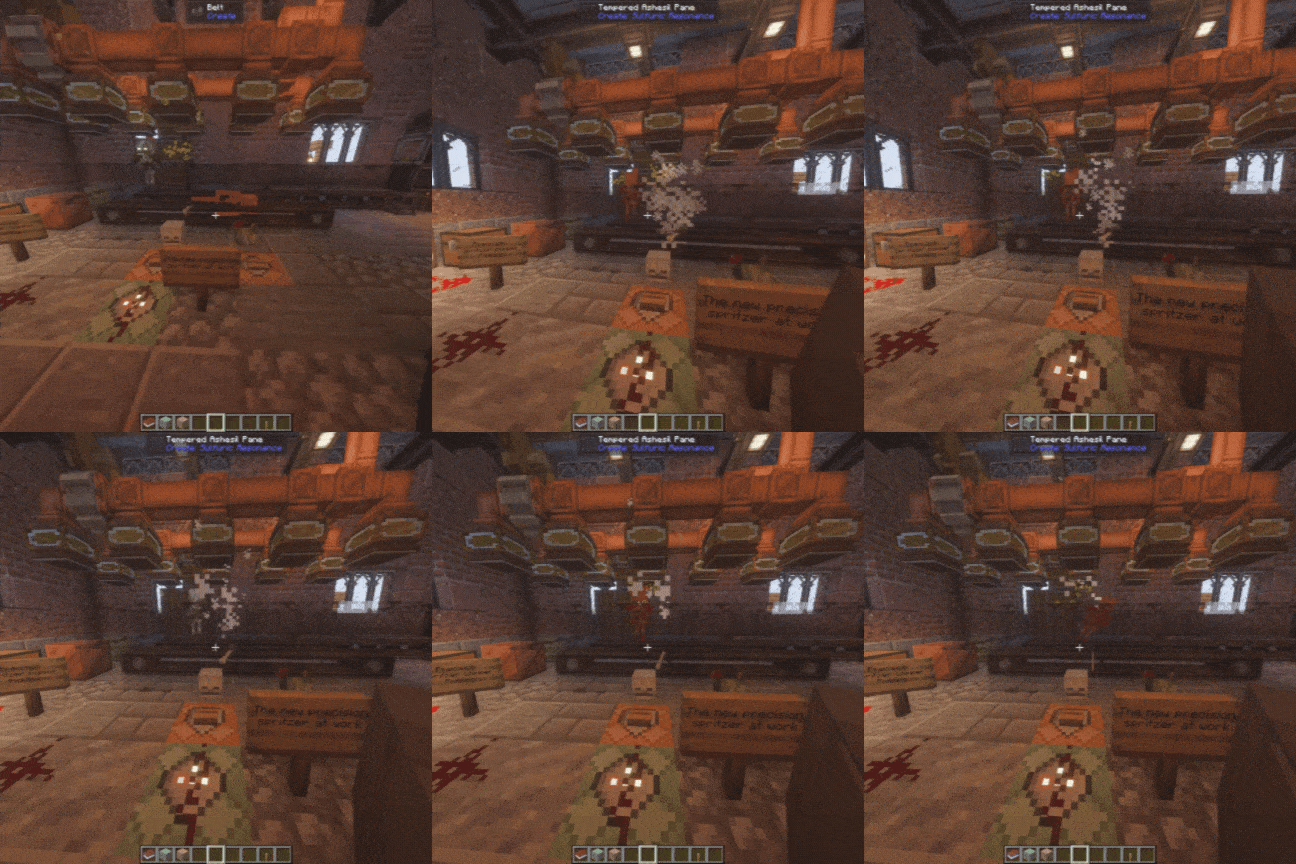
The Perforated Spritzer stores and disperses fluids downward.
It can interact with things including:
- Water
- Fire
- Lava
- Sulfuric Acid
- Entities
- Factory processing
The Precision Spritzer adds configurable filtering for more controlled processing.
Learning CSR
I don't expect people to memorize this page.
Most major CSR machinery has Ponder documentation in-game.
CSR also includes:
- JEI support
- EMI support
- Engineer's Goggle information
- Tooltips
- Advancements
- Machine status feedback
- Hidden discoveries
- Dedicated advancement progression
JEI and EMI have dedicated categories for CSR processing systems, including Rotary Leaching.
The advancement tree gives a loose direction through the mod without forcing you into one exact factory design.
Languages
CSR currently includes:
- English (US)
- English (UK)
- Spanish
- French
- German
- Portuguese (Brazil)
- Russian
- Simplified Chinese
Localization covers machinery, GUIs, tooltips, advancements, subtitles, Ponder and recipe-viewer information.
Installation
- Install NeoForge 21.1.238 or newer for Minecraft 1.21.1.
- Install Create 6.0.7 or newer.
- Put the Create: Sulfuric Resonance
.jarinto yourmodsfolder. - Optionally install JEI and/or EMI.
- Launch Minecraft.
Create is required and must be installed separately.
Release Status
0.6.0 — Second Yield is the current public release.
CSR is still under active development.
There is still considerably more I want to do with it.
New machinery, integrations, processing systems, compatibility work, automation improvements, fixes and general cleanup will continue as the mod develops.
As always with modded Minecraft, backing up worlds you care about before changing a large modpack is a good idea.
Bug Reports and Feedback
If something breaks, a reproducible report helps significantly more than just saying "it crashed."
Please include:
- CSR version
- Minecraft version
- NeoForge version
- Create version
- JEI or EMI version if relevant
- Relevant logs or crash reports
- What happened
- How to reproduce it
Dedicated issue forms are available for bugs, crashes, and feature requests.
Generative AI Disclosure
Generative AI is used as a development assistant for portions of code, debugging, refactoring, and documentation/publishing text.
Game design, testing, integration, release decisions, and manually created project assets remain developer-directed and are reviewed before release.
License
Copyright © 2026 Hxney, Ł. All Rights Reserved.
Create: Sulfuric Resonance is proprietary software.
Official compiled releases may be used for personal, non-commercial gameplay.
Unauthorized redistribution, re-uploading, modified releases, forks, ports, source-code reuse, asset reuse, impersonation, or false claims of ownership are prohibited except where explicitly permitted by the included license.
Create: Sulfuric Resonance is an unofficial Create addon and is not affiliated with or endorsed by Mojang Studios, Microsoft, NeoForged, or the Create Team.
Create: Sulfuric Resonance Team