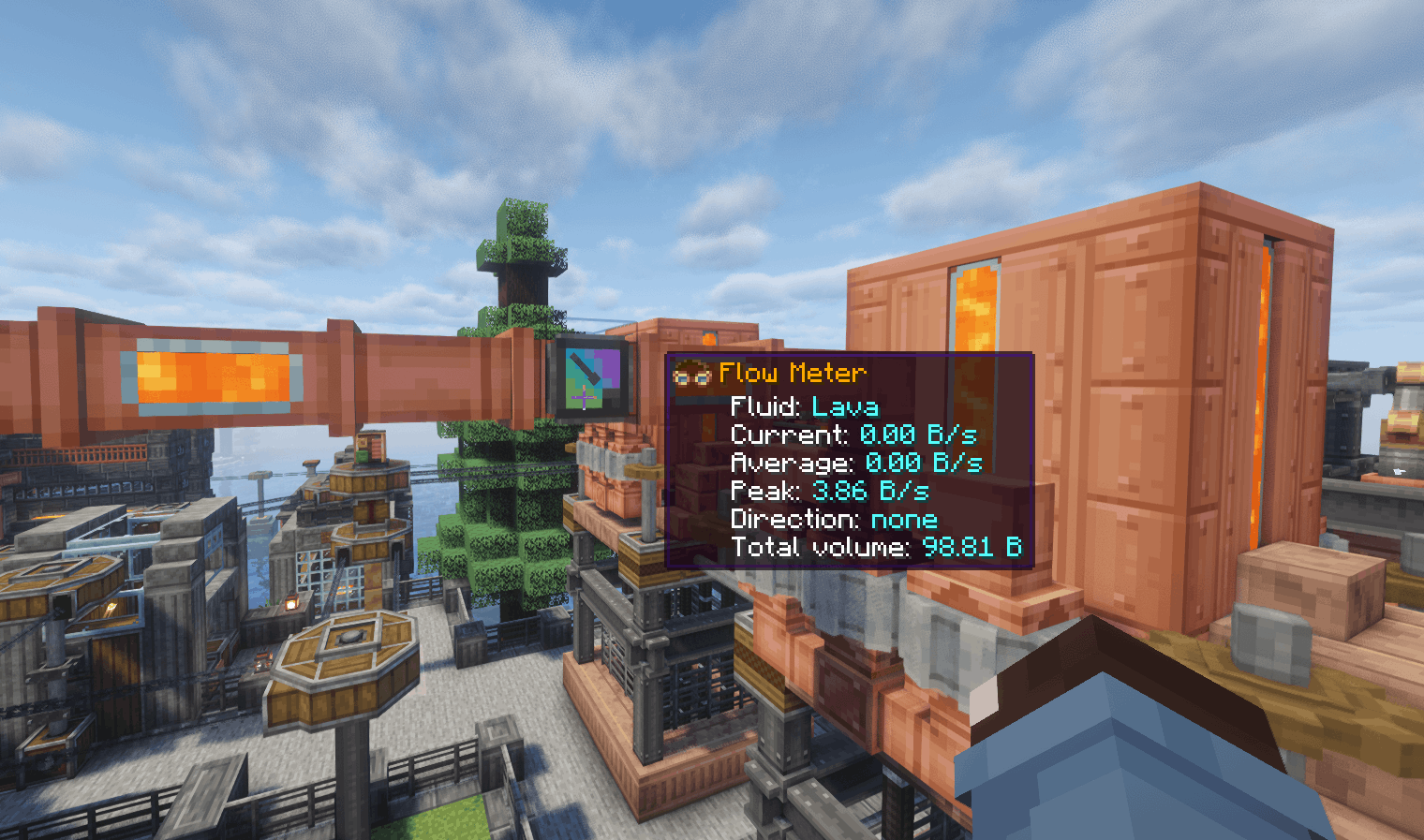
Screenshot 2026-10-07 151238.png
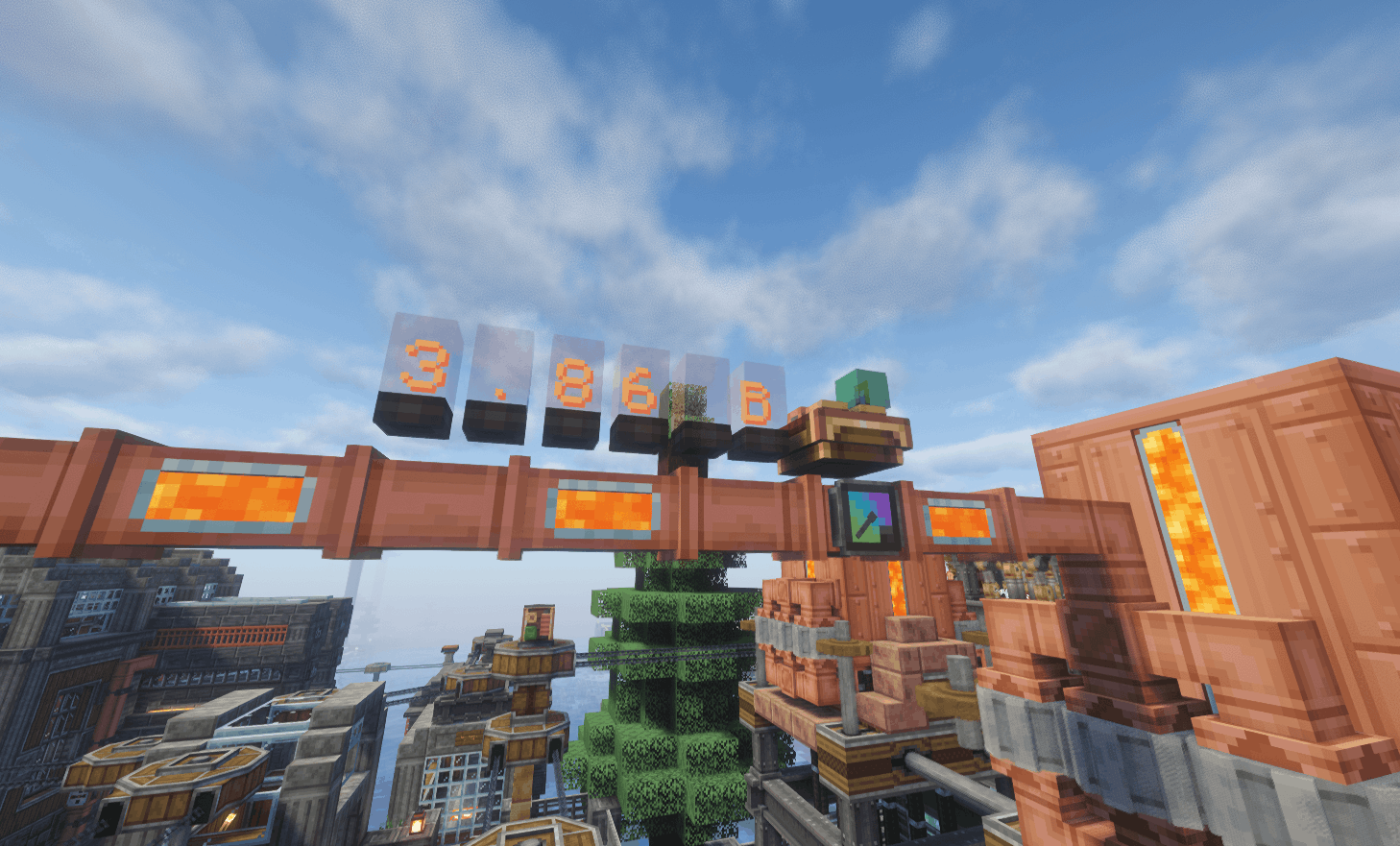
Screenshot 2026-10-07 151322.png
Description
Adds an inline meter that measures actual fluid throughput in Create pipe networks. Use it to monitor how quickly fluid moves between tanks and machines, with readings available through Engineer’s Goggles, Display Links, and CC.
Features
- Current flow rate, rolling average, and recorded peak
- Selectable B/s or mB/s display units
- Flow direction and accumulated fluid volume
- Engineer’s Goggles readout
- Display Link support for current, average, peak, fluid name, direction, total volume, and summary readings
- Comparator output with configurable scaling
- Animated gauge needles
- Horizontal and vertical placement, wrench rotation, and optional copper casing
- Pipe and gauge textures referenced directly from Create, allowing compatible resource packs to change their appearance
- Saved totals, peak, units, and comparator settings.
The meter uses Create’s normal fluid transport and measures accepted transfers. An empty source or full destination produces zero throughput. It requires no rotational power or stress capacity.
Usage
Replace a straight pipe segment with a Flow Meter. Place it before a junction to measure combined delivery, or inside a branch to measure that branch separately.
Hold a Create wrench to change display units using the gauge’s value control. Sneak-right-click with an empty hand to reset the readings and counters.
ComputerCraft support
With CC installed, the meter exposes a flow_meter peripheral. Read current, average, peak, signed flow, total volume, fluid, direction, and status, or change units and comparator scaling through Lua.
Connect a computer directly beside the meter, or attach a wired modem to a non-pipe face, connect networking cable, and right-click the modem to activate it. Lua rates use mB/s and volumes use mB.
Measurement notes
Rates use game seconds, based on 20 ticks. Detected pipe loops and bypass routes report unknown rather than guessed throughput. Totals combine all fluids passing through the meter; reset counters when starting a separate measurement.
Create: Flow Meter Team


Owner