Confee
- By
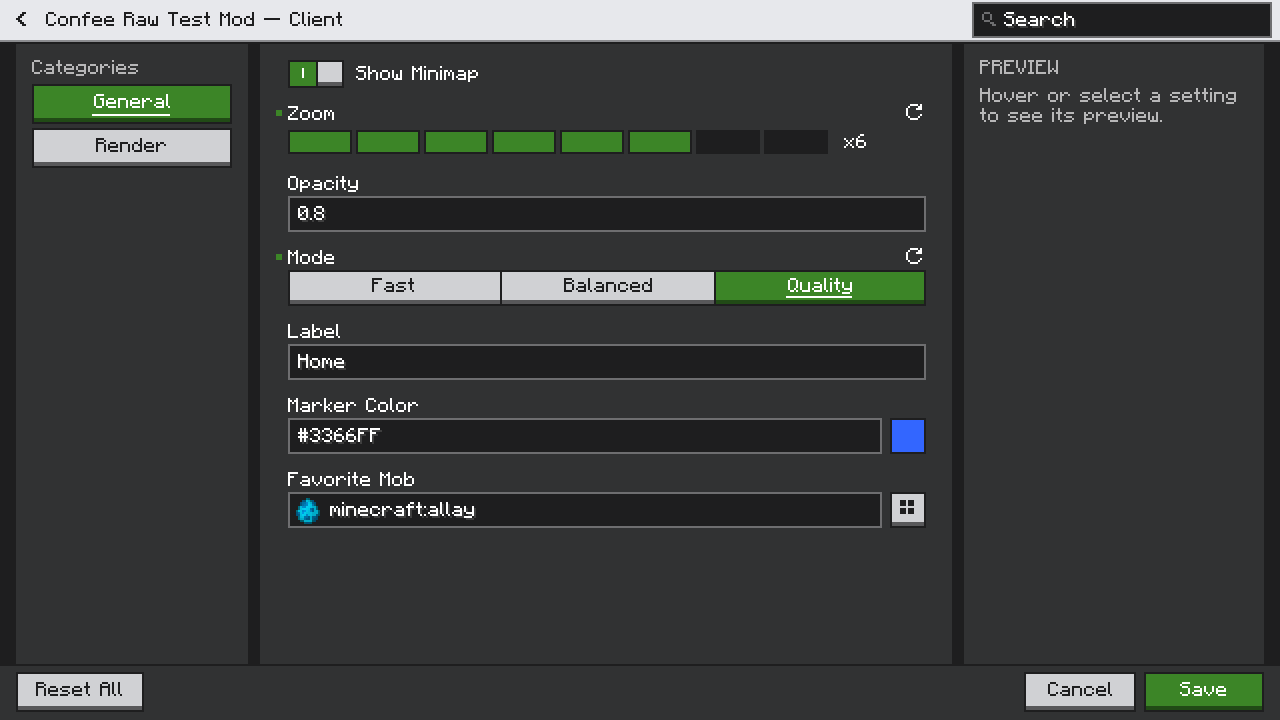
Config library that builds Bedrock-style config screens for you. It also adds a Config button to mods that have none, so players can edit their config files in game.
confee-22-forge-client-spec.png
confee-29-preview-image.png
confee-40-general-top.png
confee-42-item-picker.png
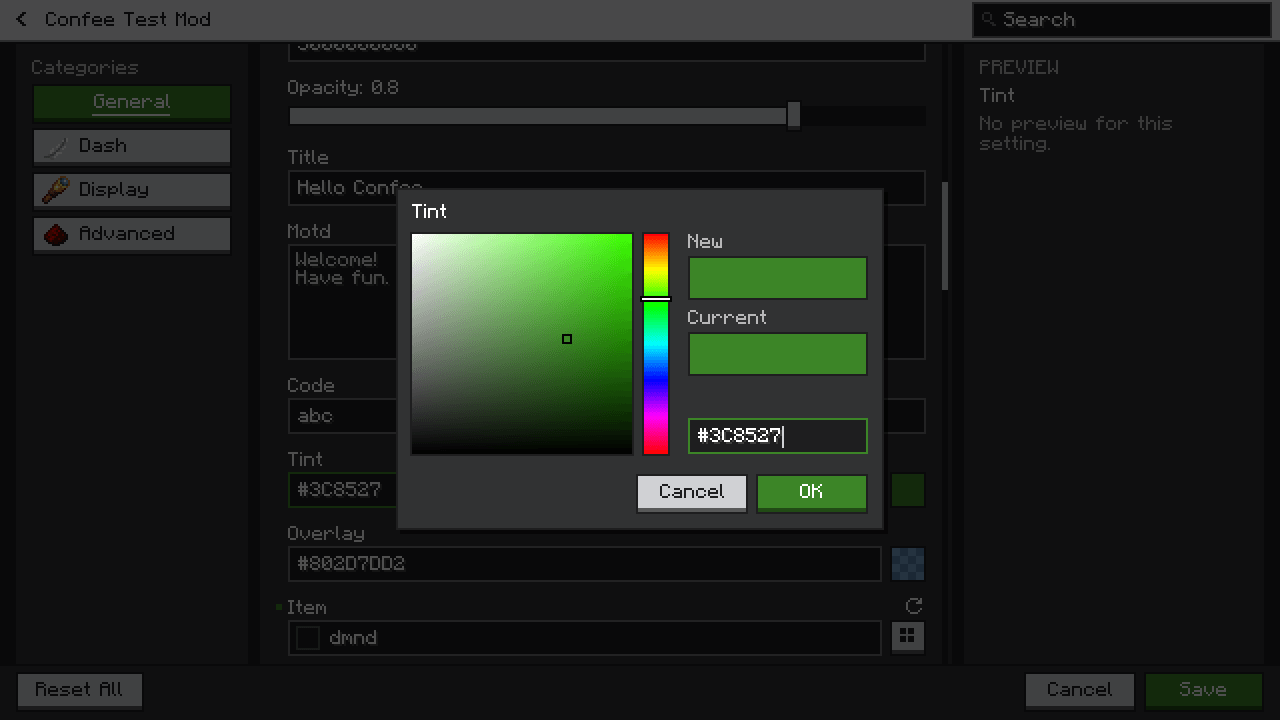
confee-43-color-picker.png
Confee by Heet
Create a server, get 25% off your first month

Description


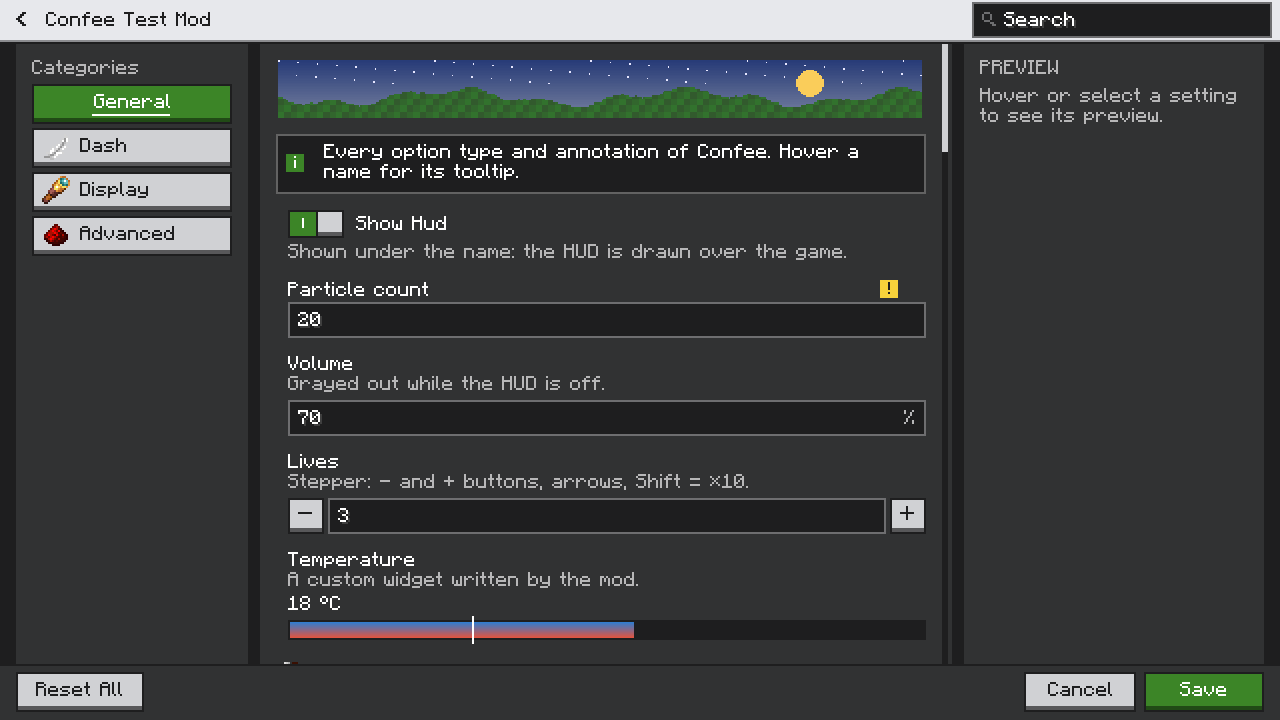
Confee gives every mod a clean config screen, in the style of Bedrock Edition.
For players
- A Config button for mods that have none. Open Mod Menu (Fabric/Quilt) or the mod list (Forge/NeoForge), pick a mod, and edit its config file in game: TOML, JSON, JSON5, YAML, properties, INI and Forge .cfg files.
- Safe edits. Only the values you change are rewritten; comments, order and formatting stay untouched. The original file is backed up first, and a broken file never crashes the game.
- Forge configs too. Configs declared with Forge's config system are edited and applied while the game runs.
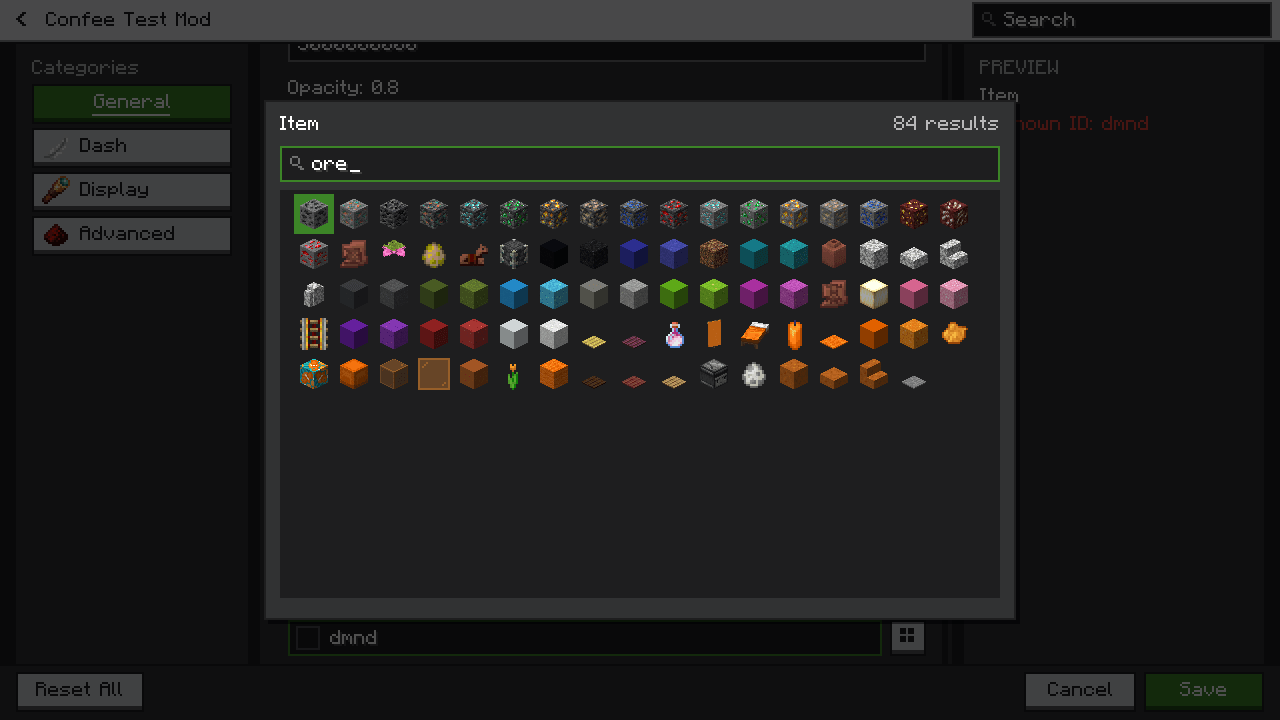
- Smart fields. Item, block and mob IDs show their icon, get suggestions and a searchable picker; colors get a color picker.
- Your choice of screen. Mods with their own config screen keep it, unless you list them in Confee's settings (
forceConfeeEditor): their Config button then opens the Confee editor on their files, no restart needed.
For mod developers
- Declare a config with annotations or a builder: Confee writes the file (with comments, ranges and allowed values) and builds the screen.
- Toggles, sliders, steppers, dropdowns, check boxes, text and multi-line fields, colors, key binds, lists, maps and lists of objects.
- Registry options: items, blocks, entities, biomes, dimensions, structures, enchantments, effects, sounds, fluids or any registry, entries of other mods and tags included.
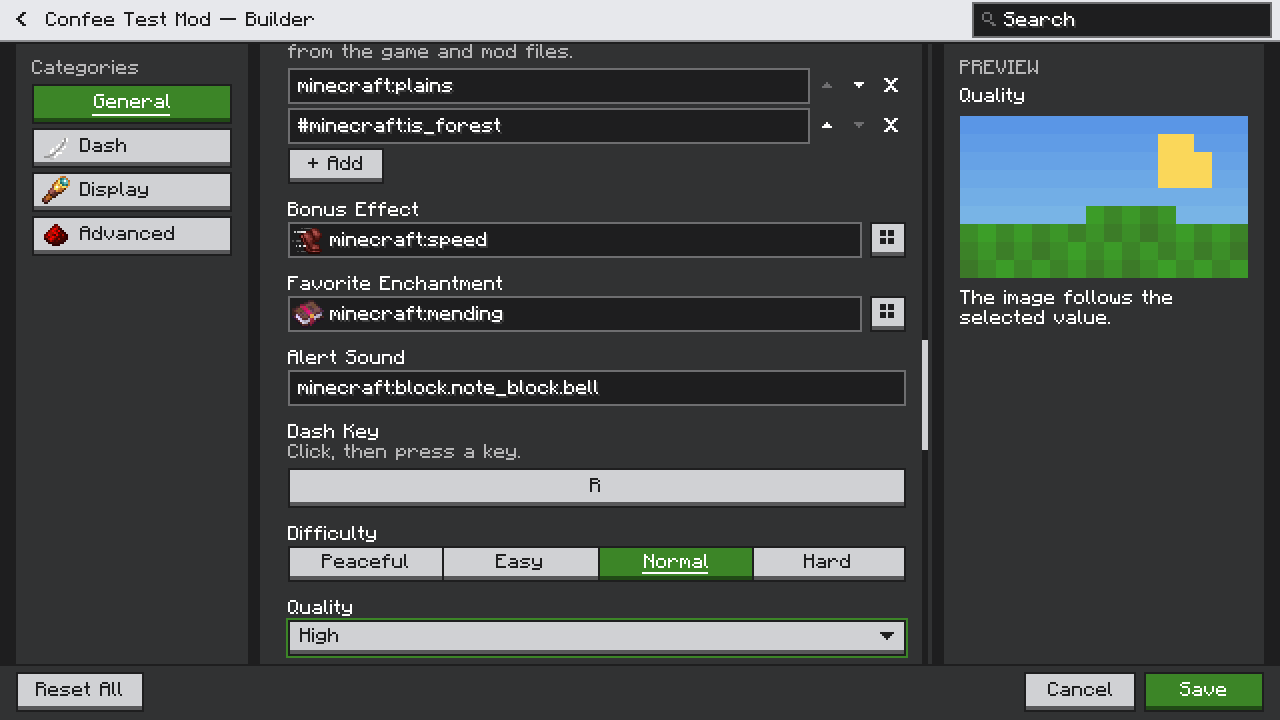
- Conditions between options, descriptions, units, previews (image, live rendering, text), decorations (titles, info blocks, images, buttons), category icons, layout options, a customizable theme and your own widgets.
- Clear errors in development: every declaration mistake at once, each with how to fix it.
See the README for the API.
Compatibility
- Minecraft 1.20.1.
- Fabric and Quilt: one jar (needs Fabric API; Mod Menu recommended to see the Config buttons).
- Forge 47+ and NeoForge 1.20.1: one jar.
- Works next to Mod Menu, Cloth Config and YACL.
Links
- Source and issues: https://github.com/HeetroNoft/Confee
- License: LGPL-3.0
Confee Team