CLab
- By
Bringing Hardware Occlusion Culling (HOC) to Minecraft entity rendering optimization.
CLabD.png

clab.png
CipherXOR | CLab
Create a server, get 25% off your first month

Description
Bringing Hardware Occlusion Culling (HOC) to Minecraft entity rendering optimization.
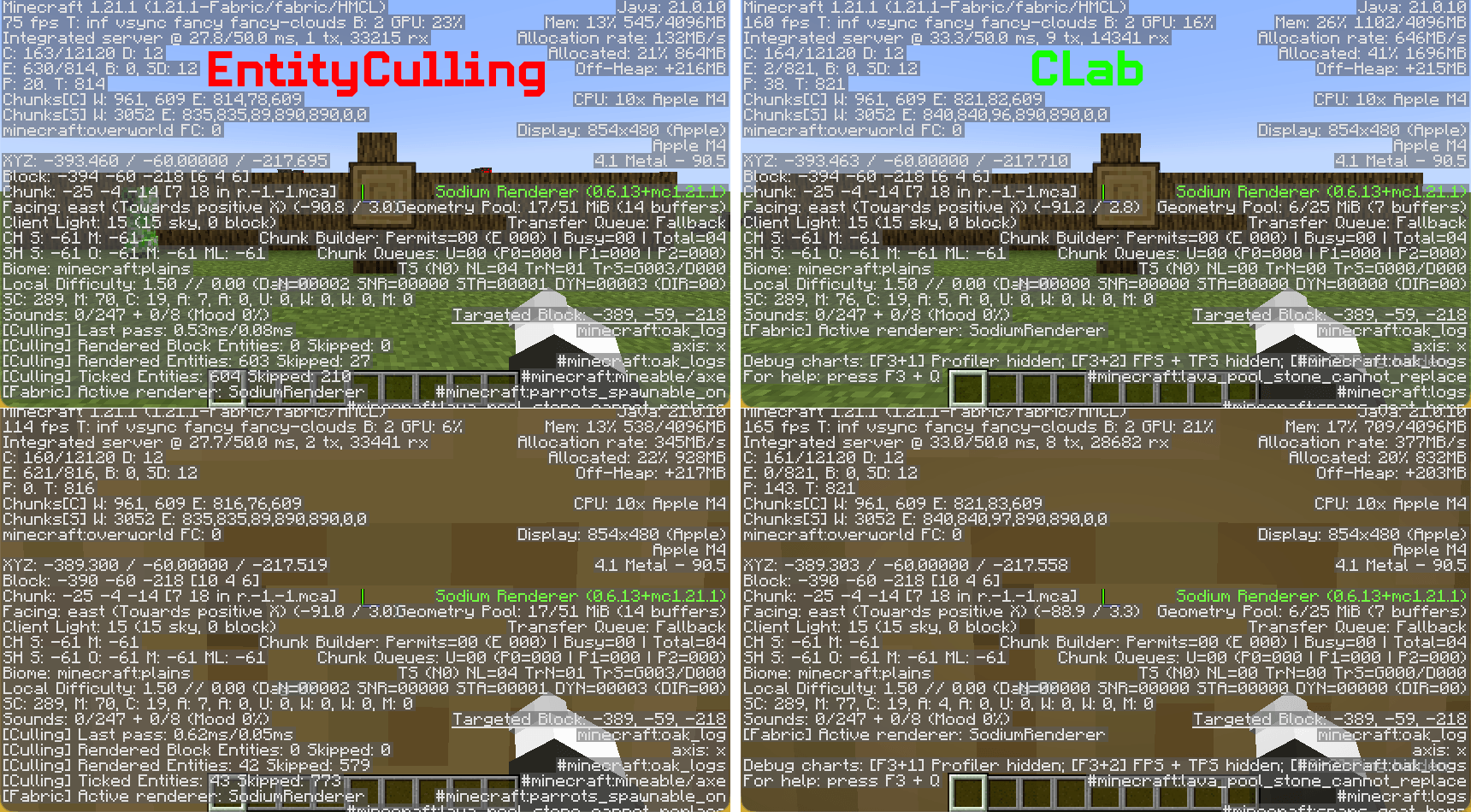
CLab is a client-side rendering optimization mod. It leverages GPU OpenGL occlusion queries to determine entity visibility directly, eliminating the approximation errors and side effects inherent to traditional CPU-side pathtracing.
Core Features
Hardware Occlusion Culling (HOC)
Uses GPU queries to test entity bounding boxes against the depth buffer, measuring real occlusion against actually rendered terrain rather than CPU-side approximations of the world model.Zero False-Positive Culling
Based on ground-truth depth buffer testing. An entity is never hidden if even a single pixel is visible. No whitelist needed, no per-mod patches required.Render-Layer Only, Zero Intrusion
Only decides whether to invoke the entity render method. Does not interfere with client-side ticks, animation states, position interpolation, or any logic. Trains, vehicles, and contraptions behave normally.Built-in Leaf Face Culling
Automatically culls leaf faces occluded by adjacent leaves, reducing terrain rendering overhead.Zero-Config, Works Out of the Box
No entity whitelist, no distance threshold, no tick-culling toggle. Install and play.
Technical Overview
CLab uses Hardware Occlusion Culling:
- During entity rendering, submit the entity bounding box to the GPU as an occlusion query (OpenGL Query).
- The GPU compares the bounding box against the already-rendered terrain depth buffer at the hardware level.
- Read the previous frame's query result: if no pixels passed the depth test, skip rendering this entity.
This creates a fundamental difference:
| Aspect | CPU Pathtracing | CLab HOC |
|---|---|---|
| Occlusion basis | Simplified assumptions about world model | Actual GPU-rendered depth buffer |
| False positives (hiding visible entities) | Common (near non-solid blocks) | Extremely unlikely |
| Entity tick/animation | Often frozen or skipped | Completely unaffected |
| CPU overhead | Continuous background traversal | Render thread submits AABB only; GPU handles the rest asynchronously |
| Configuration required | Whitelists, distance limits, thresholds as compensatory mechanisms | None required |
⚠️ Important Compatibility Notes
- Hardware Requirement: CLab requires a dedicated graphics card with OpenGL 3.3 or higher. Most modern GPUs meet this requirement, but certain older integrated graphics or outdated drivers may not.
- Do NOT use with other entity culling mods: CLab should not be installed alongside EntityCulling or any other mod that modifies entity/block entity visibility. While these mods use different techniques, they all ultimately override the same visibility decisions. Running more than one will not improve performance — instead, they may conflict and cancel out each other's optimizations, resulting in wasted resources and potential visual inconsistencies. For the best results, keep only CLab active.
Compatibility & Future Optimizations
The current approach was chosen to maintain compatibility with older devices and macOS. A more advanced technique is available, but it would introduce compatibility problems on those systems. Development and testing are currently done on a Mac, which limits how far I can improve things today. I plan to transition to a machine with OpenGL 4.6 support soon, after which I’ll introduce a system that automatically selects the optimal method during loading.
CLab Team