Chibi Plush
- By
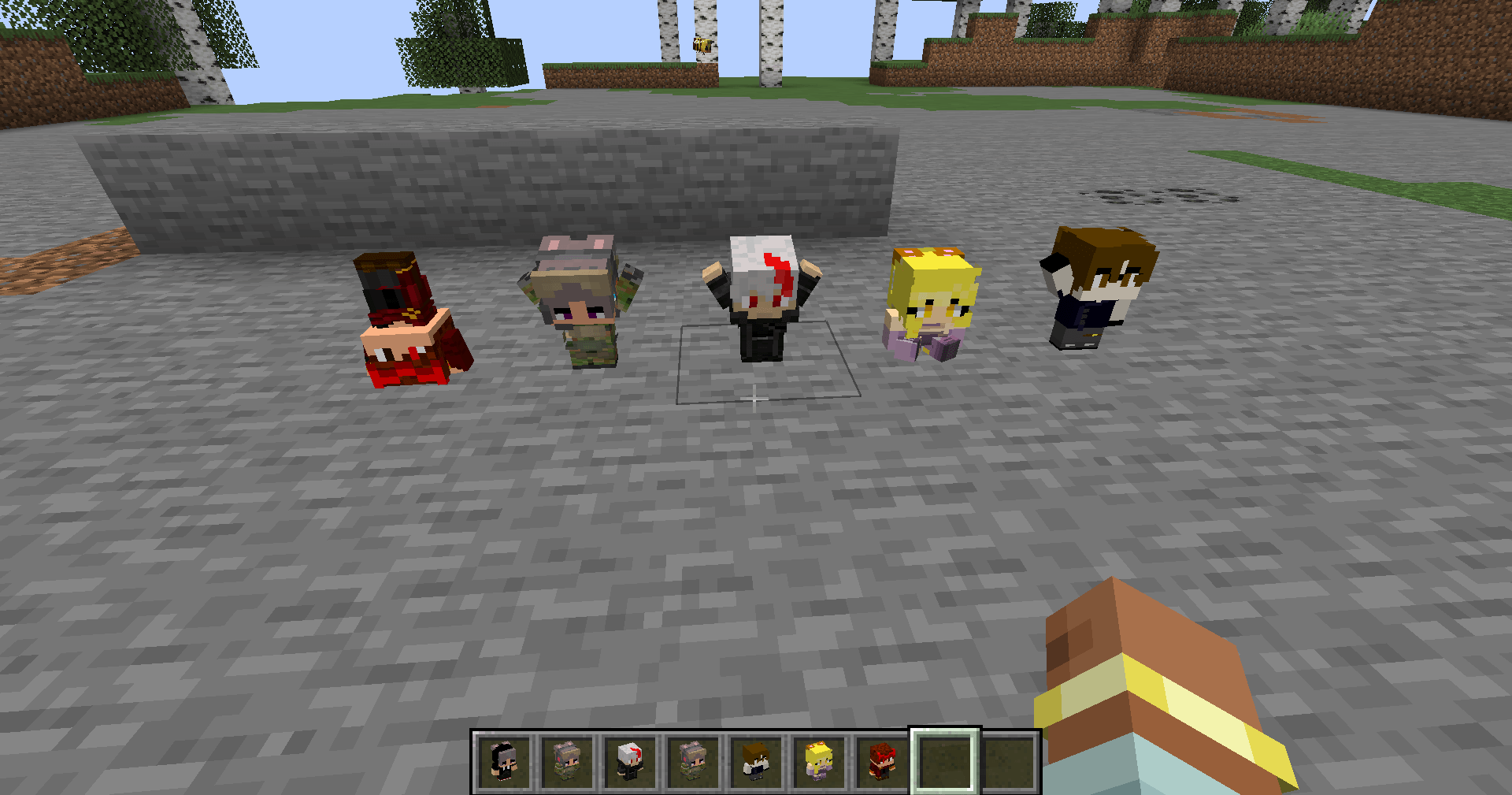
Collectible chibi plushies of any player — username or skin URL — with 10 poseable animations.
media1.png
media3.png
media4.png
media2.png

Description
Chibi Plush
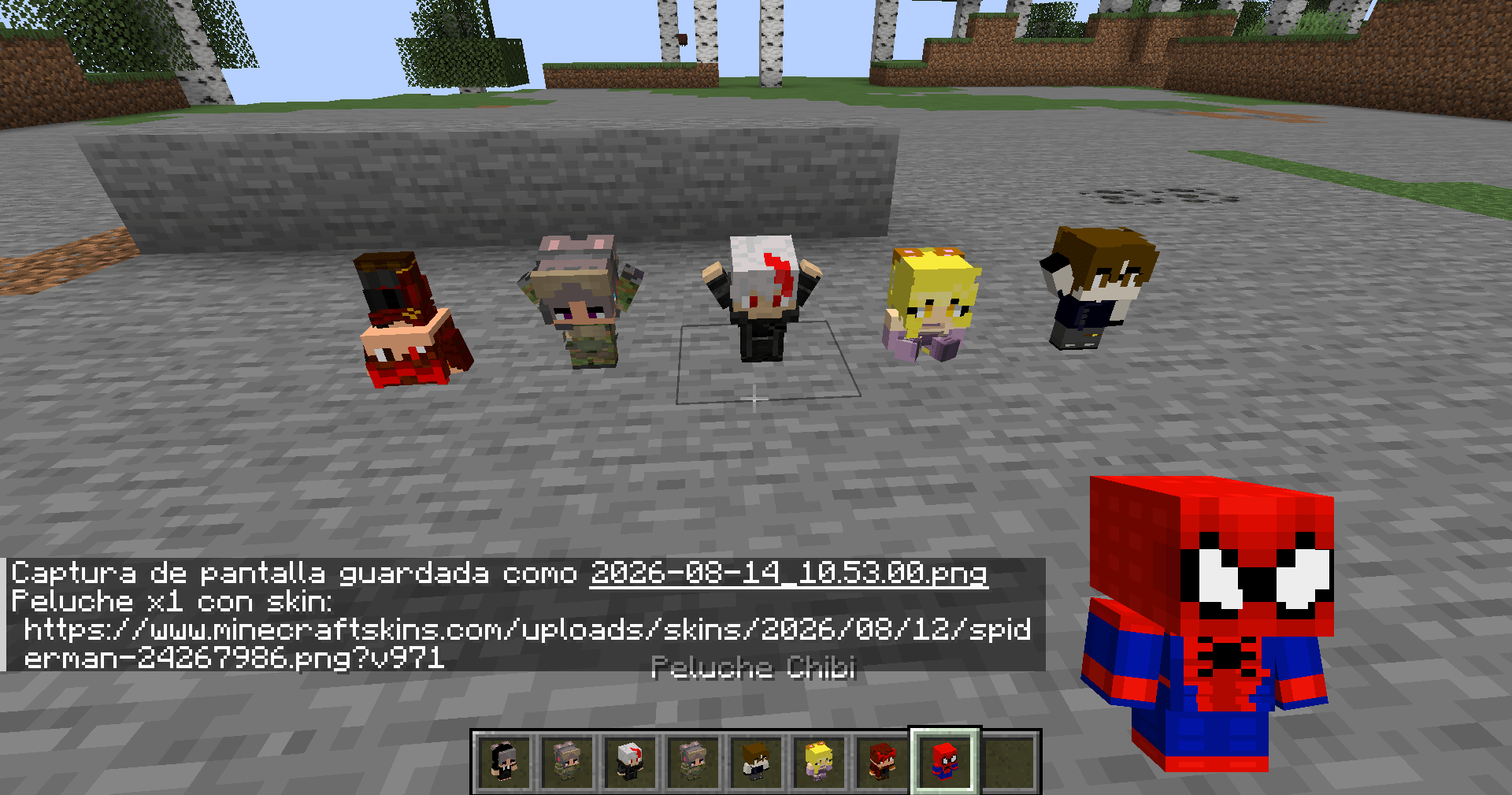
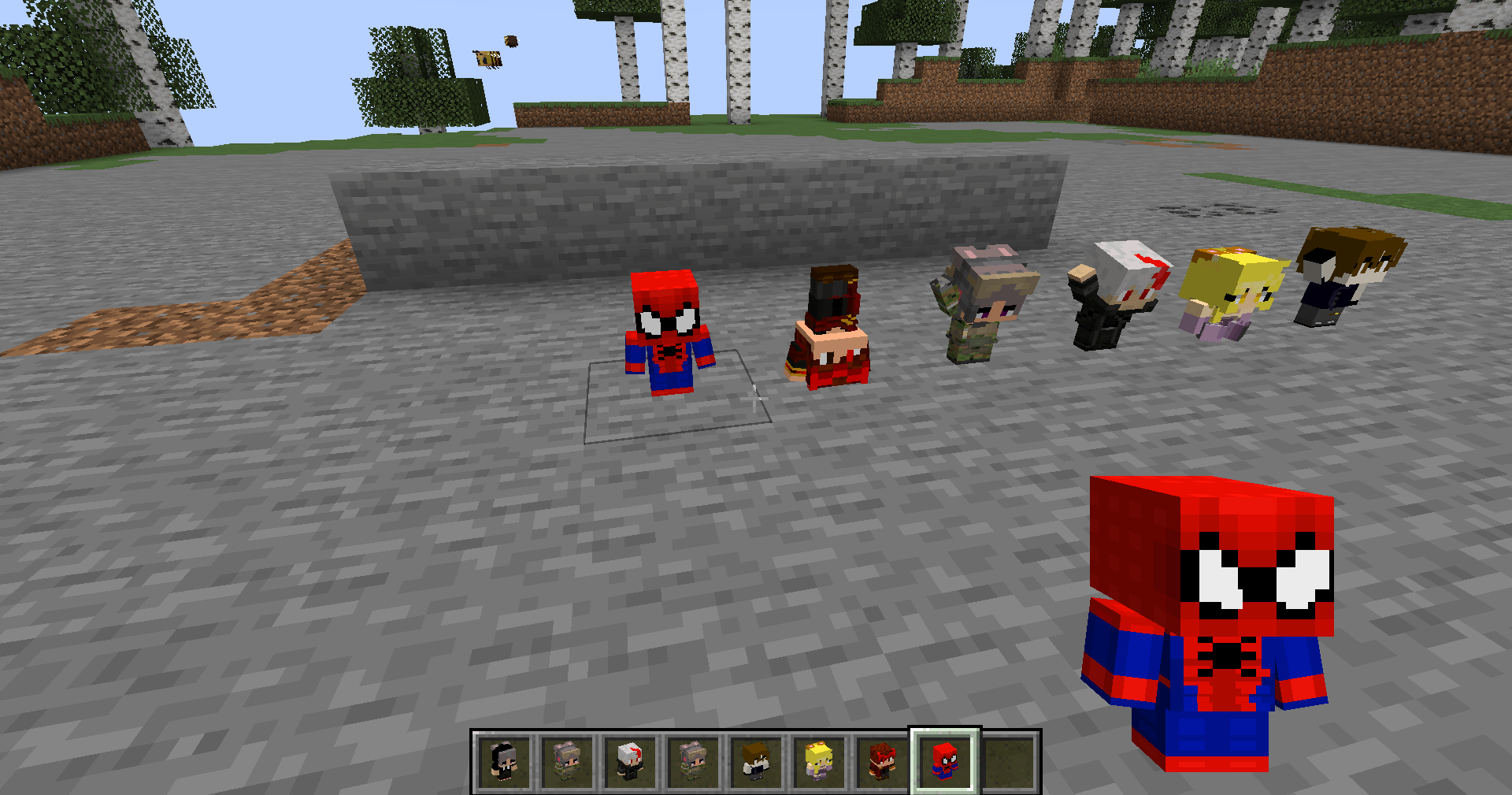
Turn any player into an adorable chibi plushie! Place them, pose them, and show off your friends (or yourself) as cute collectibles.
Features
- Any player's skin - set a plush to a username (e.g. Notch) or a direct skin URL.
- 10 poses — base, wave, cheer, sitting, lying down, face-down, headstand, on its side, sad, one-hand... right-click to cycle them.
- Persistent - breaking and re-placing a plush keeps its skin and pose.
- Smart skin cache - skins are saved to disk so they don't re-download every session. Premium skins auto-update when the player changes their skin; URL skins download once.
Commands
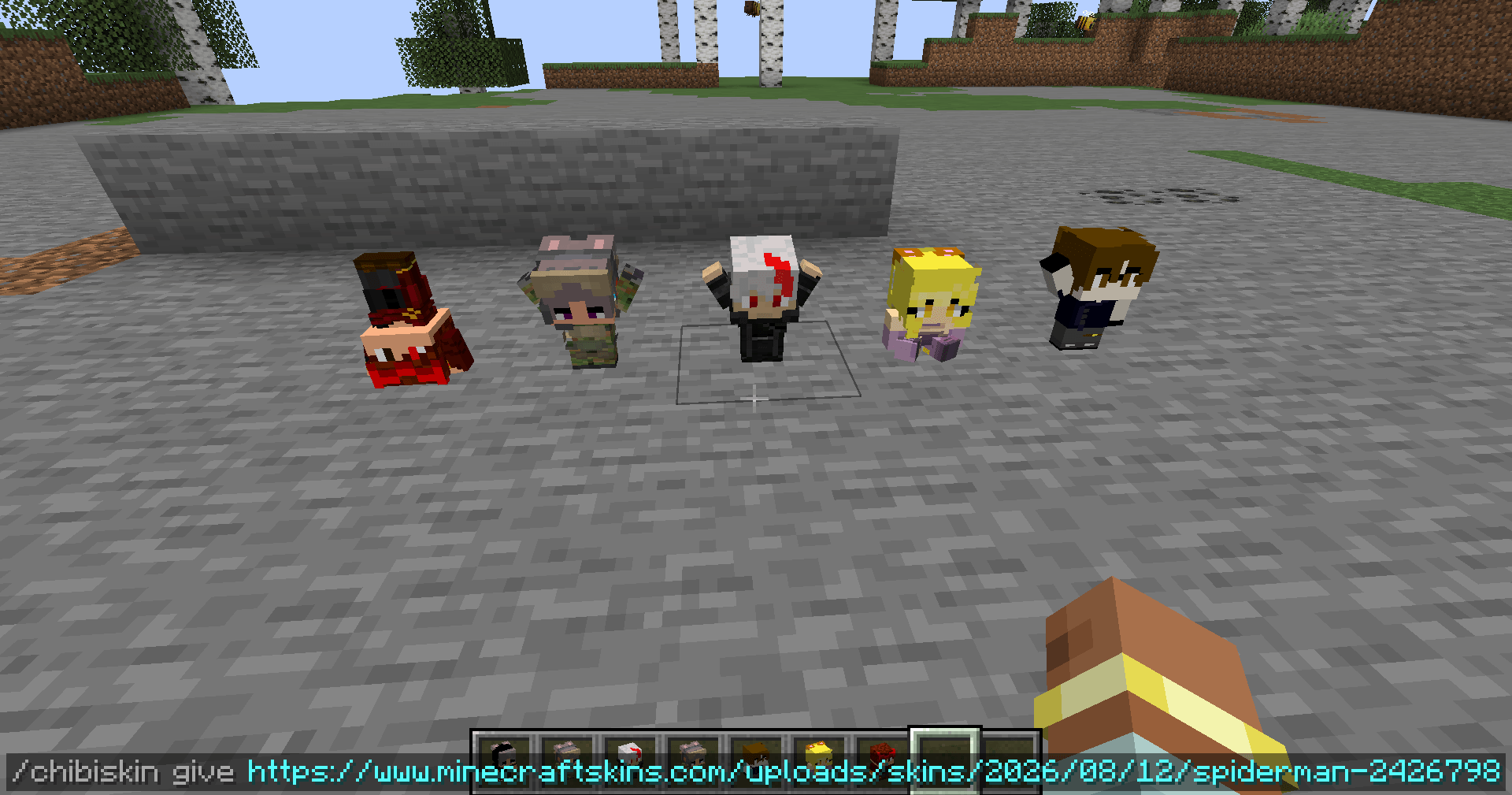
- /chibiskin <username|url> - set the skin of the plush you're looking at
- /chibiskin give [amount] <username|url> - get a plush pre-set with that skin
How to use
1. Get a Chibi Plush from the creative tab (or /chibiskin give).
2. Place it on the ground.
3. Right-click (empty hand) to change its pose.
4. To change the skin: rename an item in an anvil to a username or skin URL and right-click the plush - or use /chibiskin.
Requirements
- Minecraft 1.21.1
- NeoForge
- GeckoLib (required client and server)
Made by DracoBlanz - PAO Studios.
Chibi Plush Team