Chest Counter (Chest Preview & Inventory Overlay)
Displays detailed information about the container you are looking at, including item count, fill level and top contents.
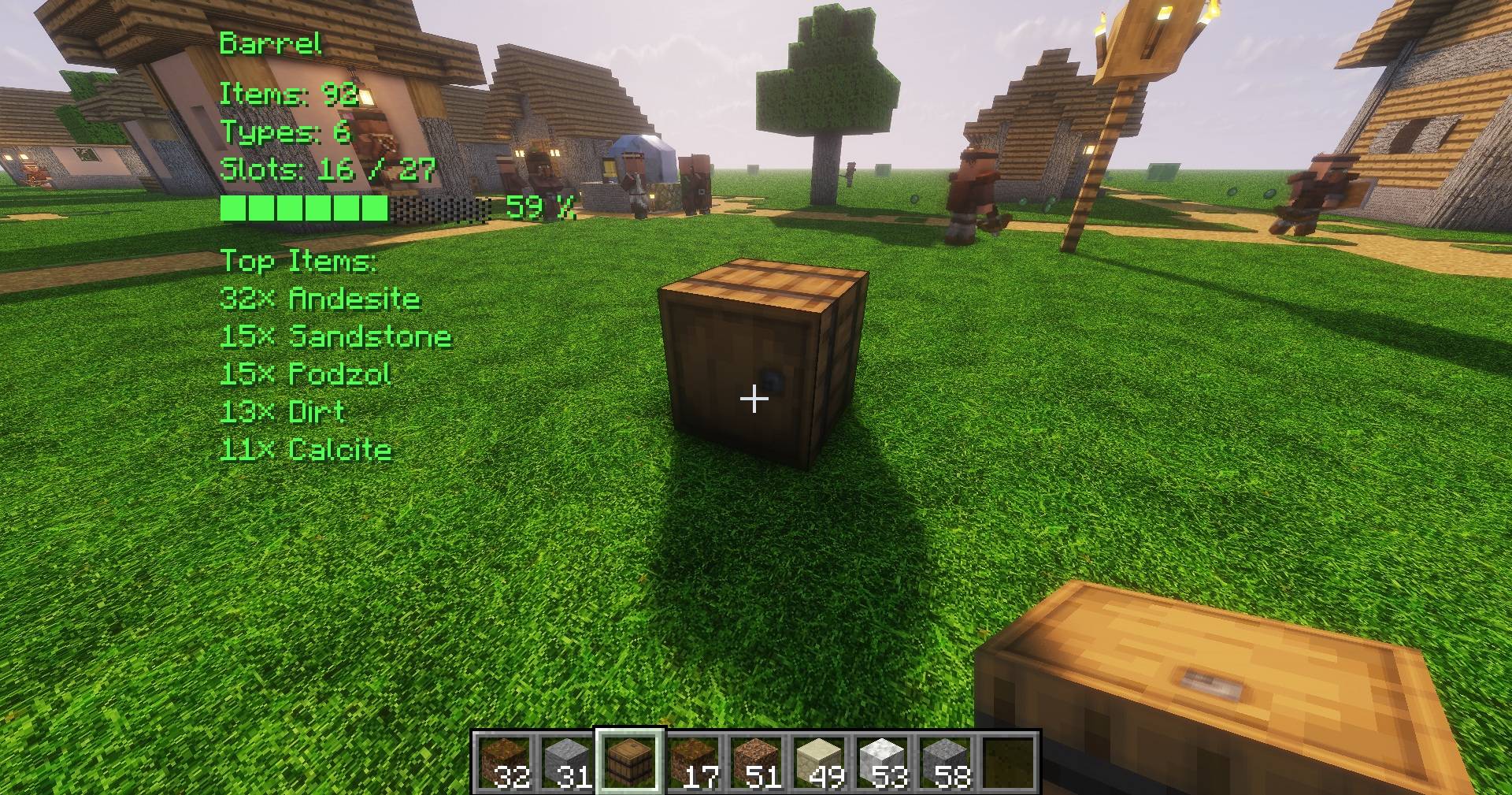
Barrel_Closed.jpg
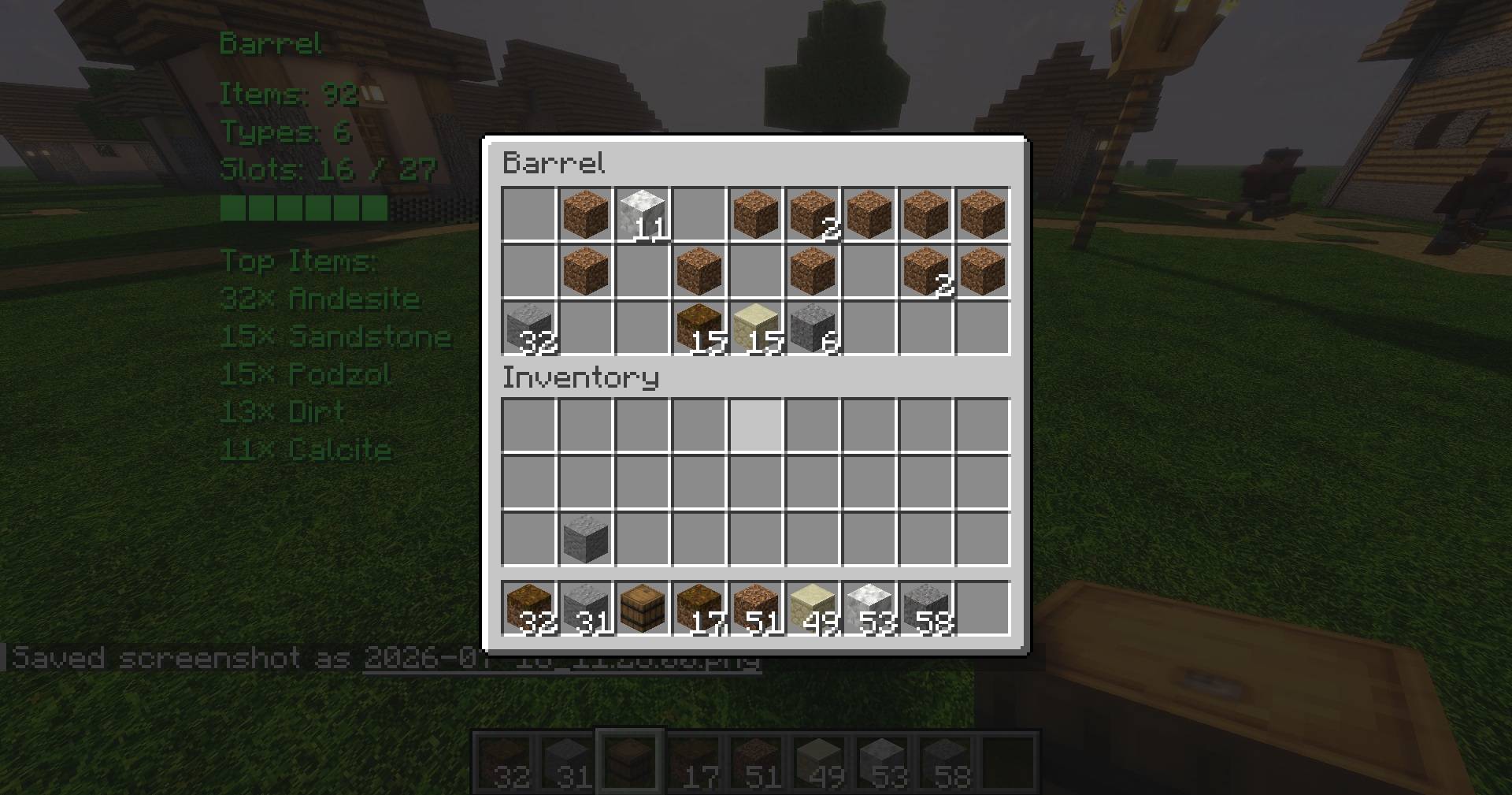
Barrel_Open.jpg
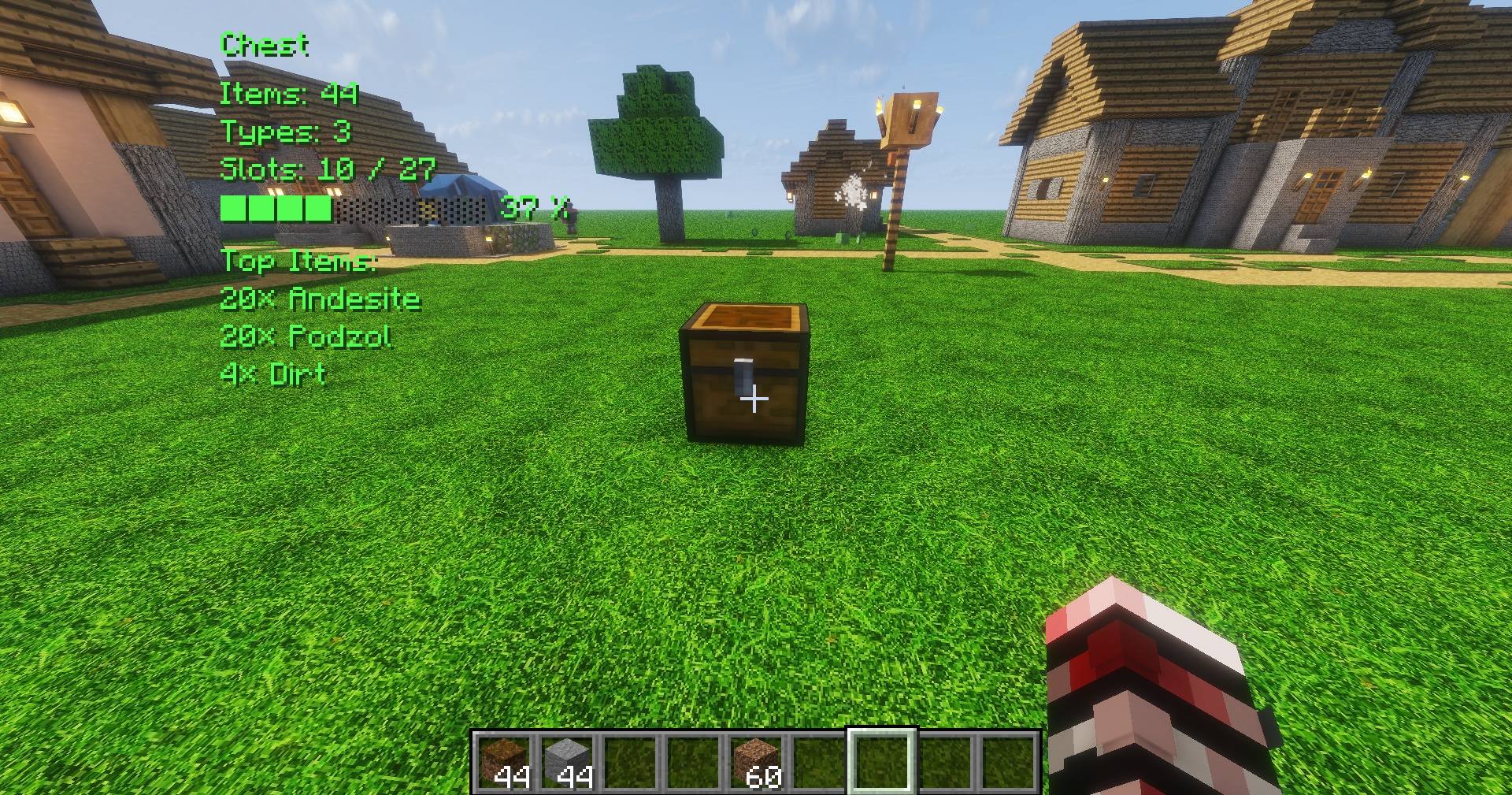
Chest_Closed.jpg
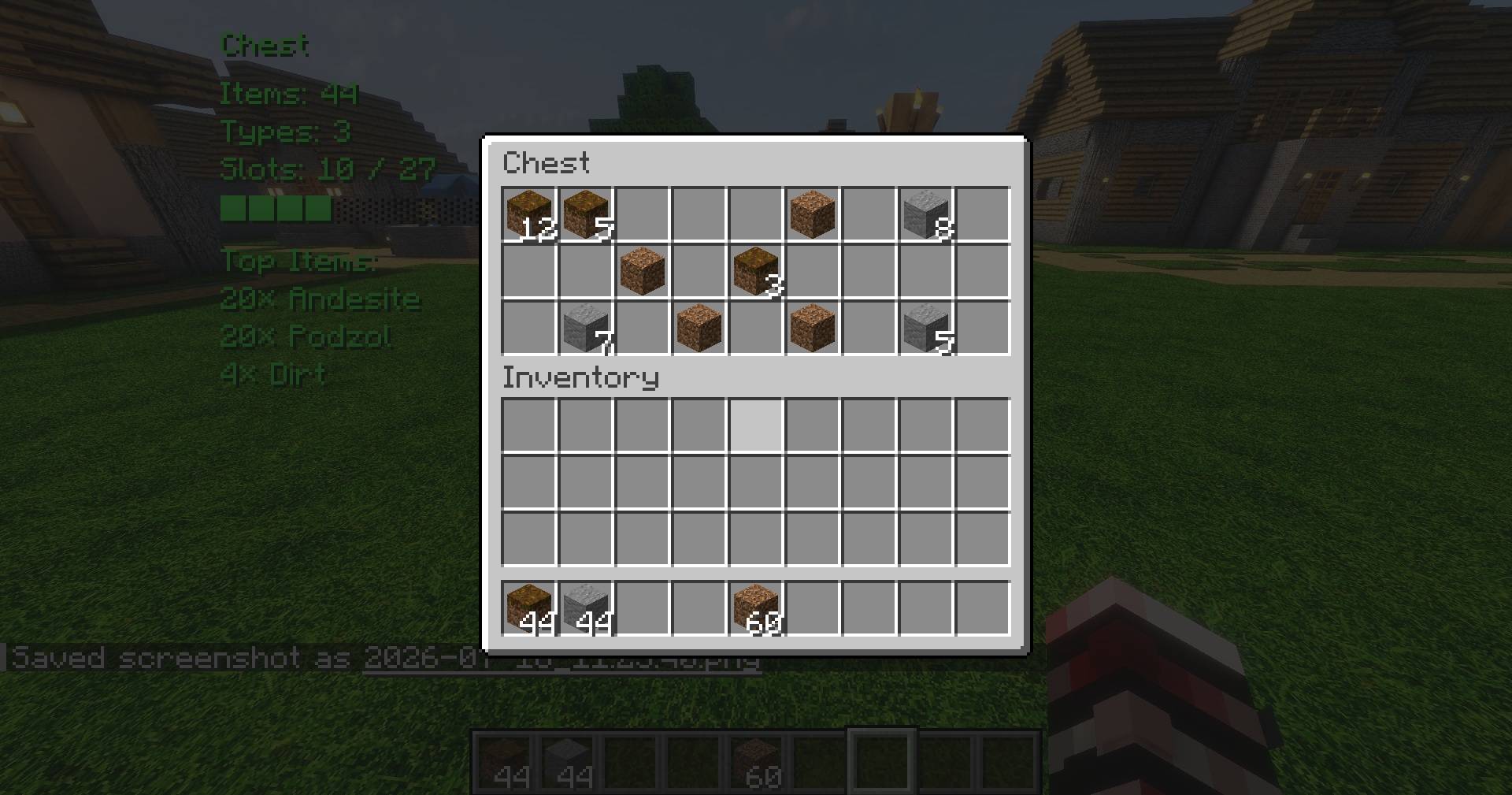
Chest_open.jpg
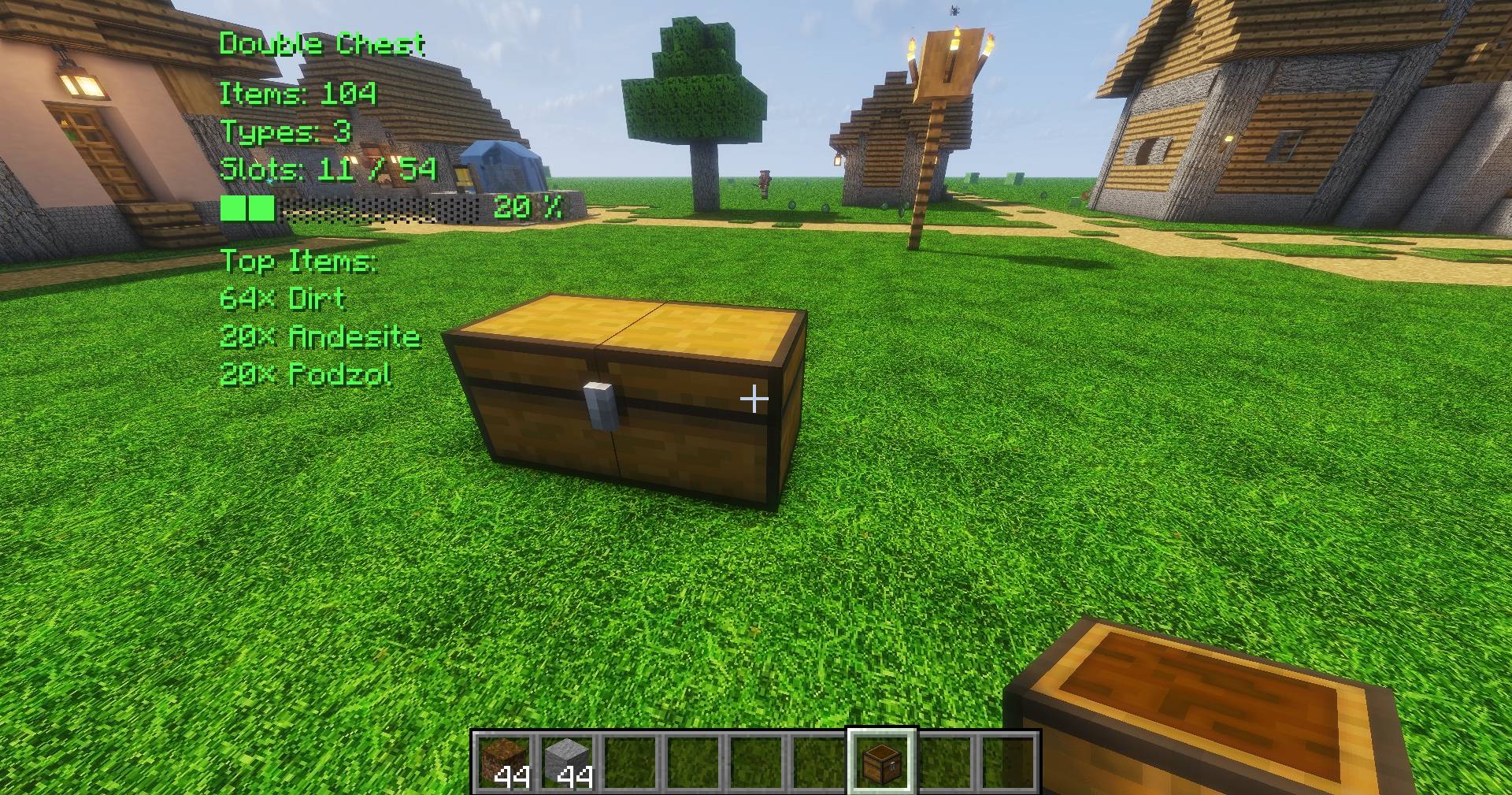
DoubleChest_Closed.jpg
Description
Chest Counter (Chest Preview & Inventory Overlay)
Chest Counter is a lightweight storage information mod that displays detailed information about the container you are currently looking at.
Whether you are managing a massive storage system or searching through hundreds of containers, Chest Counter provides important information instantly without opening every container.
Features
- Displays the total number of items inside a container
- Counts unique item types
- Shows used and available slots
- Displays a configurable fill level indicator
- Shows the most common items inside a container
- Fully configurable HUD
- Adjustable HUD position
- Customizable HUD elements
- Multiple HUD text colors
- Configurable scan radius
- Configurable scan interval
- Configurable number of displayed Top Items
- Minecraft integrated key binding support
- Intelligent scanning system
- Lightweight and optimized
- Multiplayer compatible
- Multi-language support
Supported Containers
Chest
Double Chest
Barrel
Hopper
Shulker Box
Dropper
Dispenser
Furnace
Blast Furnace
Smoker
Brewing Stand
Chest Minecart
Hopper Minecart
Compatible with many modded containers, including functional furniture blocks with inventory slots (for example from mods such as Macaw's Furniture).
Please note: Some modded containers may use a generic inventory name provided by the mod (for example "Furniture Inventory") instead of a unique block name.
More container types may be added in future updates.
Configuration
Chest Counter automatically creates a configuration file:
config/chestcounter.jsonYou can customize:
- HUD position
- HUD visibility options
- HUD colors
- Scan radius
- Scan interval
- Number of displayed Top Items
- Key bindings can be customized through the Minecraft controls menu
Advanced users can also edit the configuration file manually.
## Default Key Bindings
By default, Chest Counter uses the following keys:
- Delete (Entf): Toggle HUD display on/off
- Insert (Einfg): Open Chest Counter settings menu
Both key bindings can be changed through the Minecraft Controls menu.
Multiplayer
Chest Counter works in both singleplayer and multiplayer environments.
All container scanning is performed server-side.
The server only sends the required container information to the client, keeping network traffic low and ensuring efficient multiplayer performance.
Languages
Currently supported:
- English
- German
- French
- Italian
- Spanish
- Portuguese (Brazil)
- Dutch
- Polish
- Turkish
More translations may be added in future updates.
Modpacks
You are free to include Chest Counter in any modpack!
License
This project is licensed under the MIT License.
Author
Created by Arathorn76
Chest Counter (Chest Preview & Inventory Overlay) Team