Item Category Sorter
An intelligent sorter that automatically sorts items by their categories (tabs) in the Creative Inventory.
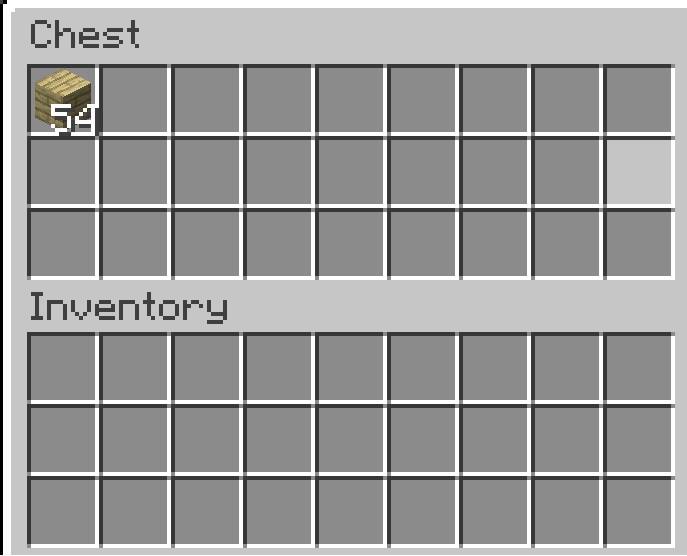
Chest for matching items.jpg
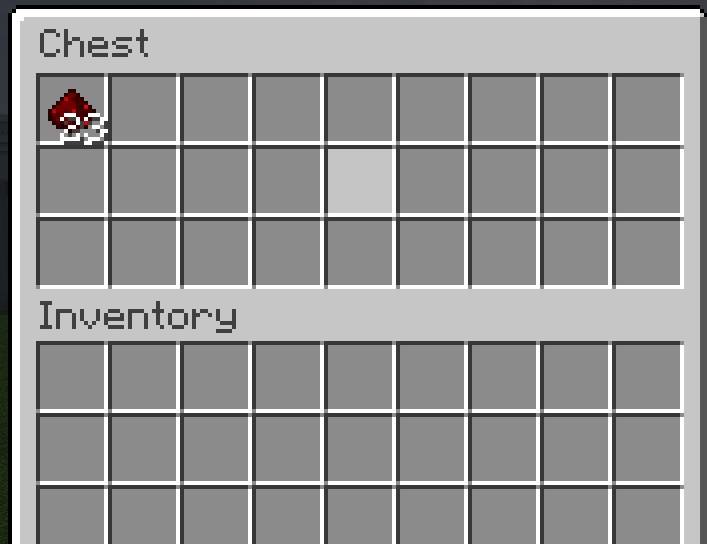
Chest for mismatching items.jpg
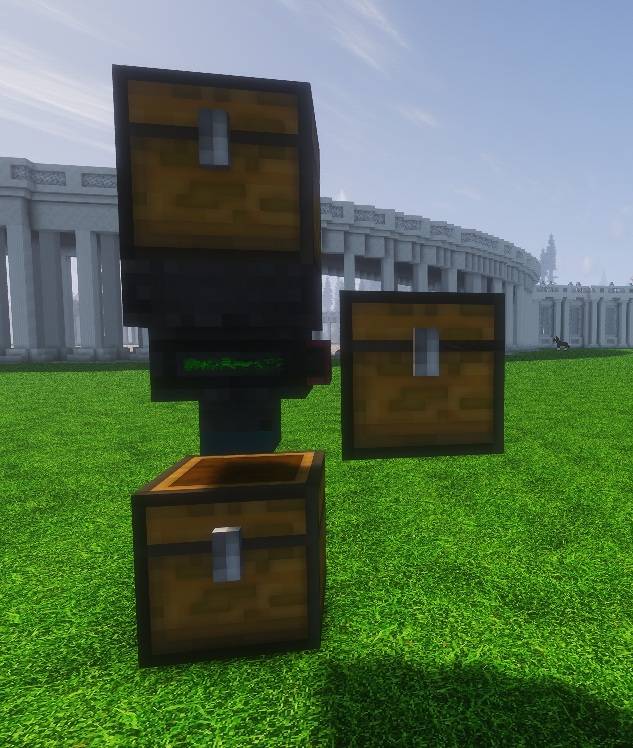
Sorter matching Item.jpg
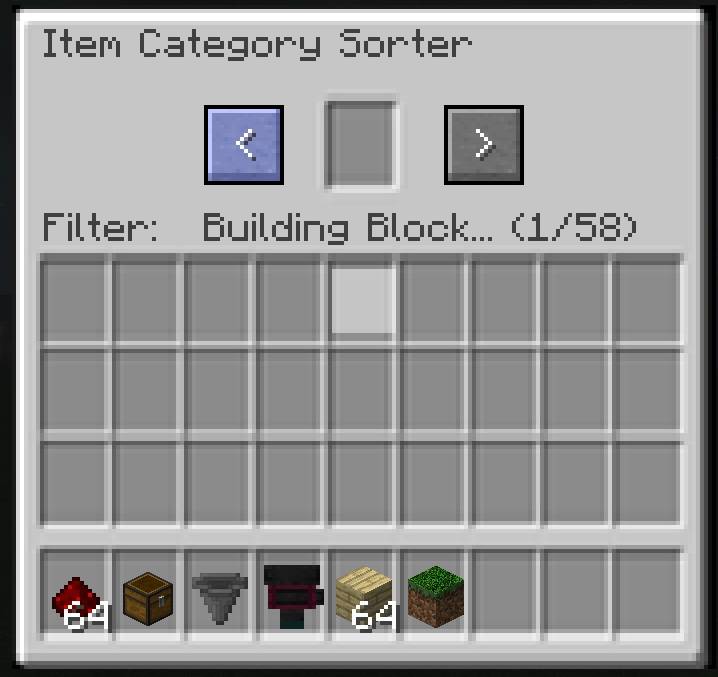
Sorter Menue 1.jpg
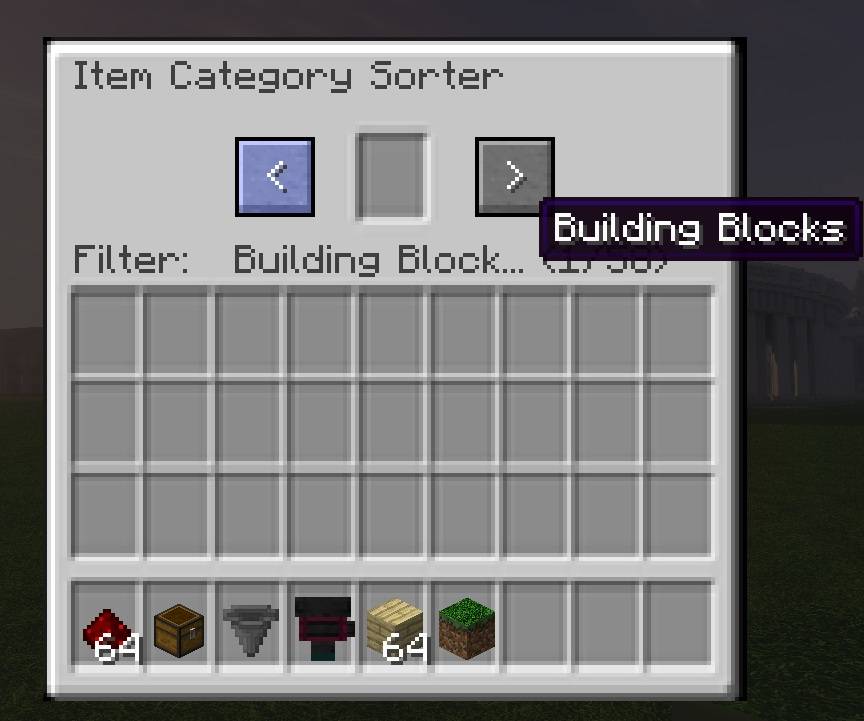
Sorter Menue 2.jpg
Description
Item Category Sorter is an intelligent sorting block designed for large storage systems.
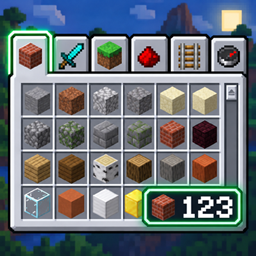
Instead of sorting items by individual item types, it sorts them by their Creative Inventory category (tab).
Choose a category in the sorter’s GUI and the block will automatically decide where each item goes:
- Items that belong to the selected category are sent downward.
- If an item belongs to multiple categories, the first matching sorter in the chain wins.
- Items that do not belong to the selected category are sent through the side output.
- The side output direction is determined when the sorter is placed.
- Categories are detected dynamically from the Creative Inventory, including categories added by other mods.
- A category counter shows your current position in the available category list.
- Long category names are shortened in the GUI and can be viewed completely via tooltip.
- The sorter works at approximately vanilla hopper speed.
- Visual status indicators show successful sorting:
- Green for matching items sent downward
- Red for items sent through the side output
The Item Category Sorter is especially useful as the first stage of a large automatic storage system, where items can first be separated into broad categories before being sorted further.
For example, you can separate:
Building Blocks, Colored Blocks, Redstone Blocks, Tools, Food, Ingredients, Spawn Eggs and many other Creative Inventory categories.
The sorter can also detect categories added by mods, making it suitable for larger modpacks with many additional items.
Compatibility
- Fabric
- Supports modded Creative Inventory categories
- Designed to work with normal containers and hopper-based transport systems
Languages:
Currently included:
- English
- German
- Spanish
- French
- Italian
- Dutch
- Polish
- Brazilian Portuguese
- Turkish
Modpacks:
Feel free to include Item Category Sorter in your modpack. No special permission is required.
The Item Category Sorter Team