Build Your Own Gravity
- By
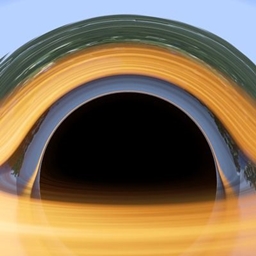
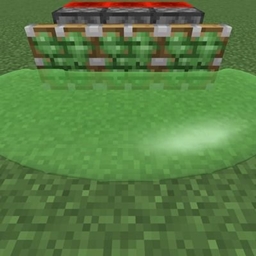
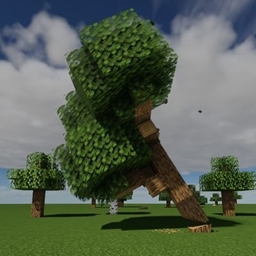
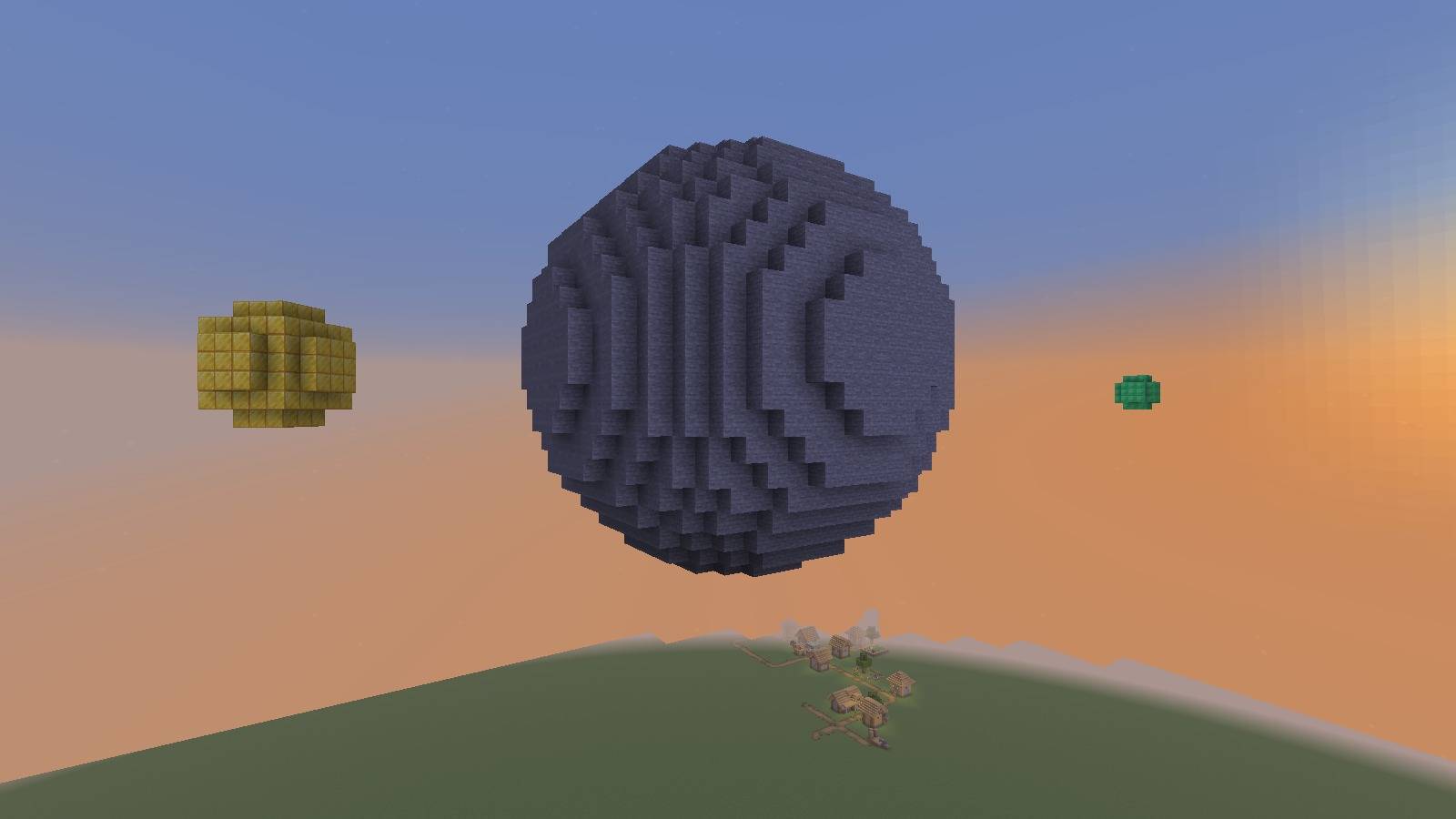
Gravity from what you build: a ball of blocks hanging in the air pulls, thrown items orbit it and a smaller ball becomes its moon.
Description
Build Your Own Gravity
Every block you place has a mass. Build a big ball of stone hanging in the air and it starts to pull: items you throw next to it go into orbit, and a second, smaller ball lets go of the world and circles it as a moon. Let a moon fall and it crashes into the planet and blows a crater.
How it works
- Mass comes from what you build. Every block you place weighs as much as the real material: stone 2.6 tonnes, iron 7.9, gold 19.3, wood 0.6, wool 0.1 and so on. The world's own terrain does not pull. Only things players built count.
- Bodies that hang in the air pull. Blocks placed next to each other make one body. A body pulls only while it hangs in the air. Standing on the ground it does nothing, so your house will not drag items towards it. A ball on a pillar starts to pull as soon as you break the pillar.
- Space around it. Close to a floating body there is no Earth gravity and no air drag for items, only the pull of the bodies. A stone ball with a radius of 8 pulls with 1/4 of normal gravity at its surface. Bigger balls pull harder.
- Throw things into orbit. An item you drop with Q near a body flies off at orbital speed. Throw it sideways and it goes round and round on an ellipse.
- Moons. If a lighter body stays untouched for a few seconds (6 by default) near a heavier one, it lets go of the world and starts to orbit it on a circular orbit. A message warns you 3 seconds before. It always turns the same face to its planet, like our Moon. Moons pull on each other and on items too.
- Crashes and craters. When a moon hits the planet it sticks to it and becomes part of it. Hit fast enough, it blows a crater first.
- It is saved. Built blocks, stopped bodies and flying moons are saved with the world, in every dimension.
Quick start
- Be an operator (or open a single-player world to LAN with cheats).
- Stand in the open air and type
/grawitacja kula 8(a stone ball with a radius of 8, 4 blocks in front of you). - Type
/grawitacja kula 3 minecraft:iron_blocka bit further away. After a few seconds the small ball becomes a moon. - Fly close to the big ball, stop flying and drop items with Q.
Commands (/grawitacja, operators)
kula <radius> [block] [centre]builds a ball of placed blocks (stone by default)infolists the bodies within 256 blocks: mass, radius, pull at the surface, and moonszaznacz <from> <to>marks an area as built (for buildings made before you installed the mod or with WorldEdit)puscmakes the nearest body let go right nowpredkosc <percent>sets the speed of the nearest moon (0 = it falls onto the planet, 140 = a long ellipse)zatrzymajstops all moons where they are, as plain blockszapomnijforgets all placed blocks in this dimension
Options
Options > More mods... > Grawitacja... (no Mod Menu needed): gravity strength, throw into orbit, craters from crashes and the time before a body lets go.
Limits
- You cannot stand on a flying moon. Players, mobs and items pass through it. It only collides with blocks and other moons.
- You cannot walk on the side or the bottom of a planet. The game only knows one "down", so you stand on top of it.
- A flying player (creative mode) is not pulled. That makes building easier. Stop flying and the pull starts.
- Two bodies of exactly the same mass do not circle each other, because the planet always stays in place.
- Chests in a body that becomes a moon spill their contents where it lets go.
Requirements
- Minecraft 26.2, Fabric Loader 0.19+
- Fabric API
- Java 25
"Grawitacja" is Polish for "gravity". The mod is in English and Polish.
Build Your Own Gravity Team