AutoMuteOnAfk
- By
Automatically mutes Minecraft when the window loses focus (alt-tab / AFK) and restores your exact volume when you return.
Description


Automatically mutes the game while the Minecraft window is unfocused, then restores your exact volume the moment you come back. Alt-tab away or go AFK — the mod stores your current master volume and sets it to 0%; when the window regains focus, your previous volume is restored. No more music blasting in the background, and no touching the volume slider yourself.
Client-side only (no server installation required). Fully compatible with singleplayer and multiplayer.
Dependencies: Fabric & NeoForge require Architectury API (and Fabric API on Fabric). Forge requires no additional dependencies.
Free to use in any modpack — public or private, no permission needed.
What it does
- Mute on Unfocus — the instant the Minecraft window loses focus (alt-tab, switching apps, AFK), master volume is set to 0% (only if it was above 0).
- Restore on Focus — the instant the window regains focus, your previous volume is restored exactly.
- Never Loses Your Volume — the stored level survives world changes, menus, and even getting disconnected while muted (e.g. an AFK kick) — restored as soon as focus returns, never overwritten.
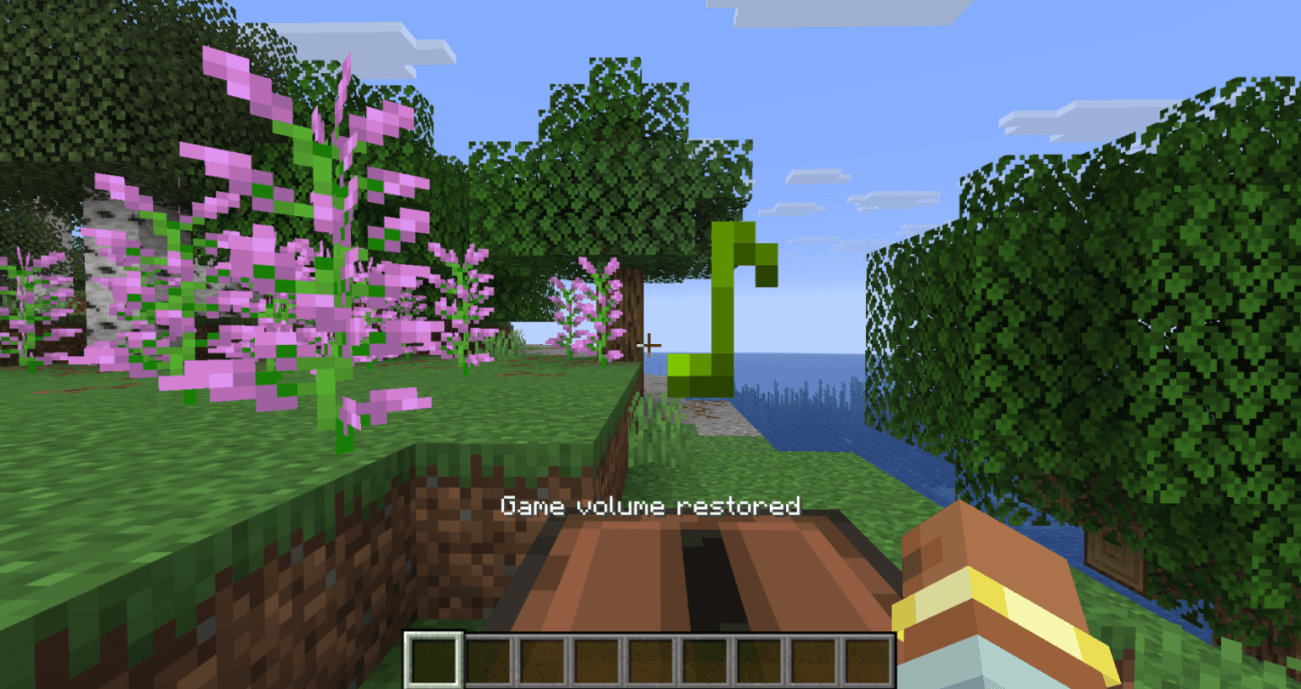
- Optional Action-Bar Message — a short “Game muted” / “Game volume restored” line when the state changes (can be turned off).
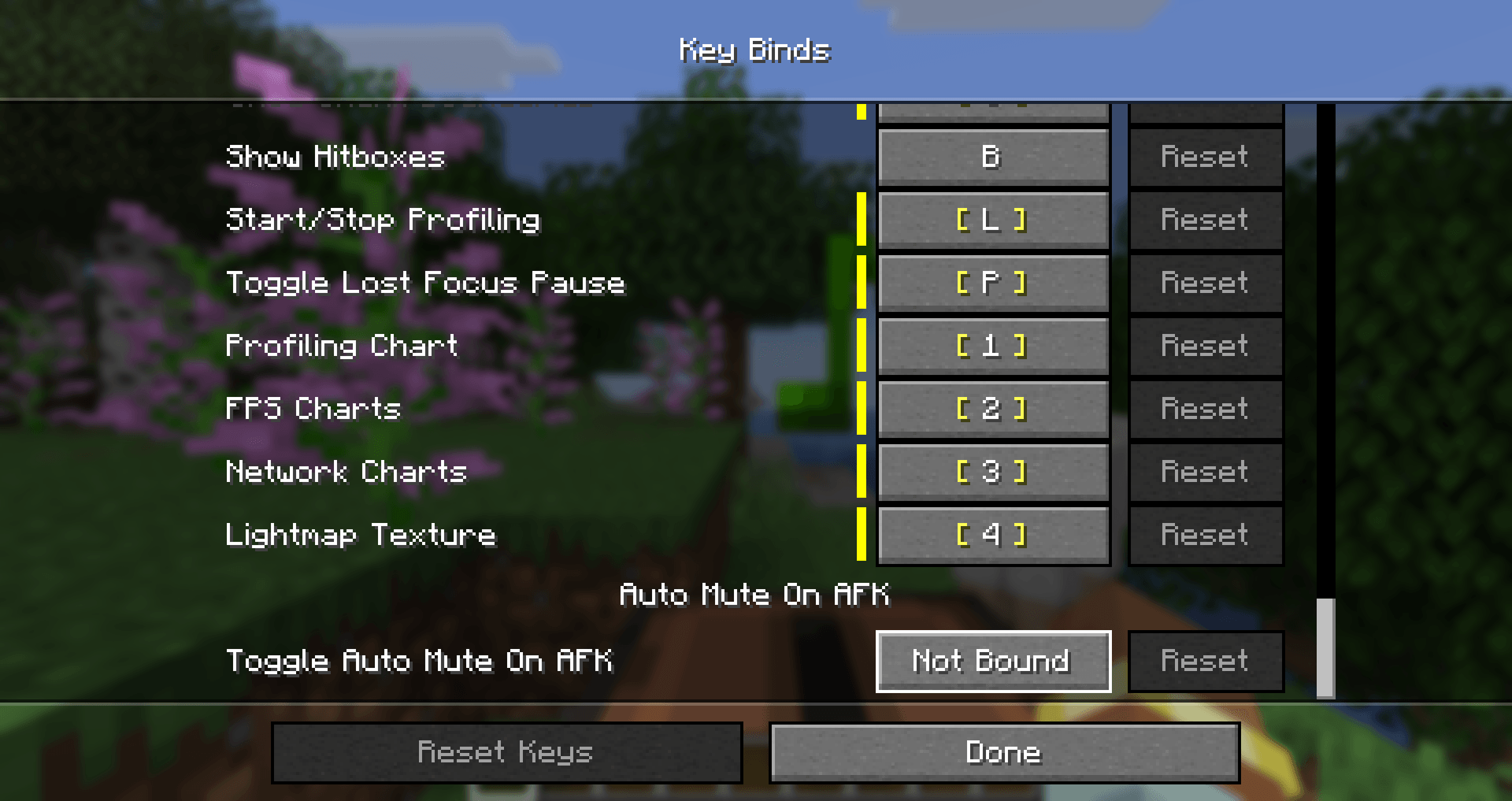
- Toggle Hotkey — bind a key to enable or disable the mod on the fly; the new state is shown on the action bar.
Configuration
File: config/automuteonafk.json (created with defaults on first launch).
You can also toggle the mod in-game: Options → Controls → Key Binds → Auto Mute On AFK → Toggle Auto Mute On AFK (unbound by default). Pressing it enables/disables the mod and saves the new state.
Options:
enabled(true) — whenfalse, the mod does nothing (also flipped by the toggle hotkey).showMessages(true) — action-bar messages on mute/restore; setfalsefor silent operation.
Details
- Purely client-side — only changes your game’s master volume. It never affects the server or other players, and it does not fight the volume slider while you are actively playing.
- Fully translated into 10 languages: English, Russian, Simplified Chinese, Spanish, French, German, Japanese, Brazilian Portuguese, Korean, and Italian.
- No builds for Minecraft 26.1 / 26.1.2 — stay on 1.0.0 for those, or move to 26.2.
Feedback
Please report any bugs, errors, or feature suggestions on Discord: https://discord.gg/HTkn94BXmA
More mods by Nikrecs: PerformanceHUD · DynamicRenderDistance
My other mods that I recommend.
The AutoMuteOnAfk Team


Owner