AE2 Drive Terminal
- By
View and rearrange every storage cell across all ME Drives on your Applied Energistics 2 network from one convenient terminal.
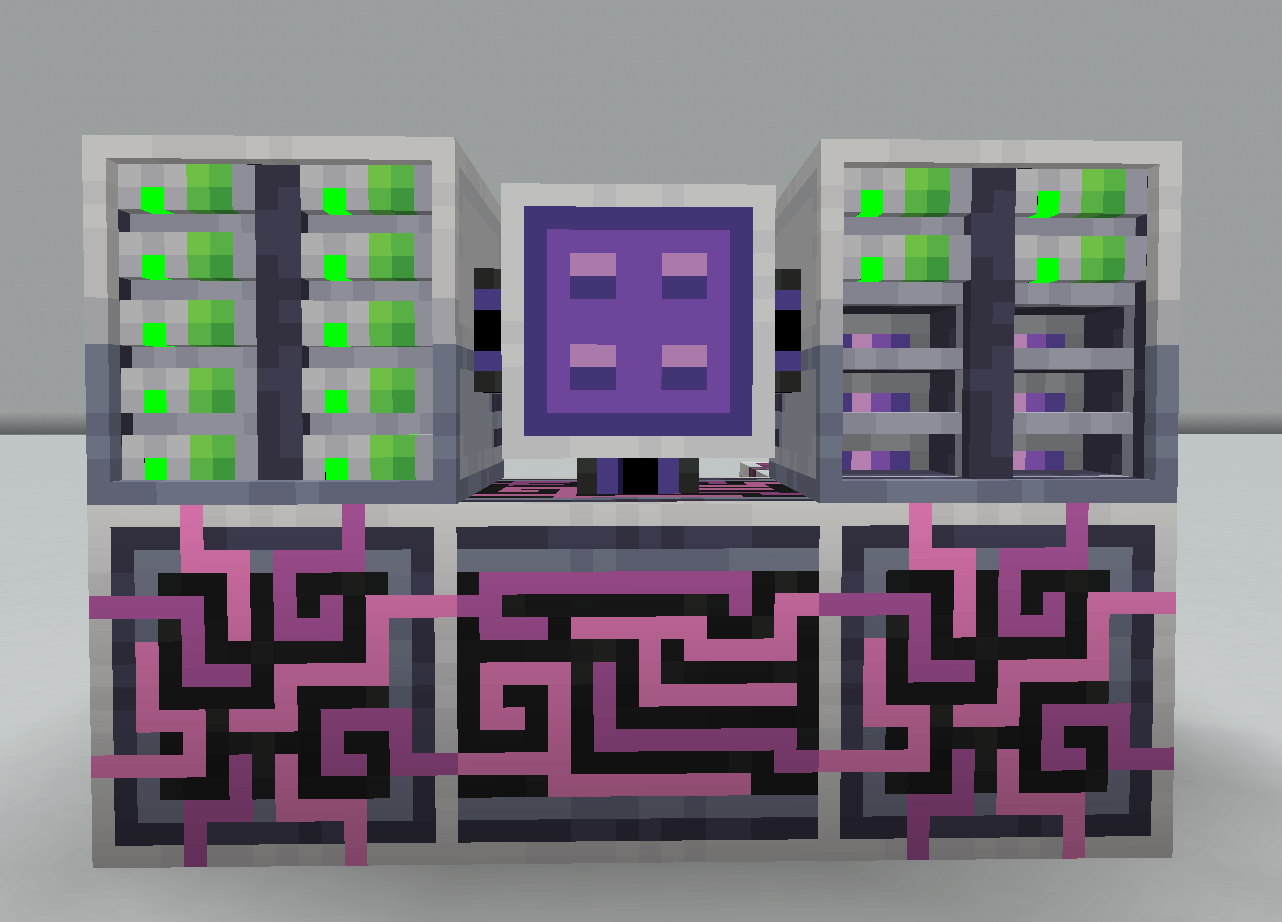
Screenshot1
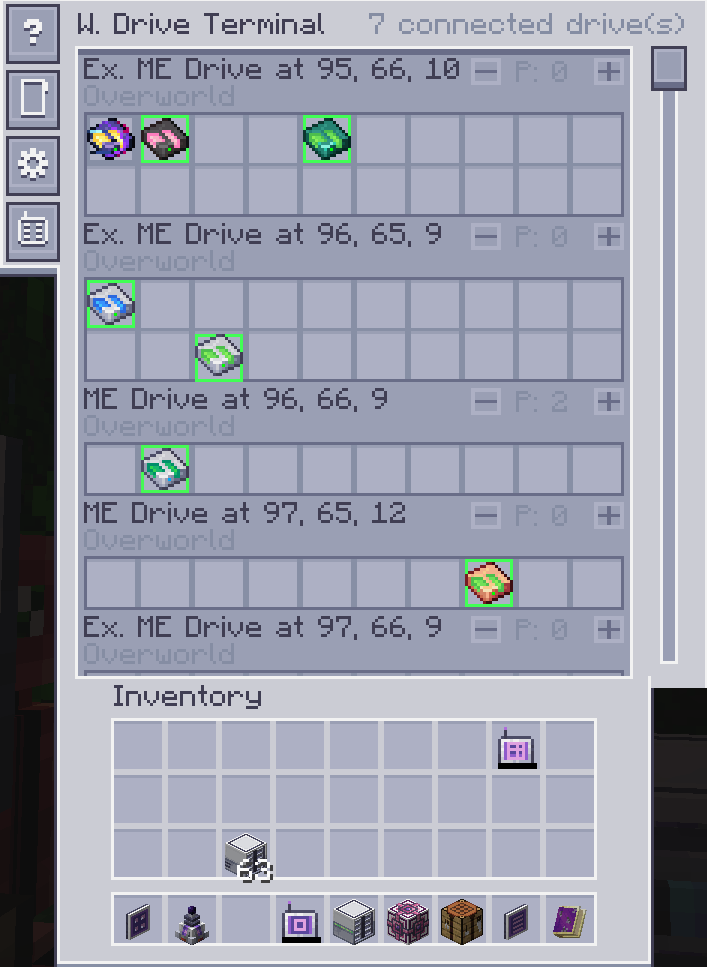
Description
AE2 Drive Terminal
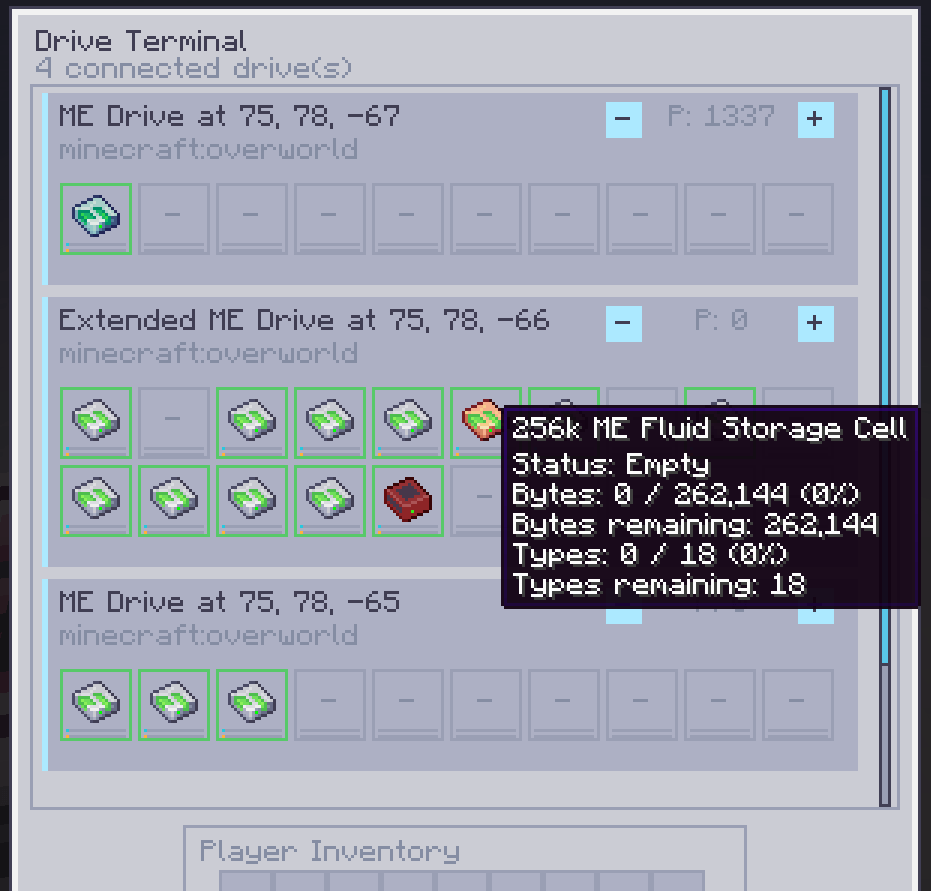
AE2 Drive Terminal adds a terminal for checking the ME Drives on an Applied Energistics 2 network.
Use it like any other ME Terminal.
It works with normal AE2 drives, ExtendedAE drives, and storage cells added by the supported addons below.
Version 1.1.0
- Cable-mounted Drive Terminal and standalone Wireless Drive Terminal for Forge 1.20.1 and NeoForge 1.21.1
- Live grid drive list with empty bays and per-cell byte/type capacity where provided by the cell API
- Direct cell insertion and removal, drive-priority editing, scrolling, and live updates
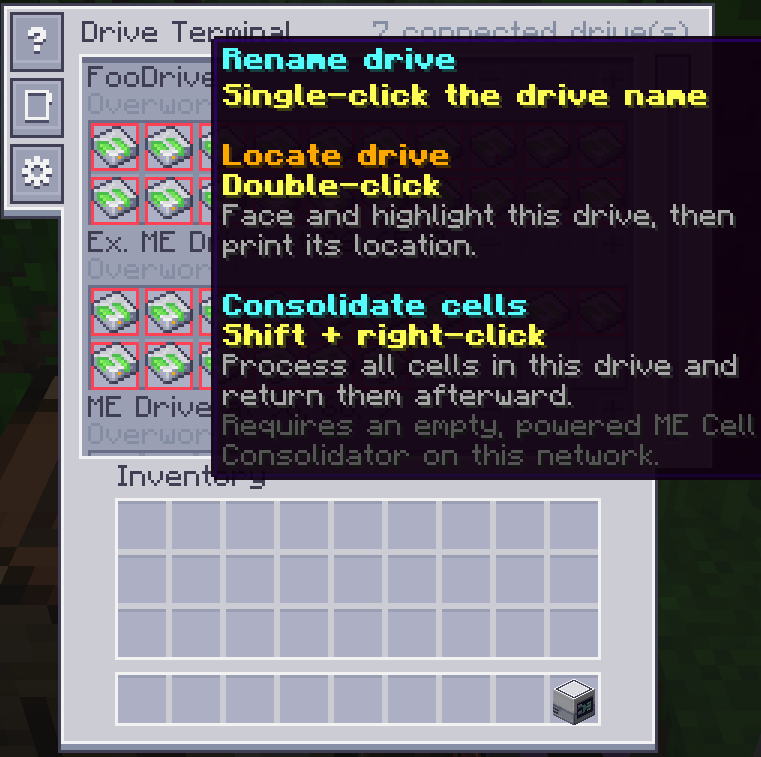
- Double-click a drive row to copy a dimension-aware teleport command, face the drive, and highlight it when nearby
- ExtendedAE drive support plus cells from AE Additions, Ars Energistique, MEGA Cells, Applied Botanics, AE Omni Cells, and the listed optional AE2 addons
- AE2 Wireless Terminal Library integration for the Universal Wireless Terminal
Screenshots
Features
- Lists ME Drives on the same AE2 grid as the terminal
- Shows standard drives and ExtendedAE drives
- Supports normal AE2 cells and compatible addon cells
- Shows bytes, types, free capacity, percentages, and cell state when the cell API provides them
- Lets players insert and remove cells directly from drive bays
- Lets authorized players change drive priority
- Double-click a drive row to print a dimension-aware teleport command and highlight the drive in the world when it is nearby
- Includes a Wireless Drive Terminal that links to an ME Wireless Access Point and opens the same drive-management screen
- Works on Forge 1.20.1 and NeoForge 1.21.1
- Drive positions are sorted by dimension and coordinates. The list updates while it is open when drives, cells, capacity, power, or access change.
Requirements
- Applied Energistics 2
- Minecraft 1.20.1 with Forge, or Minecraft 1.21.1 with NeoForge
Compatibility
These addons are optional:
- AE Additions for its extra item, fluid, chemical, and super storage cells
- ExtendedAE for the Extended ME Drive
- Ars Energistique for source storage cells
- MEGA Cells for mana storage cells
- Applied Botanics for mana cells
- AE Omni Cells for Omni and Complex Omni cells
- InsaneAE on Forge 1.20.1
- AppliedSoul on Forge 1.20.1
- Crazy AE2 Addons
- AE2 Things on Forge 1.20.1
- AE2 MEGA Things
- Bigger AE2
- AE2 Extras
- Applied Pneumatics
- ExpandedAE
- AE2 Wireless Terminal Library, which adds the Wireless Drive Terminal to its Universal Wireless Terminal
The Wireless Drive Terminal works without AE2 Wireless Terminal Library. The library only adds the optional Universal Wireless Terminal upgrade recipe. Cells with normal AE2 capacity data show bytes, types, and percentages. AE2 Things and AE2 MEGA Things DISK cells show their byte usage. Cells with intentionally unlimited or unavailable capacity are shown as unavailable instead of fake full values.
AE2 Drive Terminal Team