Novalim Shader
A Vibrant Visuals pack for Minecraft Bedrock Edition
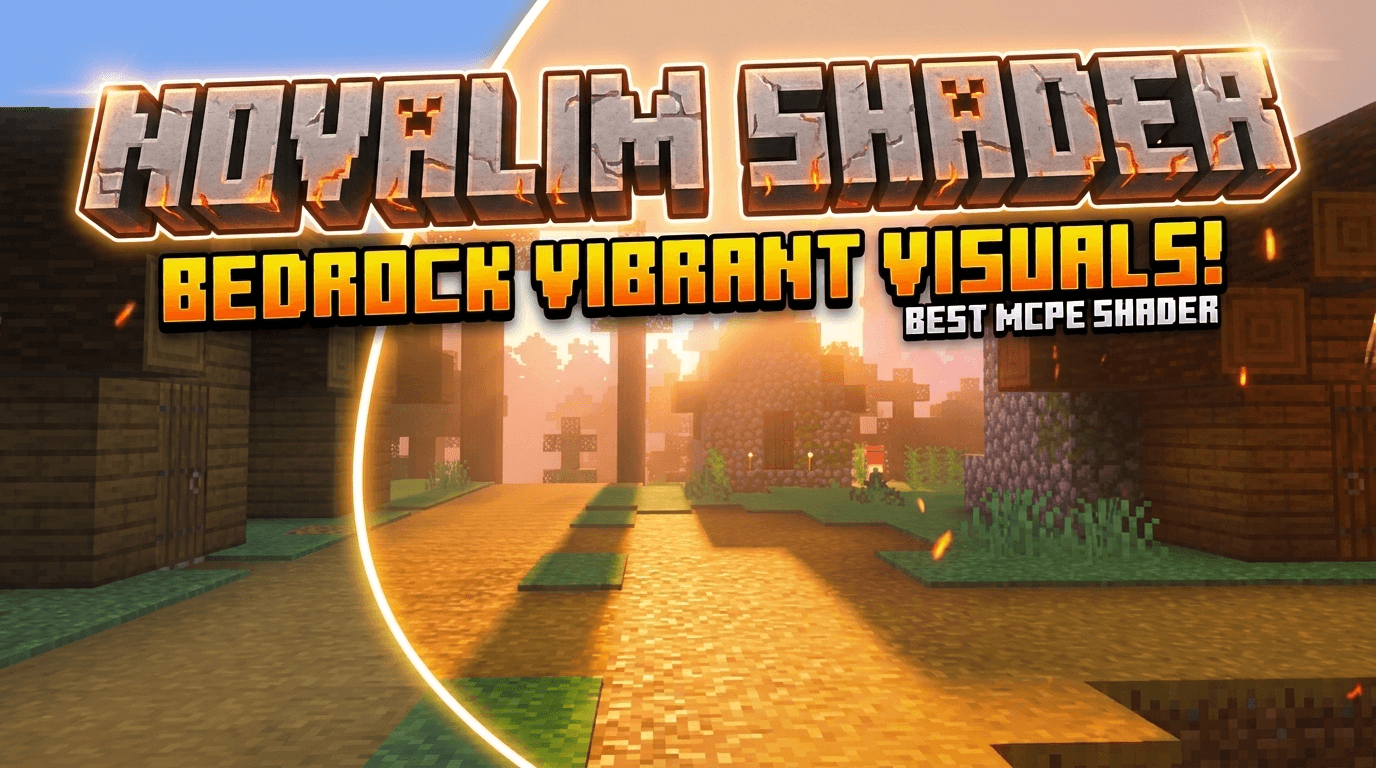
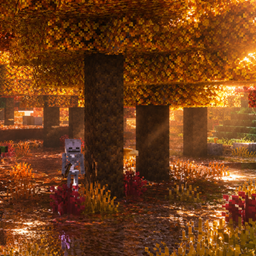
Novalim Shader gives your world a crisp, colorful and cinematic look. It runs on Minecraft's built-in Vibrant Visuals engine, so it adds no heavy custom code. The pack changes the sky, light, water, fog and colors of every biome.
Features
Sky and time of day
- Clear azure daytime skies
- Rose and lavender sunsets and sunrises
- Deep indigo nights with a bright blue moon
Lighting
- Soft shadows
- Light shafts from the sun
- Warm glow from torches, lanterns, fire, campfires and glowstone
Water
- Separate water settings for oceans, rivers, swamps and everywhere else
- Natural waves and underwater light patterns
- Different water colors for each ocean type
Biomes
- Custom sky, grass, foliage and water colors for all biomes
- Dedicated fog for the Overworld, the Nether and the End
Color grading
- Vivid highlights, cool shadows and balanced contrast
- New sun, moon phases and clouds
Requirements
- Minecraft Bedrock Edition 1.21.80 or newer
- A device that supports Vibrant Visuals
- Vibrant Visuals turned on in Settings → Video
Installation
- Download the .mcpack file.
- Open it. Minecraft imports it automatically.
- Go to Settings → Global Resources and activate Novalim Shader.
- Go to Settings → Video and turn on Vibrant Visuals.
Tips
- For the best look, set your render distance to a medium or high value.
- If your device runs slowly, lower the shadow and render settings in Video settings.
- Some mods and other resource packs may change the visuals. Put Novalim Shader at the top of your resource pack list.
Notes
- This pack uses Minecraft's built-in Vibrant Visuals system. It does not replace the game's renderer.
- Results can look different on different devices.