![Custom Hotbar HUD [v2.6.0] (Client-Side / Server Friendly) logo](https://media.forgecdn.net/avatars/thumbnails/2057/521/64/64/639254359132111162.png)
Custom Hotbar HUD [v2.6.0] (Client-Side / Server Friendly)
- By
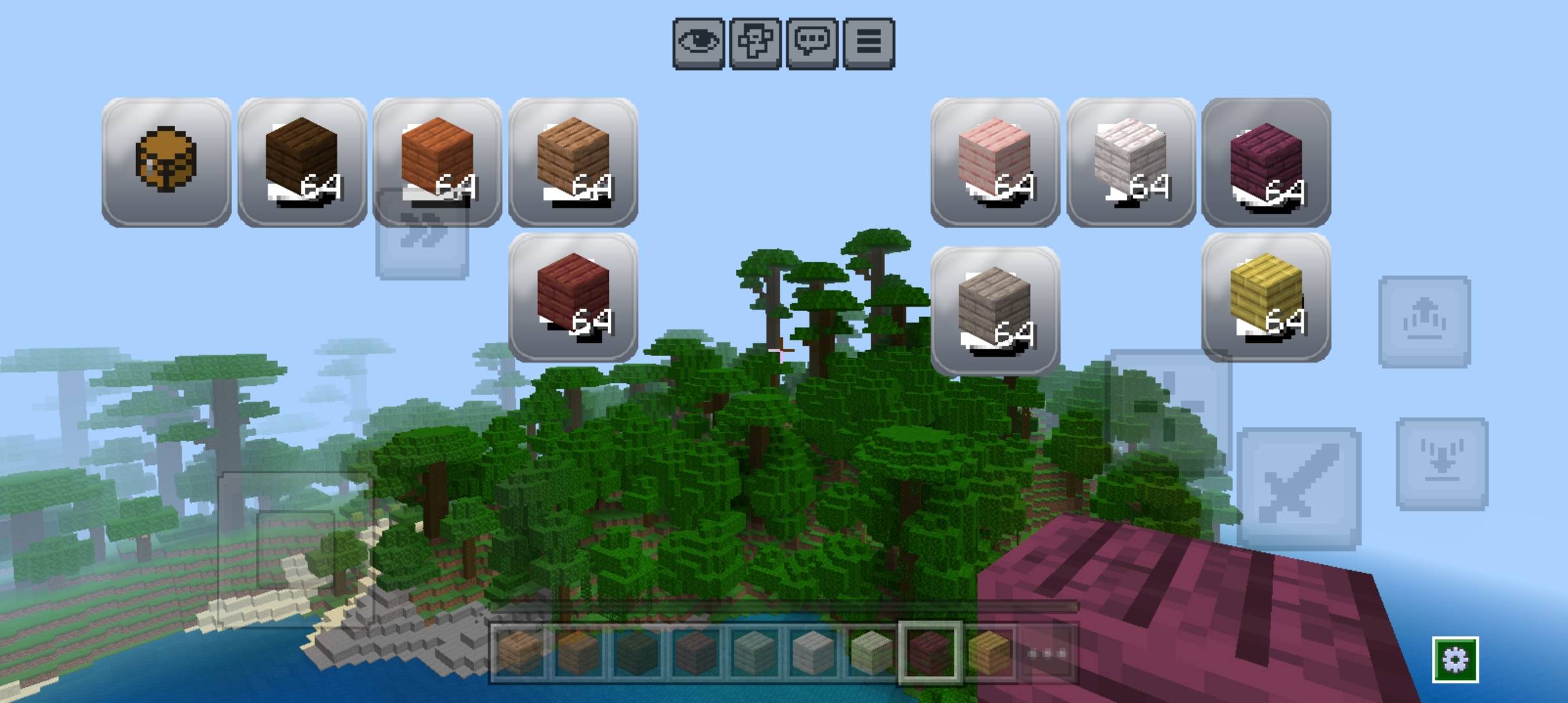
A customisable client-side Hotbar and Shortcut HID for Minecraft Bedrock
54612.jpg
54615.jpg
54617.jpg
54619.jpg
Description
⚡ Custom Hotbar HUD (v2.6.0)
Upgrade your Minecraft Bedrock PvP and gameplay experience! Custom Hotbar HUD is a 100% Client-Side Resource Pack that adds fully customizable on-screen shortcut buttons for your hotbar and inventory slots.
Place your buttons anywhere on screen, resize them, and access food, potions, or weapons instantly without cycling through your hotbar!
🌟 Key Highlights
- 100% Client-Side: Pure UI resource pack (No Behavior Pack / No Experimental Features required).
- Server & Realm Friendly: Works seamlessly on any public server (Hive, NetherGames, etc.), Realms, and single-player worlds.
- Global Resources Support: Activate it once in Global Resources and it stays active everywhere.
⚙️ Core Features
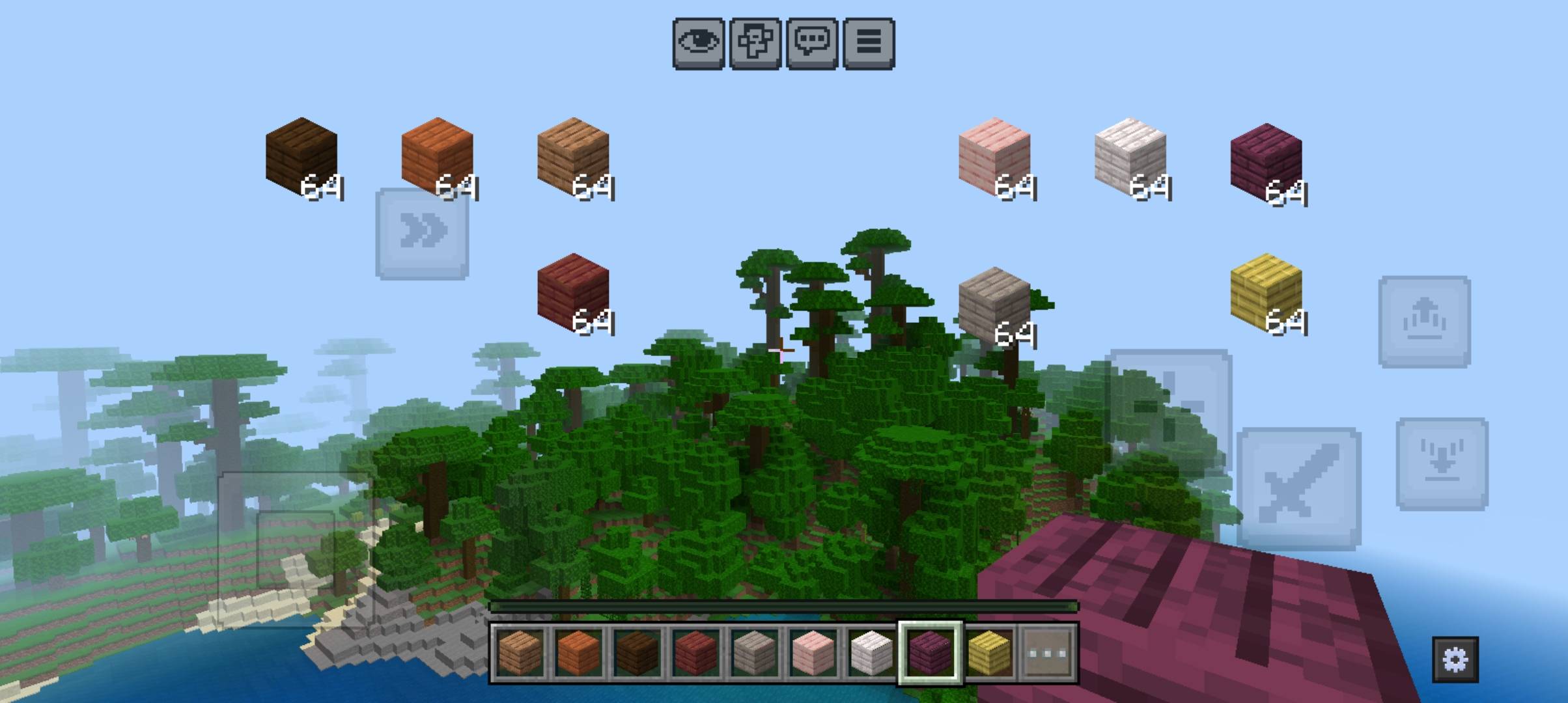
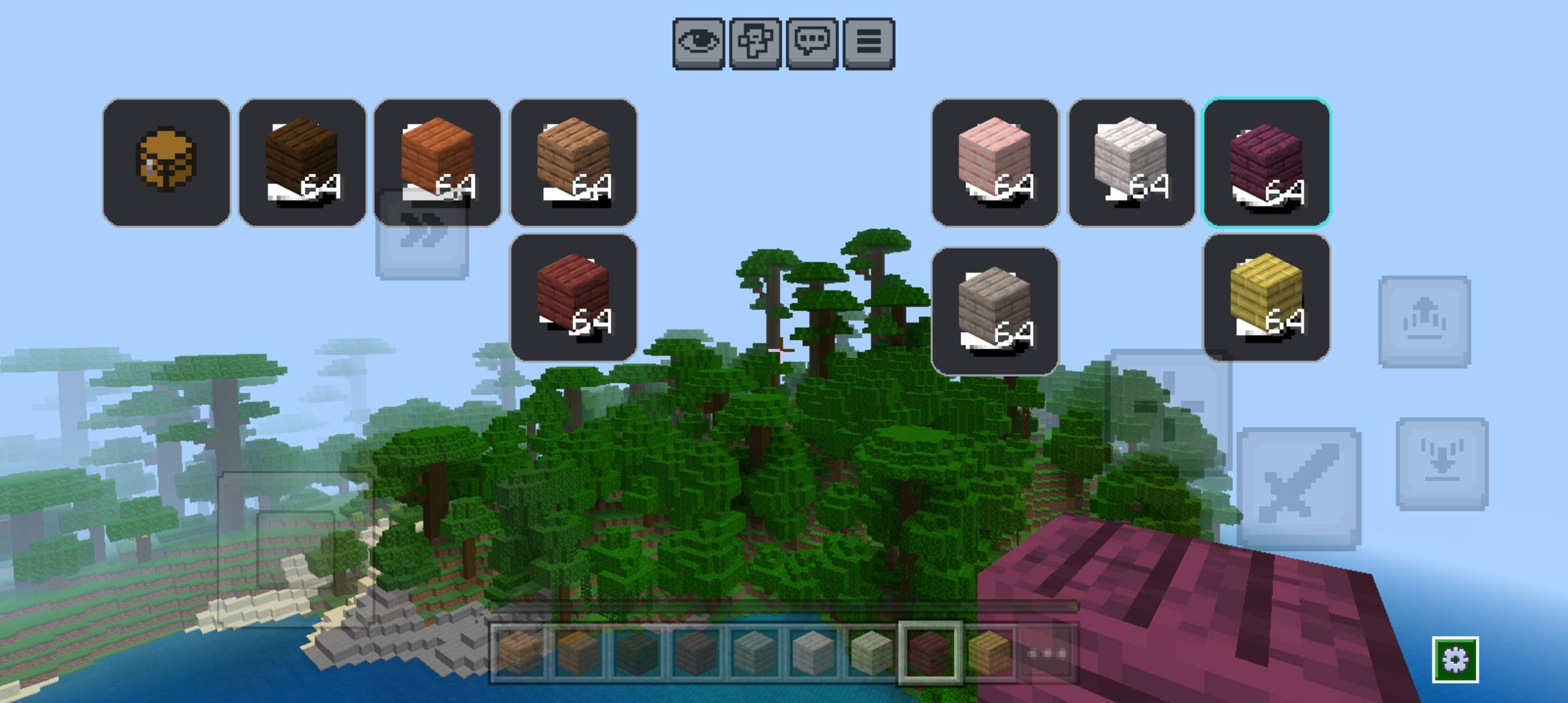
- 10 Fully Independent Slots:
- Slot 1 to 9 + Dedicated Inventory Button.
- Customize each slot’s X Position, Y Position, and Scale/Size independently.
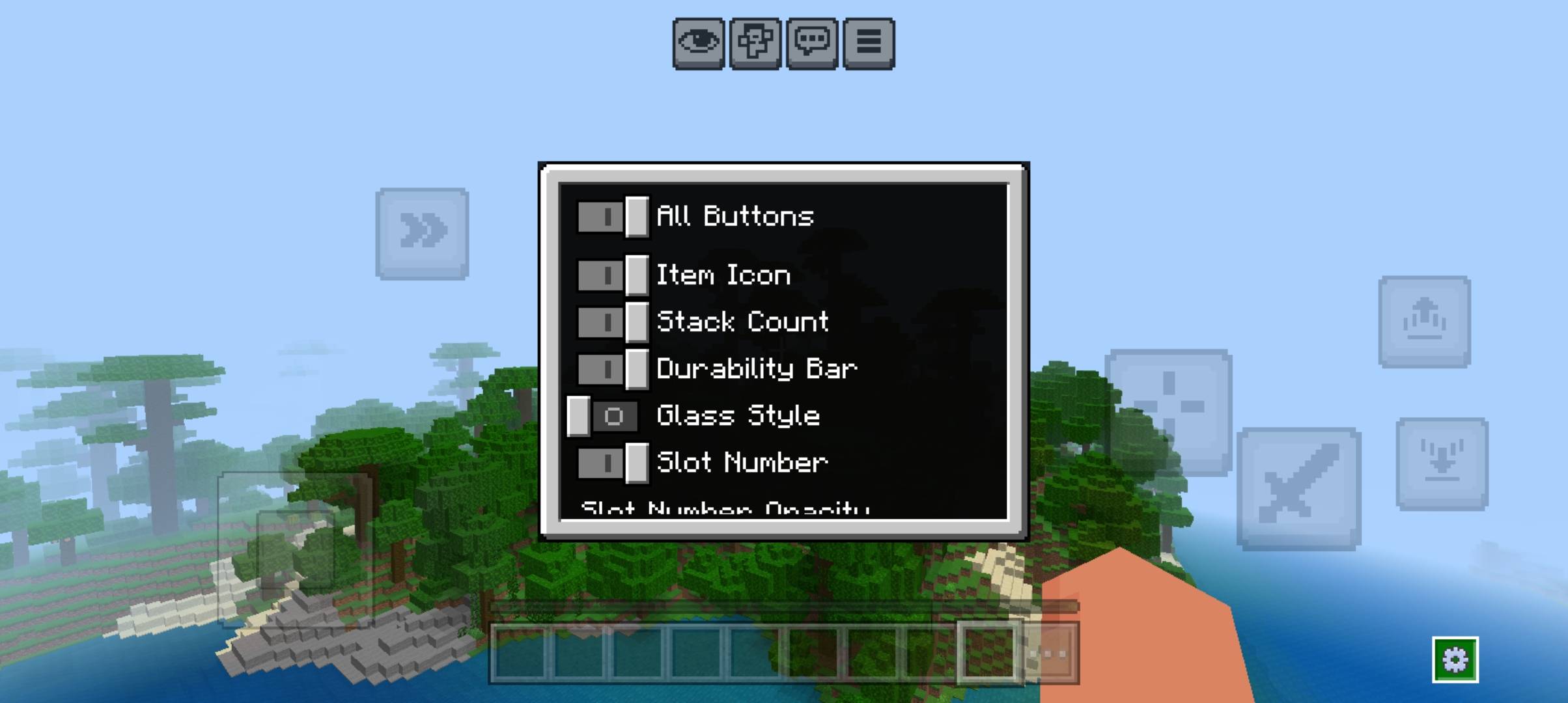
- In-Game Live Editor (⚙️ Gear Icon):
- Adjust sliders with real-time on-screen previews.
- Precise numeric readouts next to every slider.
- Visual & UI Toggles:
- Item Icon: Show or hide item textures.
- Stack Count: Toggle item count numbers.
- Durability Bar: Track tool/weapon health easily.
- Slot Numbers: Toggle slot labels with customizable opacity.
- Overall Opacity: Adjust background and button transparency to keep your screen clean.
- Glass vs. Classic Style: Choose between a sleek modern 3D glass look or a lightweight flat style.
- "All Values" Export Screen:
- View all 10 slots' coordinates at a glance to easily take screenshots, share presets, or back them up.
💾 How Layouts Work
Bedrock UI resource packs cannot write dynamic changes to local files permanently during gameplay.
- Use the in-game editor to find your perfect layout.
- Note/screenshot your numbers from the All Values screen.
- Set those values as default in
_global_variables.jsonfor a permanent setup across all game restarts!
📋 Installation Guide
- Download the
.mcpackfile. - Double-click or tap the file to automatically import it into Minecraft Bedrock.
- Go to Settings > Global Resources > Active.
- Activate Custom Hotbar HUD.
- Hop into any world or server and tap the ⚙️ gear icon to customize!
Created by SampadCraft | Version: 2.6.0
The Custom Hotbar HUD [v2.6.0] (Client-Side / Server Friendly) Team