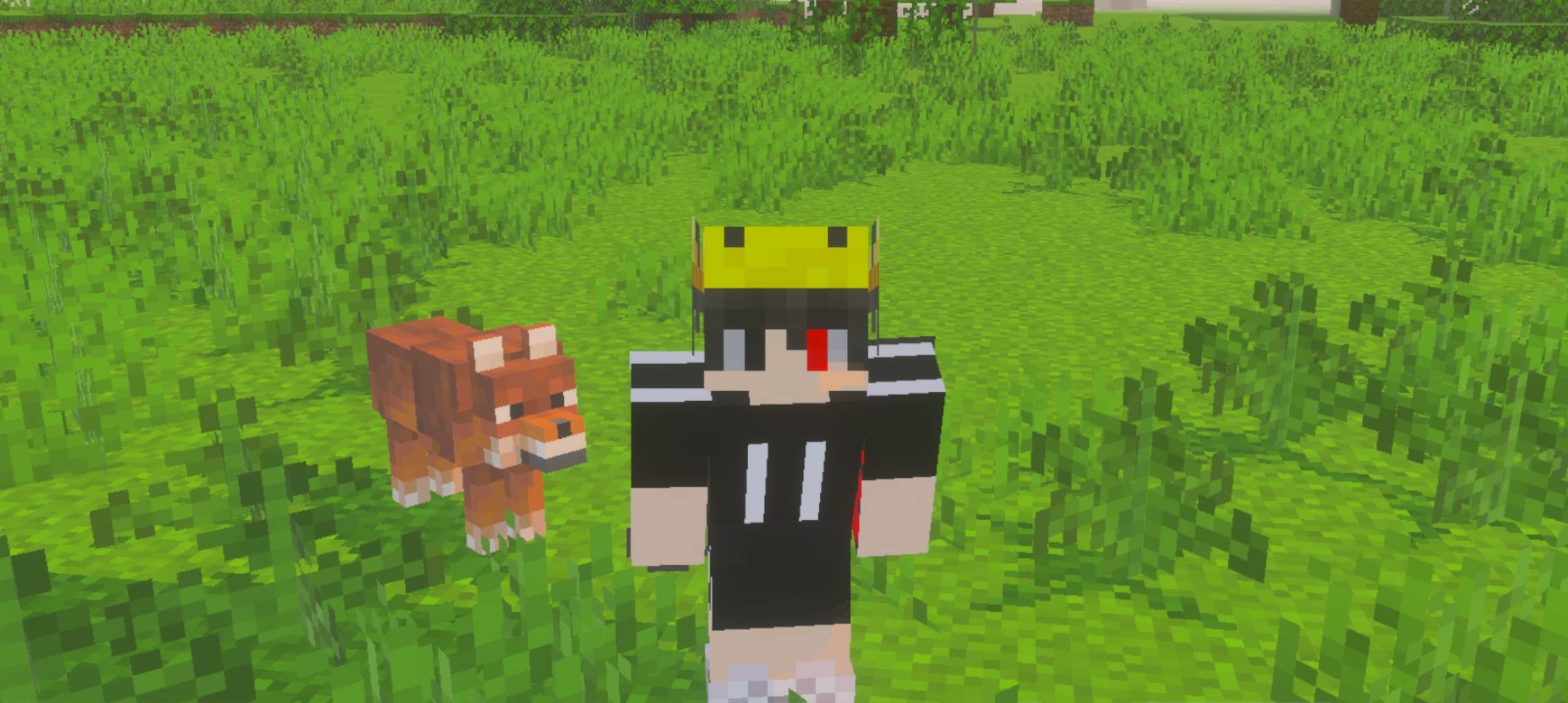
Sneak Zoom
Created by SampadCraft
Java Edition-style zoom for Minecraft Bedrock. Sneak to see distant objects up close, and let go to return to normal view.
Features
- Sneak = smooth zoom in
- Release sneak = back to normal view
- No zoom while holding a shield, so blocking never gets in the way
- Zoom sound effect (newer versions)
- HUD hides while zooming for a cleaner view (newer versions)
/sz:zoom command to toggle zoom on or off, which you can bind to a button using Minecraft's Macros (newer versions)- No settings or menus, just install and play
- A short welcome message with the addon name and creator shows the first time you join
How to install
- Download the
.mcpack file and open it. Minecraft will import it automatically.
- Go to your world's settings and open Behavior Packs.
- Activate Sneak Zoom.
- Join the world and sneak to zoom.
This is a Behavior Pack. It must be added under your world's or server's Behavior Packs, not Global Resources.
Servers
The pack only works on a world or server where it has been added. On your own server, Realm, or Aternos, the owner can add the pack and every player will get zoom. It can't be added to other people's public servers.
Supported versions
- Tested on Minecraft Bedrock 26.62.
- Built on Script API 2.0.0, so it should work on 1.21.100 and newer.
- Sound, HUD hiding, and the
/sz:zoom command need newer versions. On older versions they are skipped automatically and sneak zoom still works.
Notes
- Minecraft's camera FOV can't go below 30, so zoom can't be stronger than this.
- To disable zoom for a player:
/tag @s add nozoom
- To see the welcome message again:
/tag @s remove sneakzoom_welcomed
- To turn off the sound or HUD hiding, set
ZOOM_SOUND or CINEMATIC_HUD to false at the top of scripts/main.js.
Credits
Made by SampadCraft