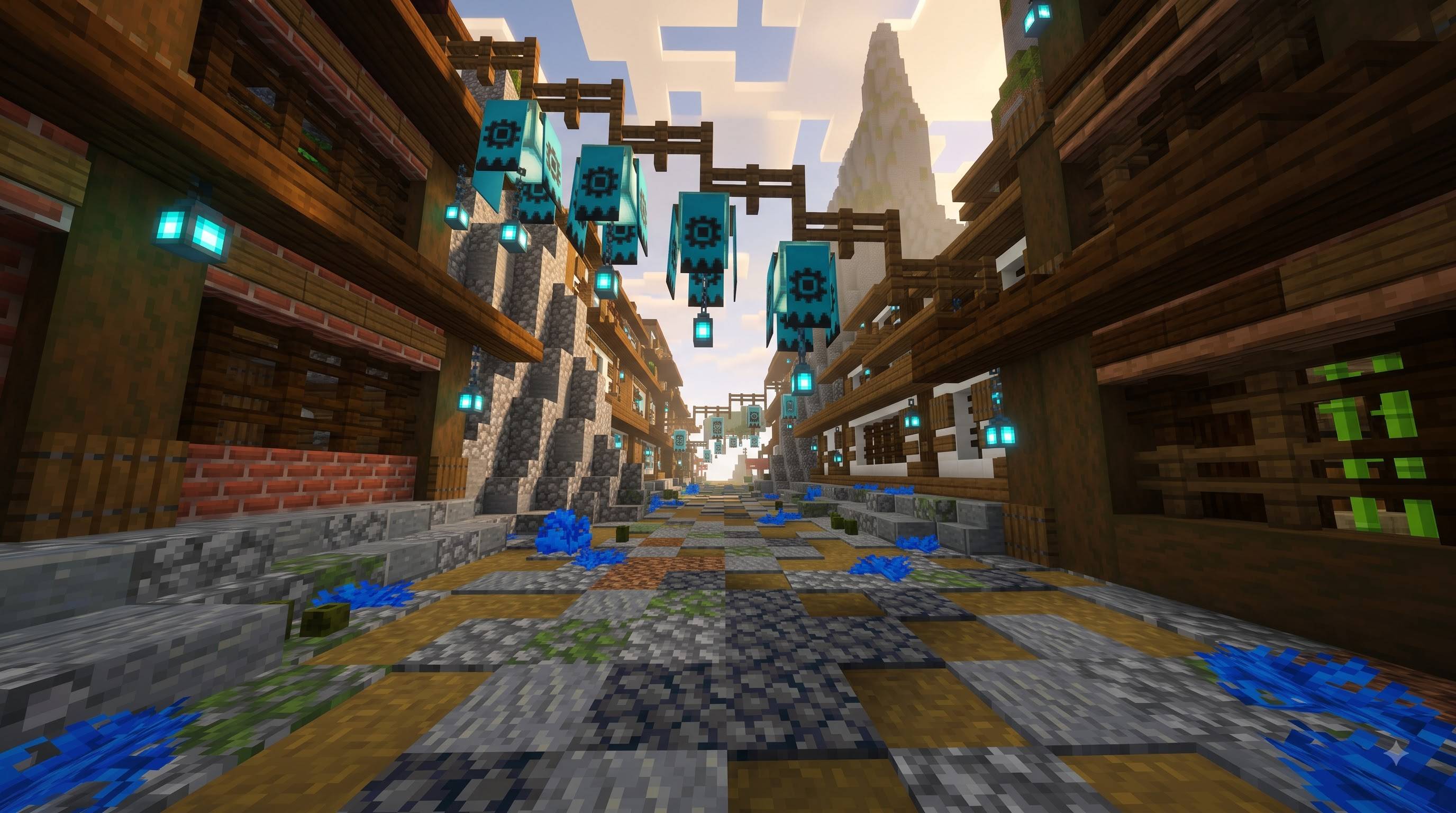
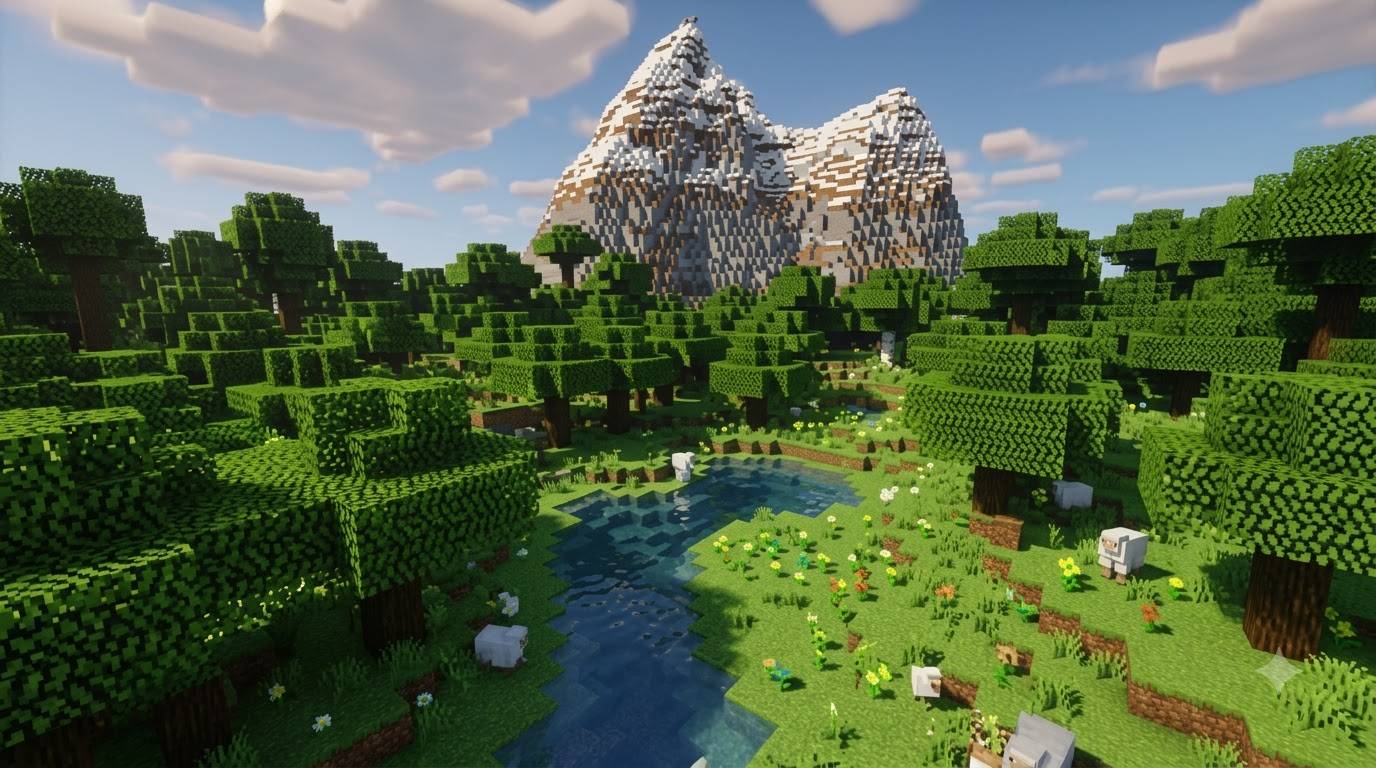
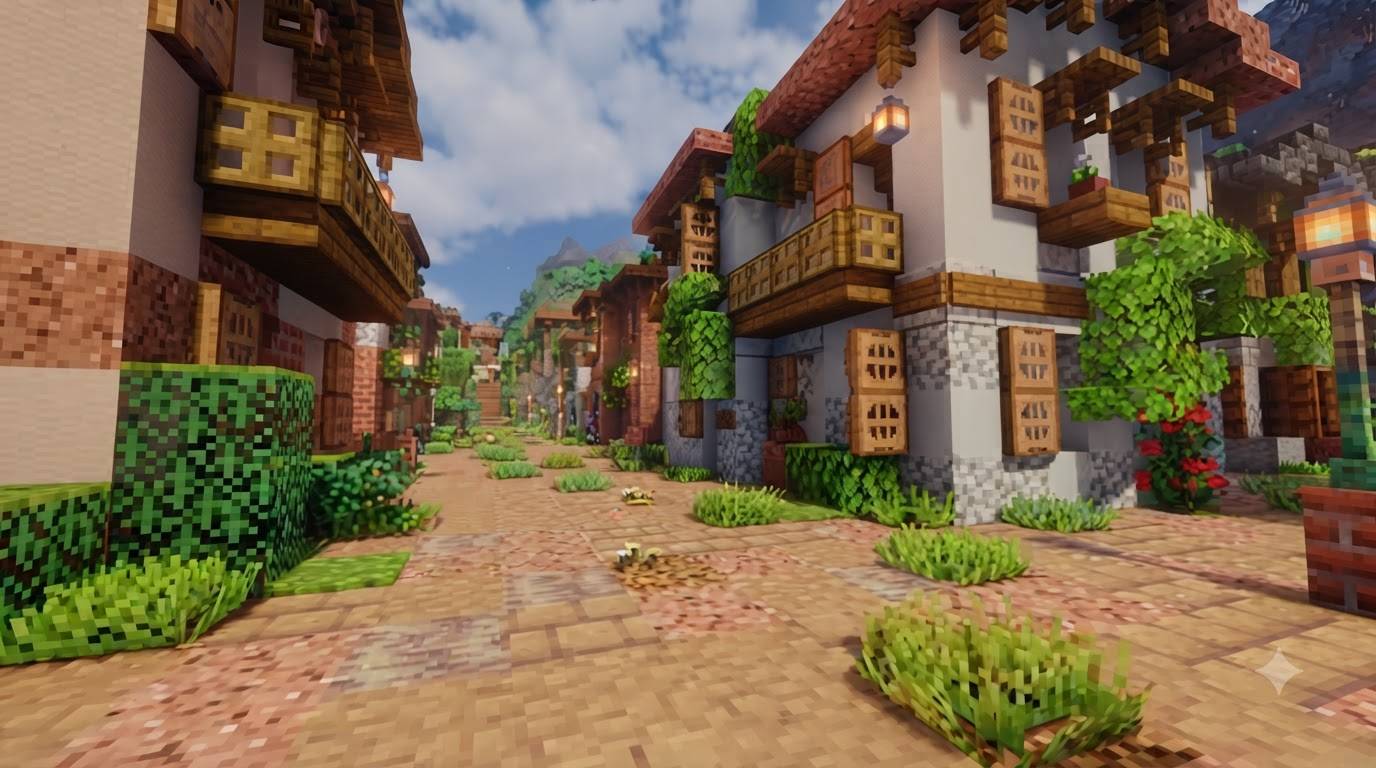
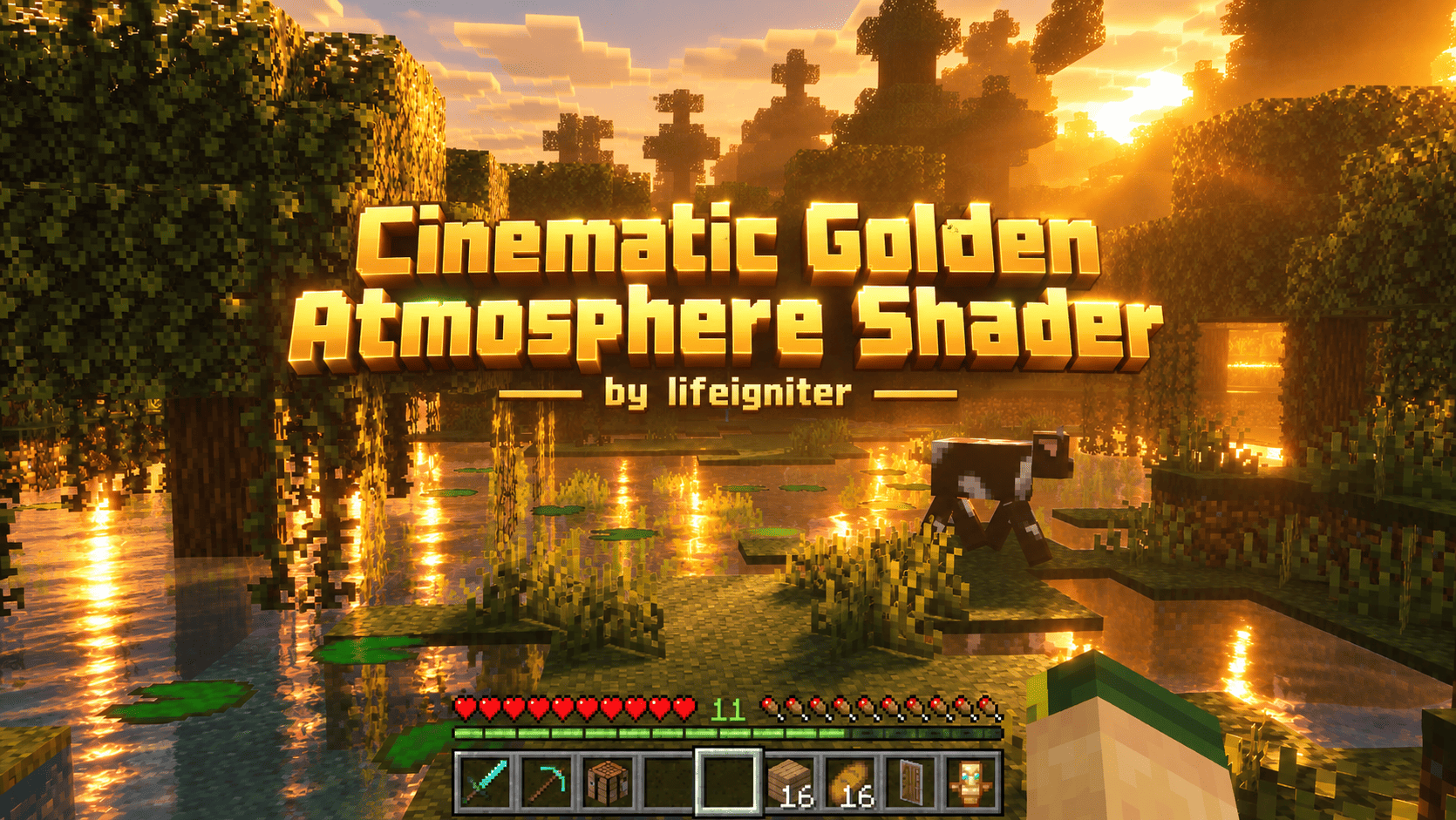
Cinematic Golden Atmosphere Shader brings a movie-like look to Minecraft Bedrock Edition using the official Vibrant Visuals / PBR system.
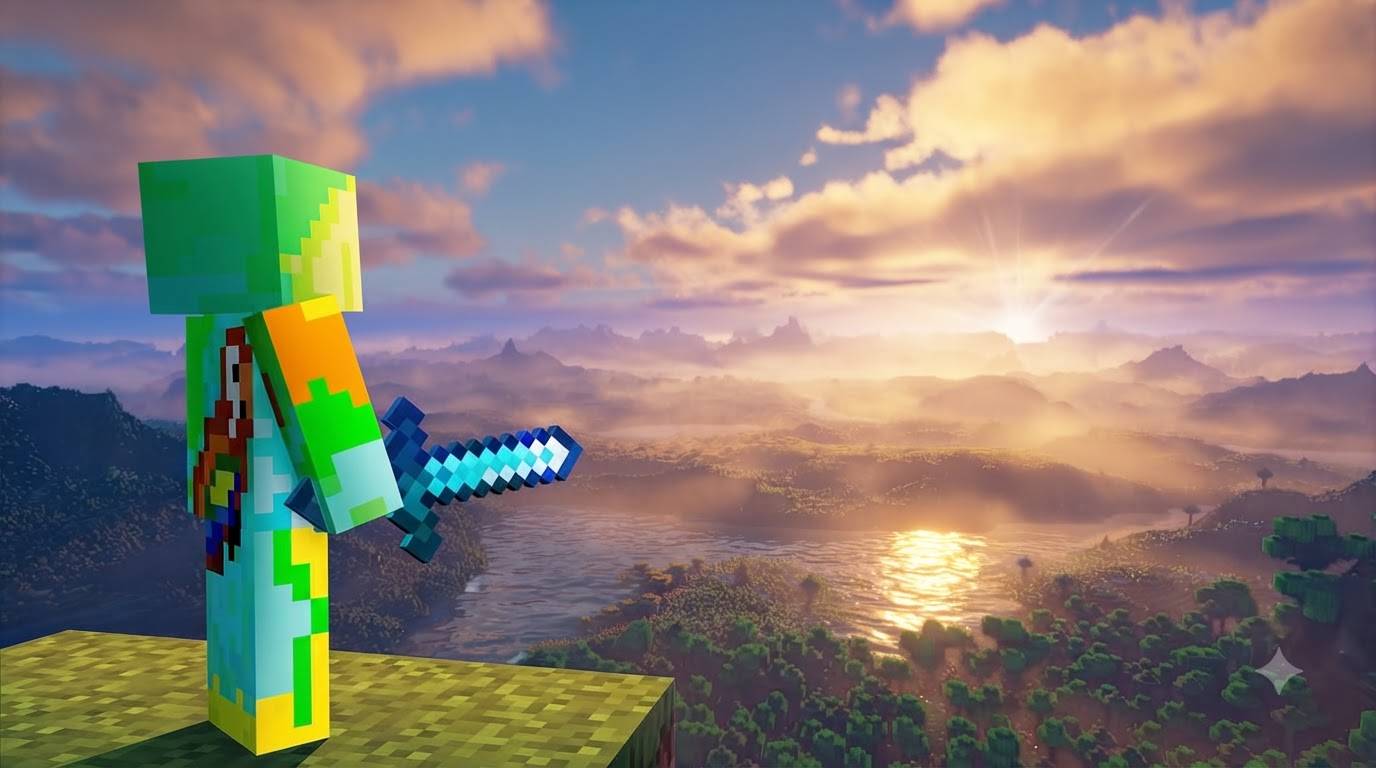
Experience strong golden-hour sunlight with deep warm orange and amber tones. The atmosphere fills with soft haze and volumetric-looking light shafts that create beautiful depth between foreground trees, middle ground and distant terrain. Water reflects the sunset and moonlight naturally, while shadows stay soft and cinematic instead of flat or pure black.
During the day the lighting stays natural and vibrant. At sunset the world turns golden and dramatic. At night it shifts to a cool deep-blue atmosphere with clear moonlight on snow and forests — never pure black, so details remain visible.
The pack carefully tunes:
- Sun & moon color + illuminance
- Atmospheric scattering (Rayleigh & Mie)
- Color grading & tone mapping
- Water clarity, caustics and waves
- Default PBR material response
It keeps the classic Minecraft blocky style intact while giving the world a rich, cinematic feel that closely matches the golden sunset, birch forest, swamp and snowy night references.
Requirements
- Minecraft Bedrock 1.21.120 or higher
- Graphics Mode → Vibrant Visuals must be enabled
Performance Lightweight JSON-only pack. Works well on most devices that already support Vibrant Visuals.
Created and tuned by lifeigniter.
Enjoy the golden hour every time you play.
Credits
Author / Creator: lifeigniter
Pack Name: Cinematic Golden Atmosphere Shader
Version: 1.0.0
Target: Minecraft Bedrock Edition 1.21.120 – 1.26+
System: Official Vibrant Visuals / PBR (no Java shaders, no OptiFine, no Iris)
Special thanks to the Minecraft Vibrant Visuals documentation and community resources that made accurate Bedrock lighting possible.
Extra useful text (copy-paste ready)
Tags / Keywords
Vibrant Visuals, PBR, Golden Hour, Cinematic, Sunset, Atmosphere, Lighting, Water Reflections, Night, Bedrock Shader, lifeigniter
Installation
- Download the .mcpack
- Open with Minecraft
- Activate in Global Resources or World Resource Packs
- Settings → Video → Graphics Mode → Vibrant Visuals
Changelog 1.0.0
- Initial release
- Custom sun/moon lighting curves for strong golden hour
- Warm atmospheric haze & light shafts
- Cinematic color grading
- Improved water reflections & caustics
- Deep blue night atmosphere
- Clean PBR fallbacks
Note
This is a real Vibrant Visuals resource pack. It will only show its full effect when Vibrant Visuals is turned on.