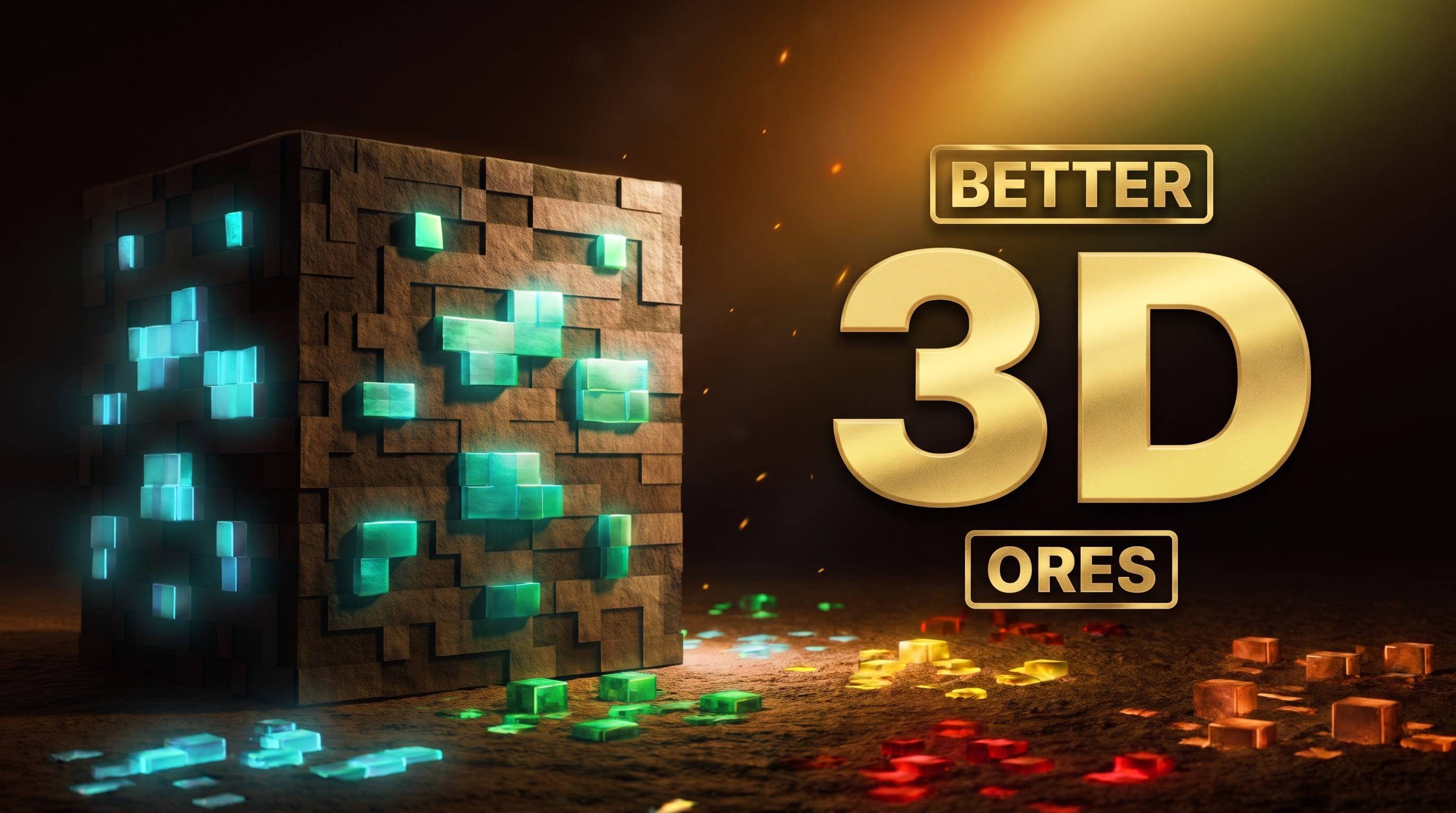
✨ BETTER 3D ORES ✨
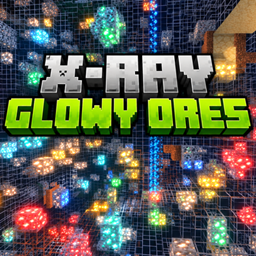
Your ores don't just sit in the stone anymore. They rise out of it, shine, and light up the dark.
An ores-only 3D glow pack for Minecraft Bedrock / Pocket Edition (Vibrant Visuals) by lifeigniter
🔶 Raised 3D plates • 💎 Gem & metal shine • 🌙 Medium night glow • 📱 7 custom options
🌟 What is this pack?
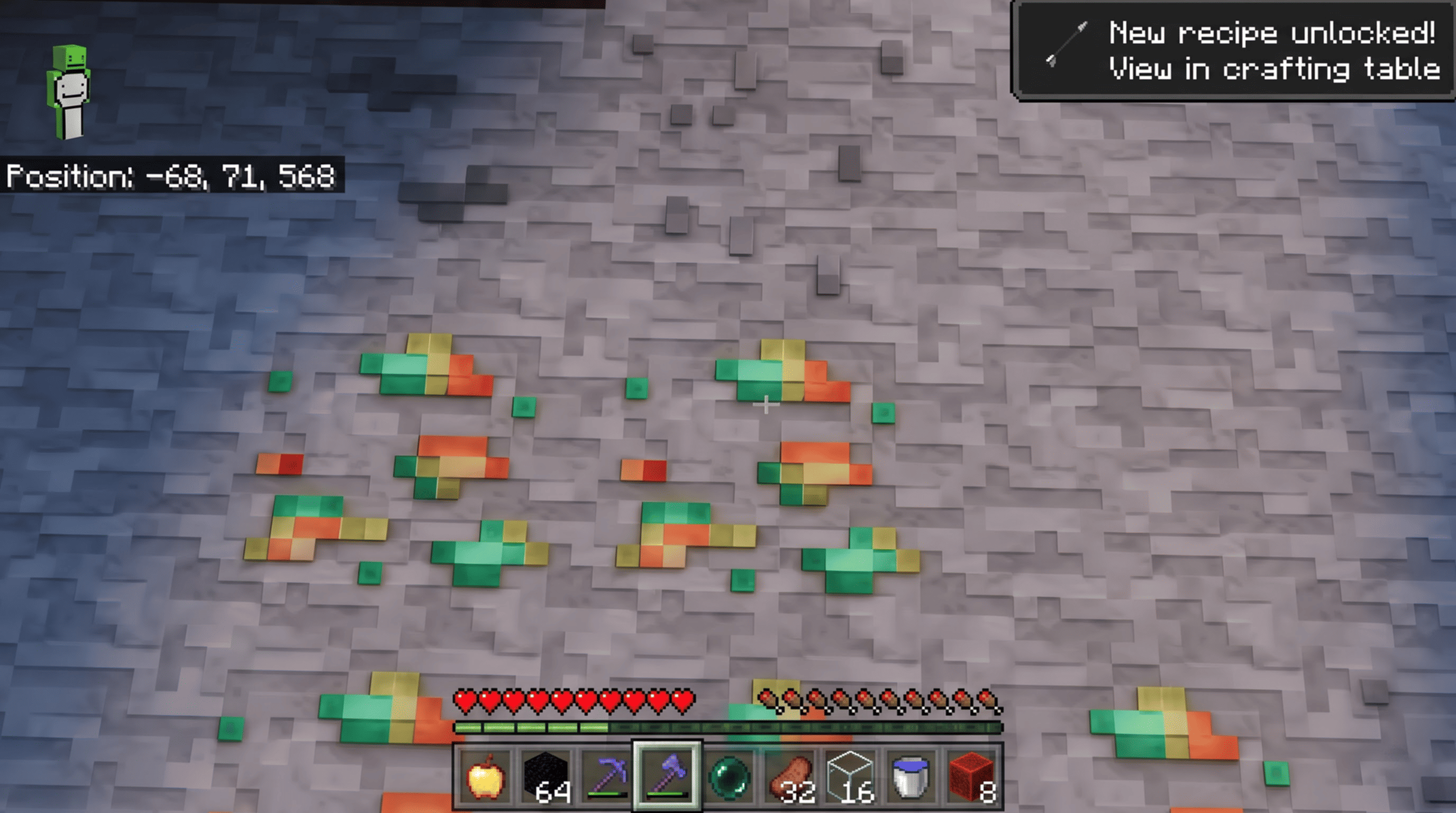
BETTER 3D ORES is a resource pack that rebuilds only the ore blocks of your game. Each ore becomes a set of thin, raised plates sitting on soft, marbled stone, with its own colour, shine and glow.
No new blocks. No add-on scripts. No changes to the rest of your world. Just ores that finally look as good as they feel to find.
Heads up: to see the 3D depth and the glow, you need Vibrant Visuals turned ON. Details are in the Requirements section below.
🔥 Highlights
- 🧱 Raised 3D ore plates. Ores stand out from the stone like real pieces of mineral instead of flat paint.
- 🎨 Pixel-level colour. Every little cell of an ore has its own tint and soft cloudy shading, so each ore looks alive.
- 🌙 Medium night glow. Ores shine in caves and at night, strong enough to spot from a distance and gentle enough not to burn your eyes.
- ✨ Metal and gem shine. Gold, iron and copper catch the light like metal. Diamond, emerald, lapis and quartz have a clean, glassy look.
- 🌈 Multicolour copper. Every copper cluster flows from teal to yellow to orange to red, with tiny coloured pieces around it.
- 🪨 Marbled stone. The stone is built from soft horizontal tiles at slightly different heights, so the surface has real depth.
- 💫 Tiny ore dust. Small loose pieces are scattered around each ore for extra detail.
- 🔭 Looks good from far away. Soft baked shadows, side faces and edge highlights help the ores keep a raised look as you walk away.
⛏️ The Ore Lineup
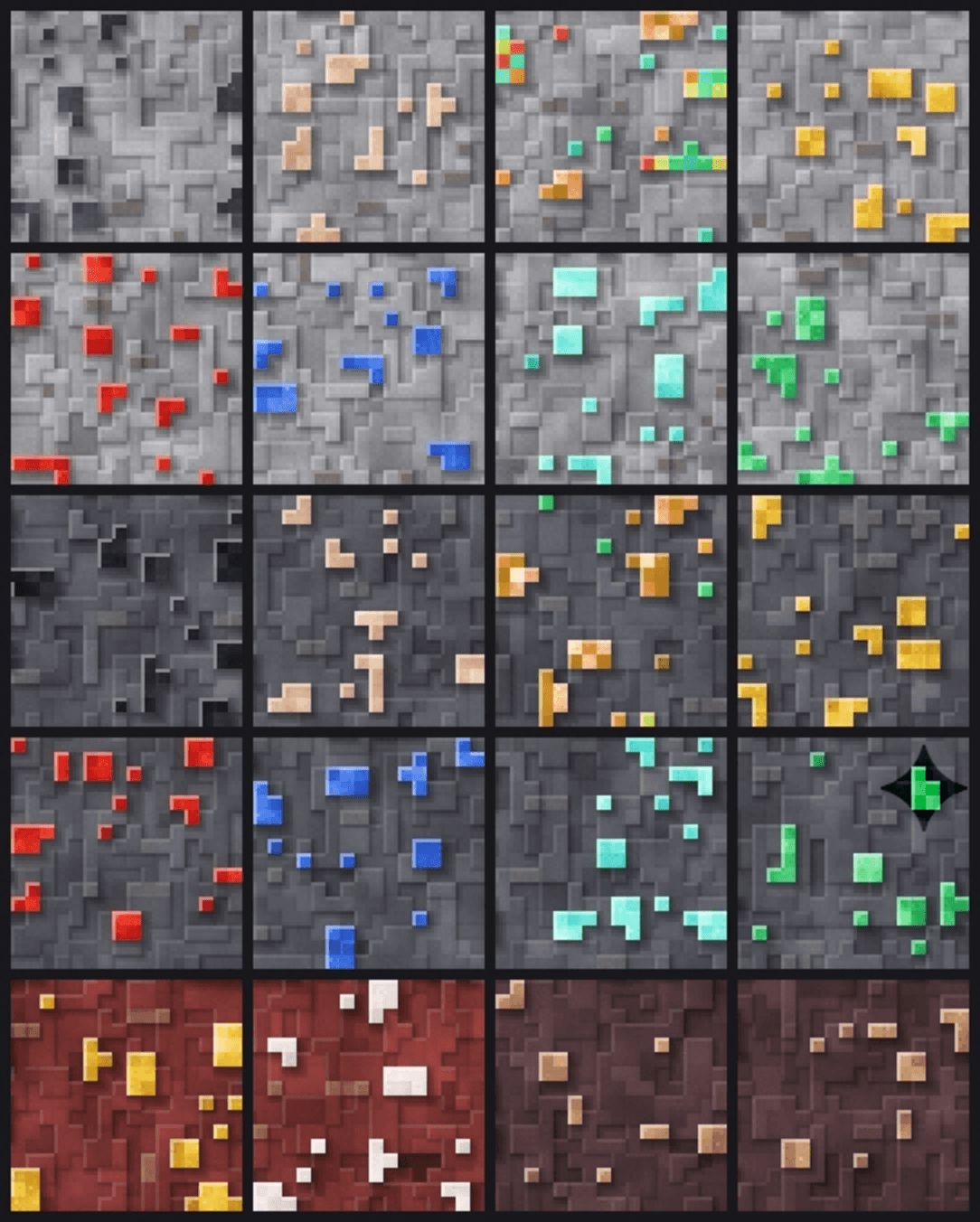
Every ore has a Stone and a Deepslate version (Nether ores use Netherrack).
| Ore | The look | Shine / glow |
|---|
| ⚫ Coal | Dark mauve-black plates | Matte, no glow |
| 🟠 Iron | Warm peach-beige plates | Metallic, faint glow |
| 🌈 Copper | Teal, yellow, orange and red clusters | Glossy, soft glow |
| 🟡 Gold | Rich amber-yellow plates | Very metallic, warm glow |
| 🔴 Redstone | Vivid, saturated red | The strongest glow in the pack |
| 🔵 Lapis | Deep royal blue | Glossy, soft glow |
| 💎 Diamond | Icy cyan gem plates | Glassy, bright glow |
| 💚 Emerald | Lush green gem plates | Glassy, bright glow |
| 🔥 Nether Gold | Gold plates on deep red Netherrack | Metallic, warm glow |
| ⚪ Nether Quartz | Bright white plates on Netherrack | Clean shine, soft glow |
| 🟤 Ancient Debris | Tan plates on dark plum-brown plating | Subtle metal, faint glow |
📦 Customize It (Subpacks)
One download, seven options. Choose what your device and your eyes like best.
| Option | Best for |
|---|
| ⭐ 64x Balanced (Recommended) | Most devices |
| 🟫 16x Classic | Vanilla resolution, lightest option |
| 🟢 32x Lite | Low-end phones and tablets |
| 🔴 128x Ultra | Maximum detail on stronger devices |
| 🔆 64x Strong Glow | Brighter night glow |
| 🌤️ 64x Soft Glow | Gentle, subtle glow |
| 🌑 64x No Glow | 3D and shine only, no glow |
To choose one, open Resource Packs, select the pack, and tap the gear icon next to it.
⚙️ Requirements
- 📱 Minecraft Bedrock / Pocket Edition 1.21.80 or newer
- 🌗 Vibrant Visuals: ON (Settings → Video → Graphics Mode → Vibrant Visuals)
Without Vibrant Visuals the pack still loads, but you will only see the plain colours. The 3D depth and the glow need Vibrant Visuals.
📥 How to Install
- Download the
.mcpack file.
- Open it and Minecraft will import it automatically.
- Go to Settings → Global Resources (or your world's Resource Packs) and activate the pack.
- Move it above any other texture packs in the list.
- Turn on Vibrant Visuals, load a world and go find some ore. ⛏️
💡 Pro Tips
- 🌙 Go mining at night or deep underground. That is where the glow looks best.
- ☀️ Keep the game brightness at the default 100% for the intended look.
- 📉 If the game feels heavy, switch to 16x Classic or 32x Lite.
- 📚 Always keep this pack above other packs that also change ores.
❓ FAQ
Does it change anything besides ores?
No. Only ore textures (including their Deepslate versions, Nether ores and Ancient Debris).
Is this a shader?
No. It is a resource pack. It adds extra material data (depth, shine and glow) that Vibrant Visuals uses to light the ores.
Is it an add-on?
No. It is a plain texture pack with no scripts.
I don't see any glow or 3D. Why?
Check that Vibrant Visuals is on, that the pack is active and placed above other packs, and that you are on 1.21.80 or newer.
Can I use it with other texture packs?
Yes. Put this pack above the others. If another pack also edits ores, the pack higher in the list wins.
👤 Credits
Created by lifeigniter
All textures in this pack were generated from scratch, with no copied Minecraft artwork and no third-party textures.
⚠️ Disclaimer
This is a fan-made resource pack. It is not an official Minecraft product and is not approved by or associated with Mojang Studios or Microsoft. "Minecraft" is a trademark of Mojang Studios / Microsoft. This pack is not affiliated with any other pack or creator. Appearance may vary depending on your device and Vibrant Visuals settings. You are welcome to use this pack in videos and showcases, but please credit lifeigniter and do not re-upload or sell the file as your own.
⭐ Enjoying the pack?
Leave a like, drop a comment, and share it with your friends.
Bug or idea? Tell me in the comments. Every bit of feedback helps make the next version better.
Happy mining! ⛏️💎 — lifeigniter