Dracion Studios: Animated Textures Core
- By
A core library that enables creators to use animated textures in entites
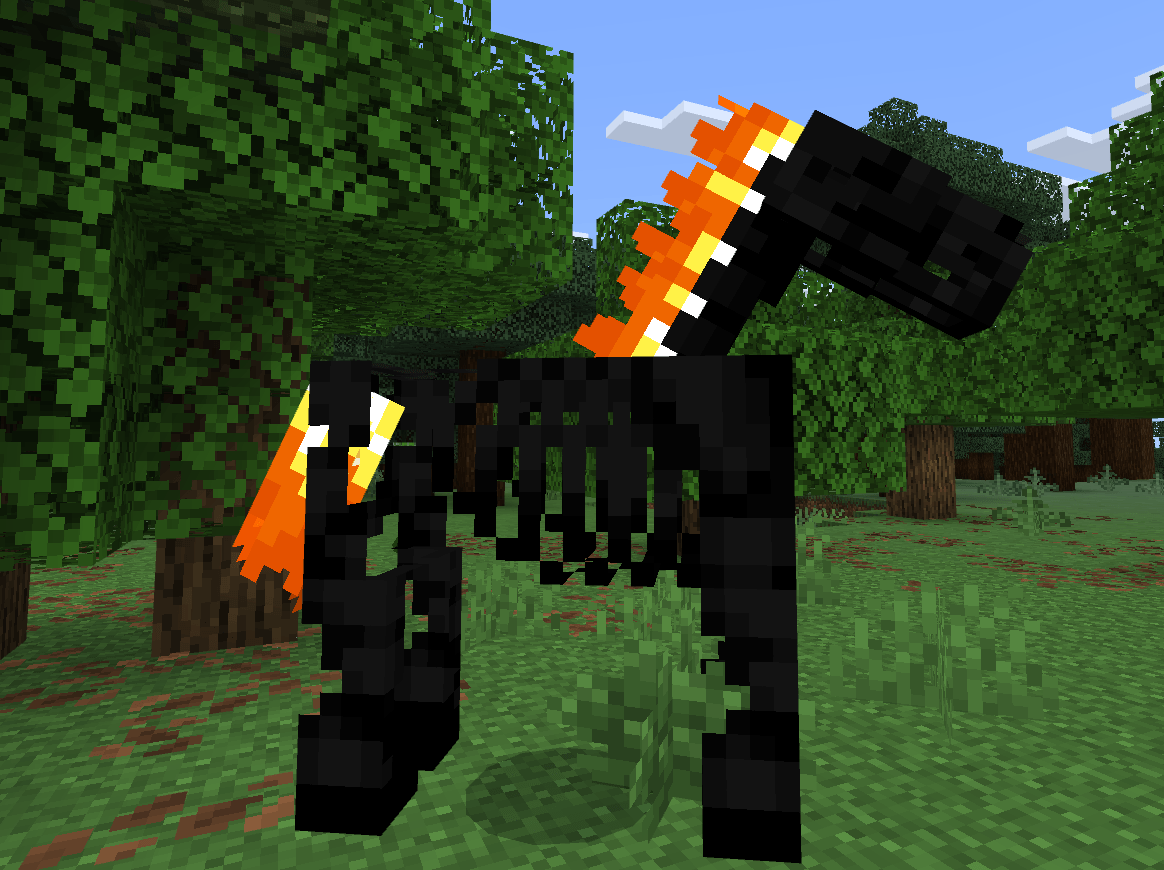
model_inGame.png
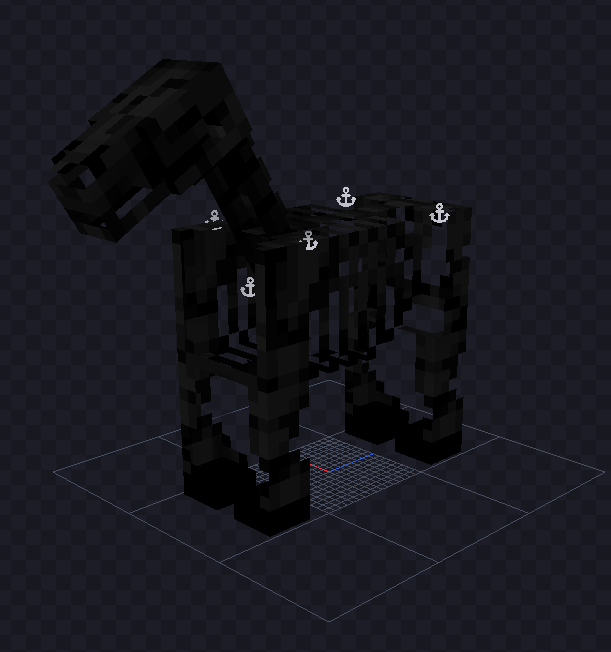
Model_full.png
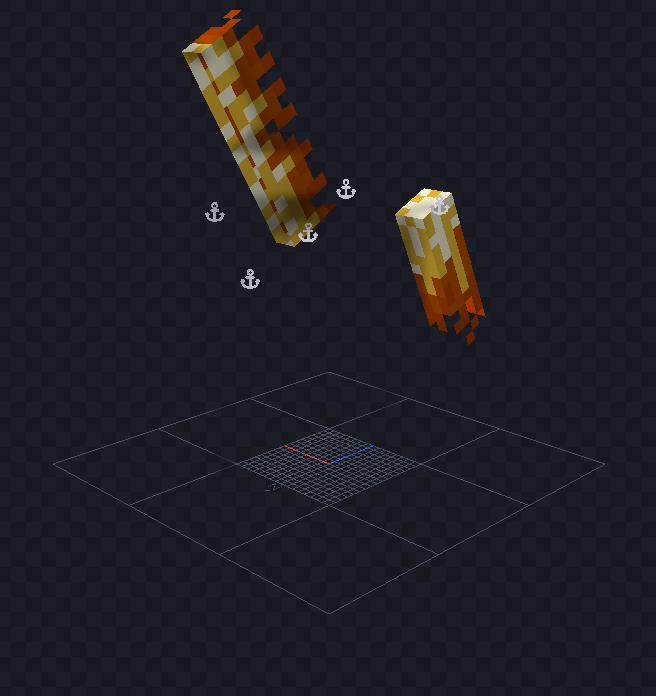
Model_animated.png
Description
Welcome to Animated Textures!
This is a core library for fellow creators to be able to use my code that I was able to develop that enables animated textures in entites!
*A moderate level of experience and knowledge in both coding and Blockbench is required to use this*
Now, you can make animated textures for blocks, but this reasource pack fills in the gap for Entites and Attachables.
How to Use the Pack
There are four steps to using the pack in your mods:
- Installing
- Models
- Textures
- Coding
Installing
To install the pack, it's pretty easy.
First, download the pack,
Then open the file however you open files on your device,
And there you go! You have completed Step 1!
Models
For my example, I'll use a mod I've been working on the past few days.
You will need TWO models, the first is your main model, the one the entity or attachable is supposed to be. for me it's this:
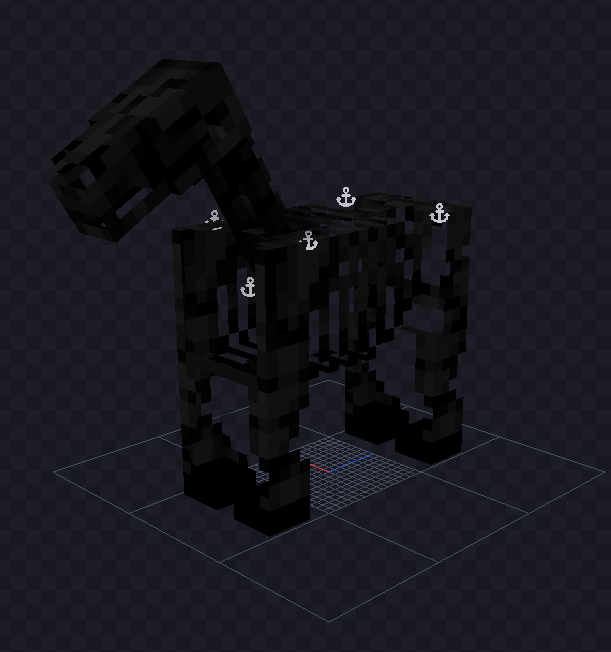
And its UV settings look like this:
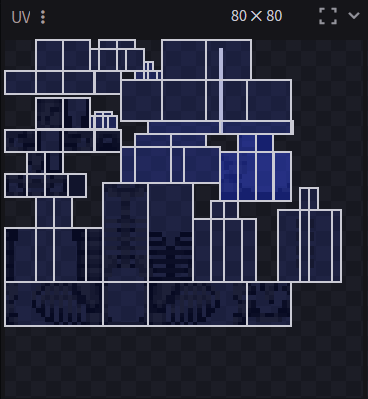
Now, texture size and proportions does not matter (thankfully) but what does matter is how many frames you want to have in your animated texture.
For me, I wanted to have three frames in my animated texture.
So for your second model, duplicate your first, give it some other name, and then go to your UV number settings, and change the dimensions to: (original width , original hieght X number of frames). Now, if doing this in Blockbench messes up your model, you can instead go into the model file itself and edit the code there, like this:
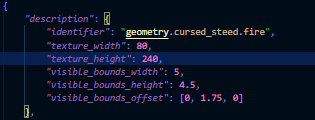
Now when you go back to Blockbench the model should look the same:
(In mine I have already made the texture)
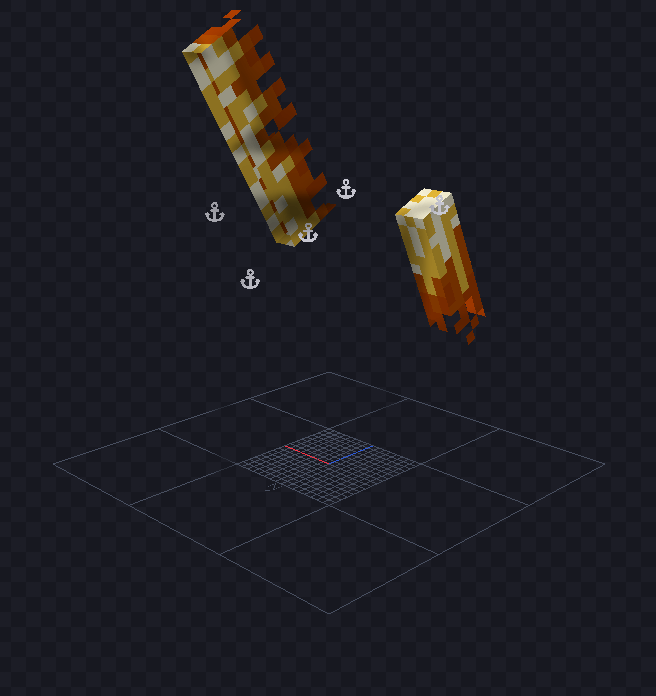
but the UV look like this:
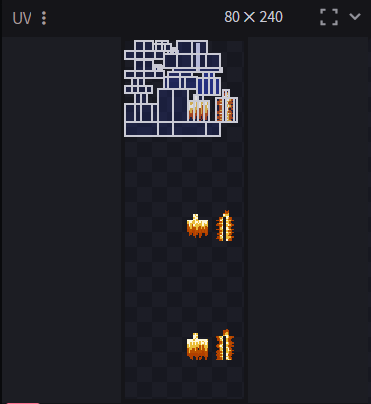
Congrats! You have complete Step 2!
Textures
You will also have TWO textures in order to have an animated creature.
The first texture is your base texture, the NON-Animated texture it should be the one created with your main model, like this:
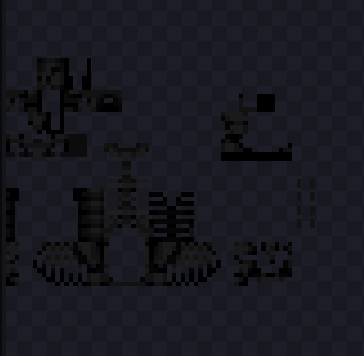
Then you should go to your animated model and create another texture, do it in a way that does not change the UV or shape of the model in any way. Once this is done, import the texture into your main model and it will show up like this:

That little film reel looking symbol means it was made correctly. If it does not show up like that, it means you have the dimensions wrong and must change them. At the bottom of the screen this should appear:

This handy dandy bar lets you move between your second texture's frames. The play button plays the animation, the number is the current frame you are on, and the dial symbol is the FPS setter. Now, paint your texture moving between frames as you like and once done, play it at different speeds to see your favorite. Once that's done, update the texture in the second model so it apears like this in the UV screen where each frame is lined up vertically:
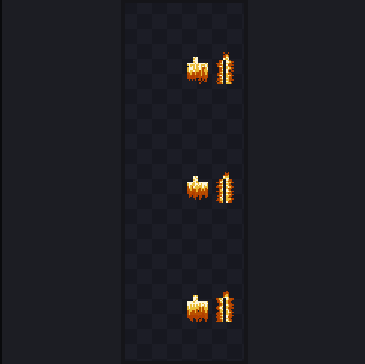
Once that is done, congrats! You have finished Step 3!
Coding
Now onto the most complicated part. First, you're going to want to go into your Mainfest.json and paste this into the Modules section along with anything else there:
*
{
"description": "Animated Textures Pack",
"type": "resources",
"uuid": "135847e4-747a-4e45-837a-bb0447ea0dd1",
"version": [1, 0, 0]
}
*
it should look like this:
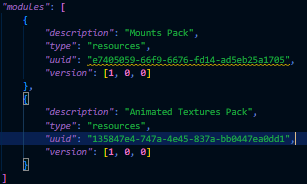
Then you are going to go into your entity's file which should look something like this (or at least have most of the parts except for some things):
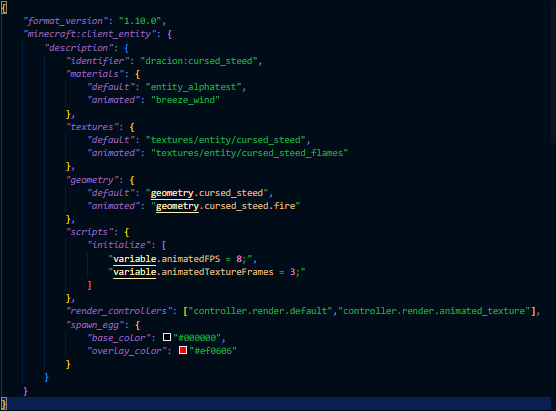
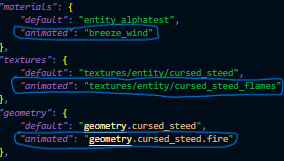
Next you are going to edit the materials, textures, and geometry sections. In the materials section paste in this:
*
"animated": "breeze_wind"
*
In the textures section, add another texture with the name "animated" (name is the word in the quotations before the colon), then change the filepath to the one of your second texture you made with the animation frames.
In the geometry section, add another geometry with the name "animated" (same spot as texture's names) and change the geometry ID to the ID of the second model you made.
The items added in are circled below:
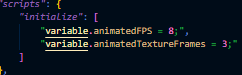
Next, there might be a section called "scripts" on the same level as materials and the others. If not, create one! Inside that section, and a new subsection called "initialize". Instead of using curly braces ( { } ) for this section, use square brackets ( [ ] ) after the colon.
Inside of that section paste these two things:
*
"variable.animatedFPS = x;",
"variable.animatedTextureFrames = y;"
*
Now replace 'x' with the FPS you want the animation to play at, and replace the 'y' with how many frames are in the animated texture.
(note for coders only, if you are not a coder, skip this note: Start counting from 1 when counting frames, not 0, I wanted this to be able to be used by non-coders).
It should look something like this:
Now in the render controllers section paste in this:
*
, "controller.render.animated_texture"
*
It should look like this:

Congratulations! You have finished Step 4! you should now have an entity or attachable with an animated texture!
I made this system in order to do animated textures with my large project I am currently working on, and thought since I haven't posted anything in a while, and people would get lots of use from this, I should post it!
Put any questions down in the comments and I will answer them when I can!
Thank you for downloading!!!

Dracion Studios: Animated Textures Core Team