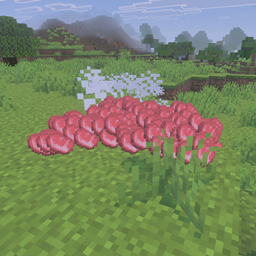
Minecraft for Windows 2026_9_18 23_19_41.png
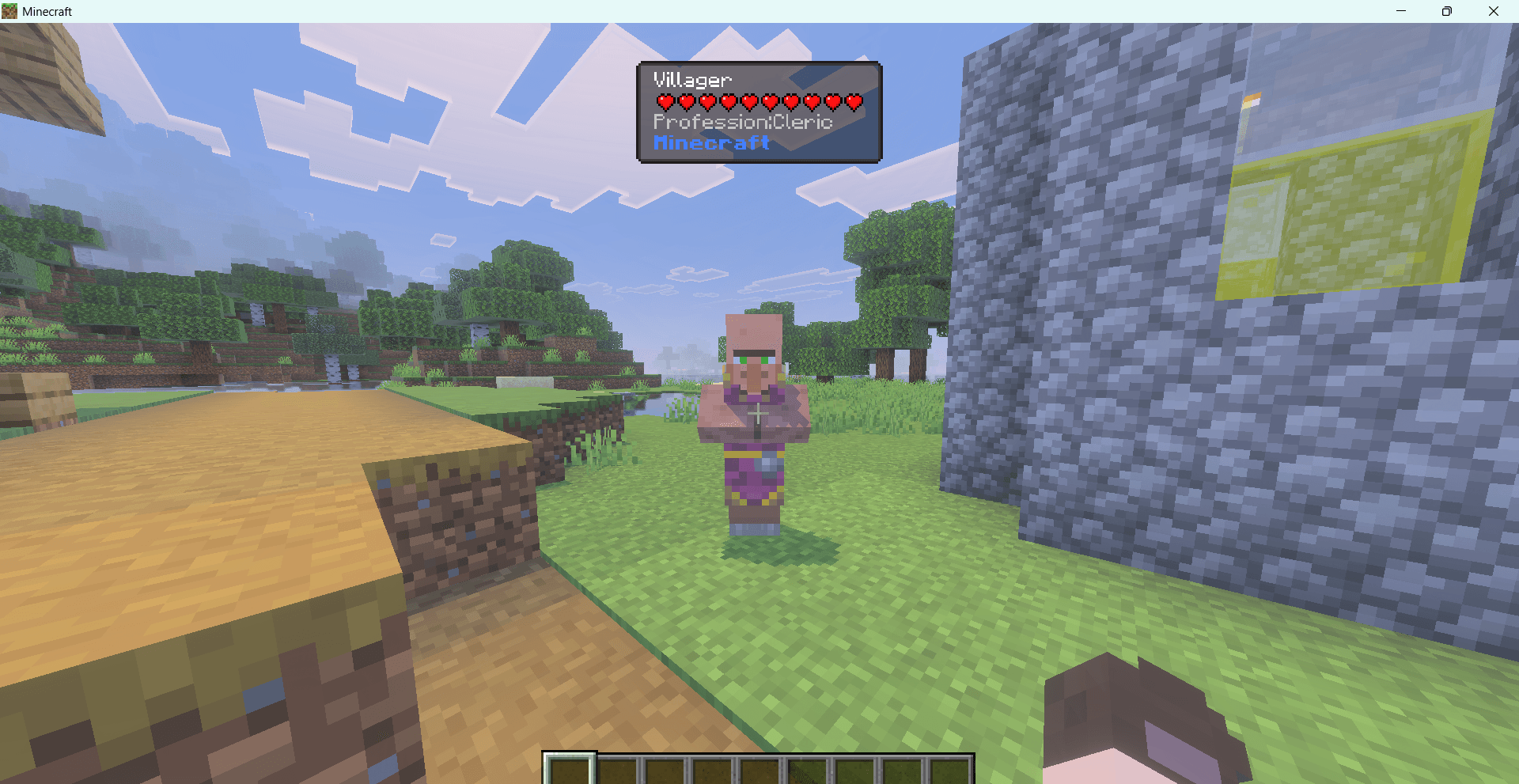
Minecraft for Windows 2026_9_18 22_38_32.png
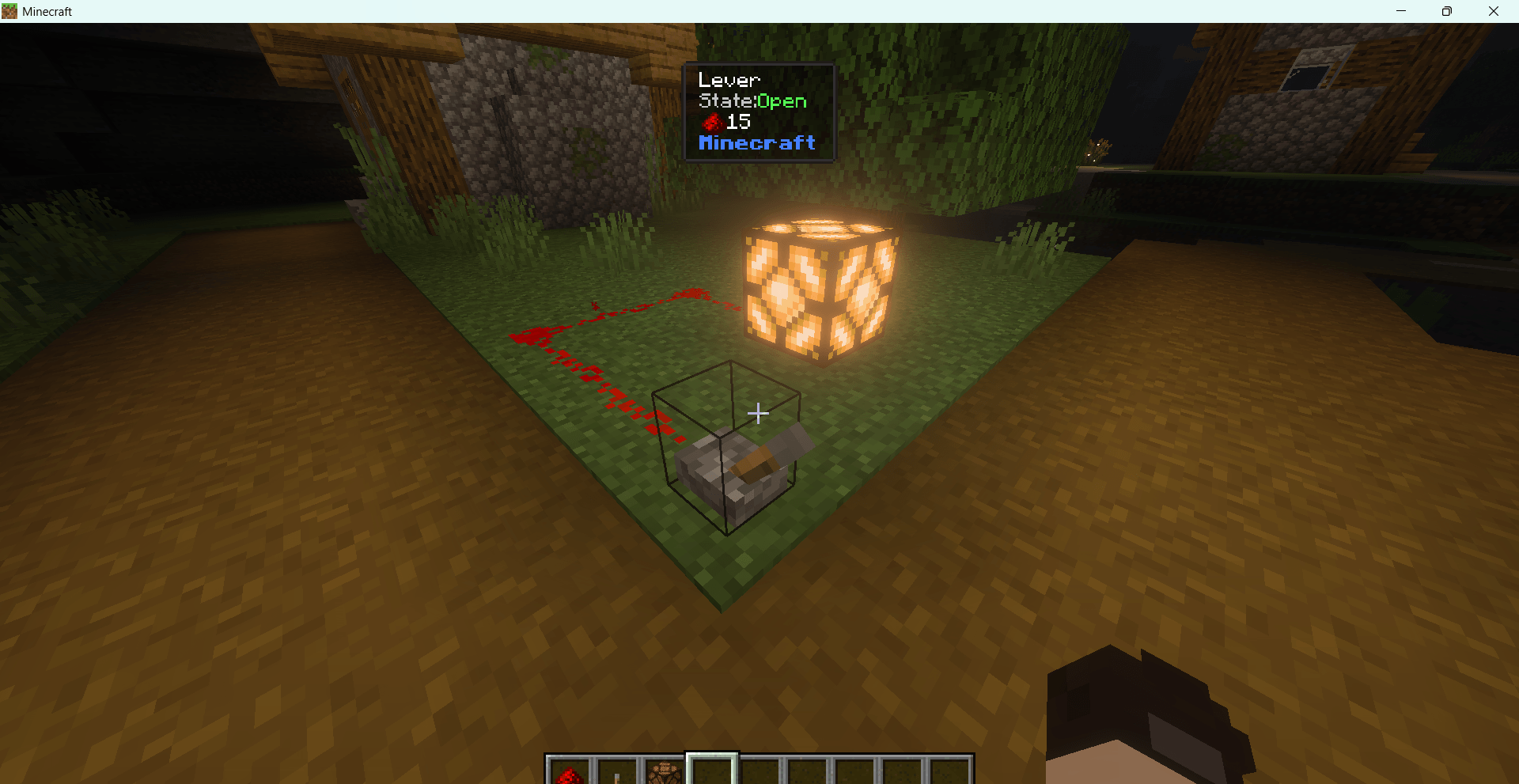
Minecraft for Windows 2026_9_18 22_42_14.png
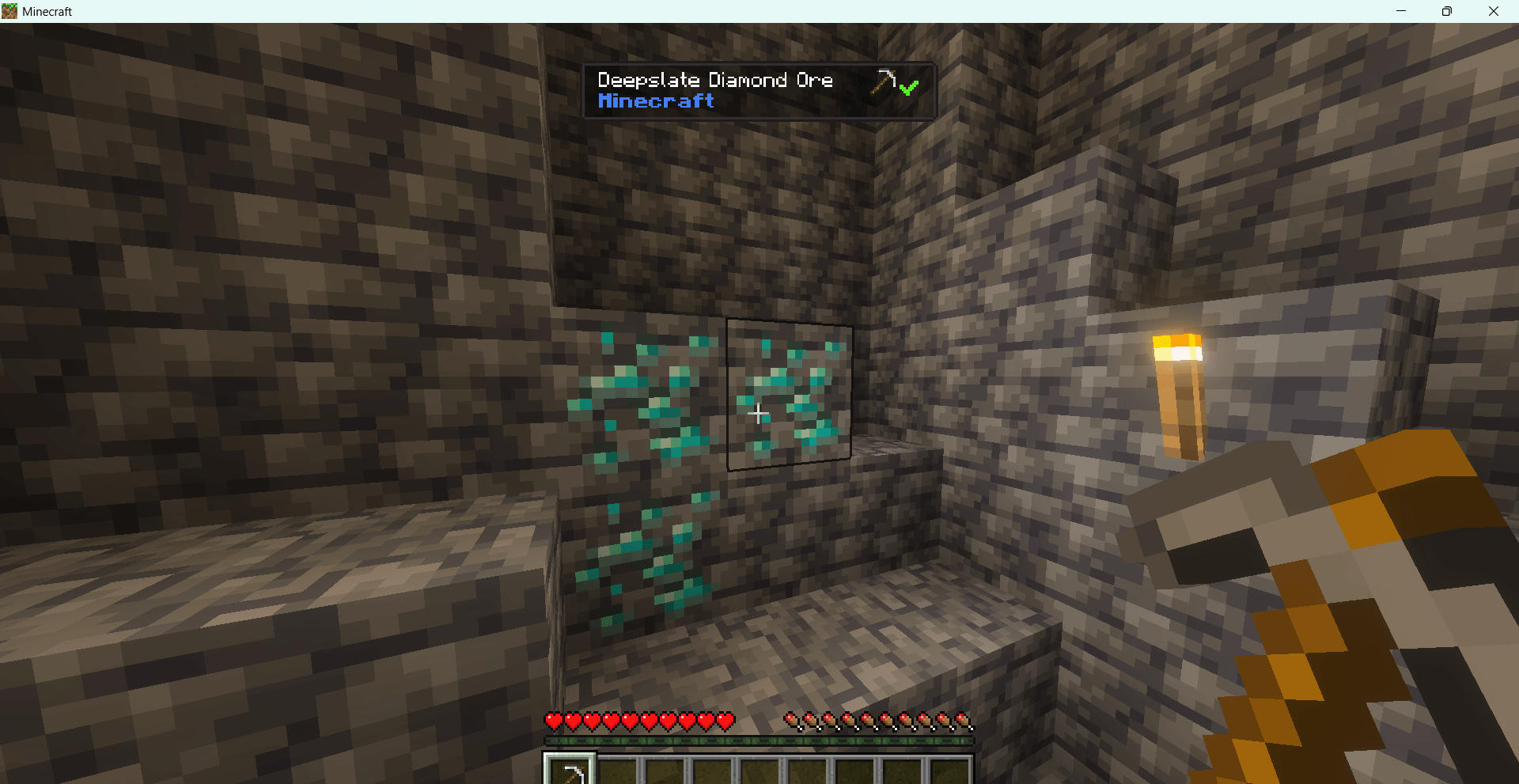
Minecraft for Windows 2026_9_18 22_38_47.png
Description
What Can I See
Introduction
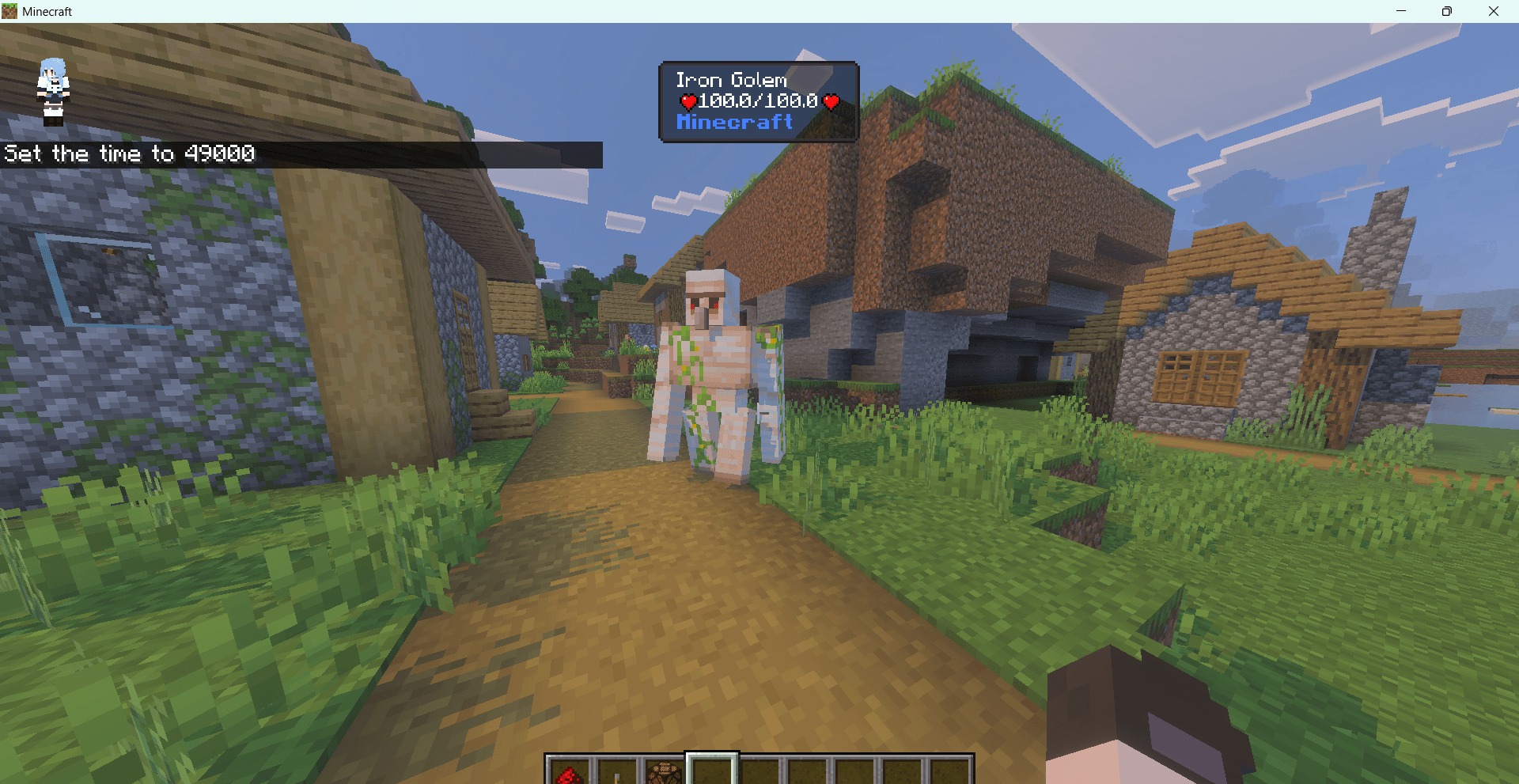
What Can I See is a Script API Addon for Minecraft Bedrock Edition that displays detailed information about the entity, block, item drop, or player you are currently looking at in real-time on the Action Bar. No need for cumbersome query commands — just look at your target, and the information appears instantly.
Features
Core Mechanics
- Crosshair Detection: Scans all players' crosshair targets every tick, automatically identifying entities, blocks, item drops, and players
- Smooth Transition: Includes a delay transition when switching targets, preventing display flickering caused by rapid crosshair movement
- Independent Configuration: Each player's settings are saved independently without interference
- Achievement Compatible: Does not affect game achievement progression
Entity Information
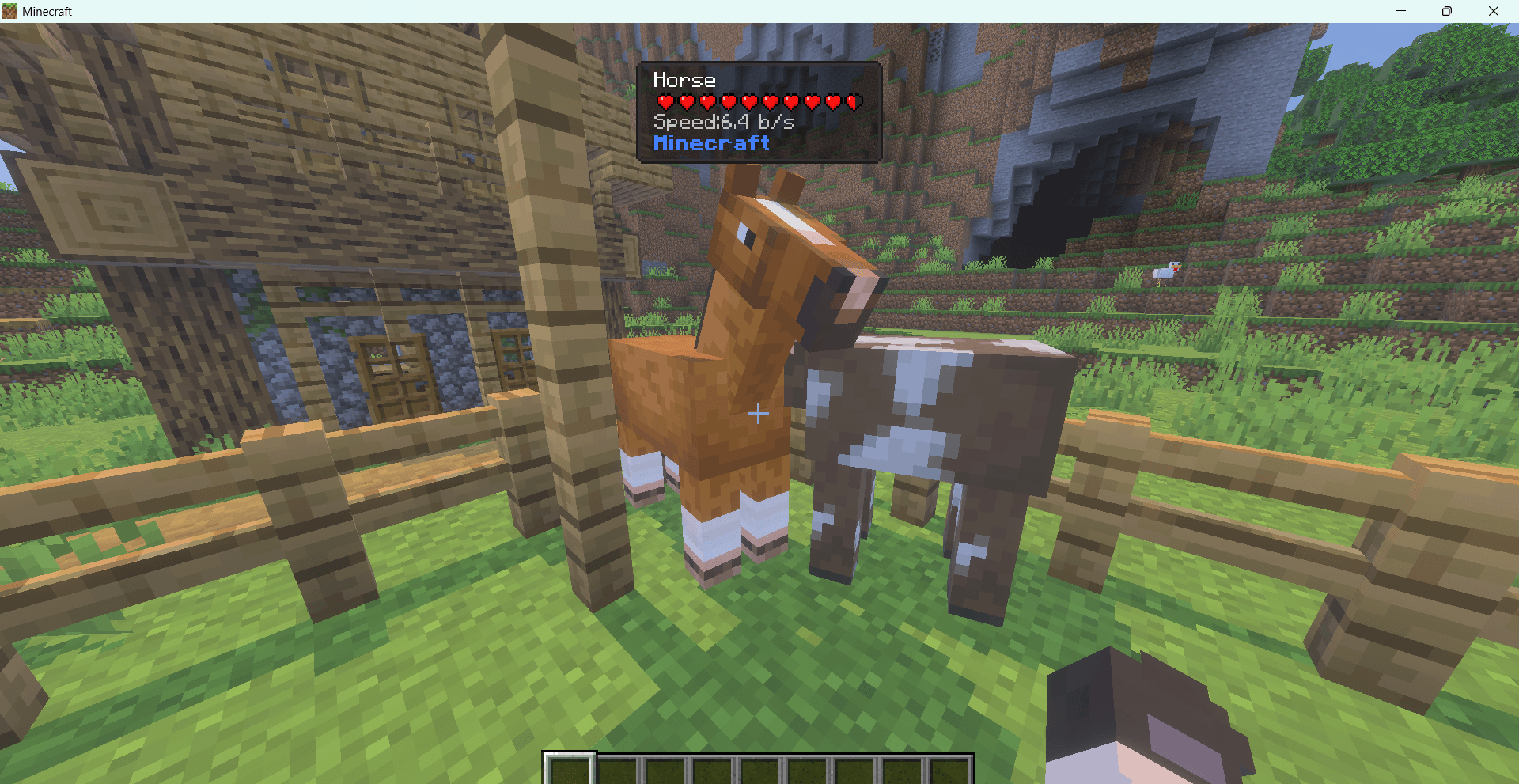
- Entity name
- Entity type ID
- Health display (heart icon, supports large health values)
- Entity's current attack target
- Villager profession information
- Mountable entity movement speed
- Sneak to show coordinates and distance
Block Information
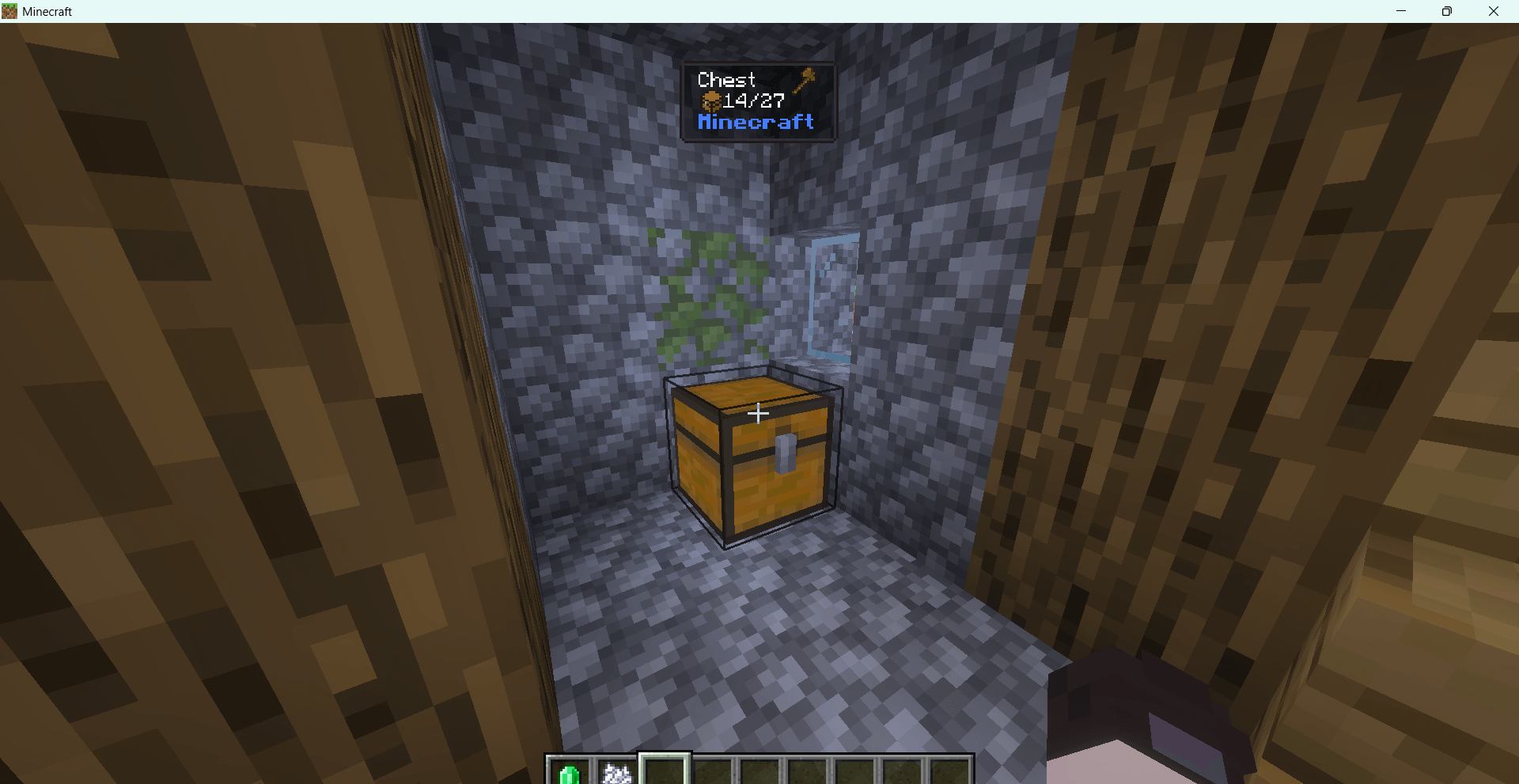
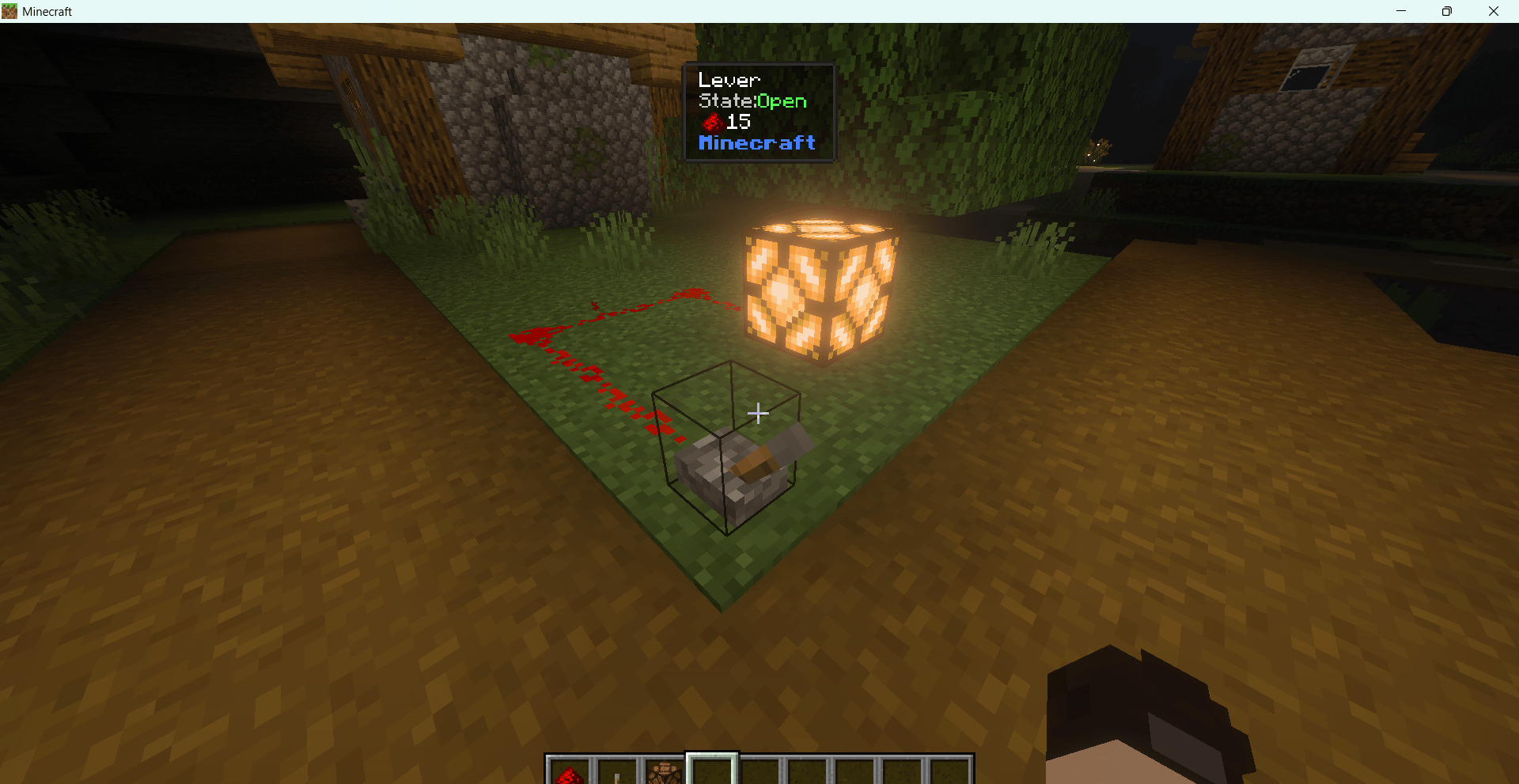
- Block name and type ID
- Required mining tool and tier
- Whether the block can be mined
- Block power state
- Container item fill count
- Hopper lock state
- Redstone signal strength
- Jukebox record information
- Crop growth progress
- Redstone repeater delay
- Redstone comparator mode
Item Information (Drops)
- Item name tag
- Item type ID
- Item stack count (only displayed when count > 1)
- Item enchantment information
- Item Lore information
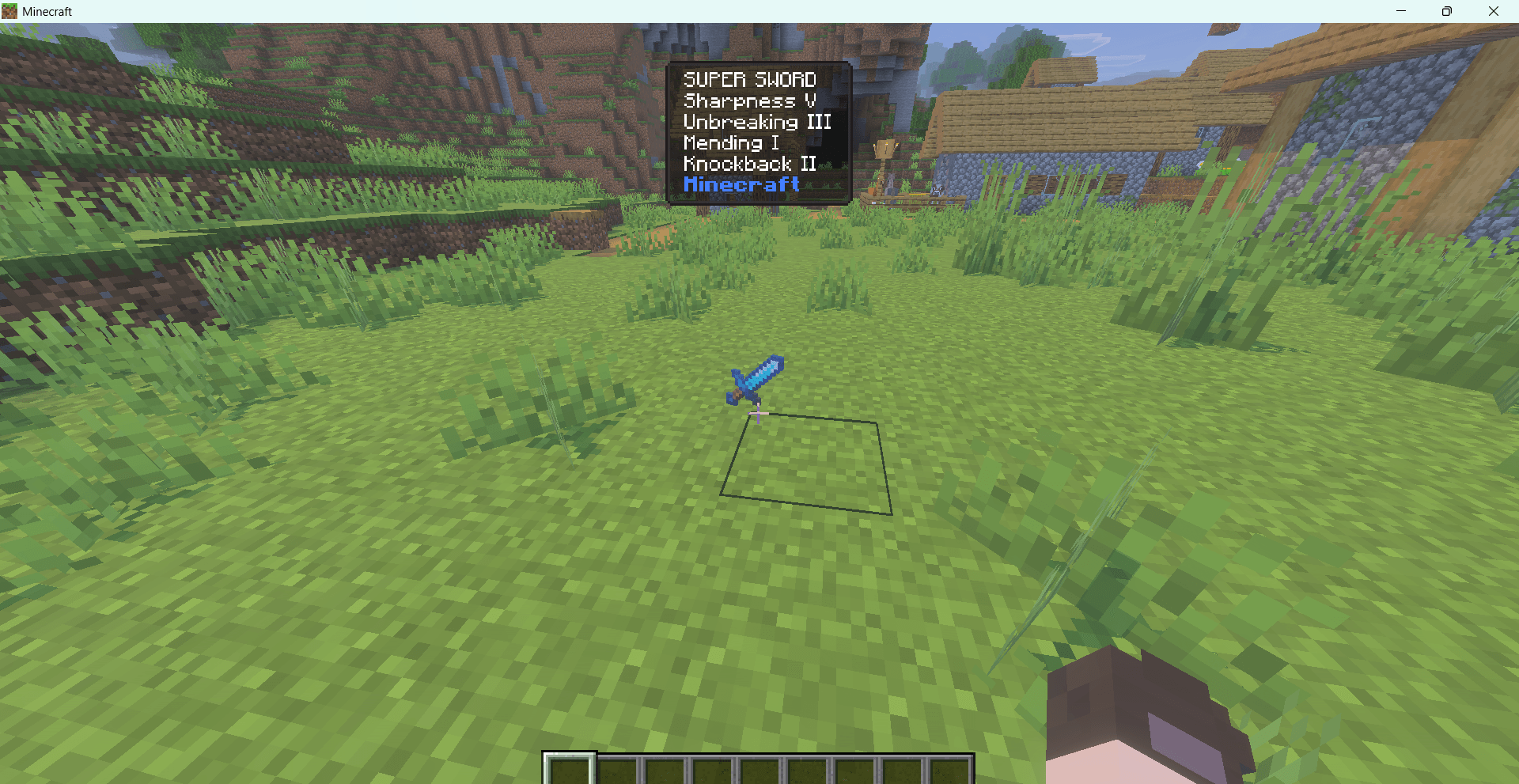
Player Information
- Player name
- Inherits all display features from entity information
Commands & Settings
Open Settings UI
/xxr:wcisSettings Content
- General Settings: Toggle display of entities, blocks, and items individually; toggle distance display when sneaking
- Entity Info Settings: Name tag, Type ID, Health, Attack target, Villager profession, Movement speed
- Player Info Settings: Player name
- Block Info Settings: Name, Tool suffix, Type ID, Power state, Container, Hopper, Redstone, Record, Crop, Repeater, Comparator
- Item Info Settings: Name tag, Type ID, Stack count, Enchantment, Lore
The Naitang's waila Team


Owner