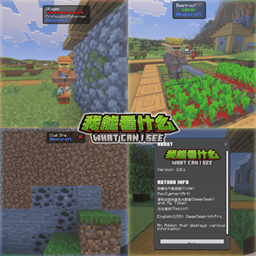
Naitang's Vein Miner
- By
Hey, are you sure you don't want to try Vein Miner, which combines multiple features?

Title
Description
Addon Introduction
One-click mining or one-click tree cutting—no one is unfamiliar with this type of addon. I created it simply to provide everyone with more options. Of course, if it had no advantages, I naturally wouldn't have started this project.
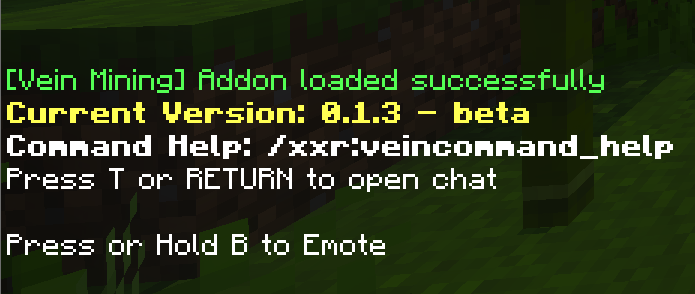
Screenshots
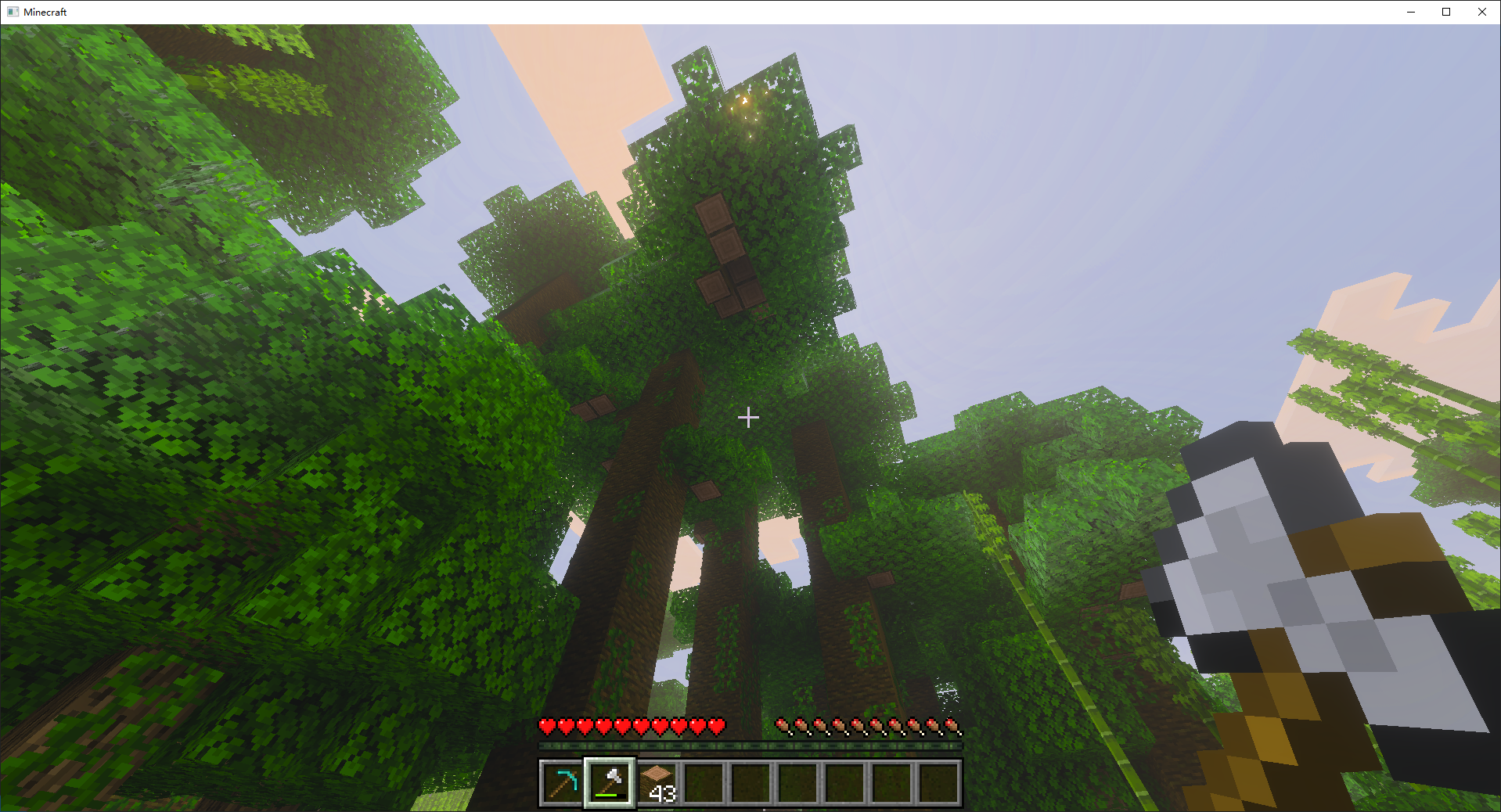
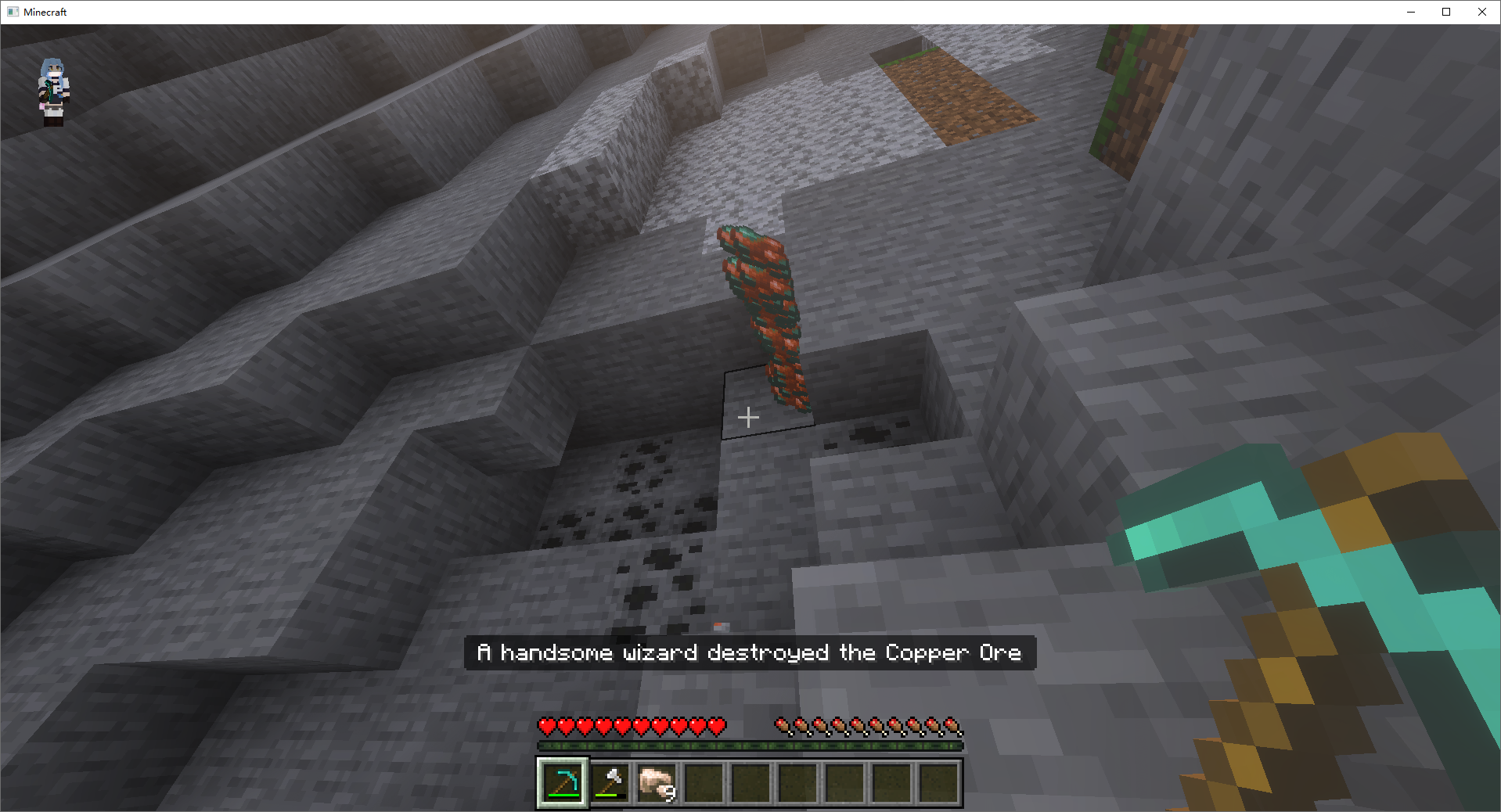
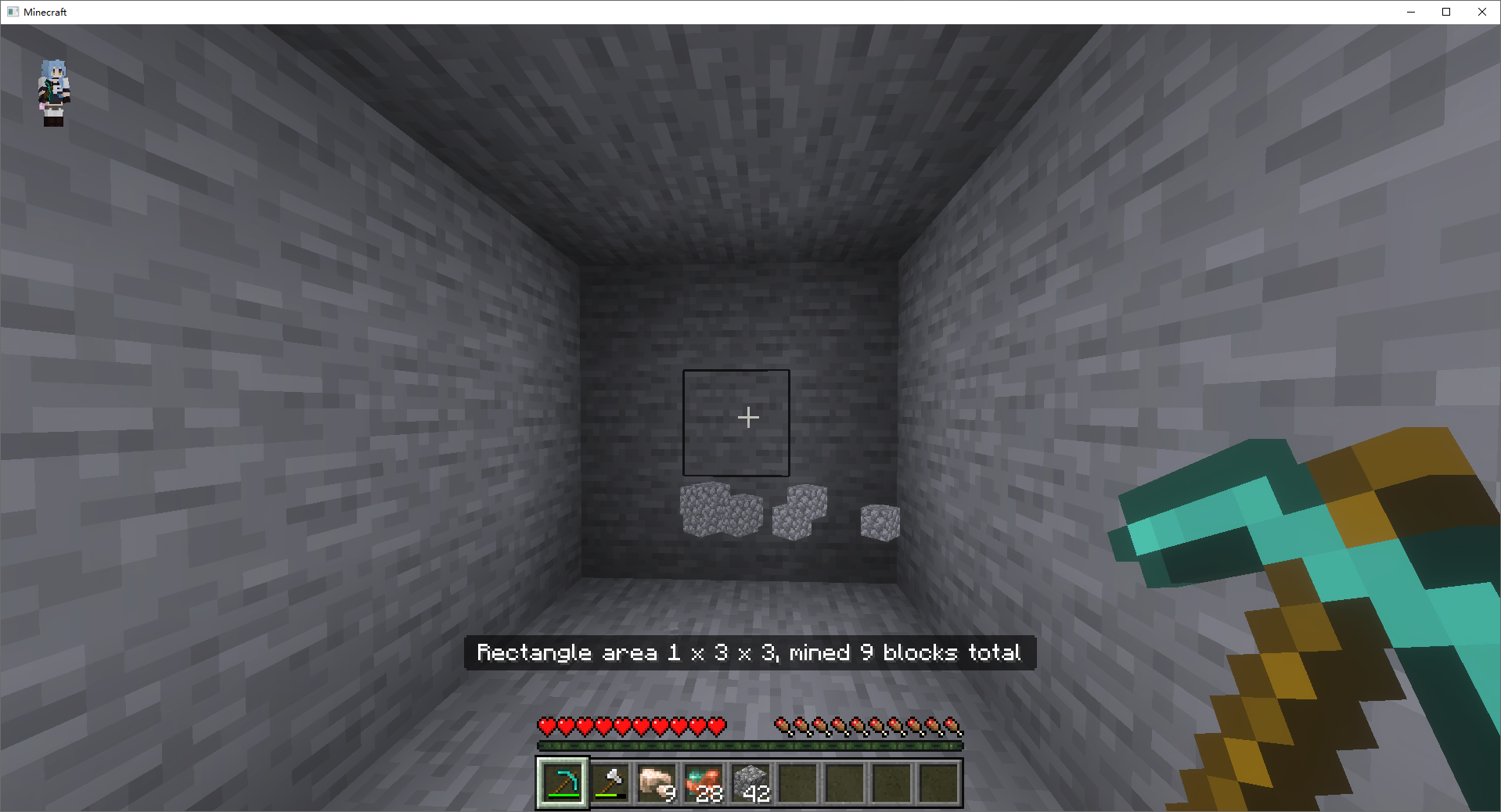
Vein Mining Settings

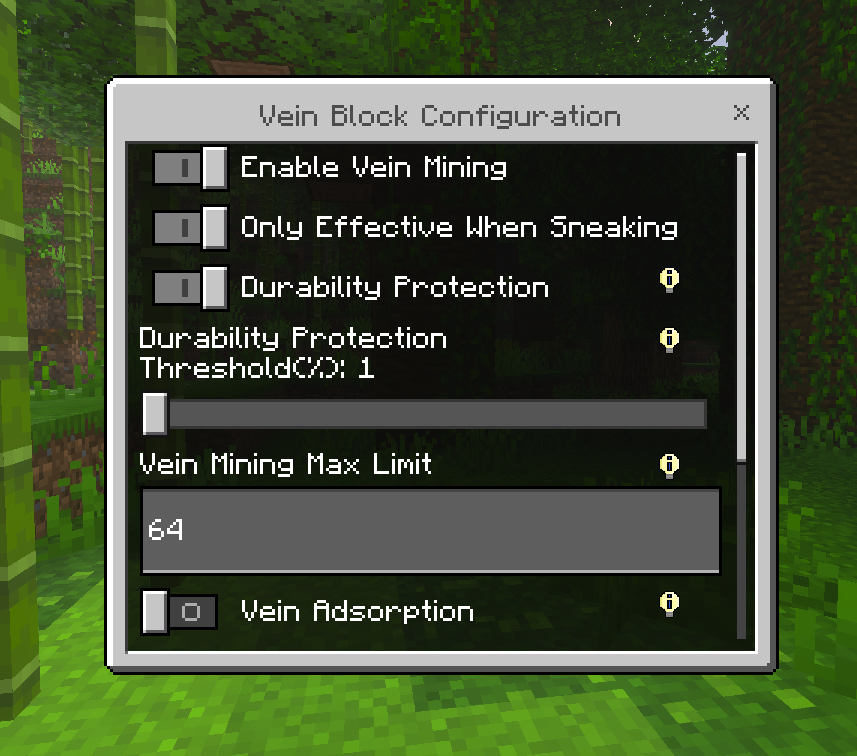
· One-Click Vein Mining | Tree Cutting · This is the most basic feature, and no one pays much attention to it. · Vein Mining Settings · In this interface, you can configure vein mining. Don’t worry—it’s a personal setting and won’t affect other players on the server:
- Vein Mining Toggle
- Toggle Vein Mining Trigger Mode: Enable vein mining only when crouching (pressing Shift) or without needing to crouch as a trigger.
- Durability Protection: If enabled, vein mining won’t activate when your tool’s durability falls below the set threshold (Durability: 1%–90%).
- Max Vein Mining Count: If you feel like mining too many blocks at once, you can adjust the limit. Regular players can set it up to 999.
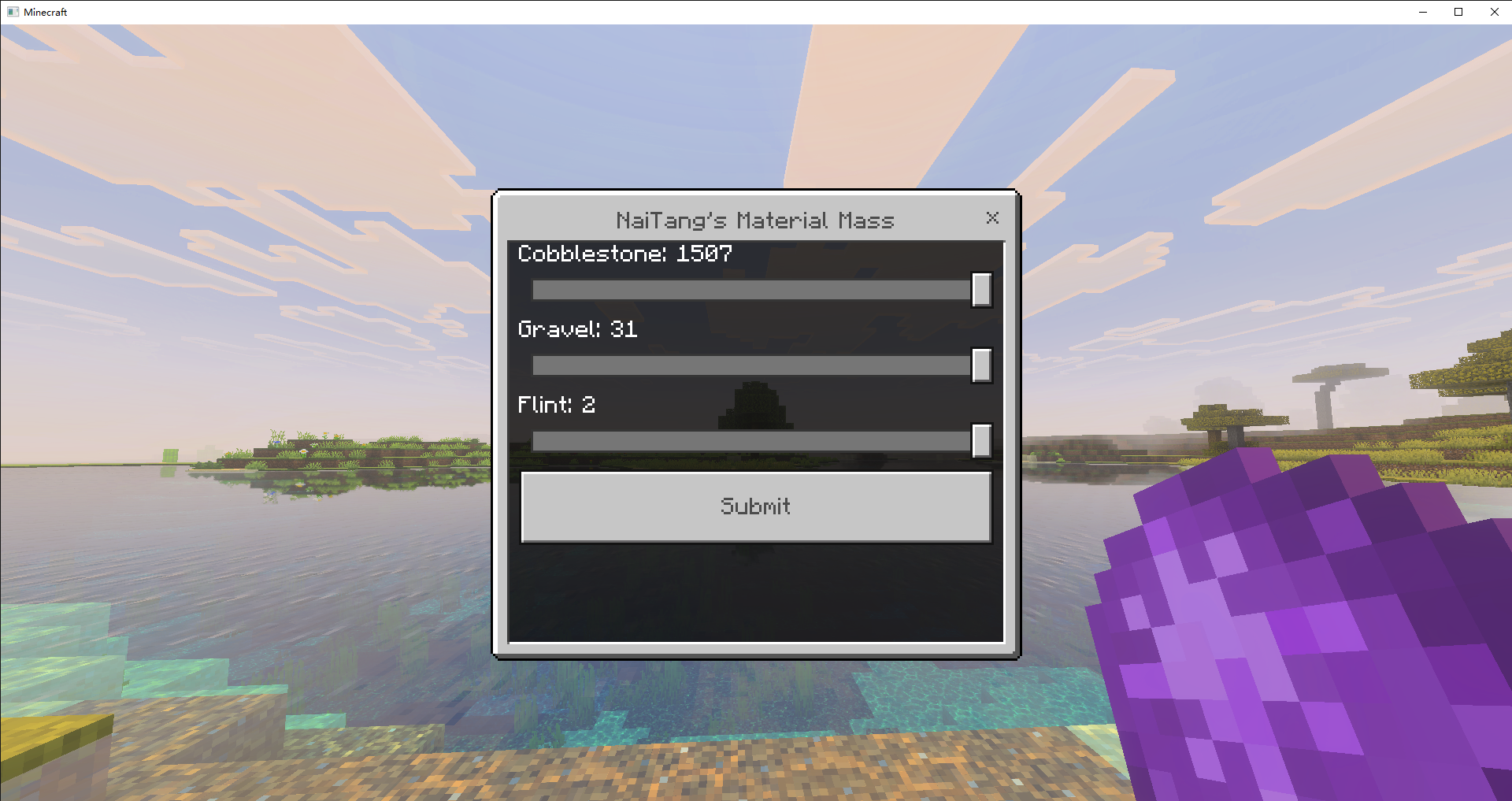
- Drop Collection Method: Choose from Item Magnet, Command Give, or Item Matter Mass.
- Vein Mining Doesn’t Consume Durability (
Due to code issues, no durability is consumed at all).
Screenshots:

Personalization Settings
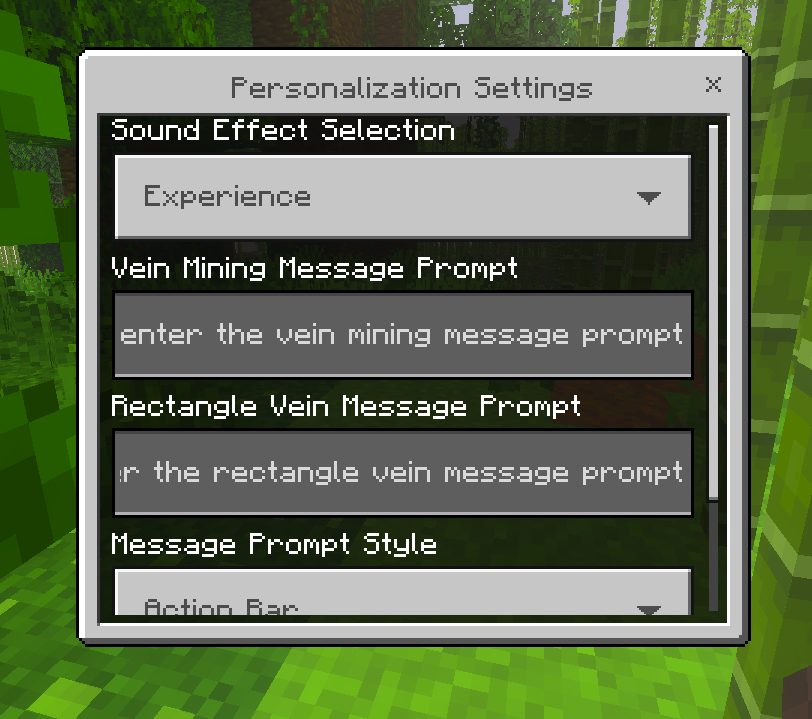
Are you annoyed by the mining sound effects? Or do you feel the displayed subtitle isn’t cool enough, or its position isn’t quite right?
Your needs will be met in these settings. You can freely change the sound effect style (though there’s currently only one option).
You can customize the subtitle that appears after a successful vein mining action, such as A handsome wizard destroyed the blocks (It looks quite chuunibyou).
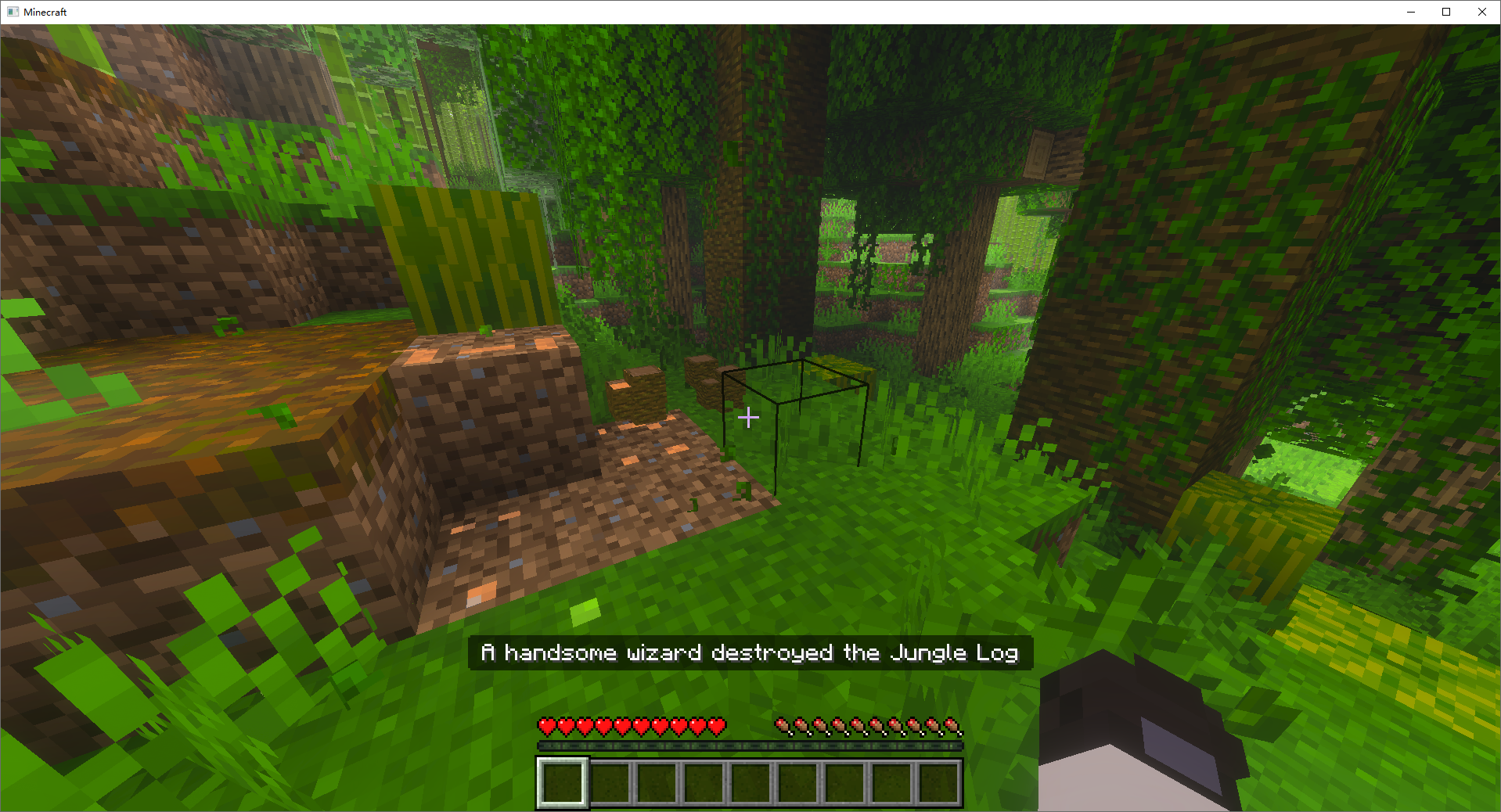
Template Strings
This setting utilizes the addon’s dedicated template string feature, where developers have built-in variables for players to use.
Template strings must be wrapped in ${}, with the variable name inside the braces.
| Variable Name | Purpose | Description |
|---|---|---|
${author} |
Replaces with the author's name | |
${name} |
Player's name | |
${number} |
Number of items | |
${depth} |
Depth | Only valid for rectangle mode |
${width} |
Width | Only valid for rectangle mode |
${blockName} |
Block name | |
[c=color code] |
Color replacement | Functions the same as vanilla §; [c=0] = §0 |
Usage Example:
${name} collected ${number} ${blockName}It will display as:
YourName collected 10 StoneAuxiliary Function
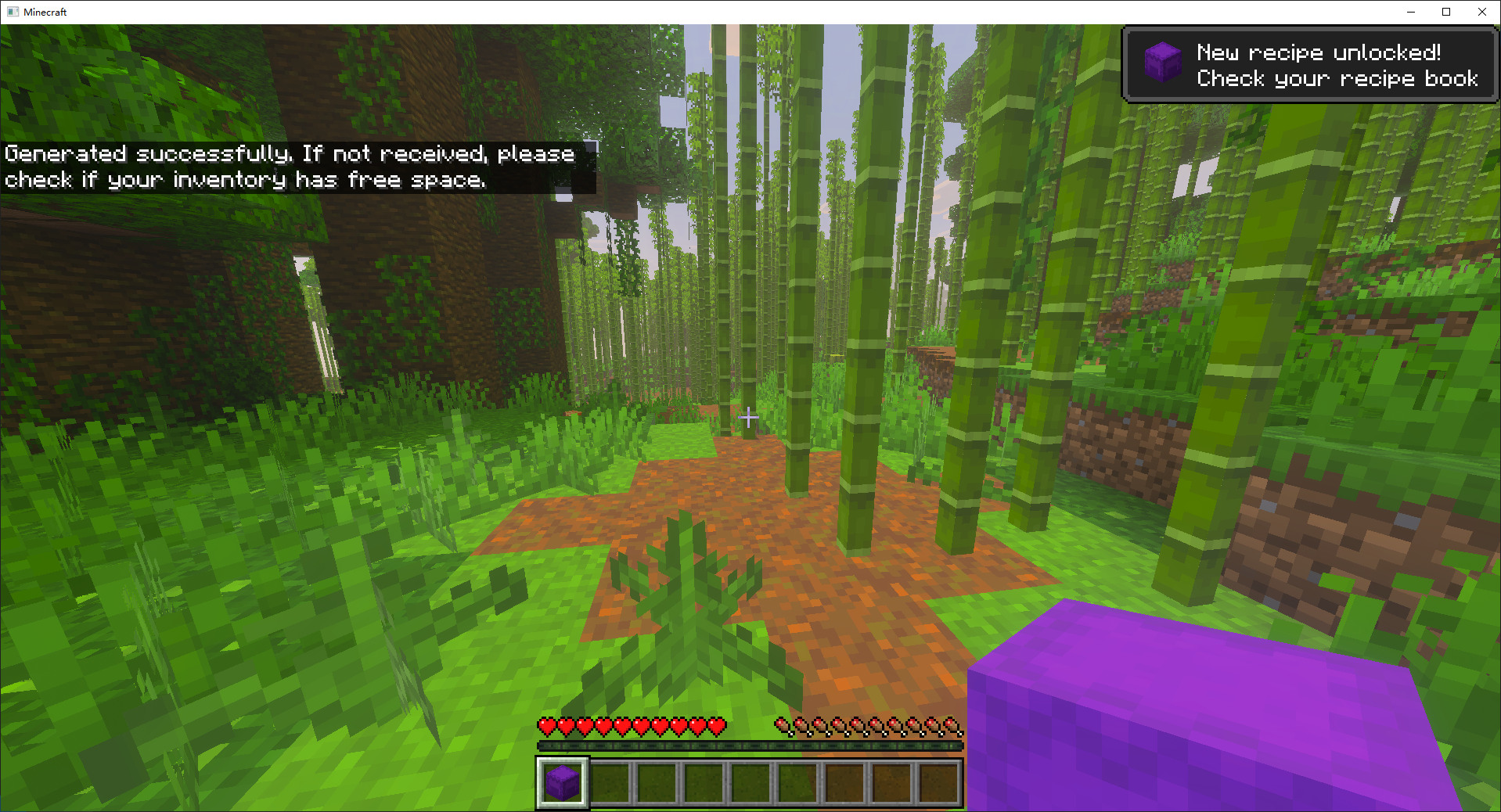
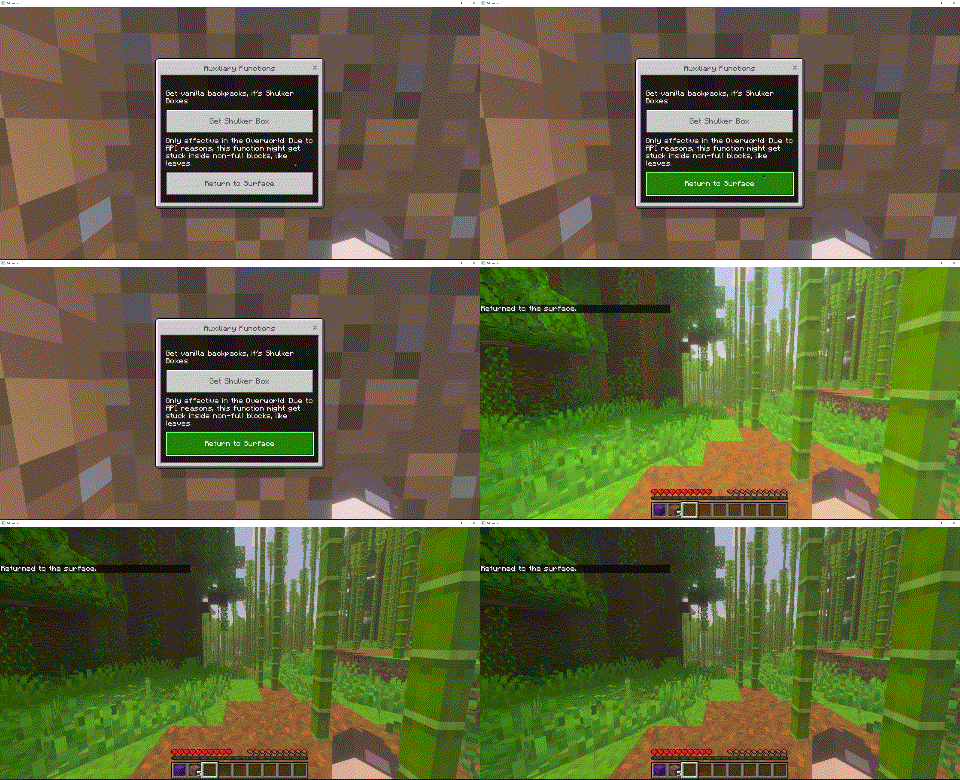
In the auxiliary function interface, you can perform the following two actions:
- Get a Shulker Box ·
- Return to Ground (Only works in the Overworld) ·
Vein Block Configuration
This is likely the main highlight. I’ll explain it in parts.
My configuration file already includes preset block properties. You can add or remove blocks as needed.
If you need to add a block, you must modify the configuration file or use a command to add it.
Adding Blocks
Use /xxr:add_vein_block [block:Block] to add a block. If no block ID is specified, it defaults to the block you’re pointing at. If the system prompts that it cannot be added, ensure the block is valid and you’re not too far from it.
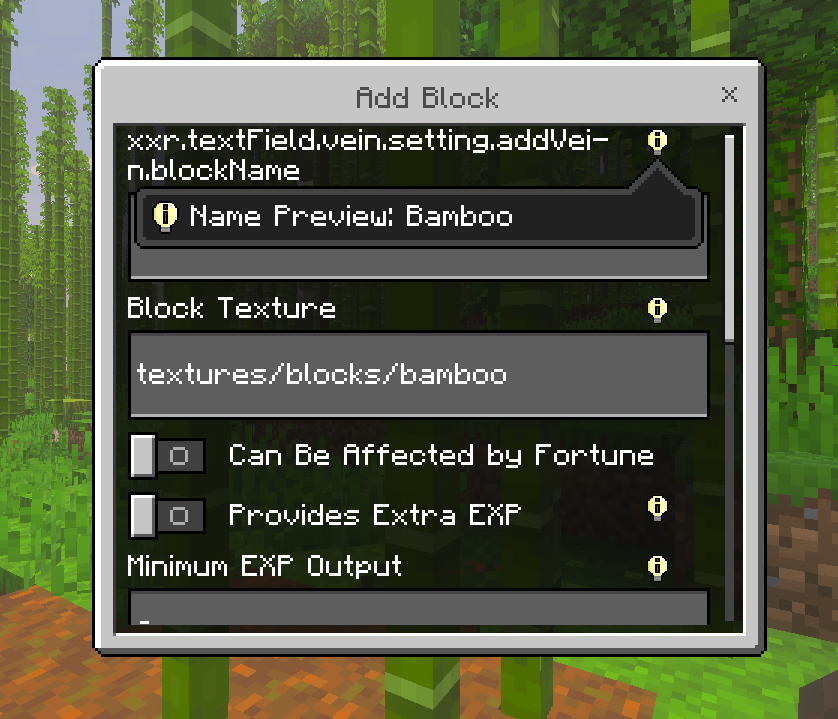
If the block you’re adding already exists, you’ll enter the editing interface.
In the editing interface, you can configure block properties, such as whether mining it grants experience or if it’s affected by Fortune enchantment (though this option may not work in higher versions, as the API can automate this functionality).
Server Configuration
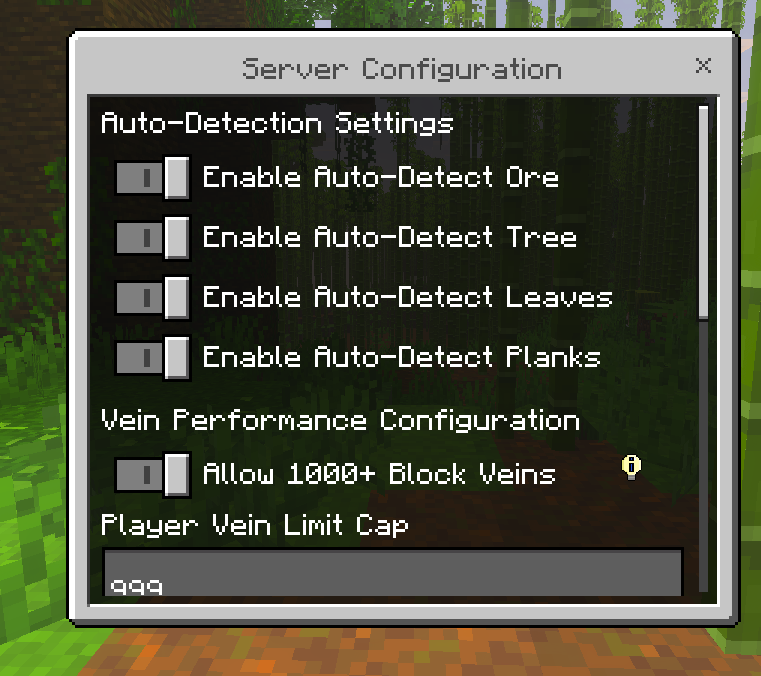
This configuration is for server settings. Once modified, it applies to all players.
Automatic Block Recognition
· Auto-recognize Ores · Auto-recognize Logs · Auto-recognize Leaves · Auto-recognize Wooden Planks
I’ve provided simple regular expressions to match blocks. In-game, these are toggles.
You can enable or disable them. Theoretically, they should adapt to all blocks containing these IDs.
Vein Performance Configuration
This setting limits the vein mining functionality to reduce performance overhead on multiplayer servers.
· Limit Vein Mining Count for Regular Players: By default, regular players can mine up to 999 blocks in one vein. If you need regular players to mine over 1000 blocks, adjust the limit and enable the Allow 1000+ Block Veins toggle.
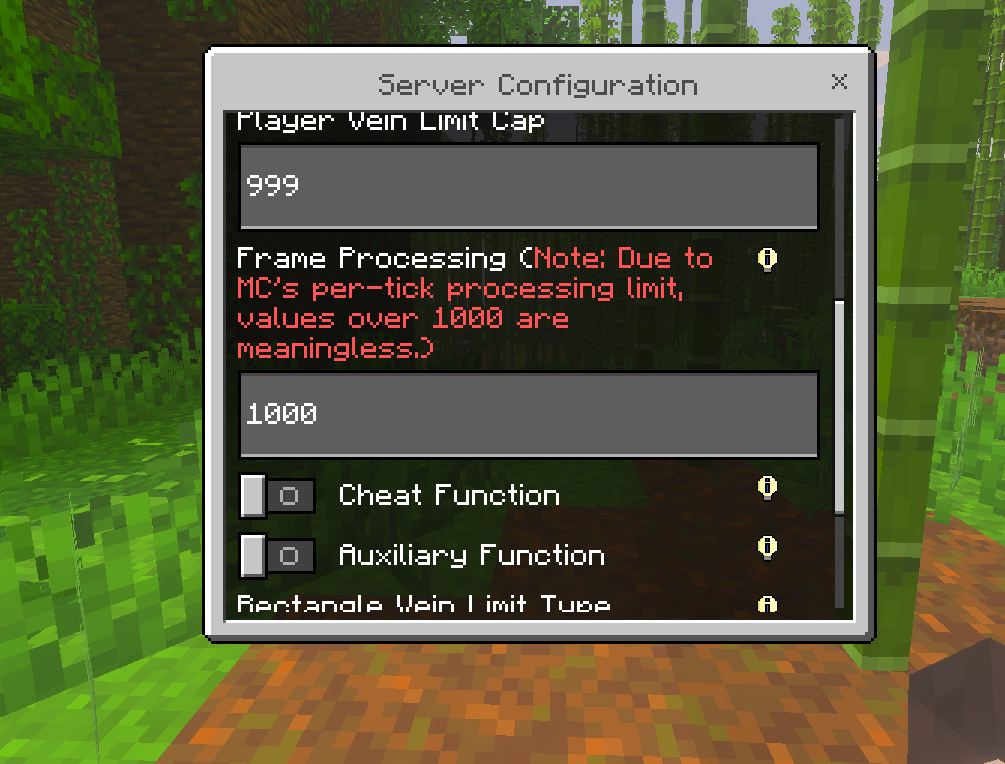
Frame Processing Function
Limits how many blocks are processed per frame. Since Minecraft has limitations, setting it over 1000 is meaningless.
Other Function
· Cheat function: Allow regular players to use cheat function, such as no durability consumption. · Auxiliary function: Allow regular players to use auxiliary function, such as returning to the ground and obtaining shulker boxes.
Commands

| Command | Required Permission Level | Description | Notes |
|---|---|---|---|
/xxr:add_vein_block [block_id] |
1 | Add block for vein mining | If no parameter is given, it identifies the block in crosshair (range ~10 blocks). If out of range, shows "Cannot add air block". If given a specific block ID, uses that block; if block already added, enters edit interface |
/xxr:openui [item_id] |
0 | Bind specified item to open UI | If no parameter given, automatically identifies held item. If item is empty, cancels the binding. Can also specify item via parameter. After binding, right-click while holding the item to open |
/xxr:autotorch [state:boolean] |
0 | Auto place torches | Requires light detection API |
/xxr:changelog |
0 | View changelog | |
/xxr:vein_setting |
0 | Open vein block configuration interface | |
/xxr:veincommand_help |
0 | View vein mining command help |
Translation
This project is currently maintained solely by me. For translations, AI translation is used. If any part is untranslated or inaccurate, you can contact me on Discord. I’m usually not online unless you reach out.
Pictures
Naitang's Vein Miner Team

Owner