VOXELBRO Defense Grid
- By
Build automated defensive turrets by naming Armor Stands! Turrets shoot arrows, level up to shoot fireballs, feature overheat mechanics, project target-lock lasers, and can be cooled with snowballs.
1000182461.jpg
1000182462.jpg
1000182463.jpg
1000182460.jpg
1000182459.jpg
1000182457.jpg
1000182458.jpg
1000182456.jpg
Description
Yo! What is up guys. Listen, we have all been there. You spend hours grinding on your survival world, building a massive, beautiful base, maybe a giant castle or a crazy modern house, and you just want to relax and organize your chests. But then night falls, and suddenly your front lawn is completely swarmed by creepers, zombies, and skeletons. You have to stop whatever you are doing, grab your sword, and go defend your doors. It is super annoying.
I got completely sick of babysitting my base and worrying about random mob griefing, so I decided to automate my security. Welcome to the Defense Grid. This is not just a basic arrow shooter. This is a fully automated, leveling, heat-tracking turret system that will literally lock onto hostiles and blast them into pieces so you do not have to lift a finger.
How to Set Up Your Security
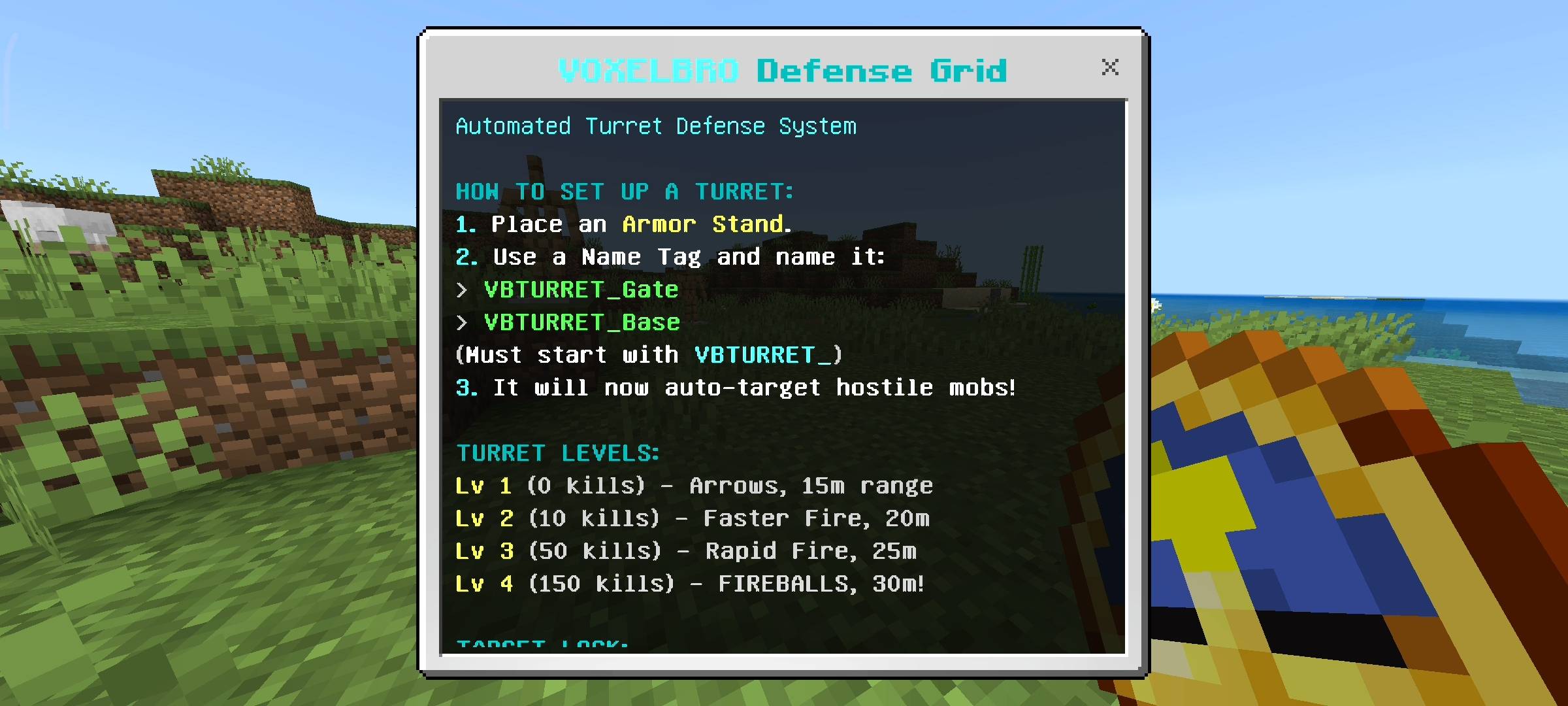
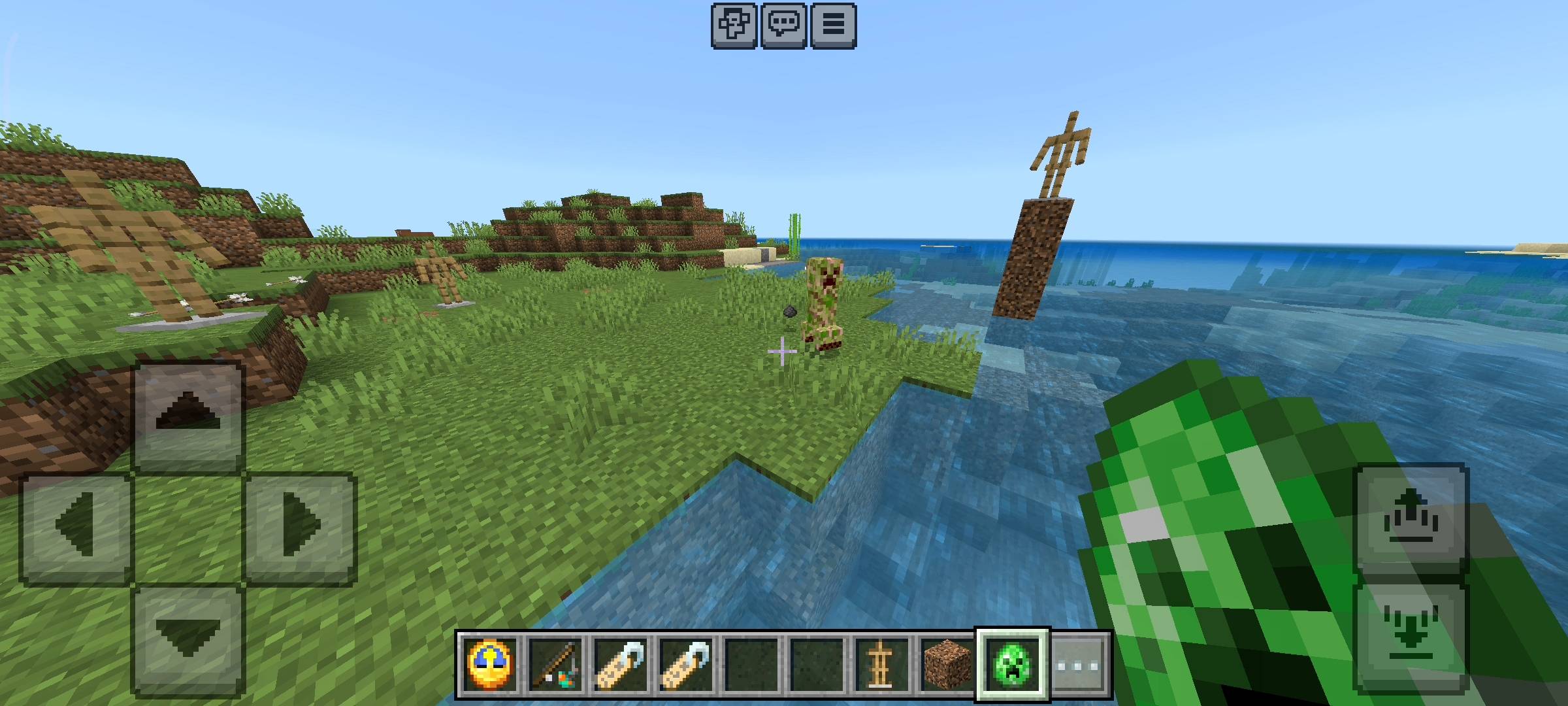
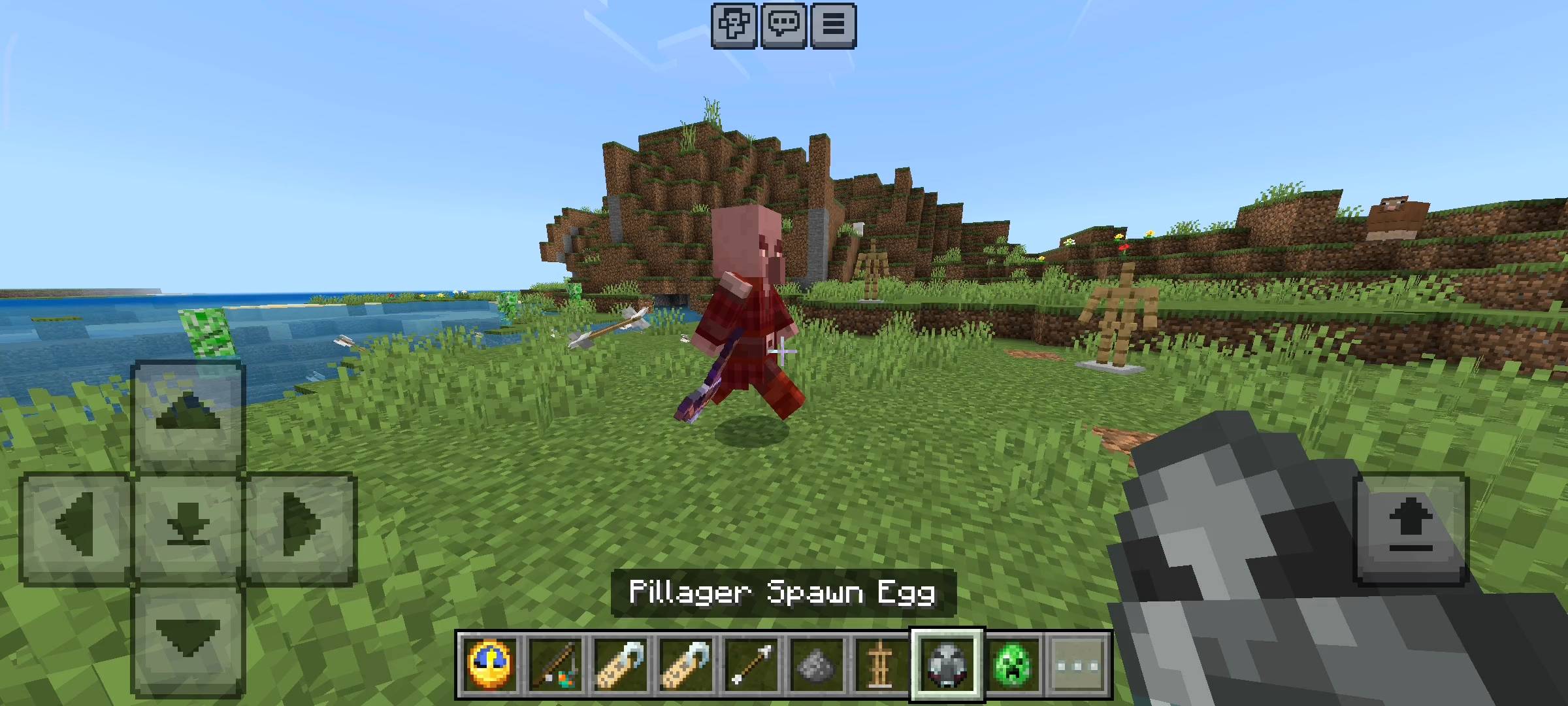
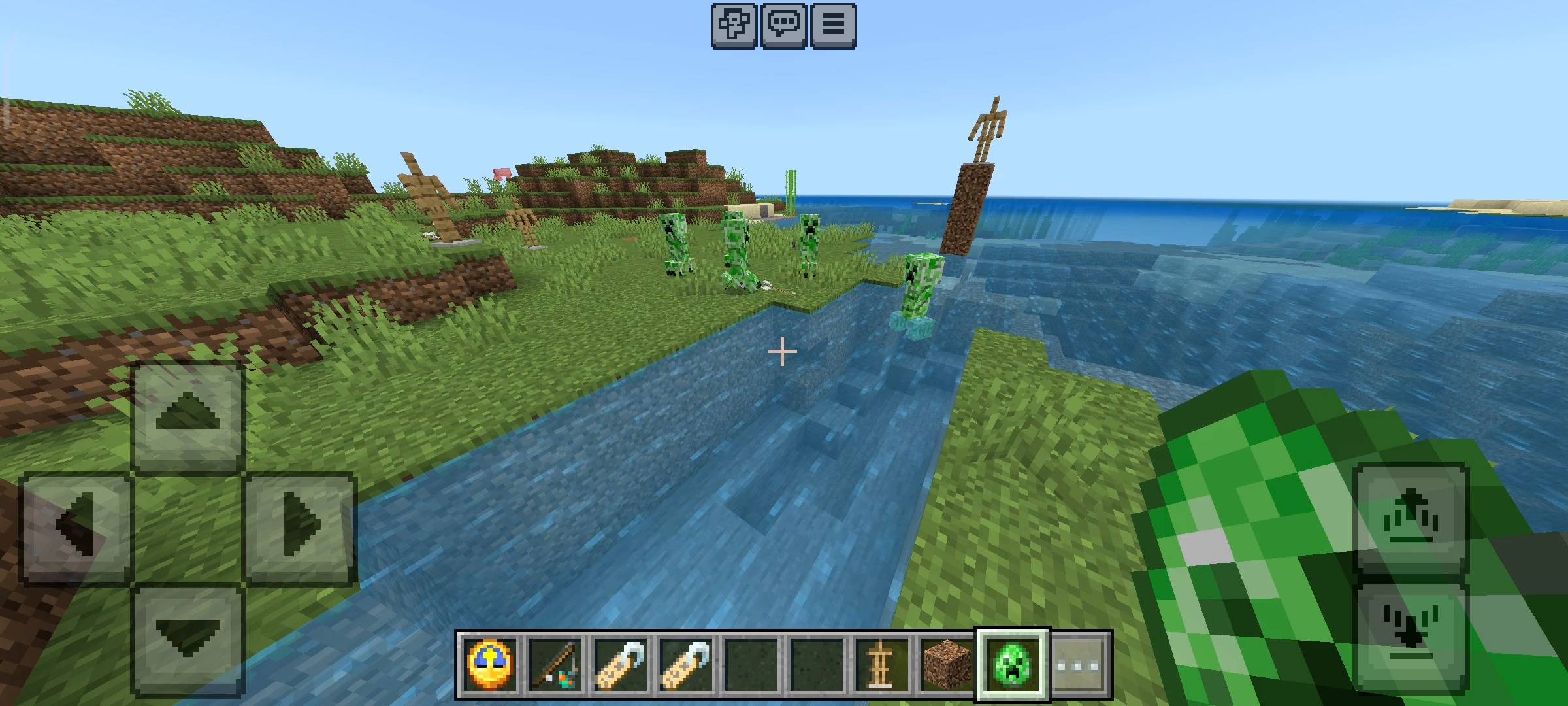
Setting this up is incredibly easy. I hate add-ons that make you craft ten different custom machines or weird blocks just to get one thing working. Here, all you need is a standard vanilla Armor Stand and an anvil with a Name Tag. Place your armor stand exactly where you want your turret to be. It could be on your roof, at your front gate, guarding your villager trading hall, or even protecting your nether portal. Then, name your tag starting with VBTURRET_ followed by whatever name you want. For example, VBTURRET_MainGate or VBTURRET_Tower. Boom. The moment you name it, the system arms itself. It instantly starts scanning the area for any hostile threats like zombies, phantoms, illagers, or even ghasts.
The Leveling System and Upgrades
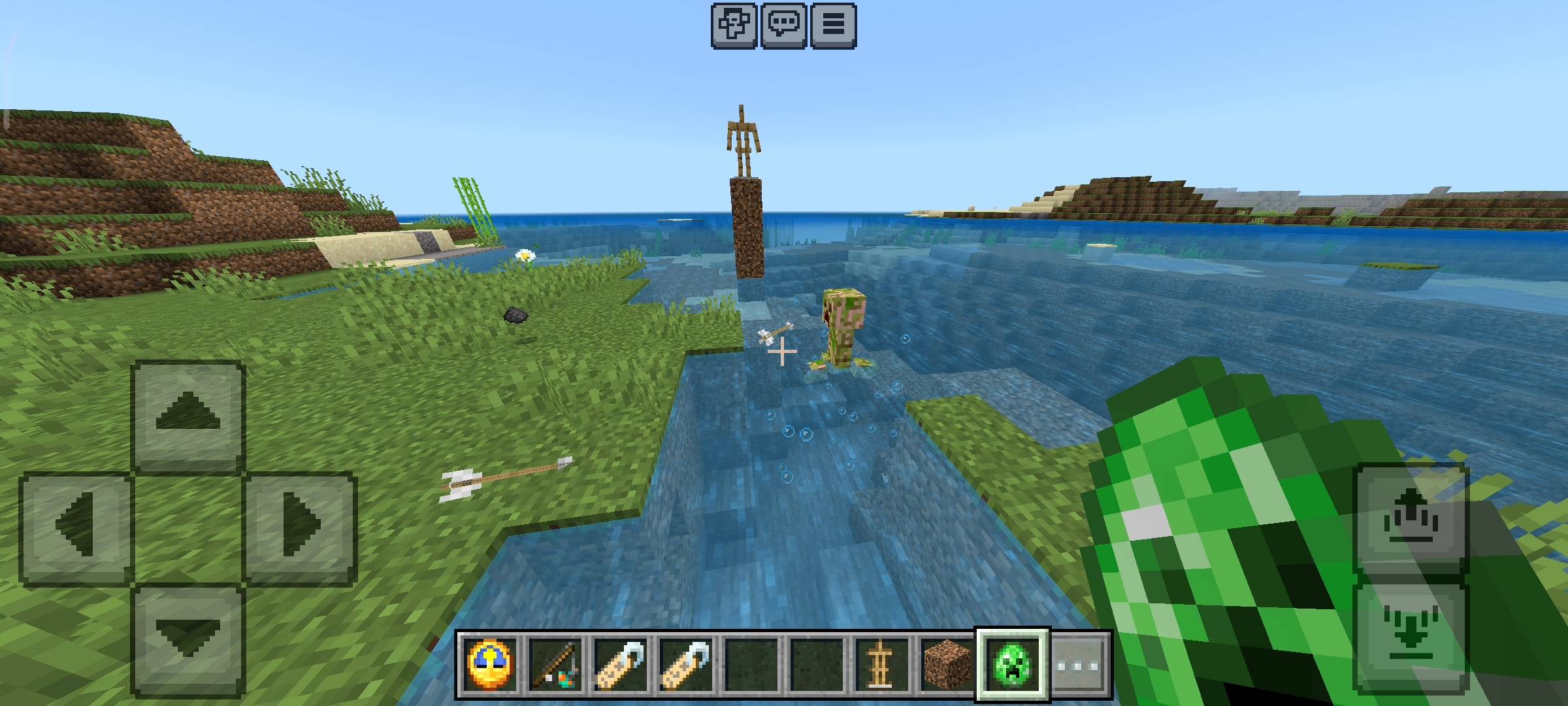
Now, this is where things get completely insane and super fun. Your turrets do not just stay the same forever. They actually gain experience and level up based on how many confirmed kills they get. When you first place a turret down, it starts at Level 1. It shoots regular arrows with a 15-block range. But as it racks up kills, it gets way deadlier. At 10 kills, it hits Level 2 and shoots faster with a 20-block range. At 50 kills, it reaches Level 3, which is basically an absolute rapid-fire machine gun holding down a 25-block radius. But if you let your turret farm enough mobs to reach 150 kills, it maxes out at Level 4. Level 4 is pure chaos. It stops shooting arrows and literally starts launching massive Fireballs at targets up to 30 blocks away. It is so satisfying to watch your little armor stand turn into a heavy artillery cannon.
Target Locks and Visual Effects
I wanted this to feel like a real high-tech security system, so I added some crazy visual features to make it look epic. When a turret detects a mob, it does not just shoot blindly into the dark. It physically rotates to face the enemy, and you will actually see a glowing red laser trail project from the turret directly onto the target. You hear a lock-on sound, and then it opens fire. When the mob dies, you get a custom kill-confirm particle effect right where they dropped. It looks absolutely incredible at night when you have four or five turrets all painting targets with lasers and lighting up the whole area.
Overheating and Emergency Coolant
But wait, there is a catch. You cannot just have an overpowered machine gun without some balance, right? Every time your turret fires a shot, it builds up internal heat. If there is a massive zombie siege or a pillager raid and your turret is firing constantly without a break, the heat gauge will hit 100 percent. When that happens, the turret overheats. It will start smoking heavily, make a fizzing sound, and completely shut down for a cooldown period.
But if you are in the middle of a massive fight and you need your defenses back online immediately, I added an emergency coolant mechanic. Just grab a snowball, some regular ice, or packed ice, and physically hit the smoking turret with it. You will see a water splash effect, hear a cooling sound, and the heat instantly drops back down to zero. It is back in the fight immediately.
The Remote Control Dashboard
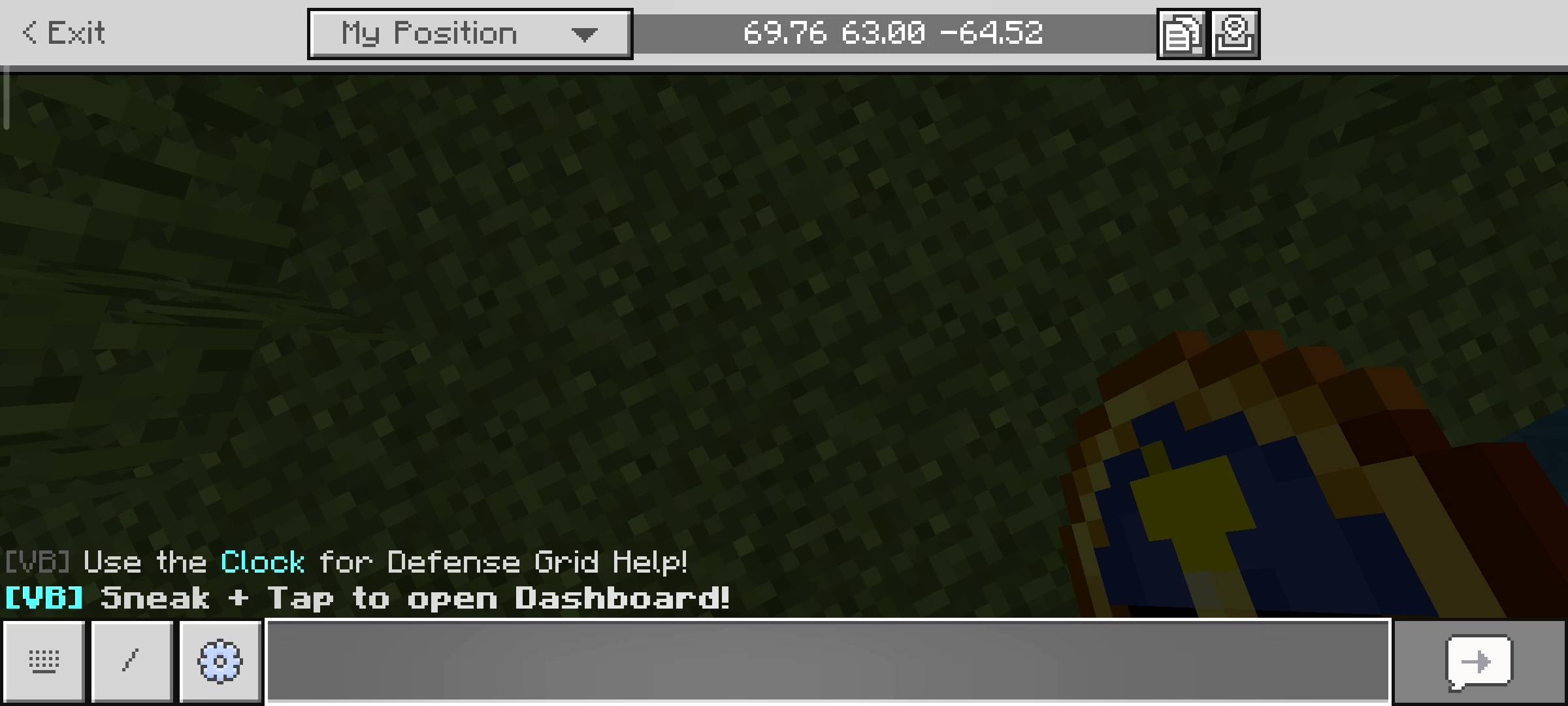
You might be wondering how you actually keep track of all this without guessing. When you load into the world, the add-on automatically gives you two special starter items: the Grid Link and the Grid Remote. The Grid Link is basically your pocket help manual if you ever forget how the naming system works.
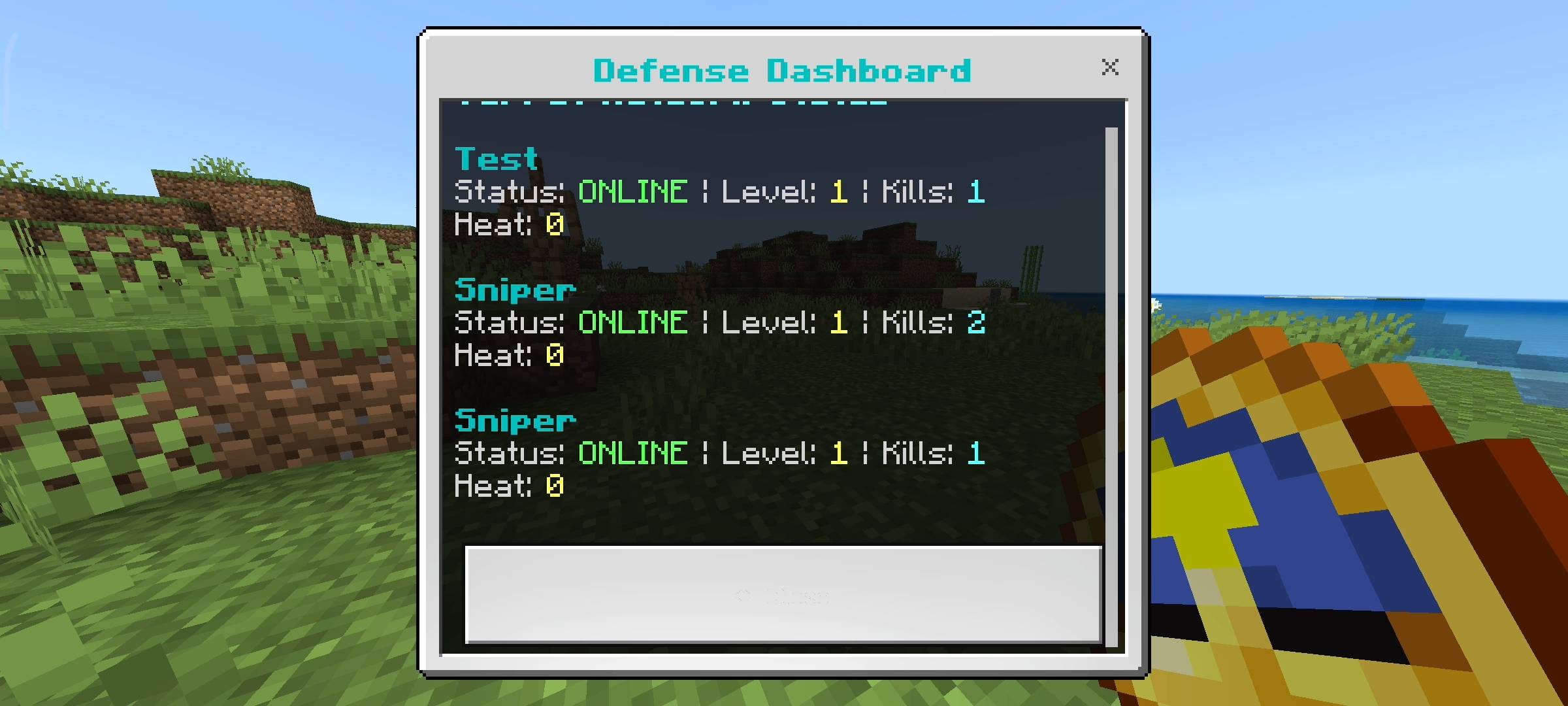
But the Grid Remote is the real deal. Just hold it in your hand, sneak, and tap the screen, and it brings up a custom Dashboard UI. This dashboard scans your entire dimension and lists every single active turret you have placed. It shows you their custom names, their current level, their exact kill count, and a live percentage of their heat levels. You can manage your entire base defense from anywhere in your compound like an absolute boss.
Quick AI Heads-up
I used some AI image generators to upscale the thumbnail and enhance the gallery screenshots so the page looks clean and professional.
VOXELBRO Defense Grid Team