⚔️ VectorLock: Sword Aiming — your camera holds the target
- By
Locks your camera onto the mob you strike, so your sword keeps facing the target while you circle, dodge and swing.
SwordAiming_02_features.png
SwordAiming_01_key_art.png
SwordAiming_03_howto.png
Description
⚔️ VectorLock: Sword Aiming — your camera holds the target
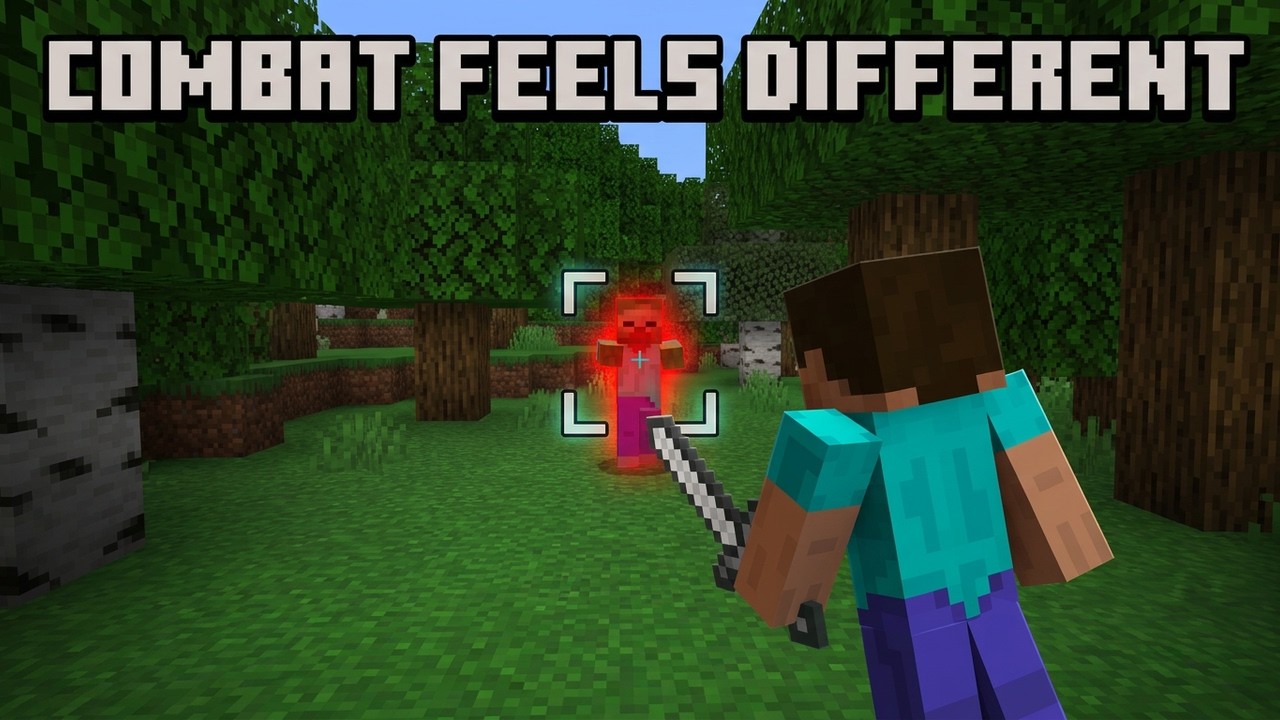
Hit a mob once and the camera stays on it. No more spinning in circles while a Creeper walks behind you, no more losing a Skeleton the moment you strafe. Sword Aiming latches your view onto the target you struck and keeps it there — smoothly, at a turn speed you choose — until the fight is over or you let go.
Lightweight and built on the Stable Script API: no Experiments, no commands, no resource pack. Achievements stay enabled. Works completely standalone, and slots straight into the shared menu when VectorLock: Core is installed.
Original work — p7x939 (VectorLock Studio)
✅ Requirements & Compatibility
- Minecraft Bedrock 1.21.70 or newer
- Behavior pack only — no resource pack, no Experiments to turn on
- Achievements stay enabled (the pack ships the official
product_typeaddon flag) - Survival, Creative, single-player, Realms and dedicated servers
- Works alone, or beside any other VectorLock pack
- Does not replace the player entity or any vanilla file, so it will not break other add-ons
⚔️ What It Does
Melee in Bedrock is a camera problem. The mob moves, you move, and half your swings land on air.
Sword Aiming fixes the camera, not the combat. Land a hit with any sword and the pack locks your view onto that mob. As it circles you, your camera follows — turning by a set number of degrees per correction so it feels steered, not snapped. Your momentum is carried through the turn, so a locked sprint stays a sprint.
The lock is loose when the mob is in your face and tight when it is far away: close in, corrections are gentle and leave you room to aim by hand; at range they tighten up and can track up and down as well.
You are never stuck. Sneak-jump and the lock drops instantly.
✨ Features
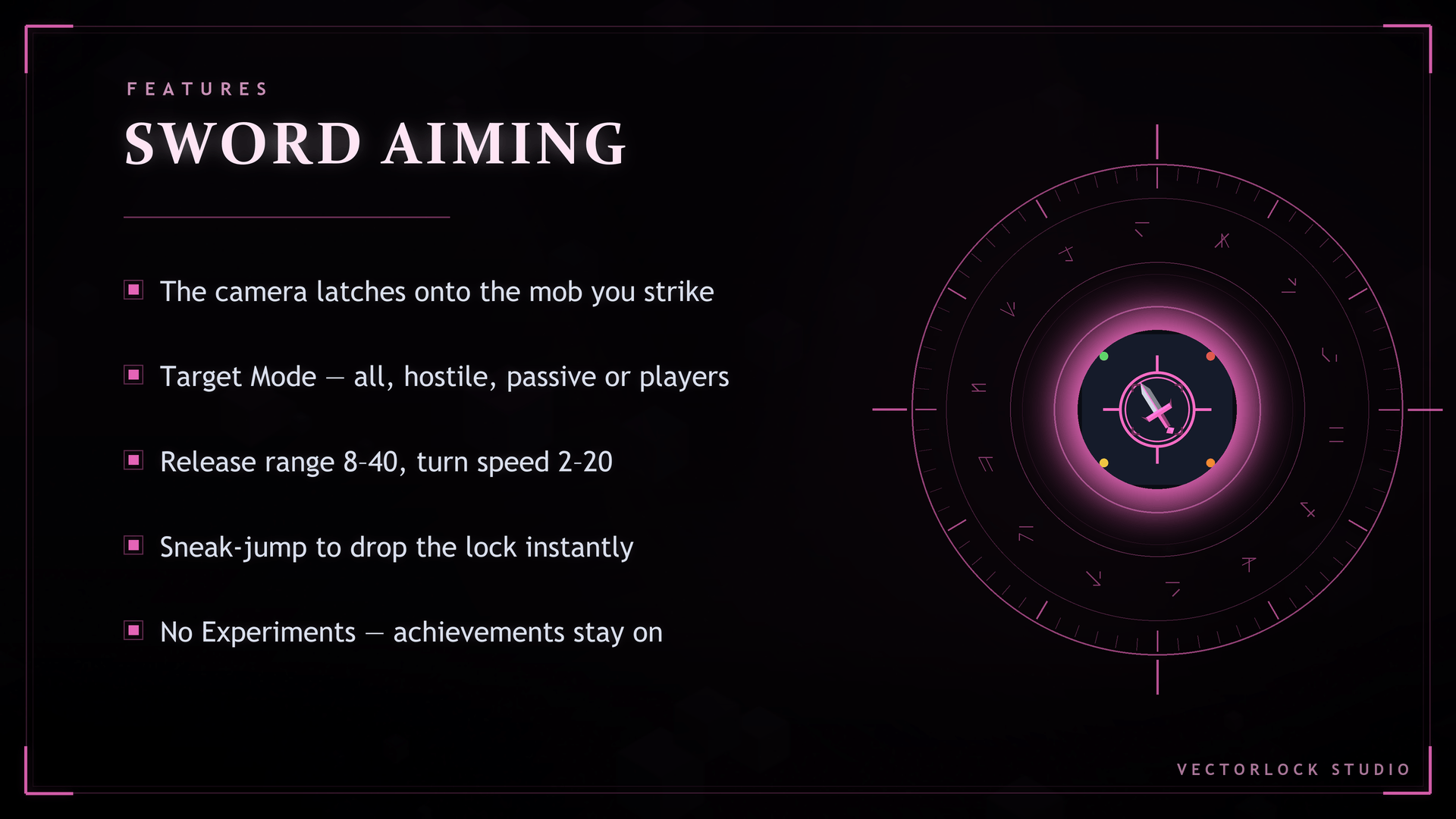
- Sword Lock — one master switch for the whole camera lock
- Lock on Hit — the camera latches the moment your sword lands, which makes it fully playable on touch
- Tap to lock, tap to release — long-press a mob while holding a sword to latch it, do it again to let go
- Turn Speed (2–20°) — degrees per correction, from a barely-there nudge to a hard snap
- Release Range (8–40 blocks) — the lock drops on its own once the target gets that far away
- Track Pitch — at distance the camera aims up and down too; in melee it leaves vertical aim to you
- Target Mode — lock All, Hostile only, Passive only, or Players only; shared with every other VectorLock pack
- Sneak-jump to unlock — an instant, deliberate escape hatch
- Target readout — the action bar shows
◎and the name of whatever you are holding - Ignores dropped items, XP orbs, arrows, boats, minecarts, armor stands and item frames — it locks onto living things
- Full English / ไทย in-game menu
- API master switch — flip the whole thing off for a vanilla session; your settings are kept
🎮 How to Use
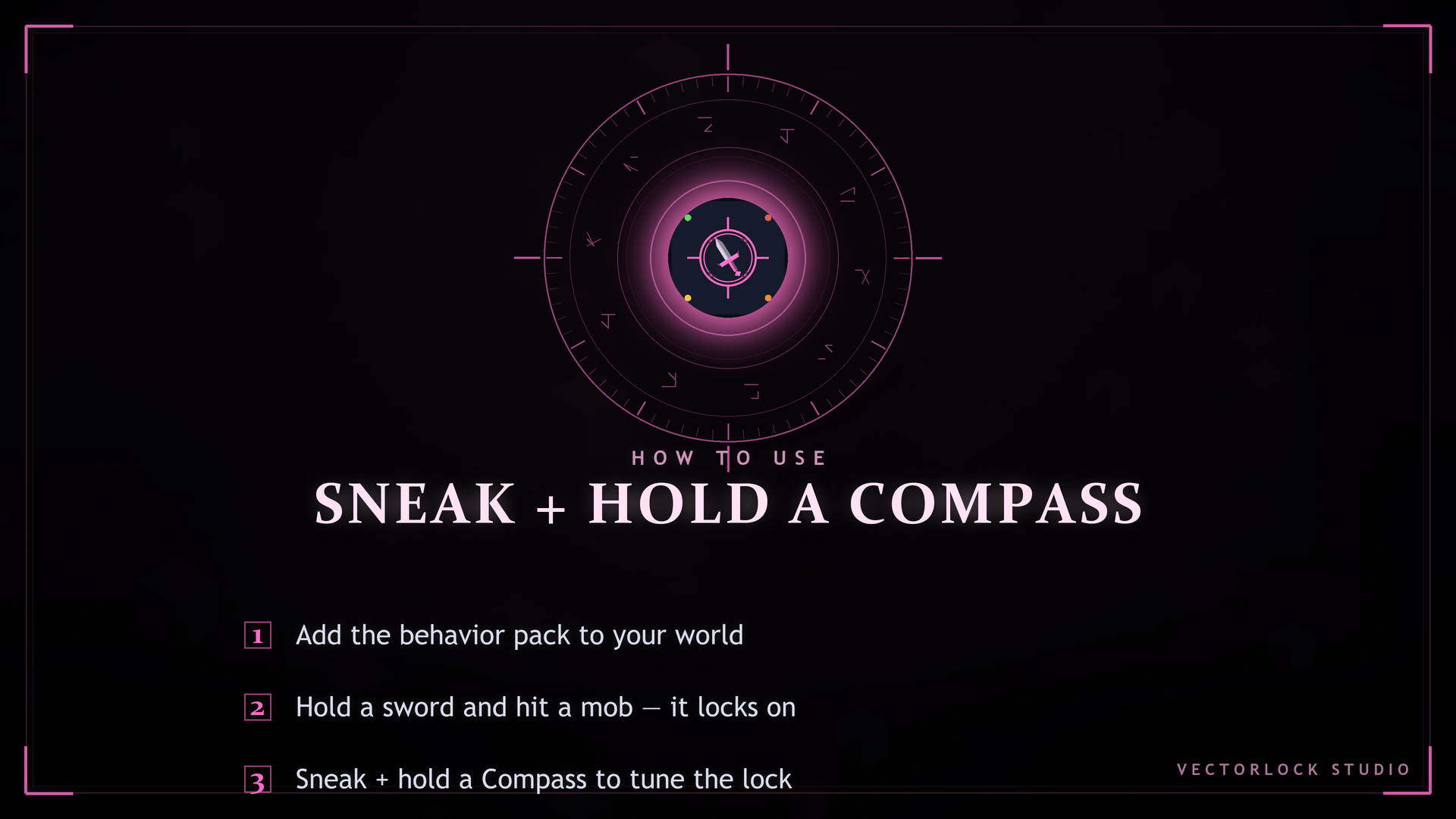
- Hold any sword (wood through netherite) and hit a mob — the camera locks on.
- Fight. Circle, strafe, back off — your view keeps the target.
- Sneak + jump to release, or long-press the same mob again.
- Sneak + hold a Compass to open the menu and tune Turn Speed, Release Range, Track Pitch and Target Mode.
📥 Installation
- Download the
.mcaddonfile below. - Open it — Minecraft imports it automatically.
- In your world: Settings → Behavior Packs → Activate "Vector Lock Sword Aiming".
- Load the world, hold a sword, and swing.
❓ FAQ
Does it aim for me or hit for me? No. It turns the camera toward the target you already chose. Every swing is still yours, and damage, cooldown and reach are untouched vanilla.
Will it fight the camera while I try to aim? Close range is deliberately loose — a 6° deadzone and a correction only every few ticks — so small manual adjustments go through. Turn Speed down at 2–4 makes it gentler still.
Does it work on a phone or tablet? Yes. Lock on Hit exists for exactly that: you never need a right-click, just land a hit.
Can I lock onto other players? Yes — set Target Mode to Players only (or All). It will never lock onto you.
Does it break achievements? No. The pack carries the official addon flag, so achievements stay on. A world that already had cheats or Experiments enabled at some point stays disabled forever — that is vanilla behavior, so test on a fresh world.
Do I need VectorLock: Core? No. It runs fully standalone. Add Core later and it moves into the shared menu automatically, keeping your settings.
Can I use it with other add-ons? Yes, in normal cases — it adds no entities and overrides no vanilla file. An add-on that replaces the player entity or the camera could conflict.
🔒 More From VectorLock
| Add-on | What it does |
|---|---|
| 🧩 Core | One menu and one engine for every VectorLock pack |
| 🕊️ Fly | Double-tap jump to fly in Survival |
| 🌉 Bridge | Lays a path under your feet as you walk out over a gap |
| 🔮 Ore Vision | See ores, chests and spawners through solid stone |
| 💾 Waypoints | Save, track and teleport back to any spot |
⚠️ License
© 2026 p7x939 (VectorLock Studio). All Rights Reserved. Do not re-upload, redistribute, modify or claim this add-on — in whole or in part — without written permission. Sharing the CurseForge link is always welcome.
❤️ Support
Sword Aiming is free, and it stays free. If it saved you a few swings, you can support the work here — completely optional, and it changes nothing about the add-on:
• PayPal: https://paypal.me/wattanakornnanta
Leaving a comment on this page helps just as much.
The ⚔️ VectorLock: Sword Aiming — your camera holds the target Team