🔮 VectorLock: Ore Vision✨
- By
A see-through prism scan that marks every ore, chest and spawner through solid blocks.
OreVision_02_features.png
OreVision_01_key_art.png
OreVision_03_ingame.png
Description
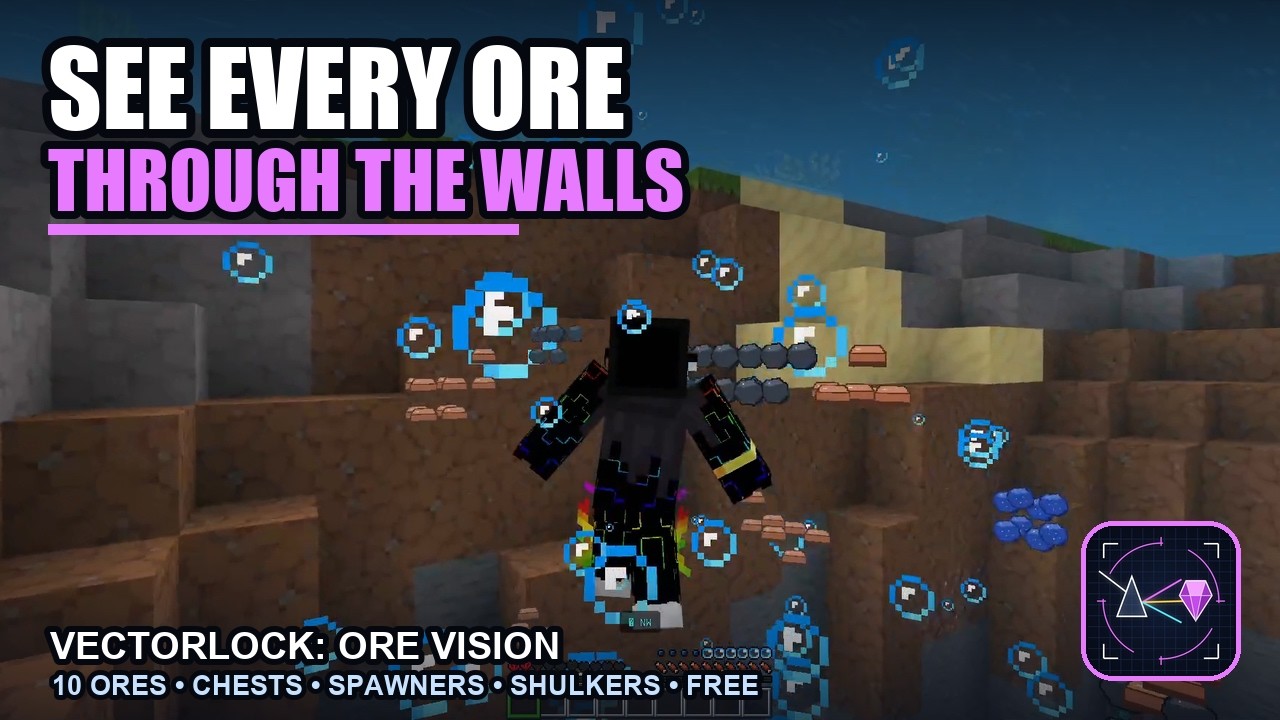
🔮 VectorLock: Ore Vision — see every ore through the walls
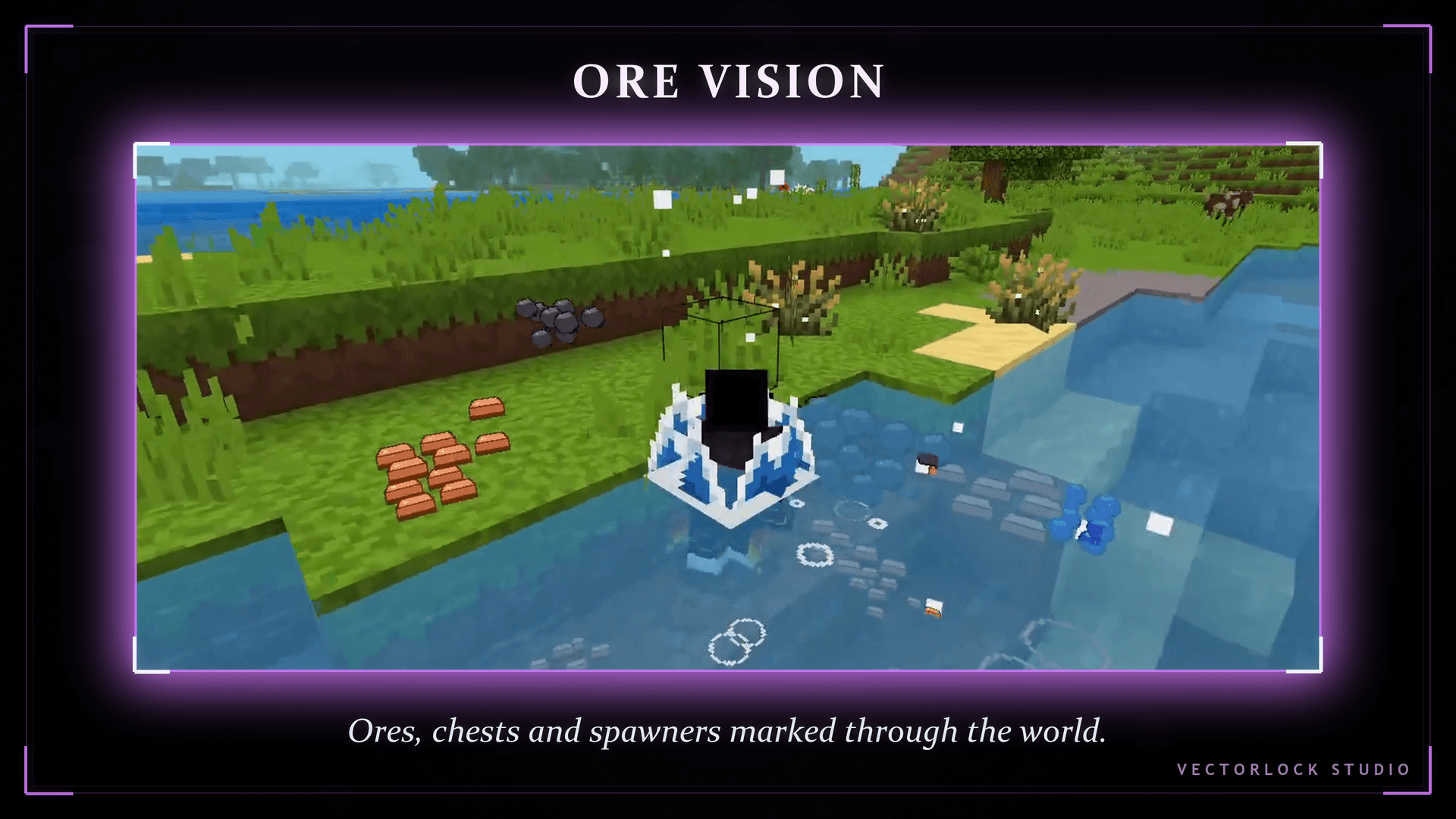
Stop digging blind. Ore Vision runs a see-through prism scan around you and drops a glowing marker on every ore, chest, spawner and shulker box hidden inside the terrain — each one carrying its own symbol, so you know what you found before you swing a single pickaxe.
Built on the Stable Script API: no Experiments toggle, no world flags to break. Achievements stay enabled, it works in singleplayer, on servers and on Realms, and it runs standalone or slots straight into the VectorLock Core menu next to the rest of the suite.
Original work — p7x939 (VectorLock Studio)
✅ Requirements & Compatibility
| Minimum version | Minecraft Bedrock 1.21.70+ |
| Pack type | Behavior Pack + Resource Pack (both included in the .mcaddon) |
| Experiments | None required — nothing to enable |
| Achievements | Stay enabled (product_type: addon) |
| Play modes | Singleplayer · Multiplayer · Realms |
| Works with | Standalone, or alongside VectorLock Core / any other VectorLock pack |
🔮 What It Does
Every few ticks the pack scans a cube around you for the block types you switched on, then spawns a lightweight see-through marker entity at each hit. Markers render through solid blocks, so a wall of stone stops being a wall — you see the vein, walk to it, and dig straight in.
Markers clean themselves up: break the ore (or blow it up) and its marker disappears instantly, and anything that drifts outside your scan radius is pruned automatically. Nothing is left floating in your world.
✨ Features
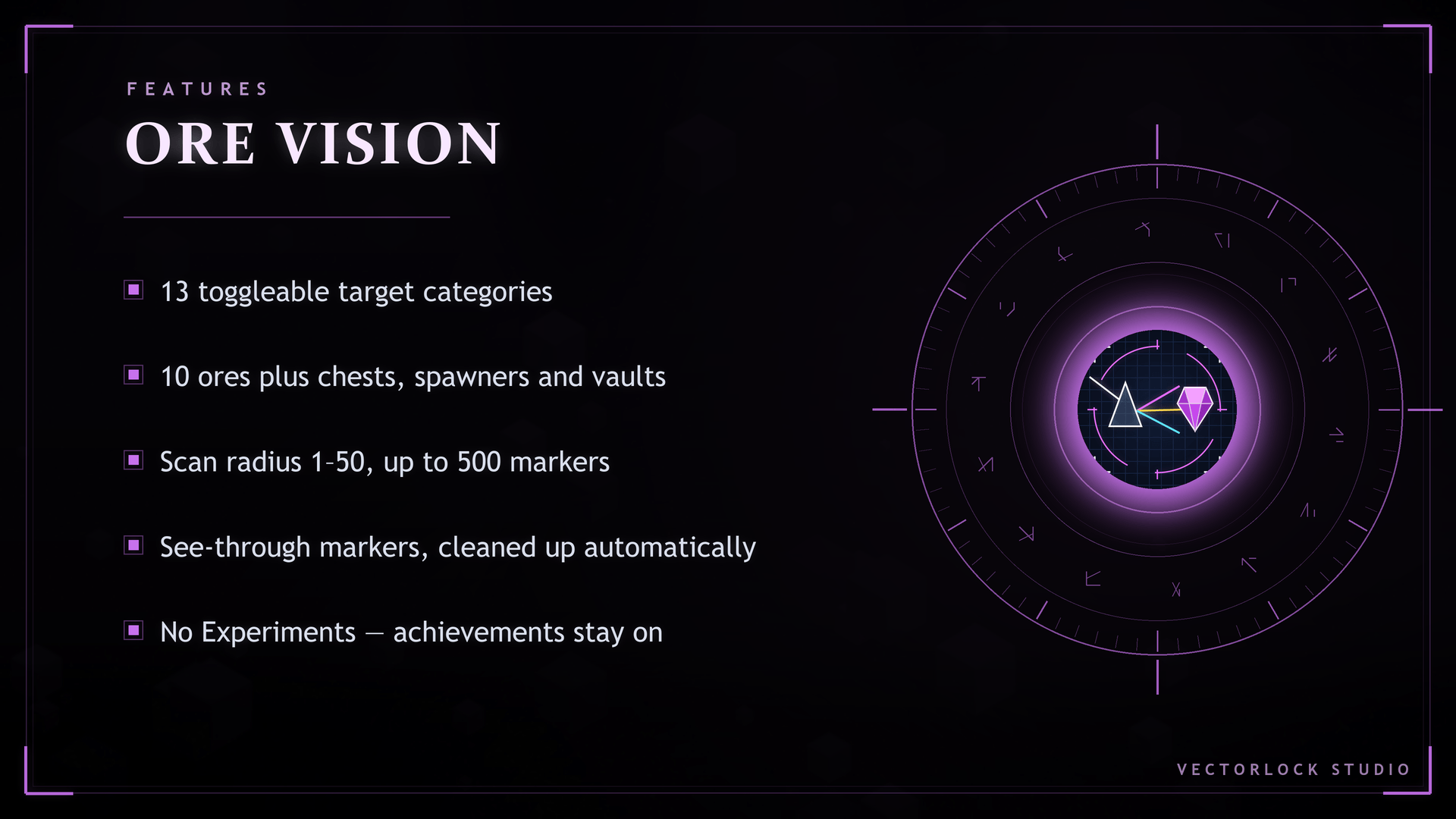
- 13 scan categories, each its own toggle — Coal, Copper, Iron, Gold, Redstone, Lapis, Diamond, Emerald, Netherite (Ancient Debris), Quartz, Chests & Barrels, Spawners & Vaults, Shulker Boxes.
- Deepslate and Nether variants included — deepslate ores, Nether Gold and Nether Quartz are matched automatically, no extra setting.
- Loot and danger too, not just ore — chests, trapped chests, ender chests and barrels; mob spawners, trial spawners and vaults; every colour of shulker box.
- Per-type symbol on every marker — the icon tells you what is buried there at a glance.
- Scan Radius slider, 1–50 blocks (default 20) — tune it to your device and how far ahead you want to see.
- Max Markers slider, 50–500 (default 250) — a hard cap so a rich cave never floods your screen.
- Self-cleaning markers — removed the moment the block is mined or explodes, pruned when out of range, and leftovers from an old session are swept on load.
- Performance-guarded by design — budgeted spawning per pass, a global marker ceiling, and re-scans only when you actually move.
- Master switch — one toggle turns the whole scan off and clears every marker; your per-type settings are remembered for next time.
- Nothing is modified — no blocks changed, no chunks rewritten, no ore duplication. It only shows you what is already there.
- English / ไทย in-game text, and settings are saved per player.
🎮 How to Use
- Sneak + hold a Compass to open the VectorLock menu.
- Pick ◆ Ore Vision.
- Leave Enabled on, tick the ores and containers you care about, set your Scan Radius and Max Markers, and confirm.
- Walk into a cave or dig down — markers appear through the terrain as you move.
📥 Installation
- Download the
.mcaddonfile below. - Open it — Minecraft imports the Behavior Pack and the Resource Pack automatically.
- Create or edit a world → Behavior Packs → activate Vector Lock Ore Vision (the Resource Pack activates with it).
- Play. No Experiments are needed.
Tip: for achievements to stay on, use a world that has never had cheats, Experiments or Creative enabled — that is a Mojang rule, not a pack limitation.
❓ FAQ
Do I need to turn on any Experiments?
No. The pack uses the Stable Script API only.
Will this disable my achievements?
No. Every manifest carries product_type: addon, the official flag that keeps achievements enabled. Worlds that were already flagged by cheats or Experiments stay disabled forever — test on a fresh world.
Does it work on Realms and servers?
Yes. Add it as a world pack; every player in that world gets their own settings and their own markers.
Can I scan for only diamonds?
Yes — turn every other category off. Each of the 13 types has its own toggle.
Will it lag my device?
It is built around caps: a per-player marker limit, a global ceiling, a spawn budget per pass, and re-scans only when you move. If you play on a low-end device, drop the Scan Radius to ~10 and Max Markers to ~100.
Do the markers change my world?
No. They are temporary display entities. Break the ore and the marker is gone; disable the feature and every marker is removed.
Can I use it with other VectorLock add-ons?
Yes. It runs standalone, and if you also install VectorLock Core it appears in the shared menu with everything else. Settings carry over.
🔒 More From VectorLock
| Add-on | What it does |
|---|---|
| VectorLock Core | The hub — unified menu, shared settings, API master switch, status screen |
| VectorLock Vein Miner | Mine one ore, take the whole vein |
| VectorLock Tree Cutter | One swing fells the entire tree |
| VectorLock Item Magnet | Pulls nearby drops and XP orbs to you |
| VectorLock Waypoints | Set, name and navigate to your own markers |
⚠️ License
© 2026 p7x939 (VectorLock Studio). All Rights Reserved.
Do not re-upload, redistribute, modify or claim this add-on as your own. Sharing the CurseForge project link is always welcome.
🔮 VectorLock: Ore Vision✨ Team