1000018426.jpg
1000018427.jpg
1000018428.jpg
1000018429.jpg
1000018430.jpg
Description
The Tpa Request System adds a clean, menu-based teleport request system to your Minecraft Bedrock world. No confusing commands or arguments to remember — everything from sending a request to managing blocked players happens through simple in-game menus.
Usage
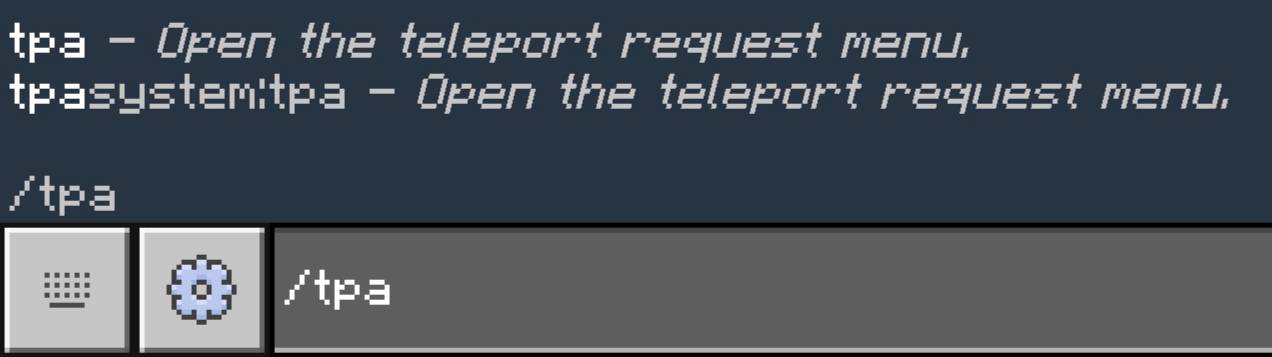
Type a single command to open the menu:
/tpa
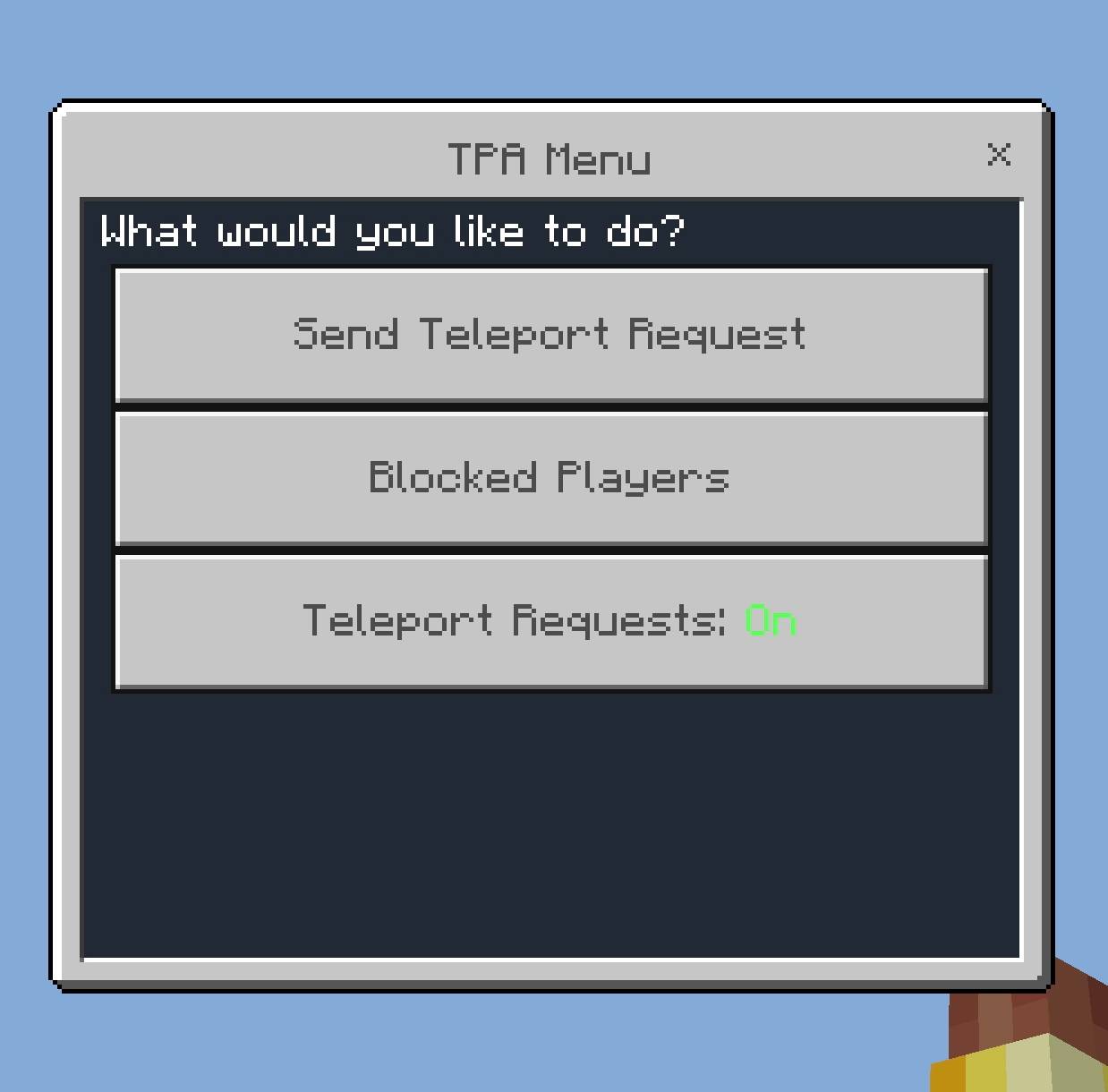
From the menu you can:
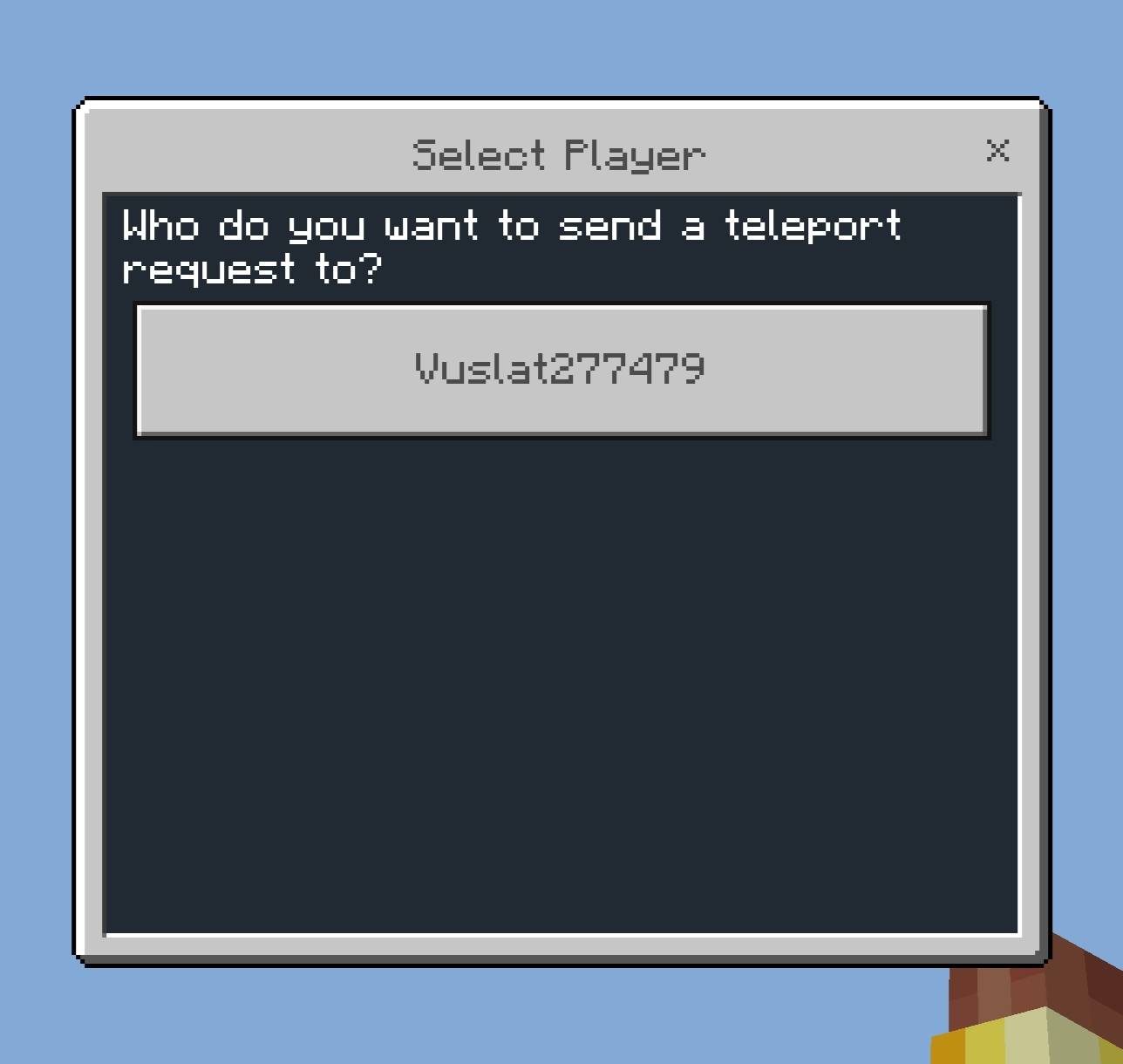
Send Teleport Request: Pick any online player and send them a request.
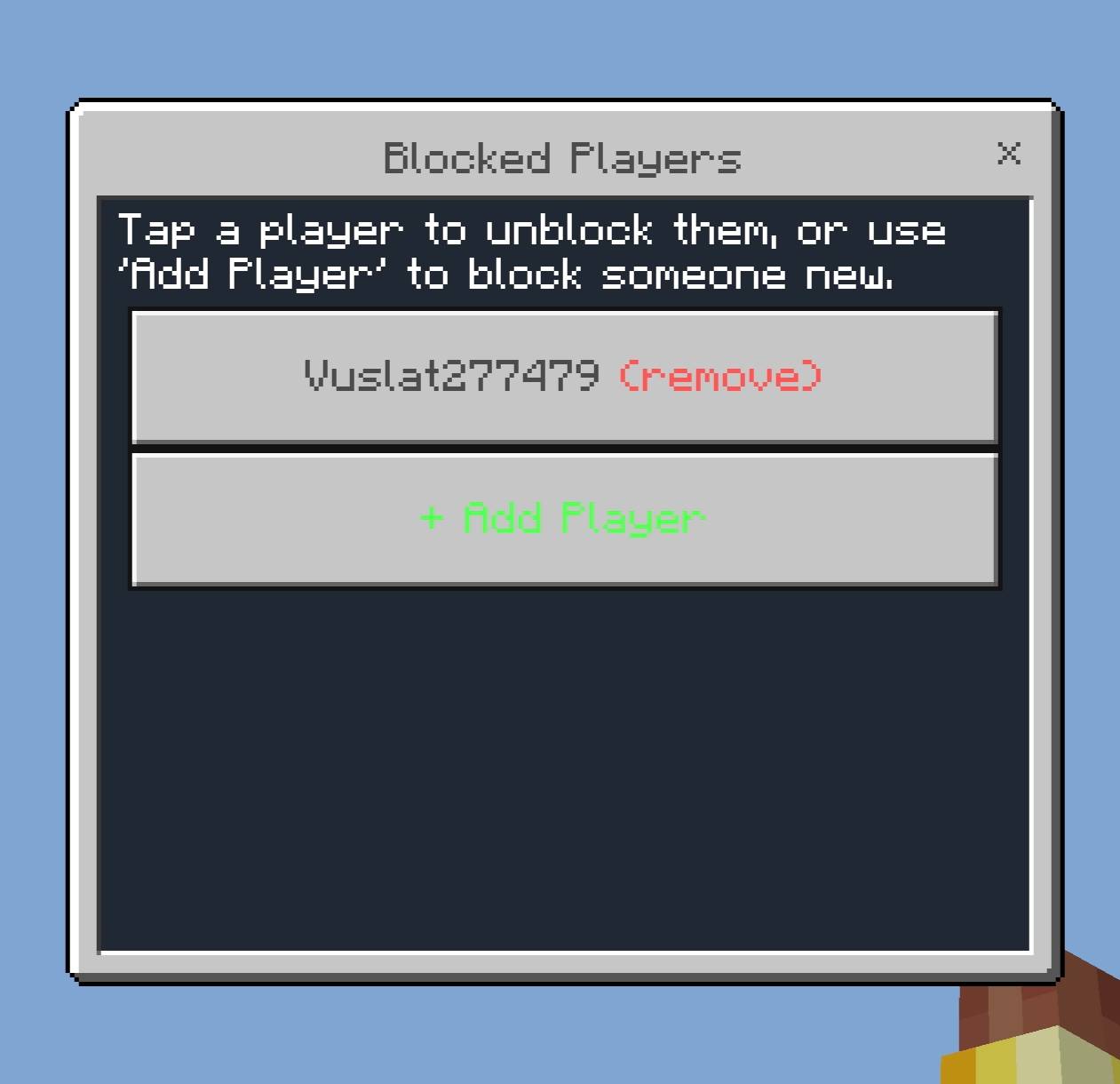
Blocked Players: Remove someone from your block list or add a new one.
Teleport Requests (On/Off): Toggle this off to stop everyone from sending you requests, without losing the players you already blocked individually.
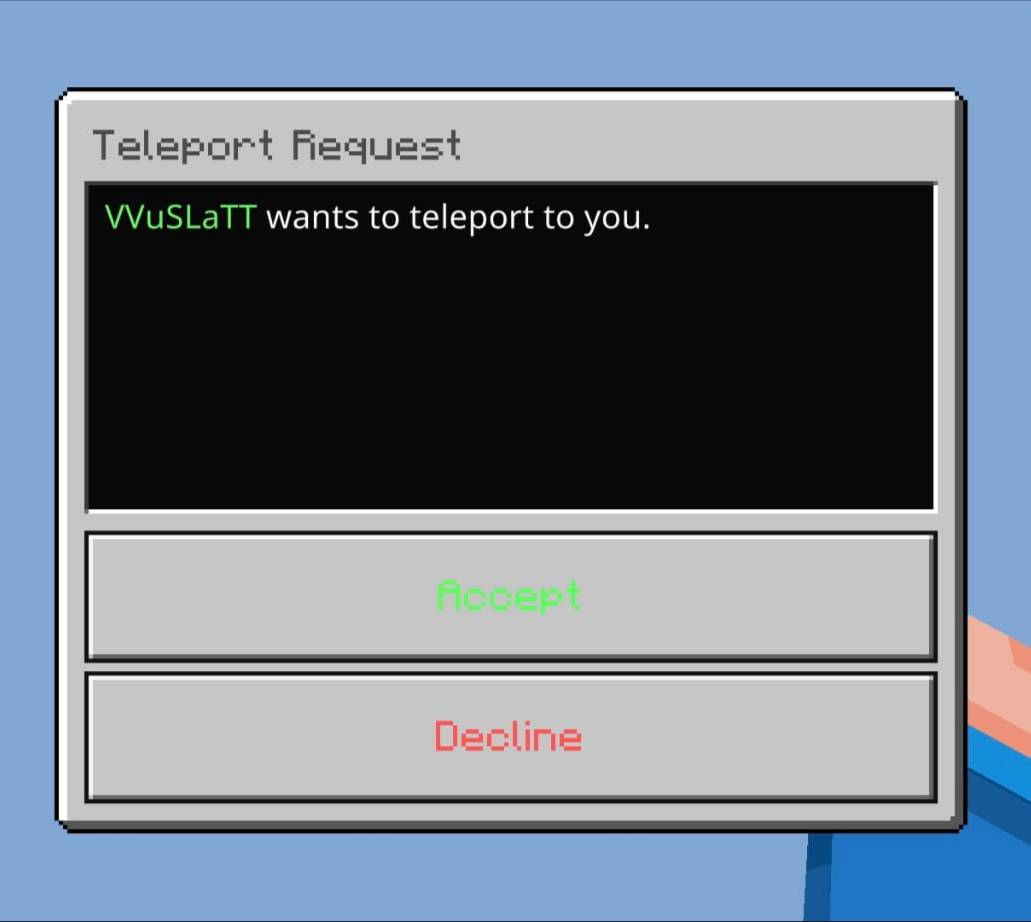
When someone sends you a request, a pop-up appears automatically asking you to Accept or Decline. If your inventory or another menu is open when the request arrives, the pop-up will keep retrying until you're free to see it. Requests expire after 30 seconds if left unanswered. You can only have one outgoing request active at a time, so you won't accidentally spam multiple players at once.
Installation
1. Download the .mcpack file.
2. Open it with Minecraft Bedrock; it will import automatically.
3. Create a new world or edit an existing one.
4. Under Behavior Packs, activate the TPA Request System.
5. Load in and type /tpa.
Credit
Made by VVuSLaTT
Tpa System Team