Skyblock Server System
- By
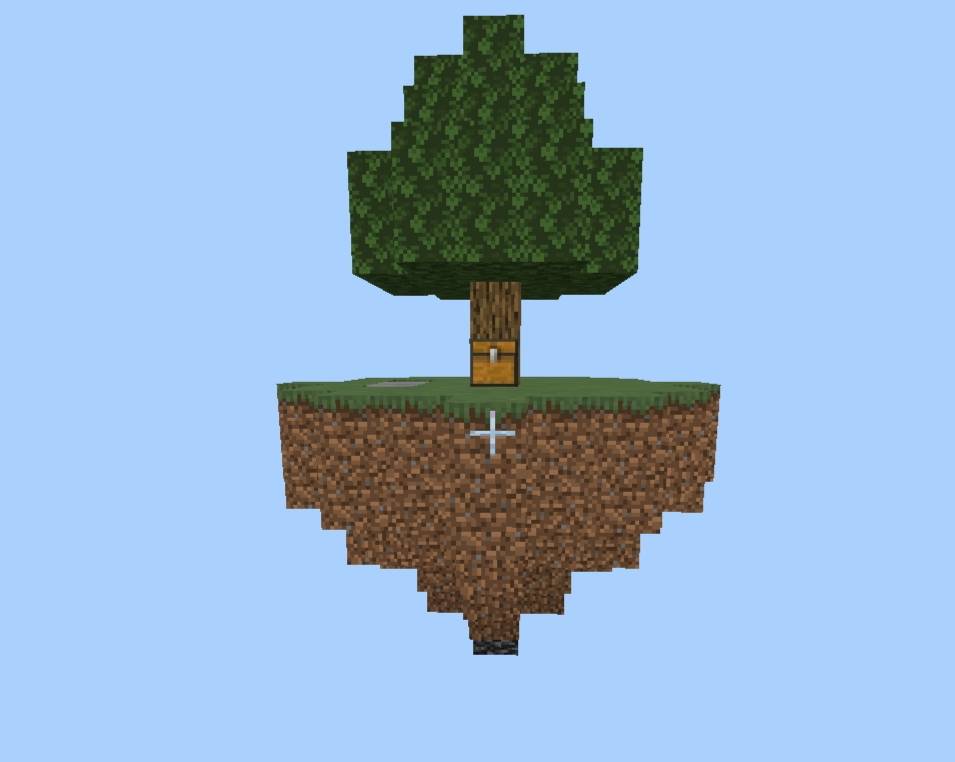
A complete, menu-based multiworld Skyblock experience for. Private isolated islands, easy menu management via /island and /warp, advanced player permissions, custom warp zones. (Private islands for everyone, with multiplayer support.)
1000018540.jpg
1000018727.jpg
1000018728.jpg
1000018729.jpg
1000018732.jpg
Description
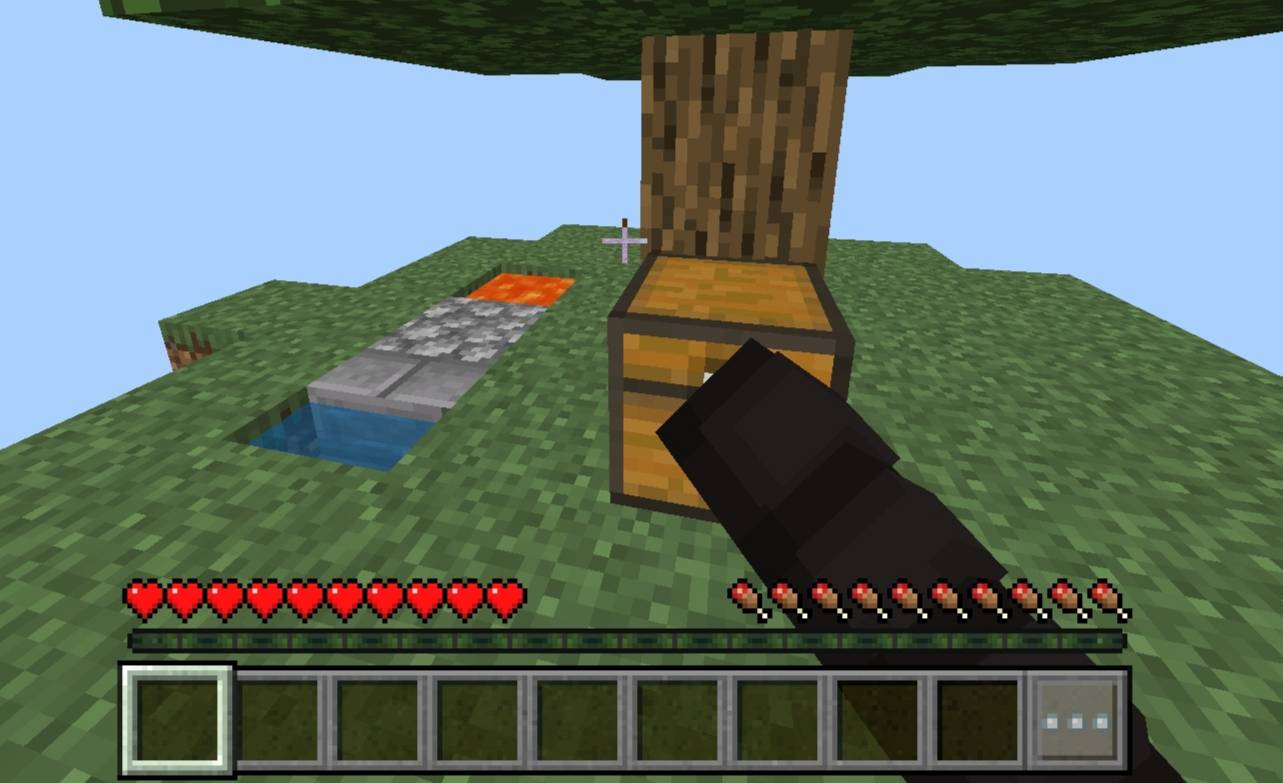
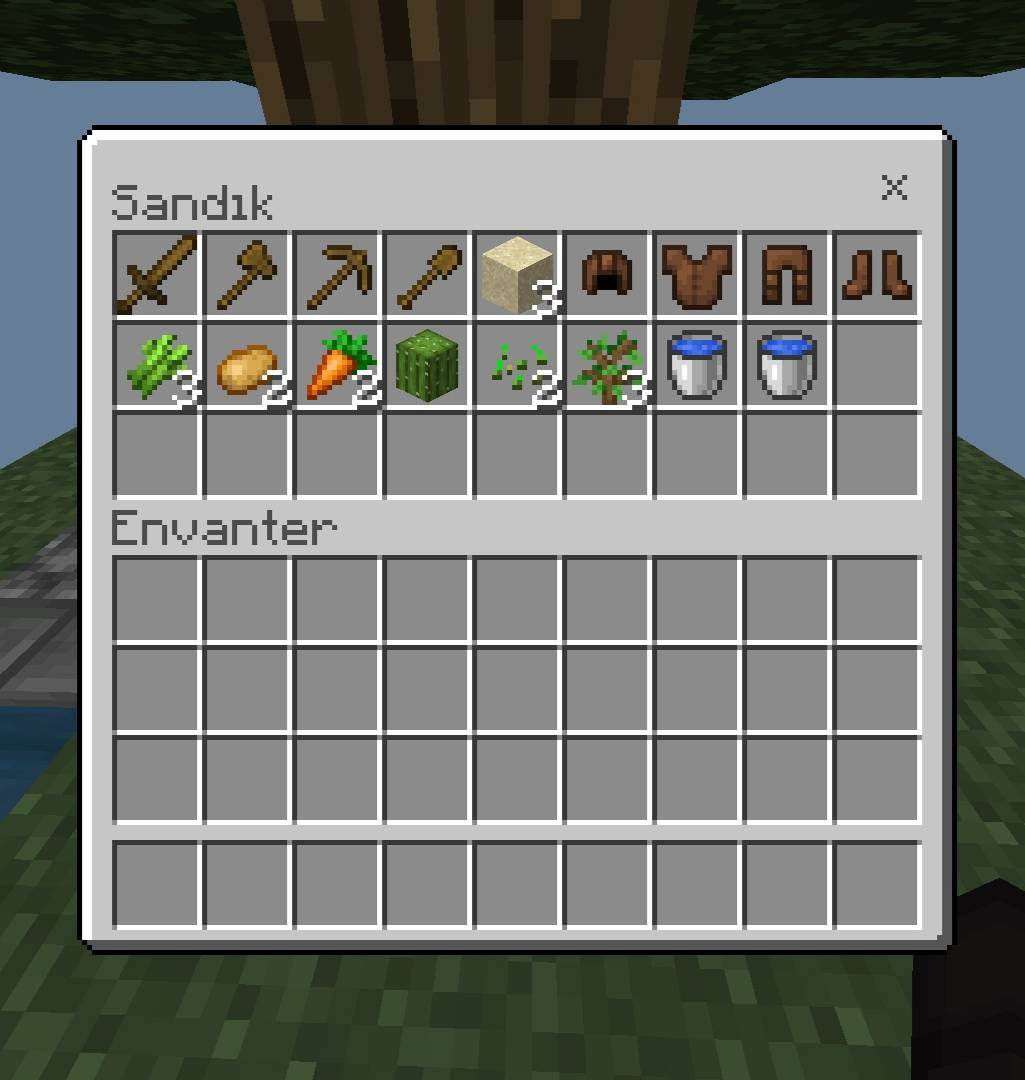
Skyblock Server System adds a complete, menu-based multiverse Skyblock experience to your Minecraft Bedrock world. Every player gets their own private island in an isolated dimension, protected from other players by default. No complicated setup — everything from creating your island to warping around the server happens through simple in-game menus.
Usage
Type a command to open a menu:
/island — manage your island
/warp — travel around the server
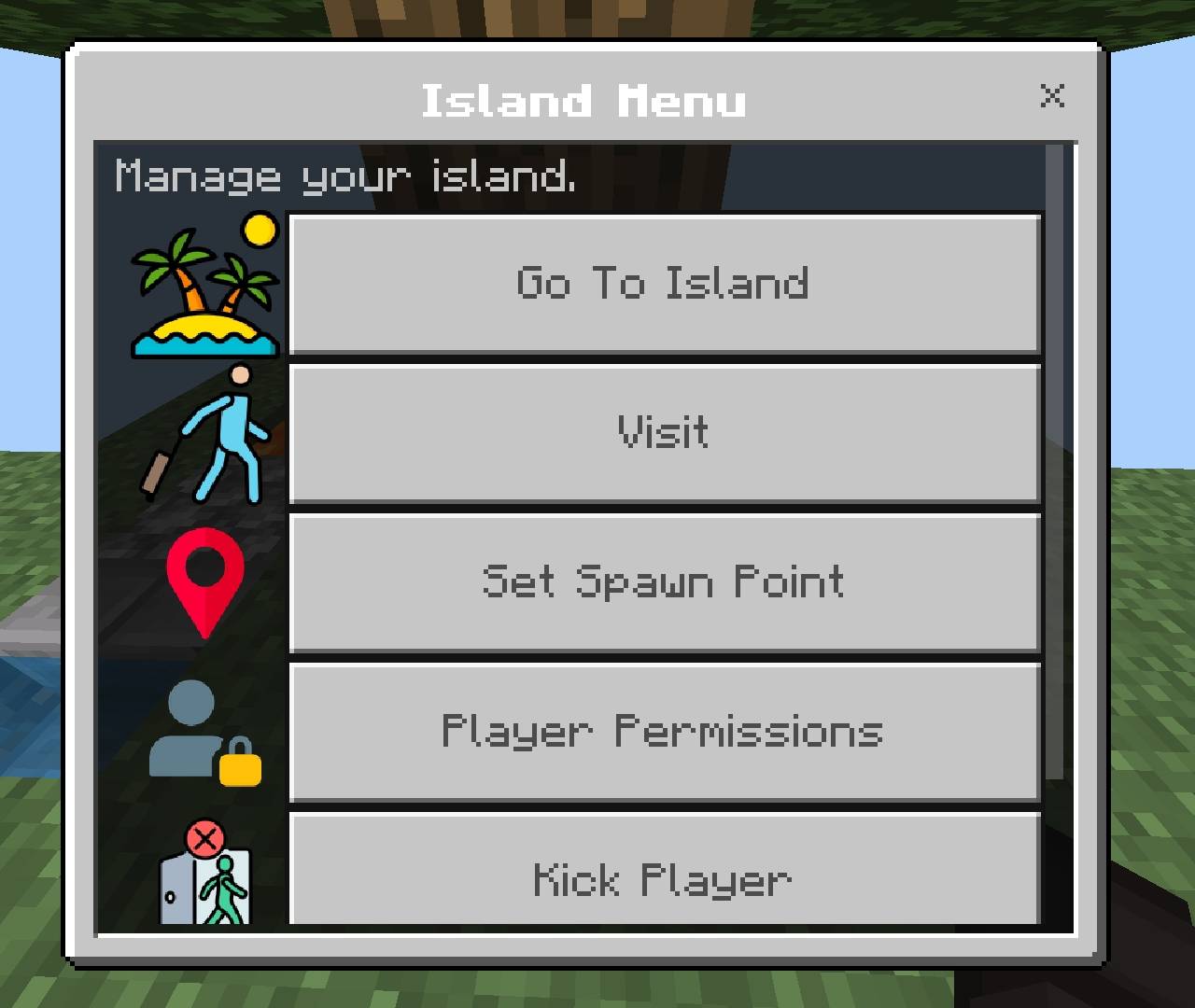
From the Island menu you can:
Go To Island / Create Island: Teleport to your island, or create one if you don't have one yet.
Visit: Teleport to another player's island (if they haven't locked it).
Set Spawn Point: Set where you land when teleporting to your island.
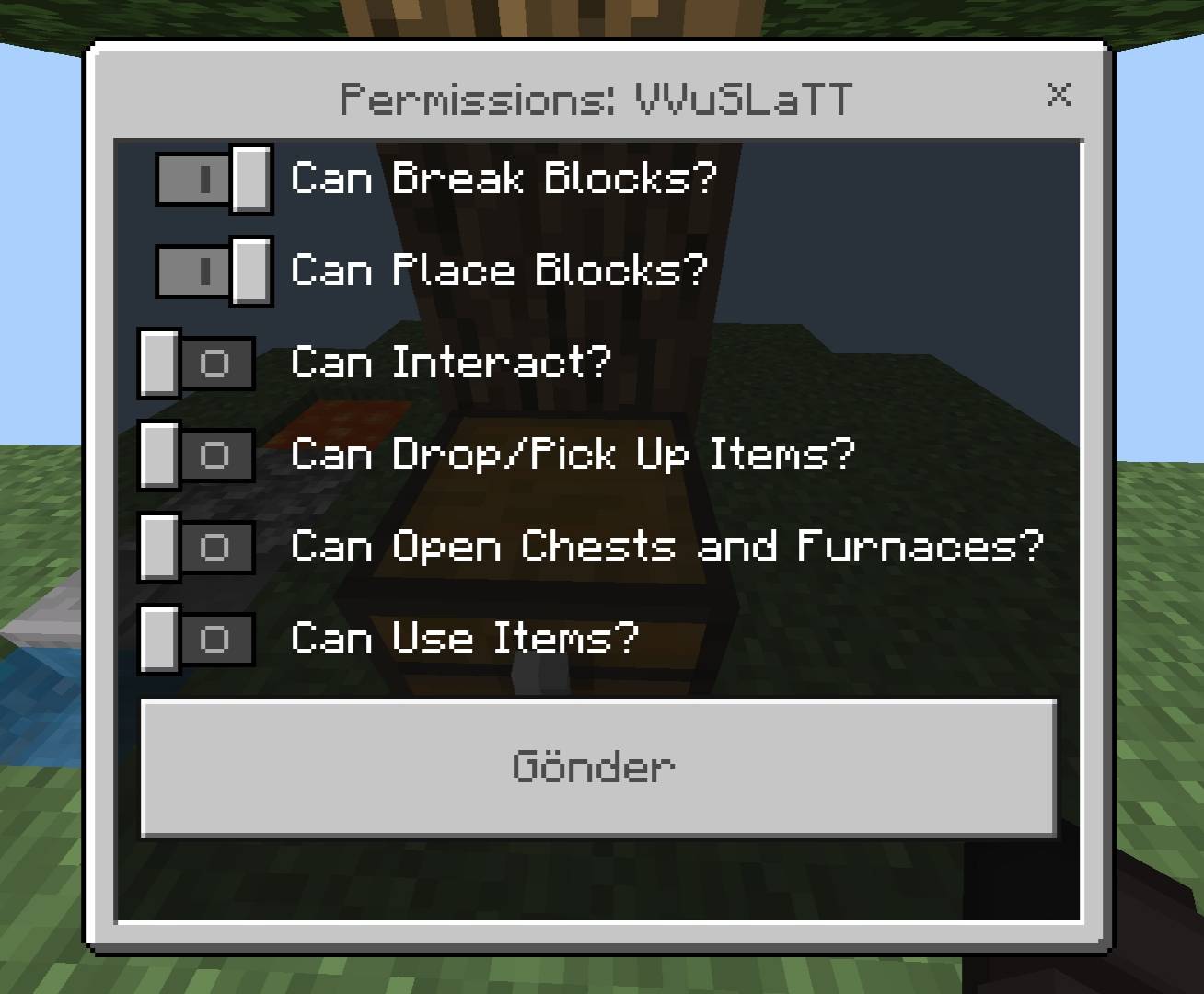
Player Permissions: Let specific players break/place blocks, open containers, and more on your island.
Kick Player: Remove someone from your island and send them back to the lobby.
Island Settings: Rename your island or lock it from visitors.
From the Warp menu you can:
Lobby: Teleport to the shared spawn area.
Arena: Teleport to the dedicated PvP zone — the only place players can damage each other.
Installation
1. Download the .mcaddon file.
2. Open it with Minecraft Bedrock; it will import automatically.
3. Create a new world or edit an existing one.
4. Under Behavior Packs and Resource Packs, activate Skyblock Server System.
5. Enable the Beta APIs experiment.
6. Load in and type /island.
Credit
Made by VVuSLaTT
Skyblock Server System Team