Mute System
- By
An advanced and user-friendly moderation tool that allows you to mute rule-breaking players through an in-game menu.

1000019252.jpg
1000019261.jpg
1000019260.jpg
1000019255.jpg
1000019259.jpg
Description
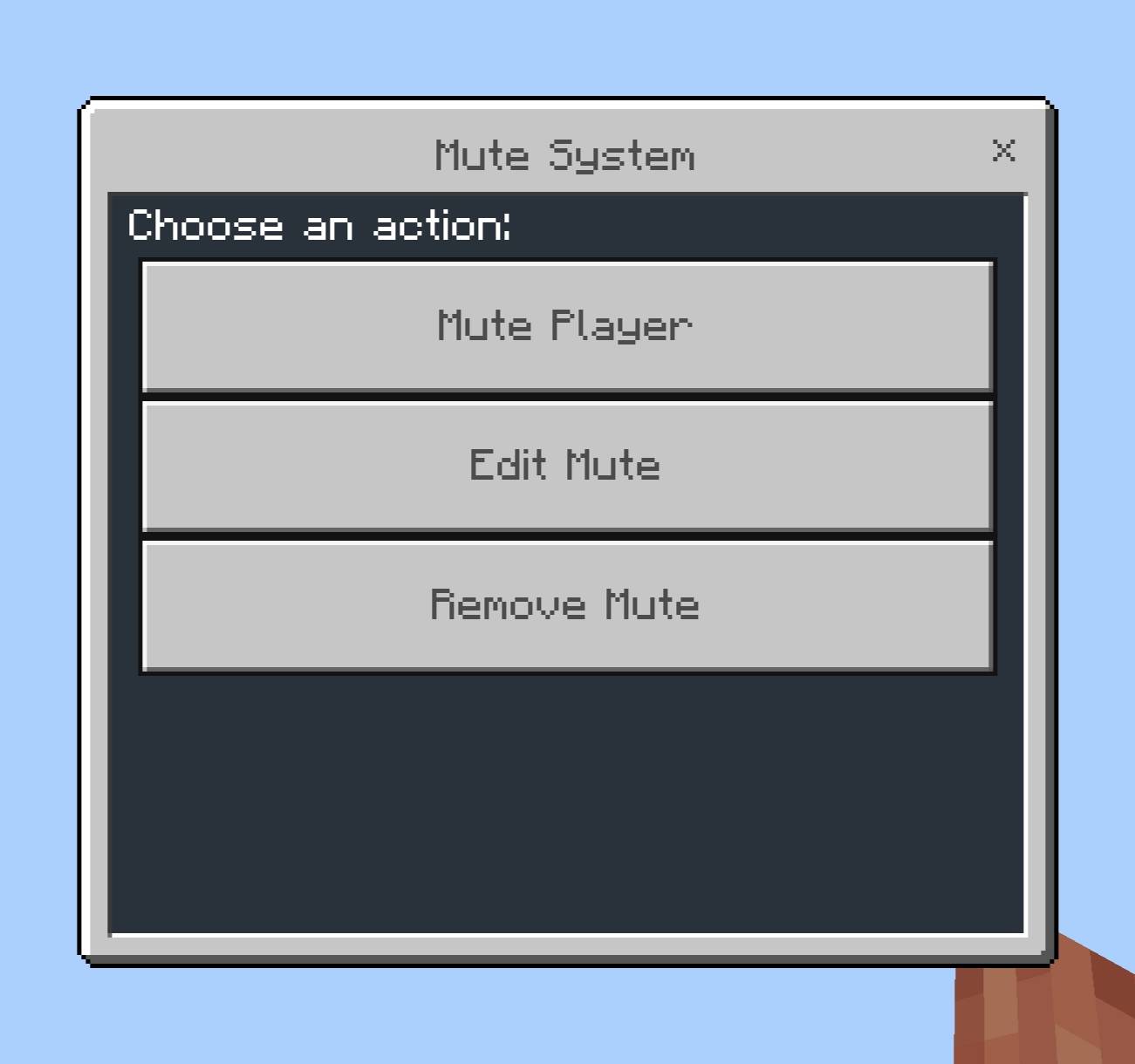
Mute System adds a comprehensive moderation tool for administrators to your Minecraft Bedrock world. Operators and all staff given the "mod" tag can mute, edit, and unmute players via the mute menu.
Usage
To open the menu, type a single command:
/mute
To allow someone to use the mute menu without making them an operator:
/tag Nickname add mod
You can do the following via the menu:
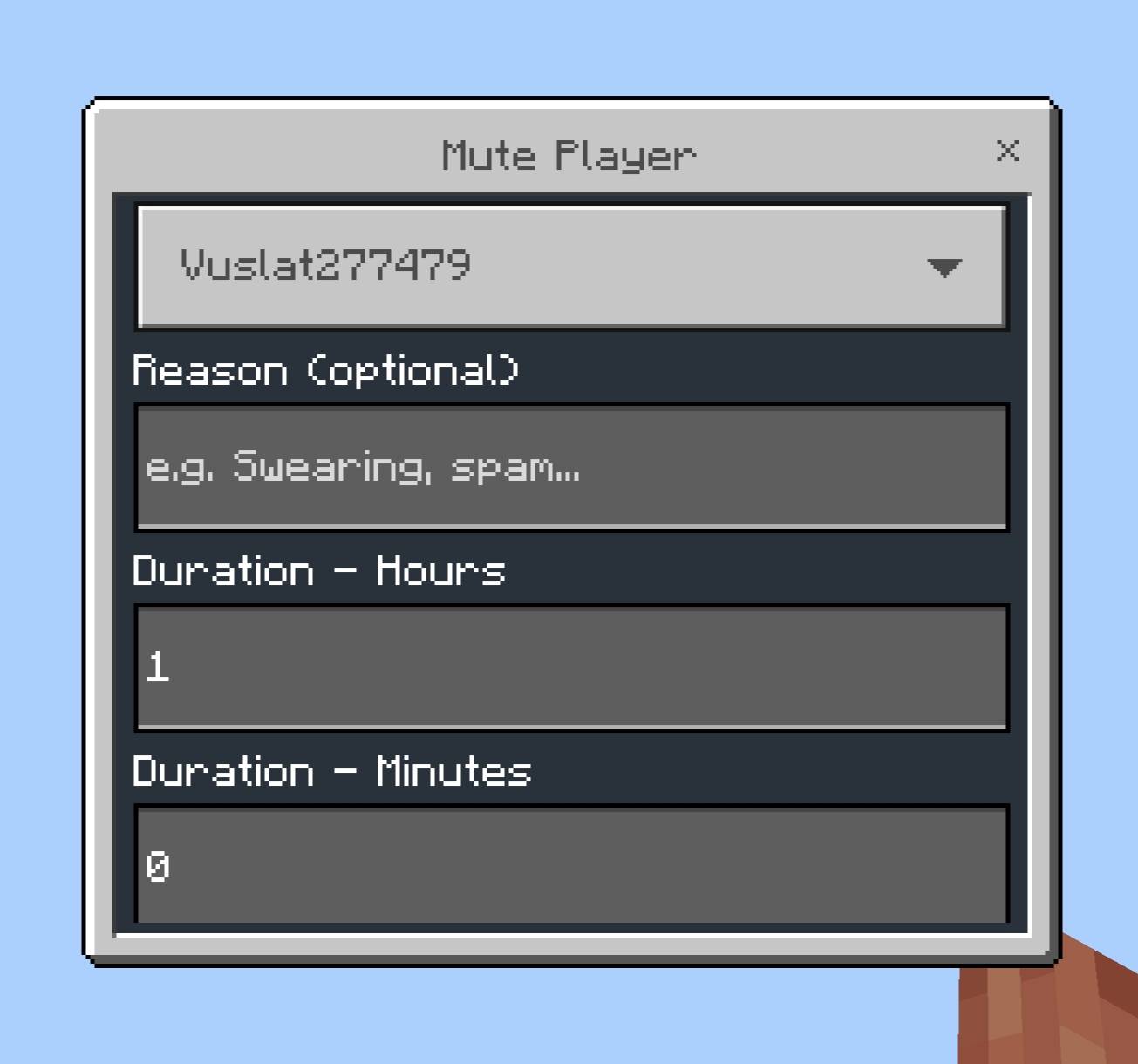
Mute Player: Select any online player, set a duration in hours/minutes, optionally add a reason, and choose whether the action will be announced to everyone.
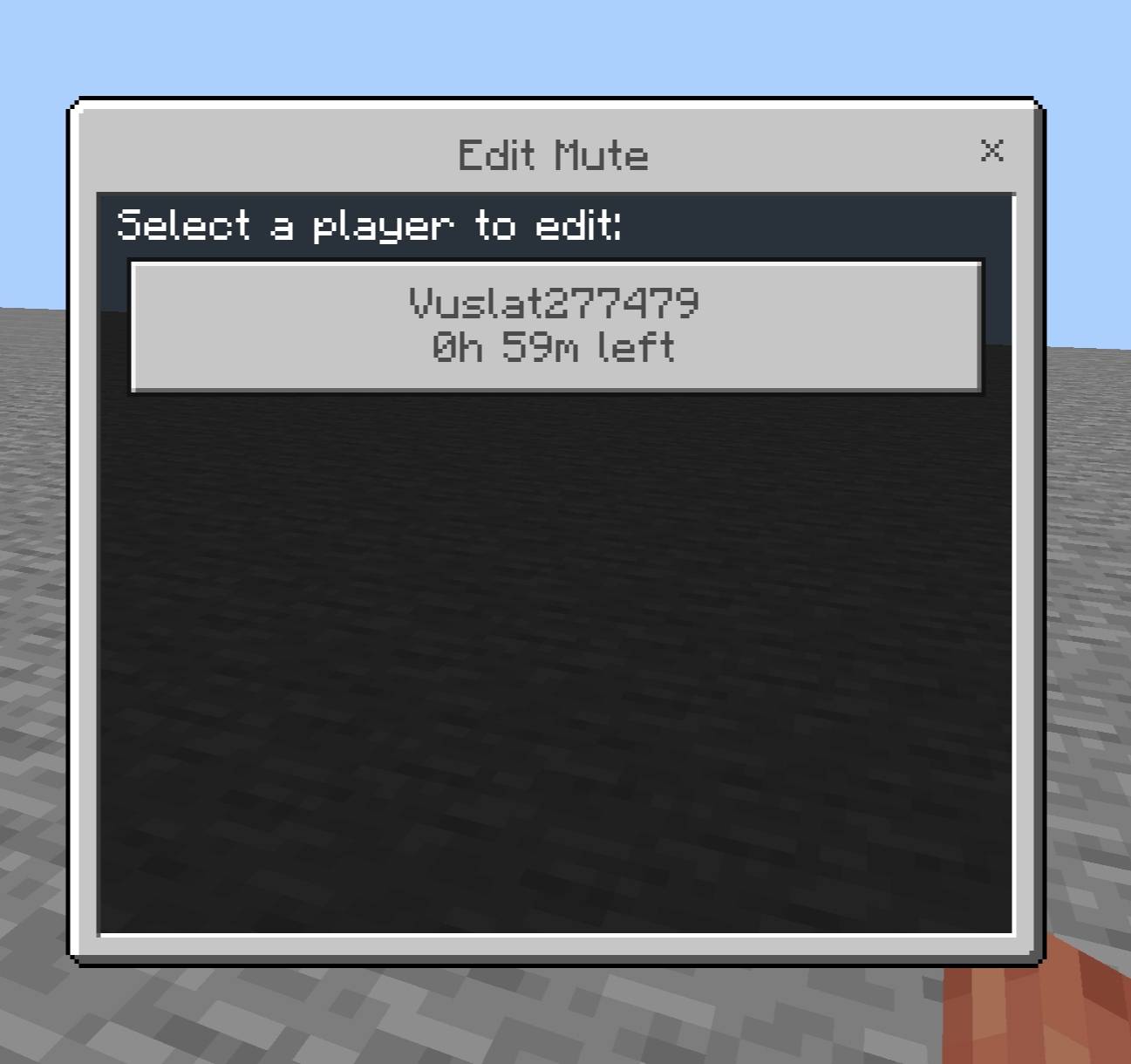
Edit Mute: View every currently muted player, whether online or offline. Check who muted them, for what reason, when they were muted, and how much time is left on their penalty. Update the reason or remaining time settings directly from this screen.
Remove Mute: Select a muted player and confirm to lift their mute penalty early.
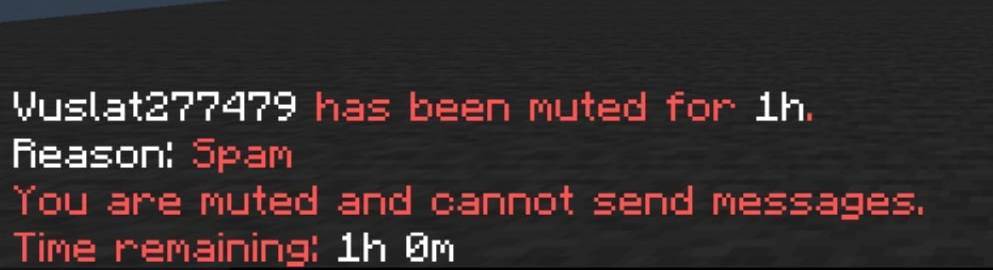
Note: Muted players who attempt to chat will be notified that they are muted and exactly how much time is left on their penalty. Mute durations continue to count down even while the player is offline. Operators and players with the "mod" tag cannot be muted; staff will be warned by the system if they attempt to do so.
Installation
1. Download the .mcpack file.
2. Open the file with Minecraft Bedrock; it will be imported automatically.
3. Create a new world or edit an existing one.
4. Enable the Mute System under Behavior Packs.
5. Enable Beta APIs under Experiments.
Credits
Made by VVuSLaTT.
Mute System Team