Stashify (Achievement Friendly)
- By
Organize your Minecraft Bedrock storage with smart deposits, linked containers, inventory presets, hotbar protection, and customizable Cores. Achievement-friendly and Realm compatible.
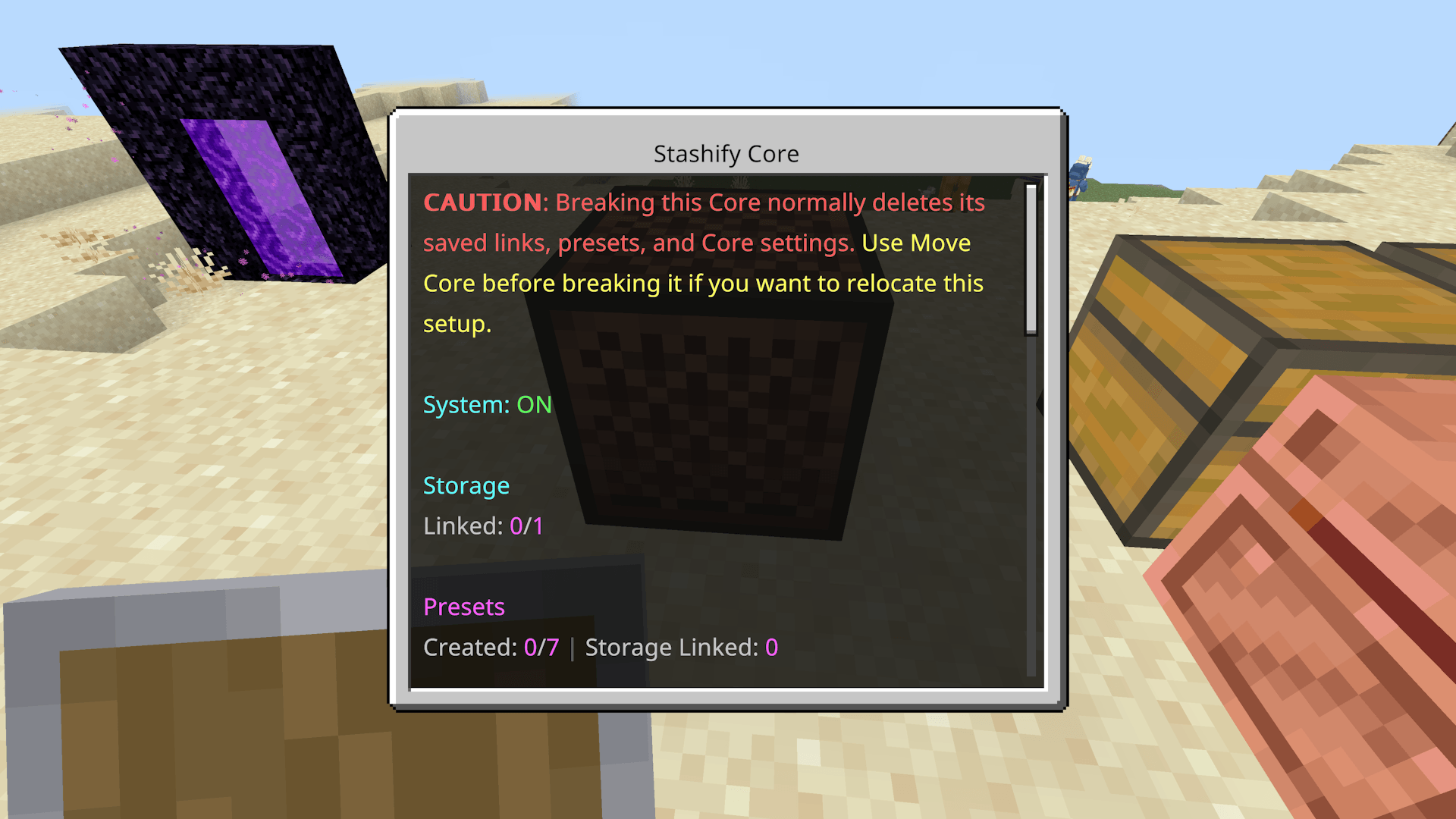
The heart of the menu
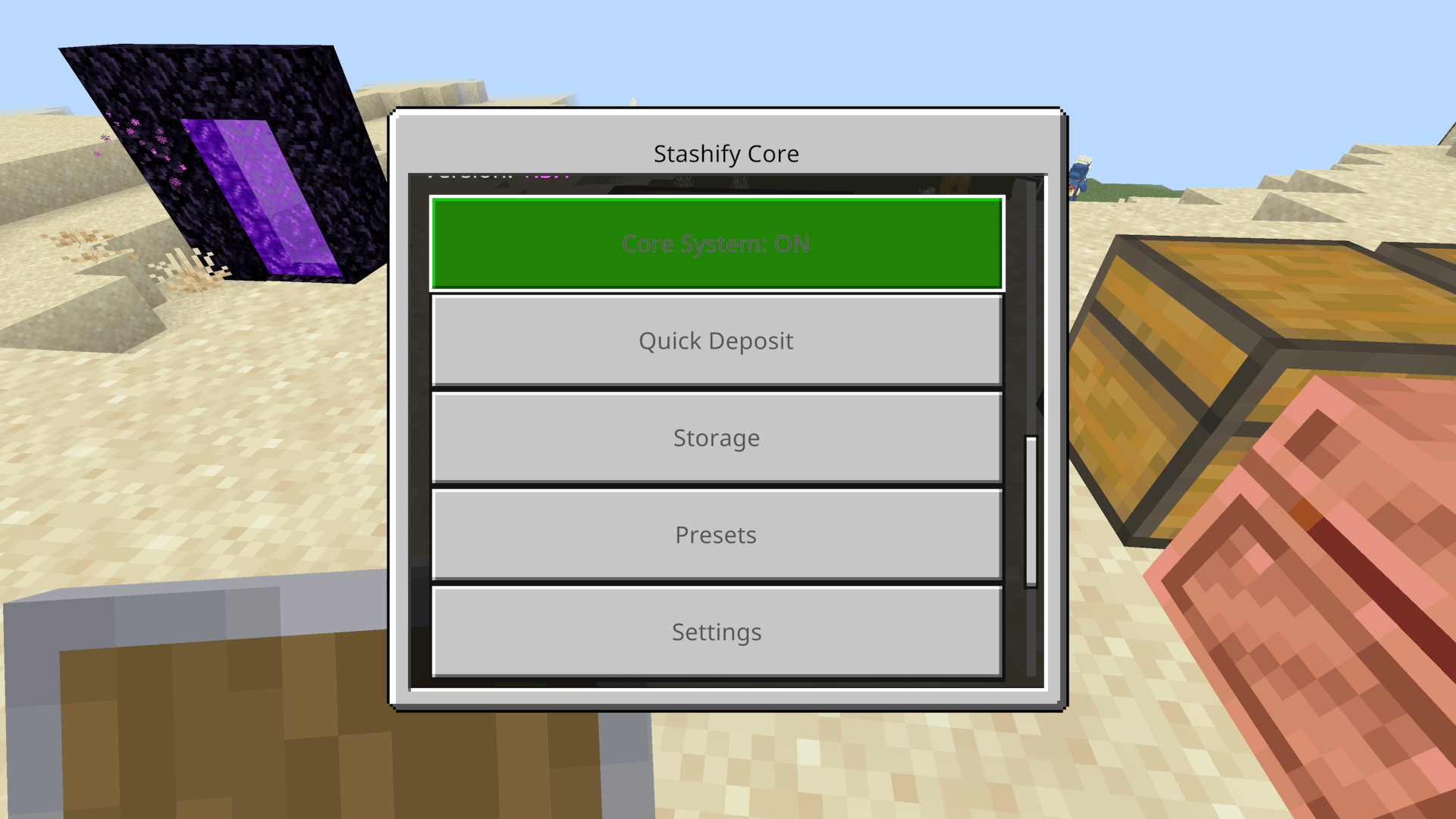
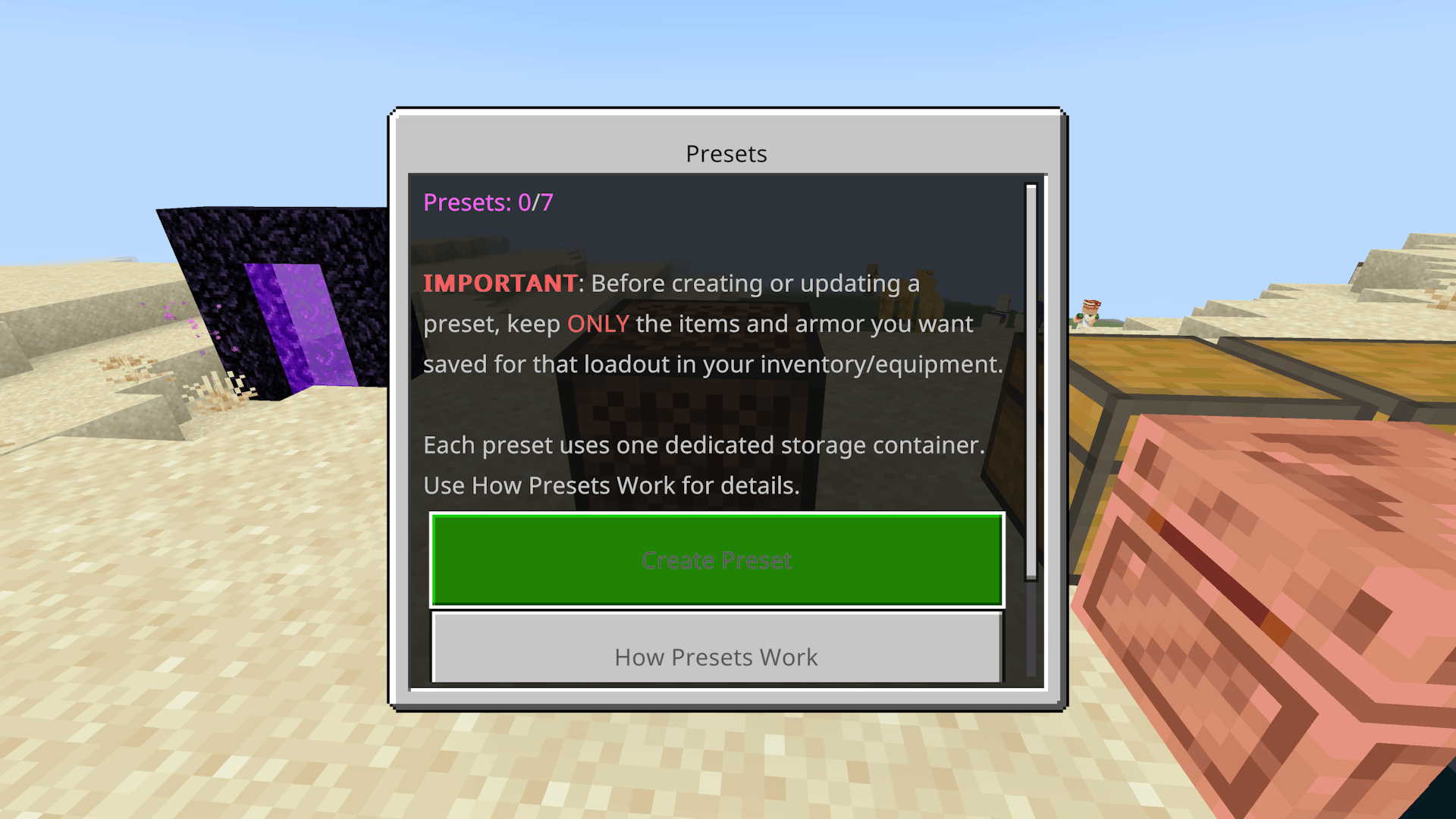
This is an user friendly option, it is not required to be used to run the deposit system
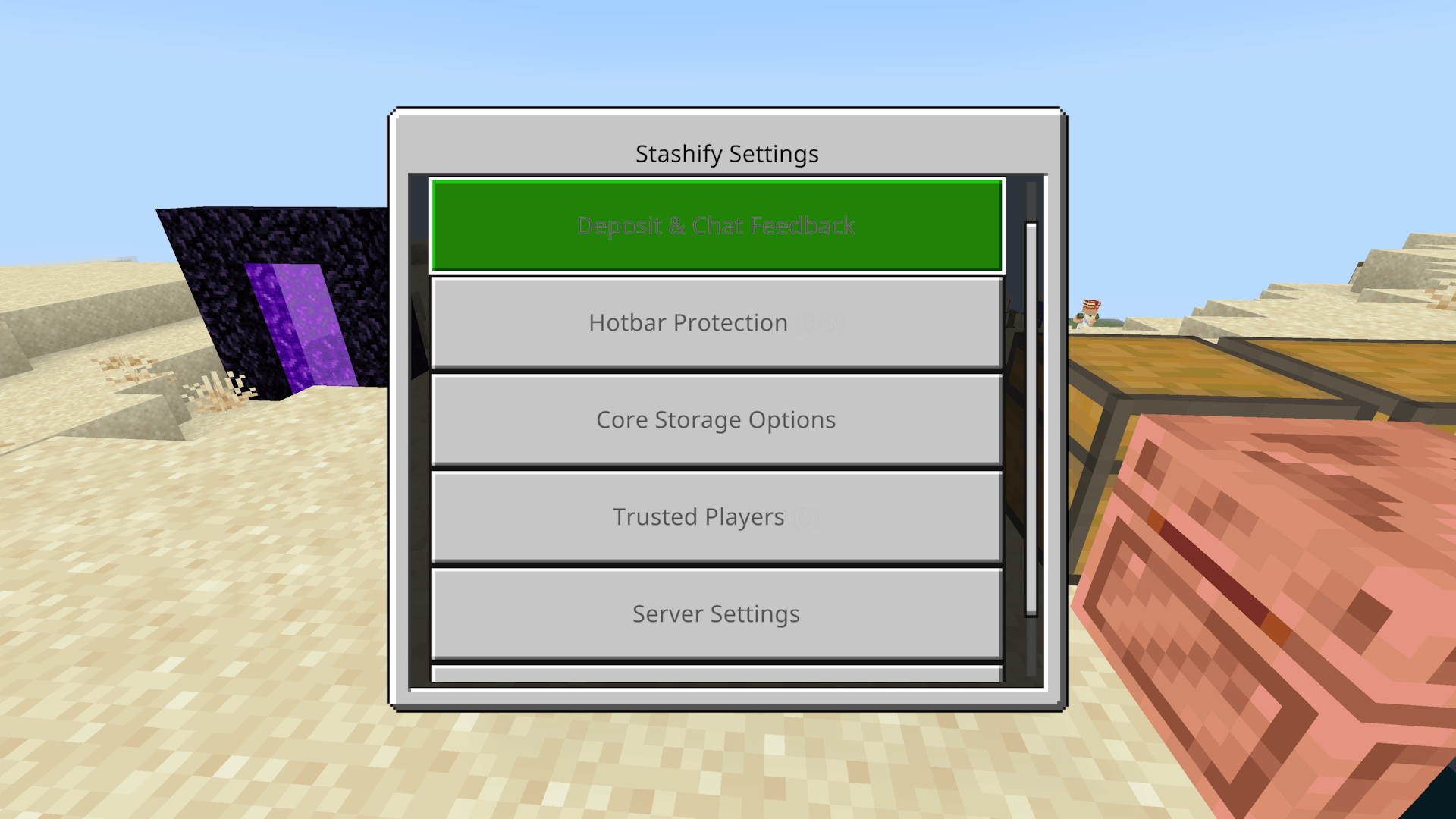
You can control and toggle various settings for the core, server wide and even trusted players for your core.
Description
STASHIFY
Smart Storage Management for Minecraft Bedrock
Organize smarter. Deposit faster. Spend less time sorting.
Stashify is an achievement-friendly storage management add-on that lets you link multiple containers to a single Core and automatically deposit matching items where they belong.
No complicated sorting machines, endless chest searching, or unnecessary background processing.
Achievement Friendly | Survival | Multiplayer | Realms
Features
- Smart Quick Deposit — Automatically deposits matching inventory items into linked storage.
- Direct Deposit — Crouch and interact with linked storage to deposit without opening its inventory.
- Linked Storage Network — Connect chests, barrels, shulker boxes, copper chests, and other supported containers.
- Configurable Storage Limit — Supports 64 containers per Core by default. Operators can adjust the limit from 1 to 128.
- Inventory Presets — Create up to 7 custom loadouts for saving, depositing, and retrieving items and equipment.
- Hotbar Protection — Individually protect any of your 9 hotbar slots from automatic deposits.
- Trusted Players — Share Core access while keeping owner-only settings protected.
- Move Core — Relocate your Core without losing storage links, presets, or settings.
- Customizable Interactions — Swap normal and crouch-interaction controls.
- Personal & Server Settings — Customize deposit behaviour, notifications, and storage limits.
How It Works
Stashify uses items already stored inside linked containers to determine where matching items belong.
Example:
Your linked chest contains Cobblestone and Iron Ingots.
When you use Quick Deposit, matching items from your inventory are automatically transferred into that chest. Unmatched items remain in your inventory.
Your existing storage becomes your sorting system.
Getting Started
- Craft a Stashify Core using 2 Dirt blocks stacked vertically.
- Place the Core and open its menu.
- Select Start Linking Storage.
- Interact with the containers you want connected.
- Use Quick Deposit to organize your inventory.
Note: Double Chests count as one linked container. Optional Ender Chest support is available through Core settings.
Performance & Compatibility
Stashify is built with performance in mind, especially for multiplayer worlds and Realms.
- Event-Driven — No continuous background scans or recurring tick loops.
- On-Demand Processing — Inventory and storage checks happen when needed.
- Achievement Friendly — No experimental settings or cheats required for normal gameplay.
- Realm Compatible — Designed for Survival, Multiplayer, and Realms.
Upcoming Image & Icon Update
Visual Update Notice
The CurseForge project image and Stashify's Behavior Pack and Resource Pack icons will receive updated artwork in the next release.
The current project image and pack icons will remain unchanged until that update is released.
This is a visual update only. Gameplay and functionality will remain unaffected.
Support & Community
Have a suggestion, found a bug, or need assistance?
Join the NoctCraft Addons Discord
Developed by NoctCraft Addons
Special thanks to ssskrt for contributing feature suggestions and feedback.
Permissions
Stashify may be used in personal worlds, multiplayer servers, and Realms.
Unauthorized redistribution, reuploads, resale, or claiming this add-on as your own is not permitted.
All Rights Reserved.
Stashify (Achievement Friendly) Team